Siemens Building Technologies
Fire Safety
P/N 315-0332 0-2
an LED for complete failure of the HNET or XNET network or the CAN network. The
NIC-C can also be configured to perform ground fault detection on both networks.
Features The NIC-C isolates short circuit faults to each indi idual segment of the HNET/XNET
network. If a short occurs, only the segment of wire between the two NIC-Cs is
affected. In a Style 4 system the network will be di ided into two sections. Com-
munication in each of the sections will continue. For a Style 7 network, the fault will
be detected and the network will continue to operate as a single network.
An HNET/XNET network monitoring jack is included for connection of diagnostic
tools. This jack is located on the front bezel.
The NIC-C supports the LCM-8/SCM-8/FCM-6/OCM-16/SIM-16 CAN modules.
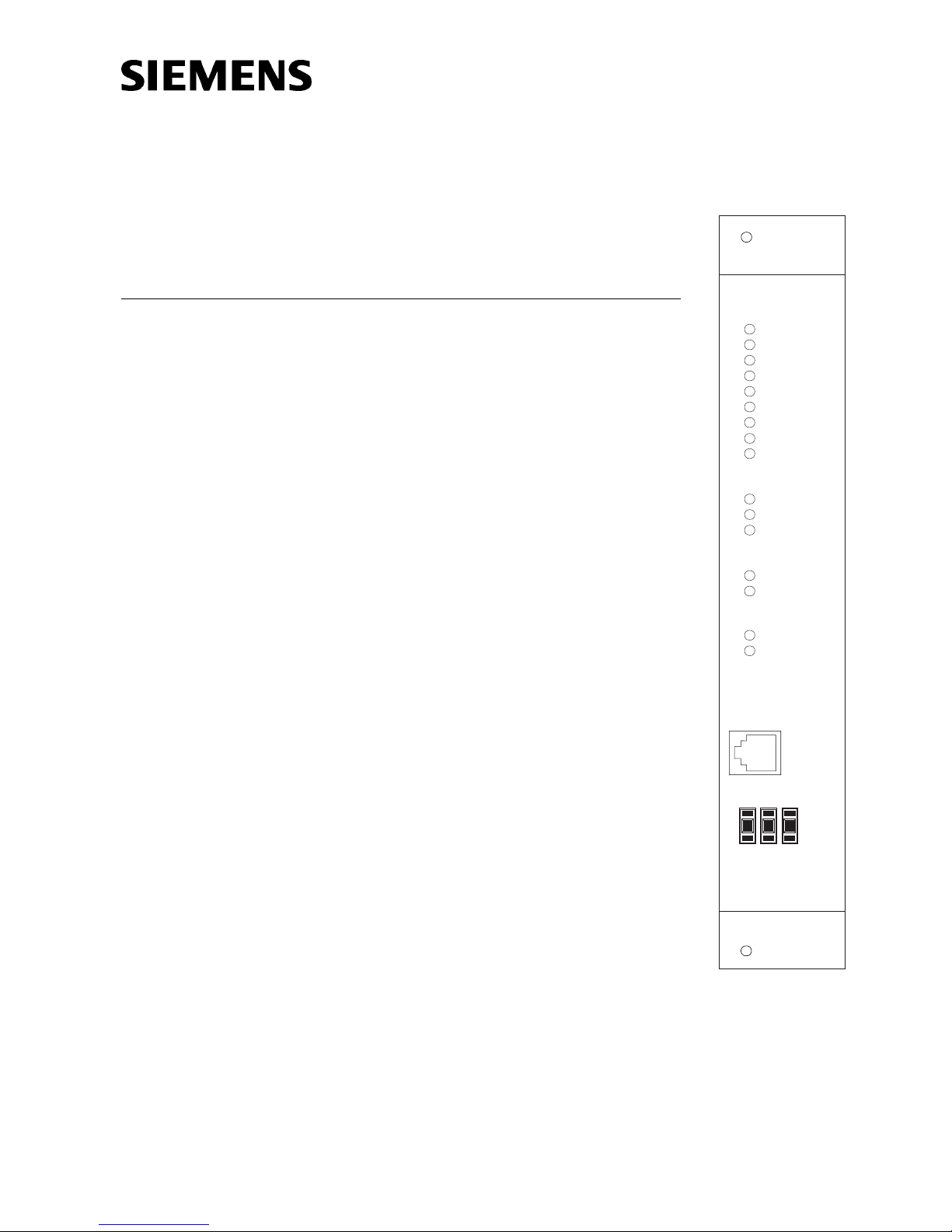
LEDs are isible through the front bezel to indicate the NIC-C configuration. All
switch selectable options are displayed here. This allows for easy confirmation of
the NIC-C configuration settings without remo ing the card from the CC-5.
The NIC-C is compatible with the XNET Bridge.
OPERATION Network super ision is accomplished through passi e monitoring of the network
signals. No additional bandwidth is required. Each NIC-C continuously monitors all
networks for acti ity and reports any problems to the PMI. Restoration of faults is
dynamic and does not require a system reset.
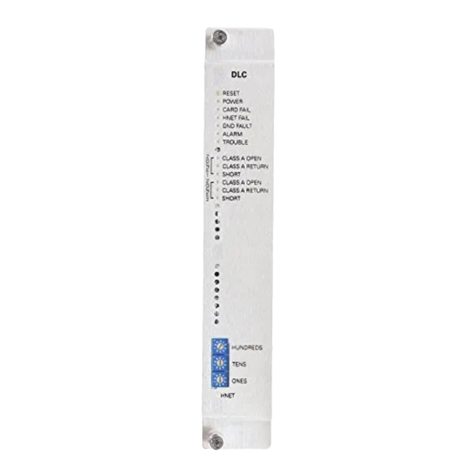
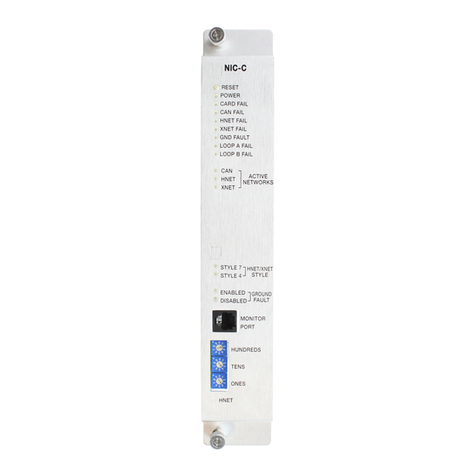
Controls and Indicators The front panel of the NIC-C contains one reset switch, fifteen LEDs, one network
port and one HNET address switch as shown in Figure 1
A reset switch is located on the top of the front panel. Pushing the reset switch re-
initializes the NIC-C operation.
The LEDs follow the reset switch and their functions are defined as follows:
POWER (Green) Normally ON. When illuminated, indi-
cates that power for the NIC-C is applied
to the card.
CARD FAIL (Yellow) Normally OFF. When illuminated, indicates
that the card microprocessor has failed.
CAN FAIL (Yellow) Normally OFF. When illuminated, indi-
cates that all CAN modules connected to
the NIC-C are not communicating.
HNET FAIL (Yellow) Normally OFF. When illuminated, indi-
cates that the HNET communication with
the NIC-C has terminated and the card
goes into degrade mode.
XNET FAIL (Yellow) Normally OFF. When illuminated,
indicates that the XNET communication
with the NIC-C has terminated.
GND FAULT (Yellow) Normally OFF. When illuminated, indi-
cates that the NIC-C has detected either
a negati e or positi e ground fault on its
network.