manuals.online logo
Brands
  1. Home
  2. •
  3. Brands
  4. •
  5. Sony
  6. •
  7. Camera Accessories
  8. •
  9. Sony VCL-DH0758 User manual

Sony VCL-DH0758 User manual

This manual suits for next models

1

Other Sony Camera Accessories manuals

Sony XCD-V50CR User manual

Sony

Sony XCD-V50CR User manual

Sony VF-67MP User manual

Sony

Sony VF-67MP User manual

Sony LA-EA2 User manual

Sony

Sony LA-EA2 User manual

Sony Alpha LA-EA4 User manual

Sony

Sony Alpha LA-EA4 User manual

Sony AKA-FGP1 User manual

Sony

Sony AKA-FGP1 User manual

Sony Handycam DCR-TRV940 Owner's manual

Sony

Sony Handycam DCR-TRV940 Owner's manual

Sony MPK-PEA User manual

Sony

Sony MPK-PEA User manual

Sony TransferJet Station TJS-1 User manual

Sony

Sony TransferJet Station TJS-1 User manual

Sony HVL-ML20M User manual

Sony

Sony HVL-ML20M User manual

Sony SAL-24105 User manual

Sony

Sony SAL-24105 User manual

Sony HVL-20DX - BATT.POWERED VIDEO LT User manual

Sony

Sony HVL-20DX - BATT.POWERED VIDEO LT User manual

Sony IPT-DS1 - Party-shot Digital Camera Docking... User manual

Sony

Sony IPT-DS1 - Party-shot Digital Camera Docking... User manual

Sony UNI-ID7T3 User manual

Sony

Sony UNI-ID7T3 User manual

Sony MPK-TRA User manual

Sony

Sony MPK-TRA User manual

Sony VF-62CPK User manual

Sony

Sony VF-62CPK User manual

Sony VCT-VPR10 User manual

Sony

Sony VCT-VPR10 User manual

Sony SRCOOLNET Instruction Manual

Sony

Sony SRCOOLNET Instruction Manual

Sony DSR-DU1 User manual

Sony

Sony DSR-DU1 User manual

Sony VF-58SC User manual

Sony

Sony VF-58SC User manual

Sony DXF-801 User manual

Sony

Sony DXF-801 User manual

Sony Alpha SH-L1AM User manual

Sony

Sony Alpha SH-L1AM User manual

Sony MARINE PACK MPK-THGB User manual

Sony

Sony MARINE PACK MPK-THGB User manual

Sony TGA-1 User manual

Sony

Sony TGA-1 User manual

Sony FDA-A1AM User manual

Sony

Sony FDA-A1AM User manual

Popular Camera Accessories manuals by other brands

CamRanger CamRanger user manual

CamRanger

CamRanger CamRanger user manual

Custom Brackets HDV CAGE KIT Instructions for use

Custom Brackets

Custom Brackets HDV CAGE KIT Instructions for use

Aegis ABL052010P user manual

Aegis

Aegis ABL052010P user manual

Saft SRA Series Installation and operating instructions

Saft

Saft SRA Series Installation and operating instructions

Kodak TIB5200 technical information

Kodak

Kodak TIB5200 technical information

Videotec HEG instruction manual

Videotec

Videotec HEG instruction manual

Ikelite 6171.11 manual

Ikelite

Ikelite 6171.11 manual

Pentax Auto Bellows Slide Copier K user manual

Pentax

Pentax Auto Bellows Slide Copier K user manual

Nikon UT-1 user manual

Nikon

Nikon UT-1 user manual

dji RONIN 4D quick start guide

dji

dji RONIN 4D quick start guide

SLIK ABLE 300DX user manual

SLIK

SLIK ABLE 300DX user manual

Rebelcell 36V70 user manual

Rebelcell

Rebelcell 36V70 user manual

Trojan GC2 48V quick start guide

Trojan

Trojan GC2 48V quick start guide

Calumet 7100 Series CK7114 operating instructions

Calumet

Calumet 7100 Series CK7114 operating instructions

Ropox 4Single Series User manual and installation instructions

Ropox

Ropox 4Single Series User manual and installation instructions

Cambo Wide DS Digital Series Main operating instructions

Cambo

Cambo Wide DS Digital Series Main operating instructions

Samsung SHG-120 Specification sheet

Samsung

Samsung SHG-120 Specification sheet

Ryobi BPL-1820 Owner's operating manual

Ryobi

Ryobi BPL-1820 Owner's operating manual

manuals.online logo
manuals.online logoBrands
  • About & Mission
  • Contact us
  • Privacy Policy
  • Terms and Conditions

Copyright 2025 Manuals.Online. All Rights Reserved.

2-632-527-01(1)
日本語
カメラの設定について
コンバージョンレンズを取り付けたときは必ずカメラの設定を行ってください。
設定を行わないとコンバージョンレンズの効果を正しく得られない場合がありま
す。
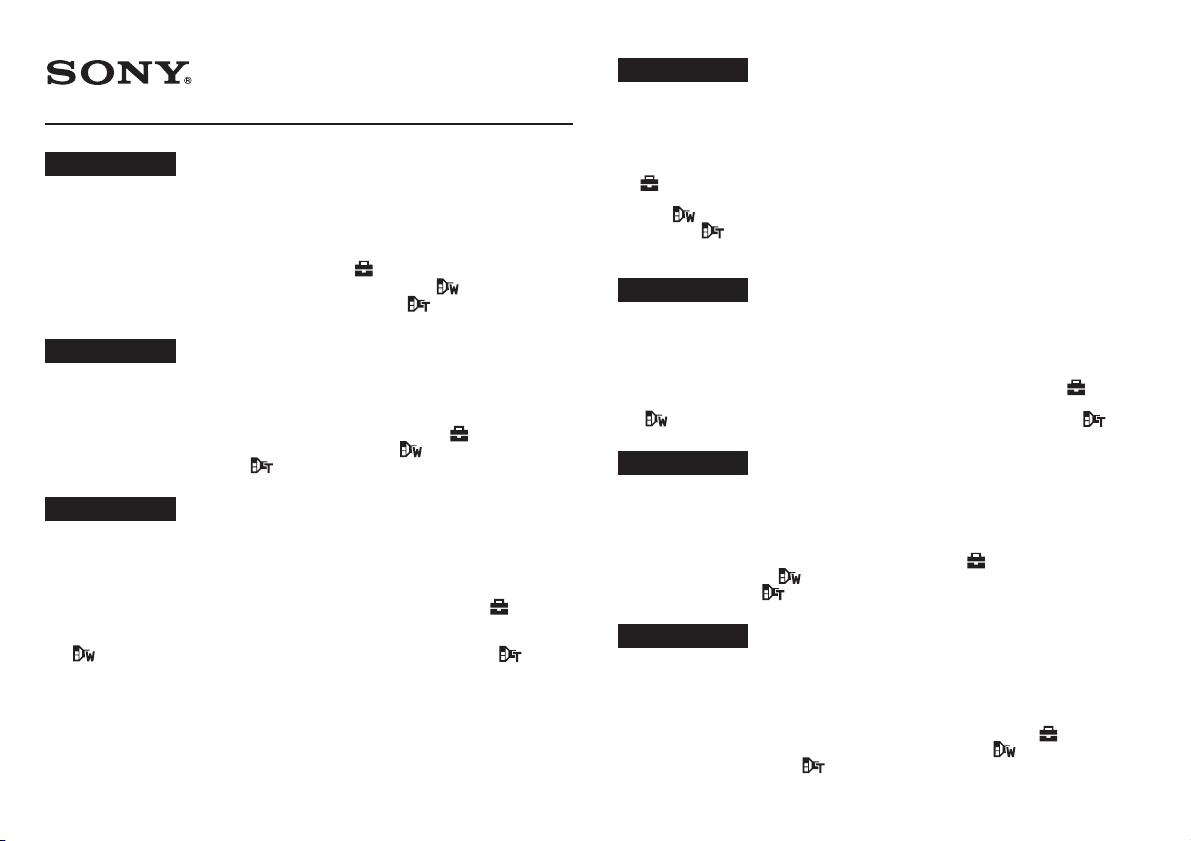
1カメラの電源を入れ、MENUボタンを押し、 (セットアップ)を選ぶ。
2ワイドコンバージョンレンズをお使いの場合は、ワイド( )にする。
テレコンバージョンレンズをお使いの場合は、テレ( )にする。
詳しくは、カメラに付属の取扱説明書をご覧ください。
English
Setting of the camera
When attaching the conversion lens to the camera, make sure to set the camera. If
the camera is not set, you may not get the proper effect of the conversion lens.
1Turn on the power of the camera, press MENU, then select (Setup).
2When using the wide conversion lens, select Wide ( ). When using the tele
conversion lens, select Tele ( ).
For details, refer to the operating instructions supplied with the camera.
Français
Réglage de l’appareil photo
Lorsque vous fixez le convertisseur sur l’appareil photo, veillez à régler
préalablement ce dernier. Dans le cas contraire, il est possible que vous
n’obteniez pas l’effet escompté avec le convertisseur.
1Allumez l’appareil photo, appuyez sur MENU, puis sélectionnez
(Réglages).
2 Lorsque vous utilisez le convertisseur grand angle, sélectionnez Gd-angle
(). Lorsque vous utilisez le téléconvertisseur, sélectionnez Télé ( ).
Pour obtenir davantage d’informations, reportez-vous au mode d’emploi
fourni avec l’appareil photo.
© 2005 Sony Corporation Printed in Japan
VCL-DH0758
VCL-DH1758
Español
Ajuste de la cámara
Cuando fije el objetivo de conversión a la cámara, cerciórese de ajustar dicha
cámara. Si no ajustase la cámara, es posible que no obtuviese el efecto apropiado
del objetivo de conversión.
1Conecte la alimentación de la cámara, presione MENU, y después seleccione
(Ajustes).
2Cuando utilice el objetivo de conversión para gran angular, seleccione Gran
ang ( ). Cuando utilice el objetivo de conversión para telefoto, seleccione
Telefoto ( ).
Con respecto a los detalles, consulte el manual de instrucciones suministrado
con la cámara.
Deutsch
Einstellen der Kamera
Nach Anbringen des Konverterobjektivs sind folgende Einstellungen an der
Kamera erforderlich. Das Konverterobjektiv liefert nur dann den gewünschten
Effekt, wenn die Einstellungen richtig vorgenommen wurden.
1Schalten Die die Kamera ein, drücken Sie MENU, und wählen Sie (Setup).
2Bei Verwendung des Weitwinkelkonverterobjektivs, wählen Sie Weitwinkel
(). Bei Verwendung des Telekonverterobjektivs, wählen Sie Tele ( ).
Einzelheiten entnehmen Sie bitte der Bedienungsanleitung der Kamera.
Nederlands
De camera instellen
Wanneer u de voorzetlens op de camera bevestigt, moet u de camera instellen.
Als de camera niet wordt ingesteld, krijgt u wellicht niet het gewenste effect met
de voorzetlens.
1Schakel de camera in, druk op MENU en selecteer (Setup).
2Selecteer Groothoek ( ) wanneer u de groothoek-voorzetlens gebruikt.
Selecteer Telefoto ( ) wanneer u de tele-voorzetlens gebruikt.
Raadpleeg de gebruiksaanwijzing bij de camera voor meer informatie.
Svenska
Kamerainställning
När du fäster konversionslinsen på kameran ser du först till att kameran är rätt
inställd. Om kameran inte är inställd är det inte säkert att konversionslinsen ger
rätt effekt.
1Slå på strömmen till kameran, tryck på MENU och välj sedan (Inst.).
2När du använder vidvinkellinsen väljer du Vidvinkel ( ). När du använder
telelinsen väljer du Tele ( ).
Mer information finns i den bruksanvisning som följde med kameran.

Italiano
Impostazione della fotocamera
Durante il collegamento dell’obiettivo di conversione alla fotocamera, assicurarsi
di impostare quest’ultima. Diversamente, potrebbe non essere possibile che

l’obiettivo di conversione non funzioni correttamente.
1Attivare l’alimentazione della fotocamera, premere MENU, quindi
selezionare (Imposta).
2Se viene utilizzato l’obiettivo a conversione ampia, selezionare Grandang.
(). Se viene utilizzato l’obiettivo di teleconversione, selezionare Telefoto
().
Per ulteriori informazioni, consultare le Istruzioni per l’uso della fotocamera.
Português
Configurar a máquina
Depois de montar a objectiva de conversão na máquina, configure esta última. Se
não configurar a máquina, pode não obter o efeito desejado com a objectiva de
conversão.
1Ligue a máquina, carregue em MENU e seleccione (Regulação).
2Se utilizar a objectiva de conversão grande angular, seleccione Amplo ( ).
Se utilizar a objectiva de conversão telefoto, seleccione Tele ( ).
Para obter mais informações, consulte o manual de instruções fornecido com
a máquina.
Русский
Установка фотокамеры
При прикреплении конверсионного объектива к фотокамере необходимо
установить фотокамеру. Если фотокамера не установлена, то правильный
эффект конверсионного объектива не может получиться.
1Включите питание фотокамеры, нажмите кнопку MENU и выберите
(Установка).
2При пользовании конверсионным широкоугольником выберите Широкий
(). А, при пользовании конверсионным телеобъективом выберите
Теле ( ).
Подробности смотрите в инструкции по пользовании, поставляемой в
комплекте фотокамеры.
中文(繁)
設置相機
在相機上安裝轉換鏡頭時,請務必設置相機。如果不設置相機,則可能無法獲得轉
換鏡頭的正常效果。
1打開相機電源,按 MENU ,然後選擇 (設置)。
2使用廣角轉換鏡頭時,請選擇廣角( )。使用望遠轉換鏡頭時,請選擇望遠
()。
有關詳情,請參閱相機附帶的使用說明書。
中文(简)
设置相机
在相机上安装转换镜头时,请务必设置相机。如果不设置相机,则可能无法获得转
换镜头的正常效果。
1打开相机电源,按 MENU,然后选择 (设置)。
2使用广角转换镜头时,请选择广角( )。使用望远转换镜头时,请选择望远
()。
有关详情,请参阅相机附带的使用说明书。
한국어
카메라 설정하기
컨버전 렌즈를 카메라에 장착하기 전에 반드시 카메라를 설정하여 주십시오. 카메라를 설
정해 놓지 않으면 컨버전 렌즈의 효과를 충분히 얻을 수 없을 가능성이 있습니다.
1카메라 전원을 켜고 MENU를 누르면서 (셋업)을 선택합니다.
2와이드 컨버전 렌즈를 사용할 때에는 광각( )을 선택합니다. 텔레 컨버전 렌즈를 사
용할 때에는 망원( )을 선택합니다.
자세한 내용은 카메라에 부속된 사용설명서를 참조하여 주십시오.

 
,,!"#
!$"!#%&
1'()*+,*-.MENU'/.&,01)2+
23!4'/.,5$ ! 67$! #)(8%!67$!# 
9
,. "8 '/.
)(
38:%*-;7$3<',=>(6