manuals.online logo
Brands
  1. Home
  2. •
  3. Brands
  4. •
  5. Sony
  6. •
  7. Lens
  8. •
  9. Sony VF-37PK S User manual

Sony VF-37PK S User manual

Other Sony Lens manuals

Sony SEL2470Z User manual

Sony

Sony SEL2470Z User manual

Sony SCL-P11X15 User manual

Sony

Sony SCL-P11X15 User manual

Sony G MASTER SEL400F28GM User manual

Sony

Sony G MASTER SEL400F28GM User manual

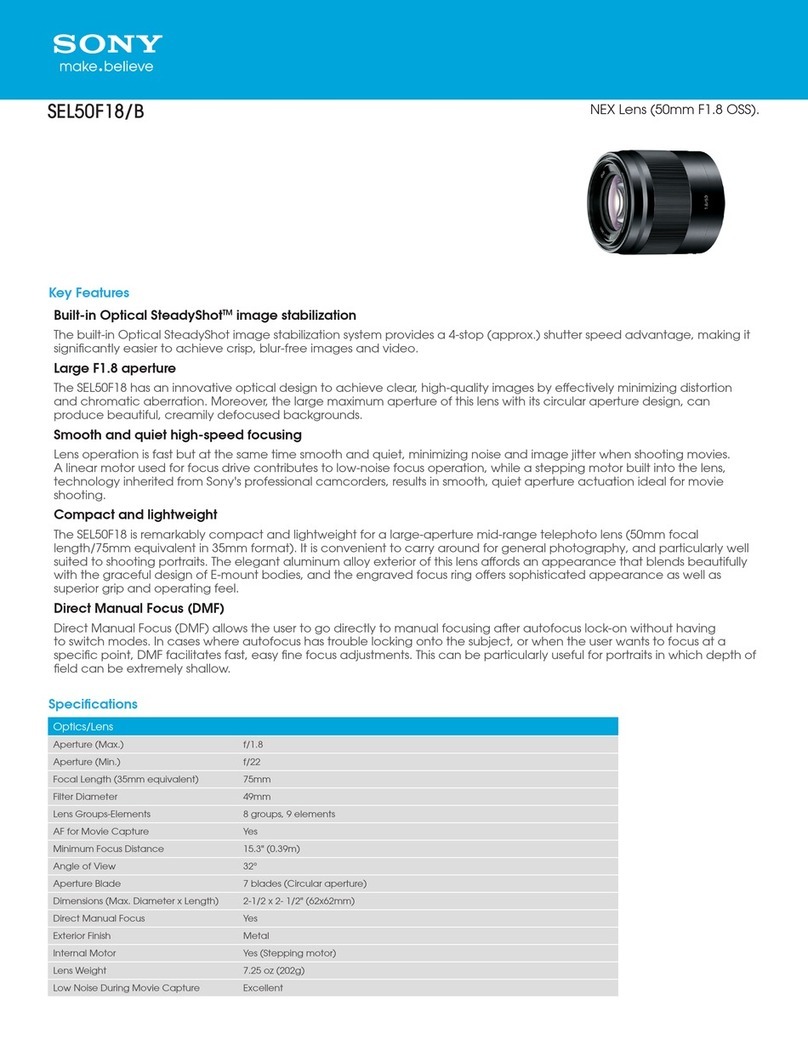
Sony SEL50F18/B User manual

Sony

Sony SEL50F18/B User manual

Sony VCL-07FE User manual

Sony

Sony VCL-07FE User manual

Sony E 15mm F1.4 G User manual

Sony

Sony E 15mm F1.4 G User manual

Sony E-mount FE C 16-35mm T3.1 G User manual

Sony

Sony E-mount FE C 16-35mm T3.1 G User manual

Sony E PZ 16-50mm F3.5-5.6 OSS User manual

Sony

Sony E PZ 16-50mm F3.5-5.6 OSS User manual

Sony Distagon Tx 24mm F2 ZA SSM User manual

Sony

Sony Distagon Tx 24mm F2 ZA SSM User manual

Sony VPLL-3003 User manual

Sony

Sony VPLL-3003 User manual

Sony G Master SEL100400GM User manual

Sony

Sony G Master SEL100400GM User manual

Sony G MASTER SEL2470GM2 User manual

Sony

Sony G MASTER SEL2470GM2 User manual

Sony SAL-1680Z User manual

Sony

Sony SAL-1680Z User manual

Sony VPLL-3050 User manual

Sony

Sony VPLL-3050 User manual

Sony VCL-717BXEA User manual

Sony

Sony VCL-717BXEA User manual

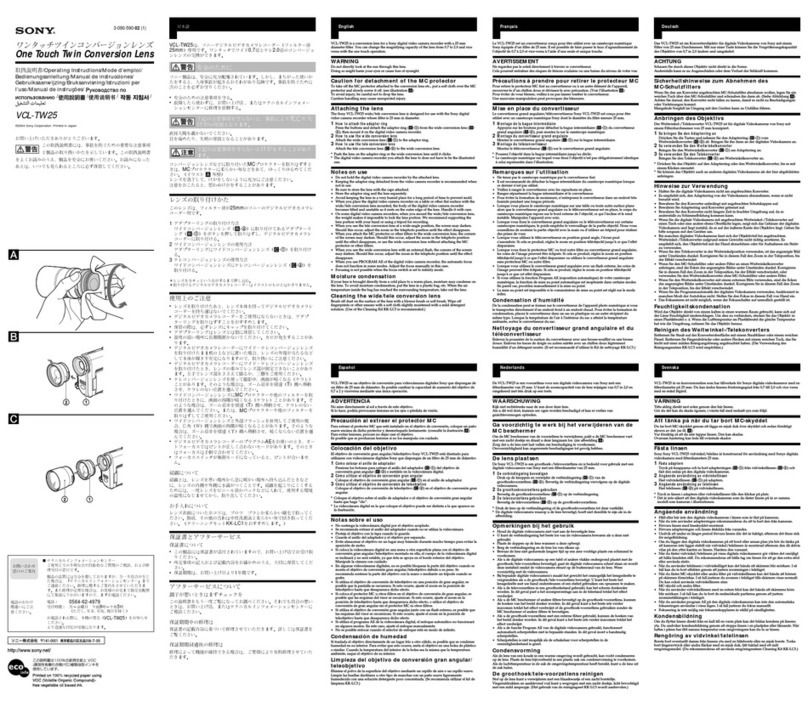
Sony VCL-TW25 User manual

Sony

Sony VCL-TW25 User manual

Sony NEX-3D - alpha; Nex-3 With Sel-16f28 Guide

Sony

Sony NEX-3D - alpha; Nex-3 With Sel-16f28 Guide

Sony SAL50F14Z User manual

Sony

Sony SAL50F14Z User manual

Sony SELP-18200 User manual

Sony

Sony SELP-18200 User manual

Sony VPLL-ZM100 User manual

Sony

Sony VPLL-ZM100 User manual

Sony FE 16-35mm F4 ZA OSS User manual

Sony

Sony FE 16-35mm F4 ZA OSS User manual

Sony E 30 mm F3.5 Macro User manual

Sony

Sony E 30 mm F3.5 Macro User manual

Sony SEL2470Z User manual

Sony

Sony SEL2470Z User manual

Sony SEL-50F18 User manual

Sony

Sony SEL-50F18 User manual

Popular Lens manuals by other brands

OptiSource LENS INSPECTION STATION+ user manual

OptiSource

OptiSource LENS INSPECTION STATION+ user manual

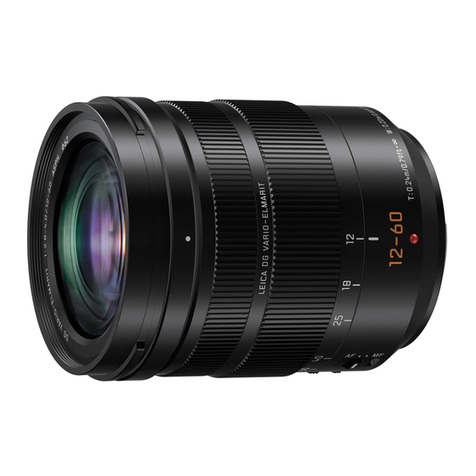
Panasonic Lumix H-ES12060 Service training manual

Panasonic

Panasonic Lumix H-ES12060 Service training manual

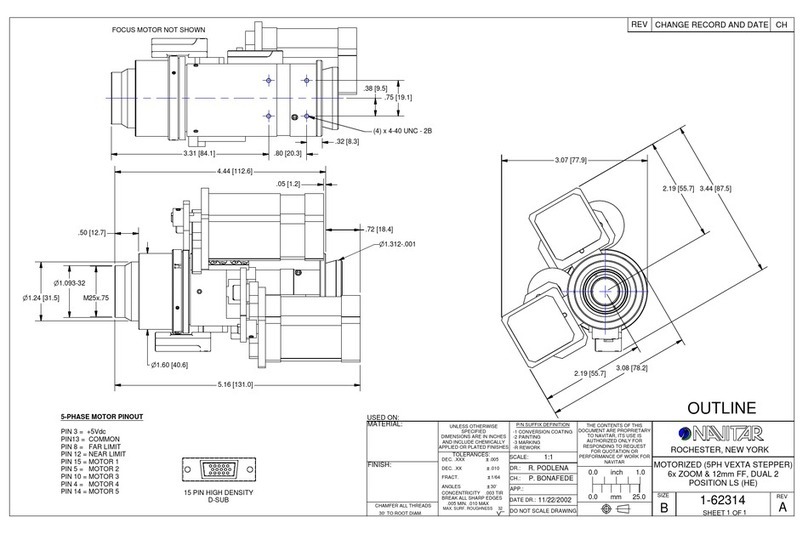
Navitar 1-62314 Dimensional drawing

Navitar

Navitar 1-62314 Dimensional drawing

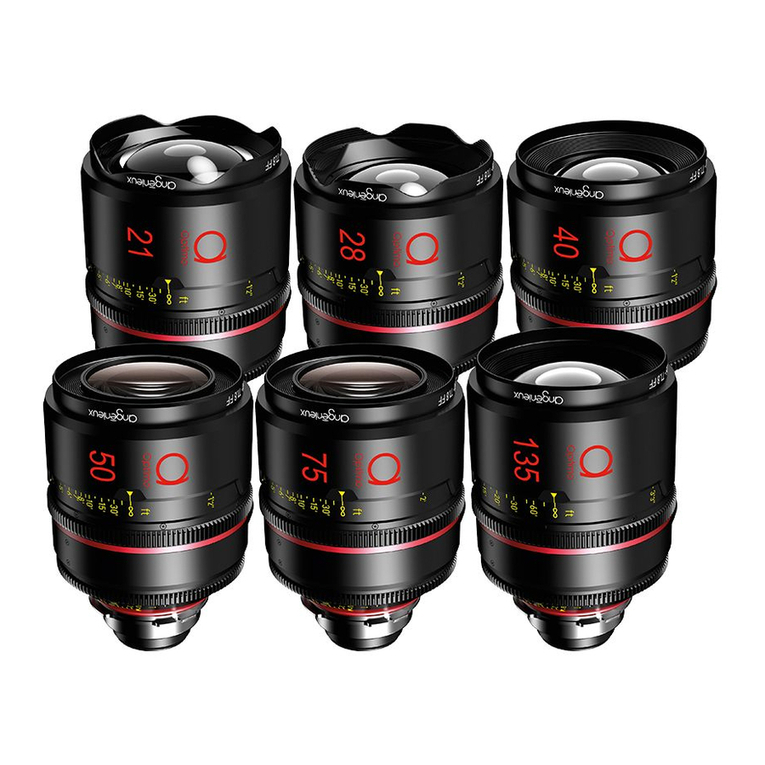
Angenieux OPTIMO PRIME user manual

Angenieux

Angenieux OPTIMO PRIME user manual

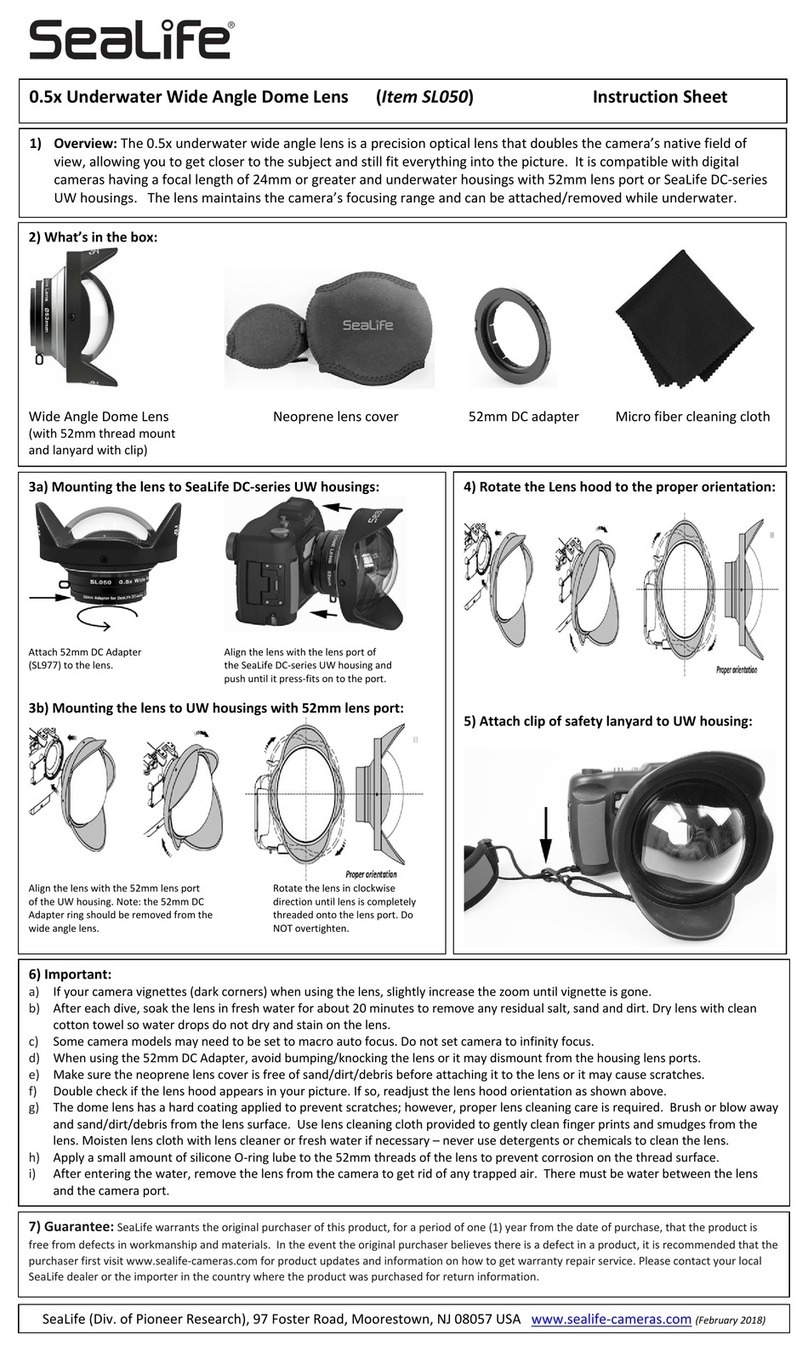
Sealife SL050 instruction sheet

Sealife

Sealife SL050 instruction sheet

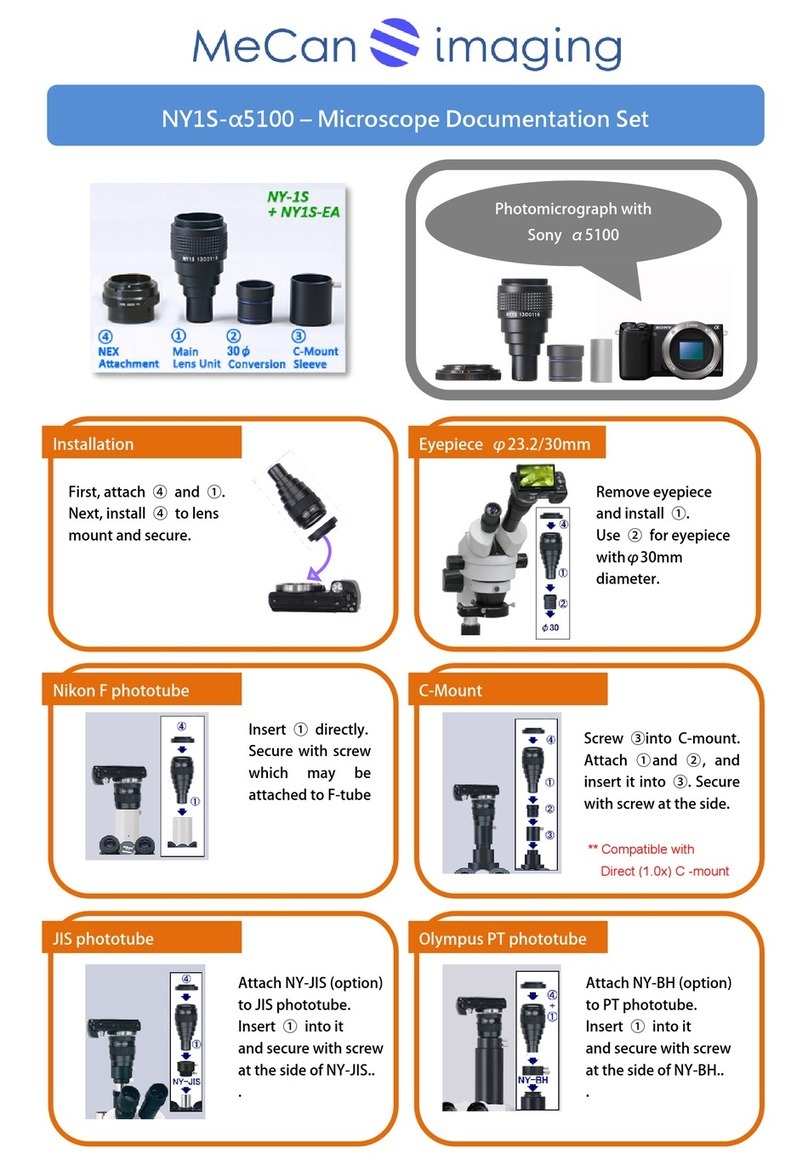
MeCan NY1S-a5100 instructions

MeCan

MeCan NY1S-a5100 instructions

Tamron SP 70-300mm F/4-56 Di VC USD Brochure & specs

Tamron

Tamron SP 70-300mm F/4-56 Di VC USD Brochure & specs

Panasonic VW-W4907 operating instructions

Panasonic

Panasonic VW-W4907 operating instructions

Leica APO-SUMMICRON-SL 1:2/50 ASPH. instructions

Leica

Leica APO-SUMMICRON-SL 1:2/50 ASPH. instructions

Cosina Voigtländer NOKTON instruction manual

Cosina

Cosina Voigtländer NOKTON instruction manual

Cosina Voigtländer NOKTON instruction manual

Cosina

Cosina Voigtländer NOKTON instruction manual

Cosina Voigtländer SUPER NOKTON 29mm F0.8... instruction manual

Cosina

Cosina Voigtländer SUPER NOKTON 29mm F0.8... instruction manual

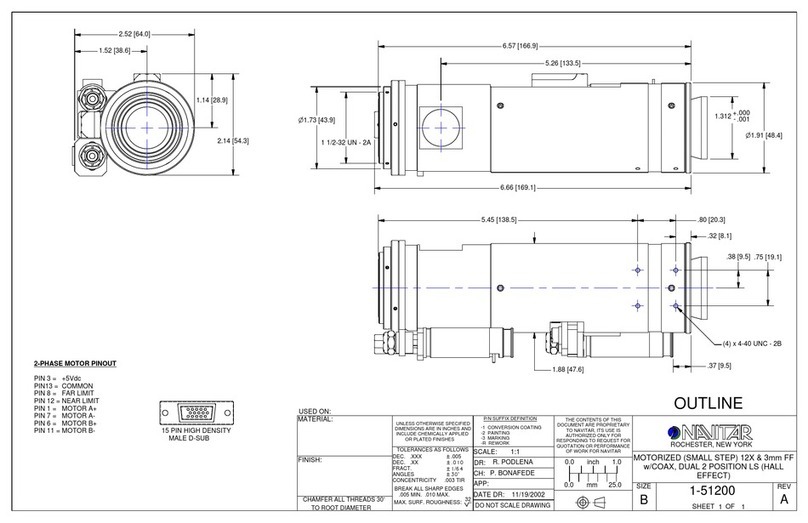
Navitar 1-51200 Dimensional drawing

Navitar

Navitar 1-51200 Dimensional drawing

Shamir Star Quick start user guide

Shamir

Shamir Star Quick start user guide

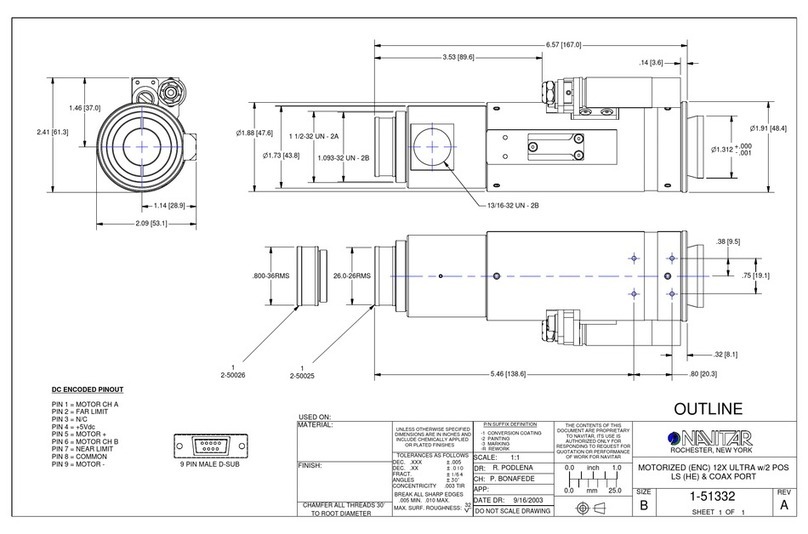
Navitar 1-51332 Dimensional drawing

Navitar

Navitar 1-51332 Dimensional drawing

Canon J11ex4.5B Operation manual

Canon

Canon J11ex4.5B Operation manual

Lensbaby CIRCULAR FISHEYE quick start guide

Lensbaby

Lensbaby CIRCULAR FISHEYE quick start guide

Navitar 1-51338 Dimensional drawing

Navitar

Navitar 1-51338 Dimensional drawing

manuals.online logo
manuals.online logoBrands
  • About & Mission
  • Contact us
  • Privacy Policy
  • Terms and Conditions

Copyright 2025 Manuals.Online. All Rights Reserved.

SERVICE MANUAL
US Model
Canadian Model
VIDEO CAMERA POLARIZING FILTER KIT
VF-37PK S
1
2
3
Ver 1.0 2001.08
SPECIFICATIONS PARTS LIST
Ref. No. Part No. Description
1 3-988-736-01 FILTER, FILTER (/PL)
2 3-988-737-01 PROTECTOR, FILTER (/MC)
3 3-941-353-02 CASE, FILTER
PL filter MC protector
Screw diameter M37 × 0.75 M37 × 0.75
Dimensions
Maximum diameter Approx. ø 40 mm (1
5
/
8
in.) Approx. ø 41 mm (1
5
/
8
in.)
Height Approx. 8.5 mm (
11
/
32
in.) Approx. 7 mm (
9
/
32
in.)
Mass Approx. 11 g (0.4 oz) Approx. 9 g (0.3 oz)
Supplied accessories Case (1)
Operating Instructions (1)
– 2 –
A
B
C
30˚ – 40˚ 30˚ – 40˚
With the screw
threads upward
VF-37PK S
Sony EMCS Co. KohdaTEC
9-929-909-11 2001H0500-1
© 2001. 8
Published by PV Customer Center
Thank you for purchasing the Sony Video Camera Polarizing Filter Kit.
Before operating this unit, read this manual thoroughly and retain it for future
reference.
Features
This PL (Polarizing) filter is effective for removing light reflections from glass
and water surfaces, as well as brightening the hue and enhancing the colour
contrast when filming outdoor scenery.
This MC protector is multi coated (MC) on both sides to prevent damage.
Attaching the PL filter/MC protector
See illustration A.
Attach and tighten the PL filter or MC protector onto the screw threads of the
camera lens accessory position of the camcorder.
Using the PL filter
While looking into the view finder (EVF) or the LCD screen of the camcorder,
rotate the rotor ring of the PL filter. At the point the light reflection disappears or
the blue sky becomes deeper and scenery stands out clearly, stop rotating the
rotor ring and begin shooting.
Notes
Because the exposure increases by three to four times with the PL filter on, the
image may be slightly out of focus. In this case, manually adjust the focus.
The most effective angle for removing surface reflections is 30˚ to 40˚ with the
PL filter on. Other angles (for example: 90˚ –– directly in front of the reflected
surface) are not effective. See illustration B.
To darken the blue sky for filming scenery with the PL filter on, shooting an
object with the sun behind you is most effective. When you shoot into the
sun, the effect becomes weaker.
This PL filter is a processed filter with polarizing film on the optical glass;
therefore, do not leave the filter in a place subject to heat, humidity, or direct
sunlight. (High temperatures may cause colour change.) Be careful in
handling.
The four corners of the screen may be clipped (eclipsed) when you attach the
wide conversion lens to the MC protector. In this case, press the T side of the
zoom button a little, and delete the eclipsed portions.
When you put the PL filter into the case, make sure to put the filter face down,
with the screw threads upward. See illustration C.
This PL filter cannot be used with wide conversion or other lenses.
Cleaning the PL filter/MC protector
Brush off the dust on the surface of the lens with a blower brush or soft brush.
Wipe off fingerprints or other smears with a soft cloth slightly moistened with a
mild detergent solution.

Revision History
Reverse
Ver.
1.0
Date
2001.08
History
Official Release
Contents
—
S.M. Rev.
issued
—
992990911.pdf