manuals.online logo
Brands
  1. Home
  2. •
  3. Brands
  4. •
  5. Sony
  6. •
  7. Speakers System
  8. •
  9. Sony SS-RT3 User manual

Sony SS-RT3 User manual

This manual suits for next models

1

Other Sony Speakers System manuals

Sony SA-VE100 Installation instructions manual

Sony

Sony SA-VE100 Installation instructions manual

Sony PMC-DR50L User manual

Sony

Sony PMC-DR50L User manual

Sony SS-CT550W User manual

Sony

Sony SS-CT550W User manual

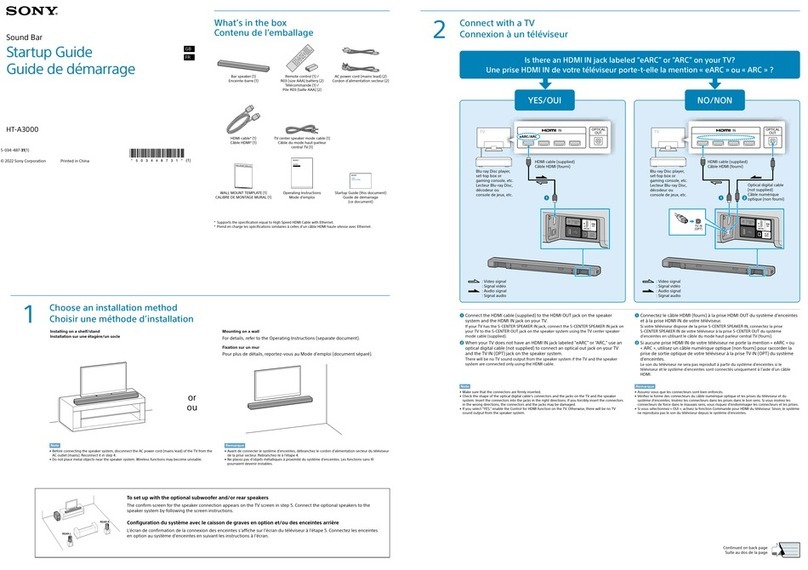
Sony HT-S400 User guide

Sony

Sony HT-S400 User guide

Sony SS-SPG02 User manual

Sony

Sony SS-SPG02 User manual

Sony SRS-A47 User manual

Sony

Sony SRS-A47 User manual

Sony SRS-D300 User manual

Sony

Sony SRS-D300 User manual

Sony HT-CT290 User guide

Sony

Sony HT-CT290 User guide

Sony SS-F7700 User manual

Sony

Sony SS-F7700 User manual

Sony SA-VE155 User manual

Sony

Sony SA-VE155 User manual

Sony SRS-Z750 User manual

Sony

Sony SRS-Z750 User manual

Sony XS-GS1621C User manual

Sony

Sony XS-GS1621C User manual

Sony SS-CN190 User manual

Sony

Sony SS-CN190 User manual

Sony SS-F6000 Instruction Manual

Sony

Sony SS-F6000 Instruction Manual

Sony SA-S1 User manual

Sony

Sony SA-S1 User manual

Sony HT-X8500 User manual

Sony

Sony HT-X8500 User manual

Sony SS-MF450H Quick start guide

Sony

Sony SS-MF450H Quick start guide

Sony SS-MF600H Instruction Manual

Sony

Sony SS-MF600H Instruction Manual

Sony SS-AR1 User manual

Sony

Sony SS-AR1 User manual

Sony SA-S1 User manual

Sony

Sony SA-S1 User manual

Sony SS-CN250 User manual

Sony

Sony SS-CN250 User manual

Sony SS-A902 User manual

Sony

Sony SS-A902 User manual

Sony SRS-Z1 User manual

Sony

Sony SRS-Z1 User manual

Sony HT-CT800 User guide

Sony

Sony HT-CT800 User guide

Popular Speakers System manuals by other brands

Monster MT-SB21 user manual

Monster

Monster MT-SB21 user manual

Monacor ESP-76AB/ WS manual

Monacor

Monacor ESP-76AB/ WS manual

Samsung HW-J430 user manual

Samsung

Samsung HW-J430 user manual

WILSON AUDIO WATT owner's manual

WILSON AUDIO

WILSON AUDIO WATT owner's manual

Hisense AX3125H user manual

Hisense

Hisense AX3125H user manual

EisSound KBSound iSelect user manual

EisSound

EisSound KBSound iSelect user manual

Boston Acoustics VRi793 manual

Boston Acoustics

Boston Acoustics VRi793 manual

Sven SPS-707bL Operation manual

Sven

Sven SPS-707bL Operation manual

Monacor DSM-26LAN instruction manual

Monacor

Monacor DSM-26LAN instruction manual

JVC CS-SR100 instructions

JVC

JVC CS-SR100 instructions

Samsung HW-C450 user manual

Samsung

Samsung HW-C450 user manual

TaoTronics evatronic ET-SK011 user guide

TaoTronics

TaoTronics evatronic ET-SK011 user guide

JVC HX-D7C instructions

JVC

JVC HX-D7C instructions

Pyle PBMSPG190 user manual

Pyle

Pyle PBMSPG190 user manual

Sven SPS-607 Operation manual

Sven

Sven SPS-607 Operation manual

iSP Technologies LT2 series owner's manual

iSP Technologies

iSP Technologies LT2 series owner's manual

Samsung Crystal Surround Air Track HW-F550 user manual

Samsung

Samsung Crystal Surround Air Track HW-F550 user manual

Bose Acoustimass 6 Series II owner's guide

Bose

Bose Acoustimass 6 Series II owner's guide

manuals.online logo
manuals.online logoBrands
  • About & Mission
  • Contact us
  • Privacy Policy
  • Terms and Conditions

Copyright 2025 Manuals.Online. All Rights Reserved.

SERVICE MANUAL
Sony Corporation
Published by Sony EMCS (Malaysia) PG Tec
SS-RT3/SRT3
SPECIFICATIONS
SPEAKER SYSTEM
9-890-681-01
2016C81-1
© 2016.03
US Model
Canadian Model
AEP Model
UK Model
E Model
Australian Model
Ver. 1.0 2016.03
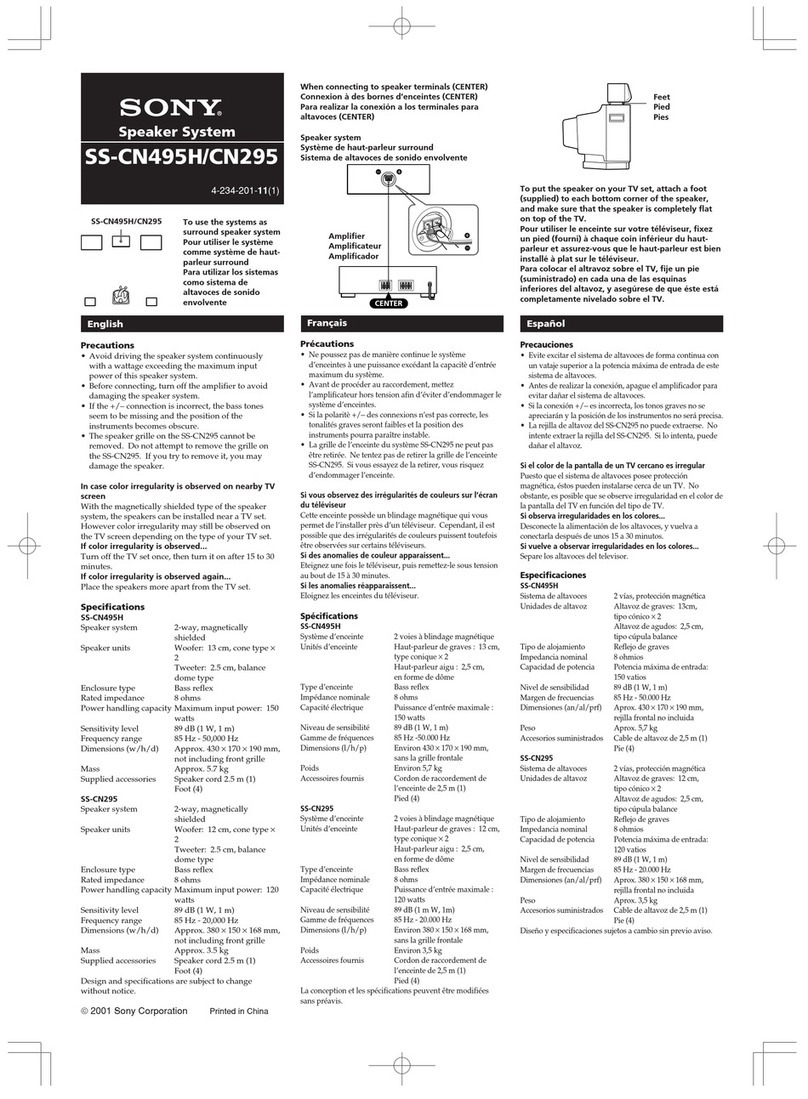
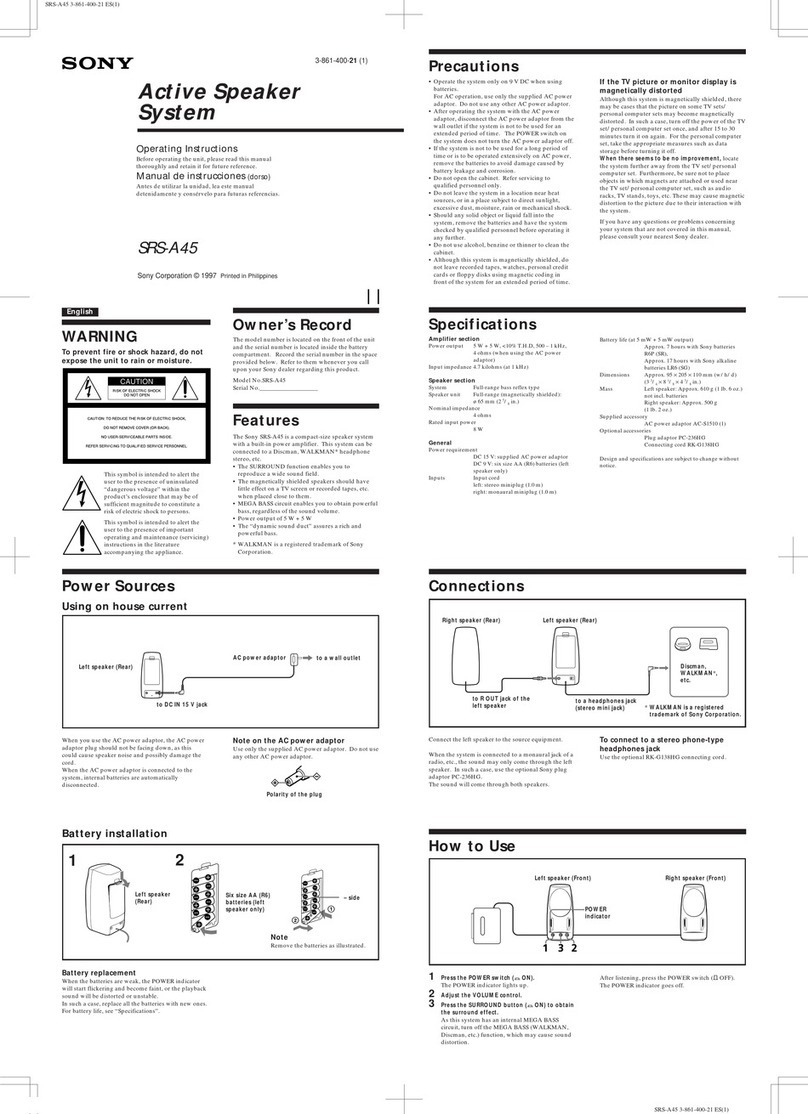
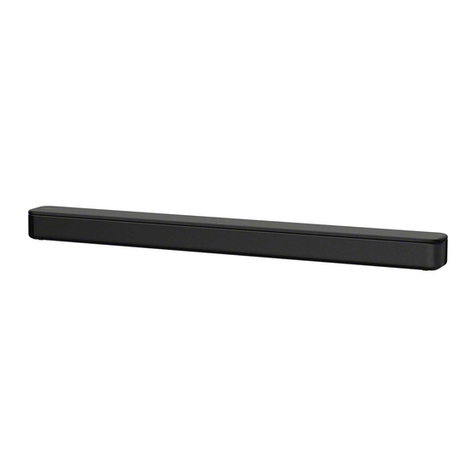
• SS-RT3 is Bar speaker in HT-RT3.
• SS-SRT3 is surround speaker in HT-RT3.
• All the units included in the HT-RT3 (SA-WRT3, SS-RT3/SRT3,
remote control) are required to confirm the operation of SS-RT3/
SRT3. Check in advance that you have all the units.
Photo: SS-SRT3
Photo: SS-RT3
Bar Speaker (SS-RT3)
Front L/Front R/Center speaker section
Speaker system
Full range speaker system, Bass reflex
Speaker
40 mm (1 5/8in) × 100 mm (4 in) cone type × 3
Dimensions (w/h/d) (approx.)
900 mm × 52 mm × 70 mm
(35
1/2in × 2 1/8in × 2 7/8in)
Mass (approx.)
2.1 kg (4 lb 11 oz)
Surround Speakers (SS-SRT3)
Speaker system
Full range speaker system, Bass reflex
Speaker
65 mm (2 5/8in) cone type
Dimensions (w/h/d) (approx.)
80 mm × 191 mm × 70 mm
(3
1/4in × 7 5/8in × 2 7/8in)
(projecting parts not included)
Mass (approx.)
0.75 kg (1 lb 11 oz)
Design and specifications are subject to change without notice.
2
SS-RT3/SRT3 SECTION 1
EXPLODED VIEW
Ref. No. Part No. Description Remark Ref. No. Part No. Description Remark
Note:
• -XX and -X mean standardized parts, so
they may have some difference from the
original one.
• Items marked “*” are not stocked since
they are seldom required for routine ser-
vice. Some delay should be anticipated
when ordering these items.
• The mechanical parts with no reference
number in the exploded views are not sup-
plied.
• Color Indication of Appearance Parts Ex-
ample:
KNOB, BALANCE (WHITE) . . . (RED)

Parts Color Cabinet’s Color
• Abbreviation
AUS : Australian model
CND : Canadian model
E12 : 220-240 V AC area in E model
EA : Saudi Arabia model
1-1. SS-RT3
1 4-986-971-02 +BV TAPPING SCREW TYPE-2 3.5
2 4-582-953-01 GRILLE, SIDE (EL-BAR)
3 4-582-952-01 GRILLE, CENTER (EL-BAR)
4 4-591-760-01 TPP + 3 X10 (HR) - 3W ZN
5 1-859-189-11 LOUDSPEAKER 4X10 CM
6 1-859-189-21 LOUDSPEAKER 4X10 CM
7 2-893-646-01 FOOT
8 1-849-303-11 INPUT CABLE
9 4-582-949-01 CABINET (EL-BAR)
#1 7-685-504-19 SCREW +BTP 2X6 TYPE2 N-S
ns not supplied
7
#1
#1
#1
#1
#1
#1
7
1
5
6
5
2
3
2
1
9
1
7
7
8
8
ns
ns
ns
ns
ns
ns
ns
ns
ns
ns
ns
ns
ns
ns ns
ns
ns
ns
ns
ns
ns
ns
ns
ns
ns
4
4
4
ns
ns
ns
ns

3
SS-RT3/SRT3
Ref. No. Part No. Description Remark
1-2. SS-SRT3
51 4-582-961-01 FOOT (EL-SUR)
52 A-2107-077-A SS-SRT3L//M(A)(UC)
52 A-2107-080-A SS-SRT3R//M(A)(UC)
ns not supplied

51
52
51
SS-RT3/SRT3
REVISION HISTORY
Ver. Date Description of Revision
1.0 2016.03 New
How to search for a contact point of signal lines or the like in DIAGRAMS SECTION

If a contact point of a BLOCK DIAGRAM, PRINTED WIRING BOARD or SCHEMATIC DIAGRAM is shown in a different page, use
the PDF file search function to find one.
e.g.) If a contact point is shown as , follow the procedure below.
Procedure:
1. Press the [F] key while pressing the [Ctrl] key.
2. Input “>001Z” in the search box and press the [Enter] key.
3. The relevant part (page), where the contact point is shown, appears.
Note: If you still see the original page, press the [Enter] key again.