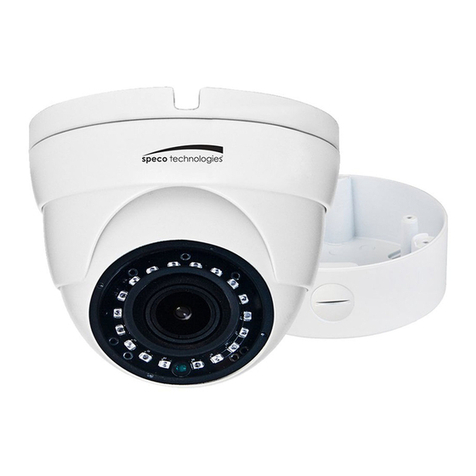
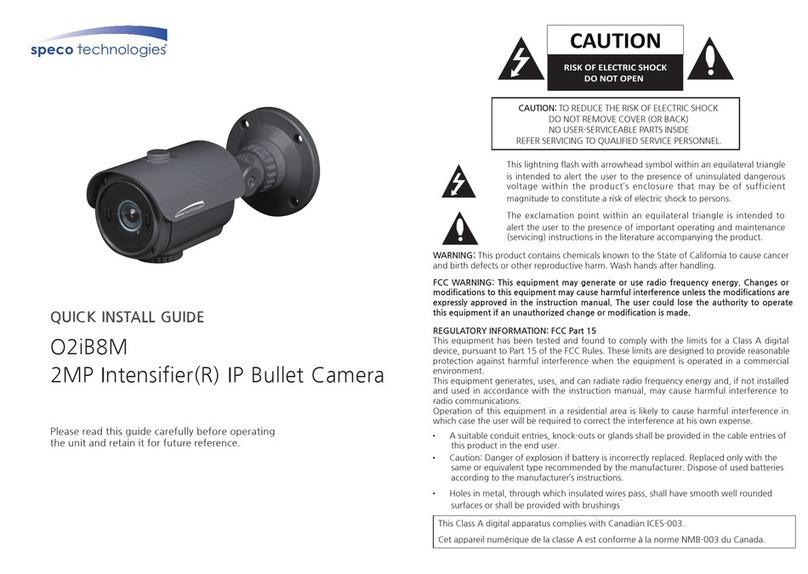
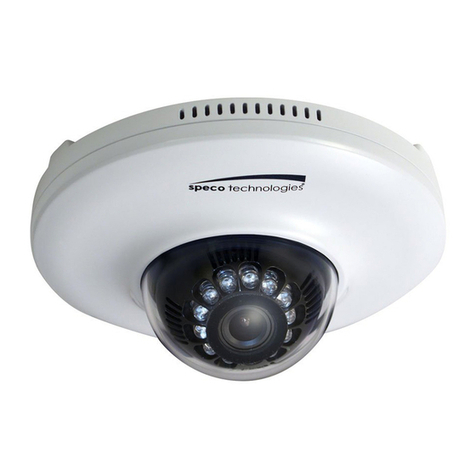
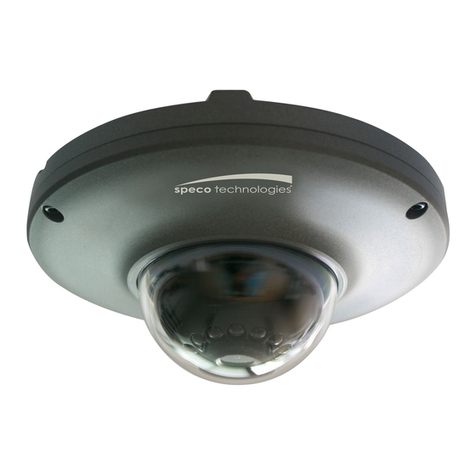
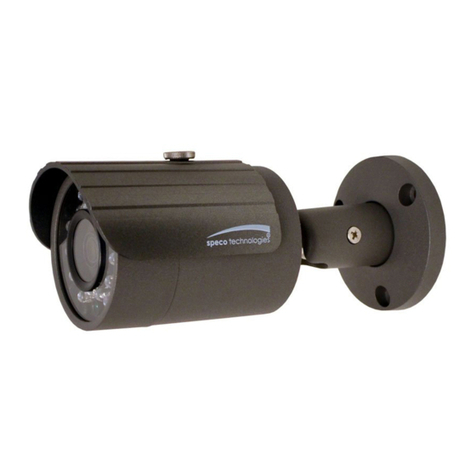
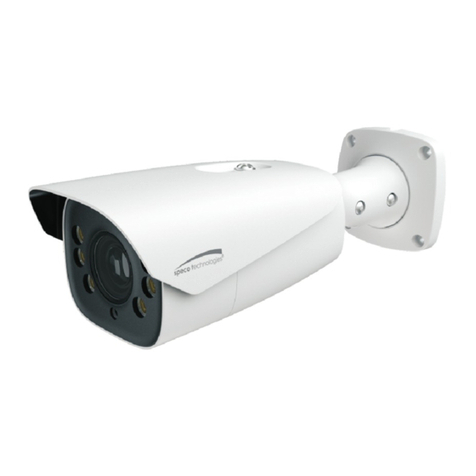
Speco & IP-WDRB1 User manual

1
IP Camera User’s Manual Speco Technologies
IP Camera User’s Manual
(Version 1.3.2)
IP-INTB1 & IP-INTB2 & IP-WDRB1
Network Bullet Cameras
IP-INTD3 & IP-INTD4
Network Dome Cameras
IP-INTT5 & IP-T5
Network Traditional Cameras
IP- D10X
peed Dome Camera

2
IP Camera User’s Manual Speco Technologies
Introduction
We appreciate your purchasing our IP Network Camera.
This is a Network Camera with a built-in MPEG-4 CODEC and Streaming Server.
It uses an MPEG-4 CODEC as the Video Compression method and has a built-in Streaming Server
which allows you to monitor and record real time images in remote places over the Internet.
Our IP cameras support both Static IP and Dynamic IP addresses and can change their
Communication Ports, allowing several Network Cameras to be installed on one IP. Our IP
cameras also permits you:
To record an Event in your own FTP server installed in a remote location.
To search / delete / down-load / replay the recorded video.
Support various wireless devices such as Mobile Phone, PDA to see real time Video in
Wireless Internet handset.
For more information or inquiry, please contact us to ;
Home Page : www.specotech.com
Telephone : 631-957-8700
Fax : 631-957-9142
Address : 200 New Highway, Amityville, NY 11701
Appearance, function and specification may be changed without prior notification. Our company
assumes no responsibility for visible or invisible loss resulted from changes in policy or products.

3
IP Camera User’s Manual Speco Technologies
Important Notes
The Network Camera may be damaged by electrical and physical shock
Do not try to disassemble the products. Contact or consult the distributor or
Head Office for after sale service. There may be no Quality Assurance for the
products disassembled arbitrarily.
Do not use these products to be connected with life related device like
medical apparatus.
Do not touch the front lens of the camera. It is one of the most important
parts of the camera.
Never allow the camera face to strong light directly. It can damage the CCD.

4
IP Camera User’s Manual Speco Technologies
Contents
1. FEATURE ............................................................................ 8
1.1. PACKAGE ............................................................................................................ 8
1.2. DIMENSION AND CAMERA FEATURES................................................................... 9
1.2.1. Dimensions .................................................................................................................................. 9
1.2.2. Camera Feature......................................................................................................................... 11
2. INSTALL AND CHECK VIDEO................................................ 14
2.1. INSTALLATION.................................................................................................... 14
2.2. VIDEO CHECK ................................................................................................... 14
3. BASIC SETTING ................................................................. 19
3.1. CHECK NETWORK AND INSTALLATION TYPE ...................................................... 19
3.2. INSTALLATION WITHOUT IP SHARING DEVICE (ROUTER)..................................... 20
3.2.1. Static IP Setup........................................................................................................................... 20
3.2.2. Dynamic IP Setup ..................................................................................................................... 23
3.3. INSTALLATION WITH IP SHARING DEVICE (ROUTER).......................................... 25
3.4. CAUTIONS ......................................................................................................... 29
4. EXPERT SETTING............................................................... 31
4.1. GENERAL SETTING ............................................................................................ 33
4.1.1. Title Setting ................................................................................................................................ 33
4.1.2. Administrator’s ID and Password Change........................................................................... 34
4.1.3. User Registration ...................................................................................................................... 34
4.1.4. User List and Delete................................................................................................................. 35
4.1.5. Skip Login (Automatic Monitoring) ..................................................................................... 35
4.1.6. Time Zone Setting .................................................................................................................... 36
4.1.7. Set Download Route of Plug-in Type ActiveX.................................................................... 36
4.1.8. Select Language ....................................................................................................................... 37

5
IP Camera User’s Manual Speco Technologies
4.2. NETWORK SETTING ........................................................................................... 37
4.3. VIDEO SETTING ................................................................................................. 38
4.3.1. Video Setting ............................................................................................................................. 38
4.4. COLOR SETTING ............................................................................................... 39
4.5. ALARM SETTING ................................................................................................ 39
4.5.1. Alarm Event Setting .................................................................................................................. 39
4.5.2. Alarm Event Test ....................................................................................................................... 41
4.6. DIO SETTING (SUPPORT FOR IP-INTT5/T5, IP-SD10X).............................. 41
4.7. MOTION AREA SETUP........................................................................................ 42
4.8. CAMERA SETTING(SUPPORT FOR IP-SD10X).................................................. 43
4.9. HOMEPAGE UPDATE.......................................................................................... 44
4.10. FIRMWARE UPDATE ........................................................................................... 44
4.10.1. Remote Upgrade....................................................................................................................... 45
4.10.2. System Re-booting .................................................................................................................. 47
4.11. FACTORY RESET ............................................................................................... 48
4.11.1. Reset Button .............................................................................................................................. 48
4.11.2. In reset of Factory default ...................................................................................................... 48
5. BASIC USE........................................................................ 50
5.1. USE OF WEB VIEWER ........................................................................................ 50
5.2. USE OF OSD (NOT AVAILABLE WITH IP-T5).................................................... 53
5.2.1. Function...................................................................................................................................... 53
5.2.2. OSD Menu Setting .................................................................................................................... 56
5.2.3. Operating Camera OSD Menu (Intensifier Cameras) ........................................................ 57
5.2.4. Operating WDR Camera OSD Menu (IP-WDRB1).............................................................. 77
5.2.5. Operating Camera OSD Menu (IP-SD10X) ......................................................................... 79
5.2.6. DIP SW SETTING ...................................................................................................................... 97
5.2.7. ID SETTING(1-ON, 0-OFF)(110) ...................................................................................... 97
5.2.8. PROTOCOL ................................................................................................................................ 98
5.2.9. BAUD RATE SETTING .............................................................................................................. 98

6
IP Camera User’s Manual Speco Technologies
5.3. USE OF IP SETTING UTILITY.............................................................................. 99
5.4. USE OF SERVICE SERVER................................................................................ 101
5.4.1. User Registration .................................................................................................................... 102
5.4.2. Camera Registration............................................................................................................... 104
5.4.3. List of Camera ......................................................................................................................... 105
5.4.4. Change of User’s Information.............................................................................................. 107
5.4.5. Search Camera...................................................................................................................... 108
5.5. SEE AND CONTROL OF STILL IMAGE IN MOBILE OR PDA ................................ 109
5.5.1. WAP2.0 (HTML)....................................................................................................................... 109
5.5.2. PDA(WinCE) ..............................................................................................................................112
5.6. USE OF NVR PROGRAM...................................................................................113
5.6.1. Required Specification of PC and OS .................................................................................113
5.6.2. Supported O/S .........................................................................................................................113
5.6.3. Refer the NVR User’s Manual in the CD-ROM. .................................................................113
6. NETWORK ENVIRONMENT ..................................................115
7. APPENDIX........................................................................118

7
IP Camera User’s Manual Speco Technologies
1. Feature

8
IP Camera User’s Manual Speco Technologies
1. Feature
1.1. Package
Package of Products is composed of main body of product, Software CD (NVR Program, IP Utility,
Product Manual, NVR Manual) , Quick Install Guide, Cross LAN Cable, Accessory Pack, Power Lead
Cable.
Please check before starting installation.
Software CD
IP/Network Camera
Cross LAN Cable
Quick Install Guide
Power Lead Cable Accessory Pack

9
IP Camera User’s Manual Speco Technologies
1.2. Dimension and Camera Features
1.2.1. Dimensions
1) Bullet Camera
2) Dome Camera
①
③
②
①
②
③

10
IP Camera User’s Manual Speco Technologies
3) Traditional Camera
3) Speed Dome Camera
1) Power Port: Power connection port (12 VDC)
2) VIDEO Port : Video Output Port (BNC)
3) LAN Port: LAN Connection Port ( Connect with LAN Cable for Local Network or Internet
Viewing)
LINK: LED On (When the product connects with LAN Cable)
DATA: LED On (When user connects the product to the Network)
①
③
②
①
②
③
This manual suits for next models
7
Table of contents
Other Speco IP Camera manuals
Speco
Speco ONSIP O2DP8 User manual
Speco
Speco O6MDP2 User manual
Speco
Speco VIP1D1 User manual
Speco
Speco O2iB3M User manual
Speco
Speco O2VLB2 User manual
Speco
Speco O2D60M User manual
Speco
Speco O2FB3M User manual
Speco
Speco Intensifier O2iTC23 User manual
Speco
Speco O2FD4M User manual

Speco
Speco O2D11M User manual