manuals.online logo
Brands
  1. Home
  2. •
  3. Brands
  4. •
  5. Stinger
  6. •
  7. Automobile Accessories
  8. •
  9. Stinger SPXULED User manual

Stinger SPXULED User manual

Other Stinger Automobile Accessories manuals

Stinger DSI computer User manual

Stinger

Stinger DSI computer User manual

Stinger SG-3 User manual

Stinger

Stinger SG-3 User manual

Stinger STXJLPOD User manual

Stinger

Stinger STXJLPOD User manual

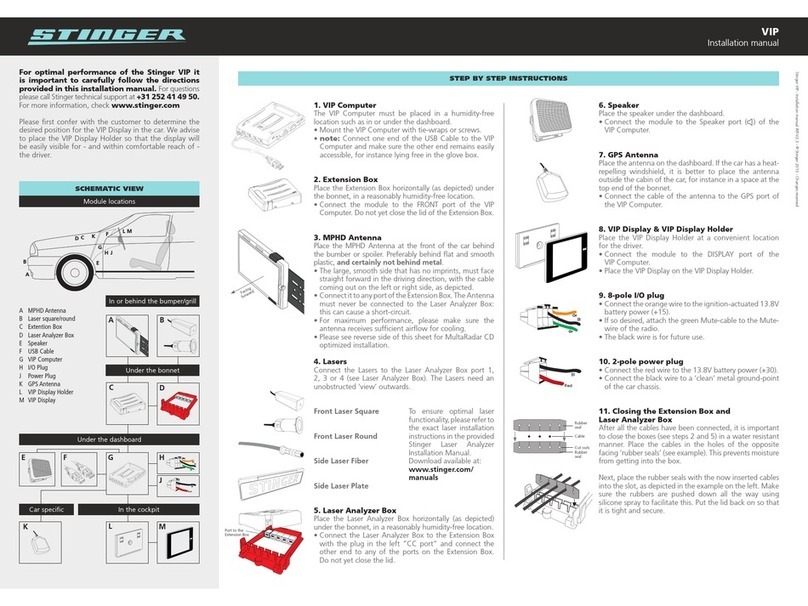
Stinger VIP User manual

Stinger

Stinger VIP User manual

Stinger HEIGH10 UN1810E-VX1 User manual

Stinger

Stinger HEIGH10 UN1810E-VX1 User manual

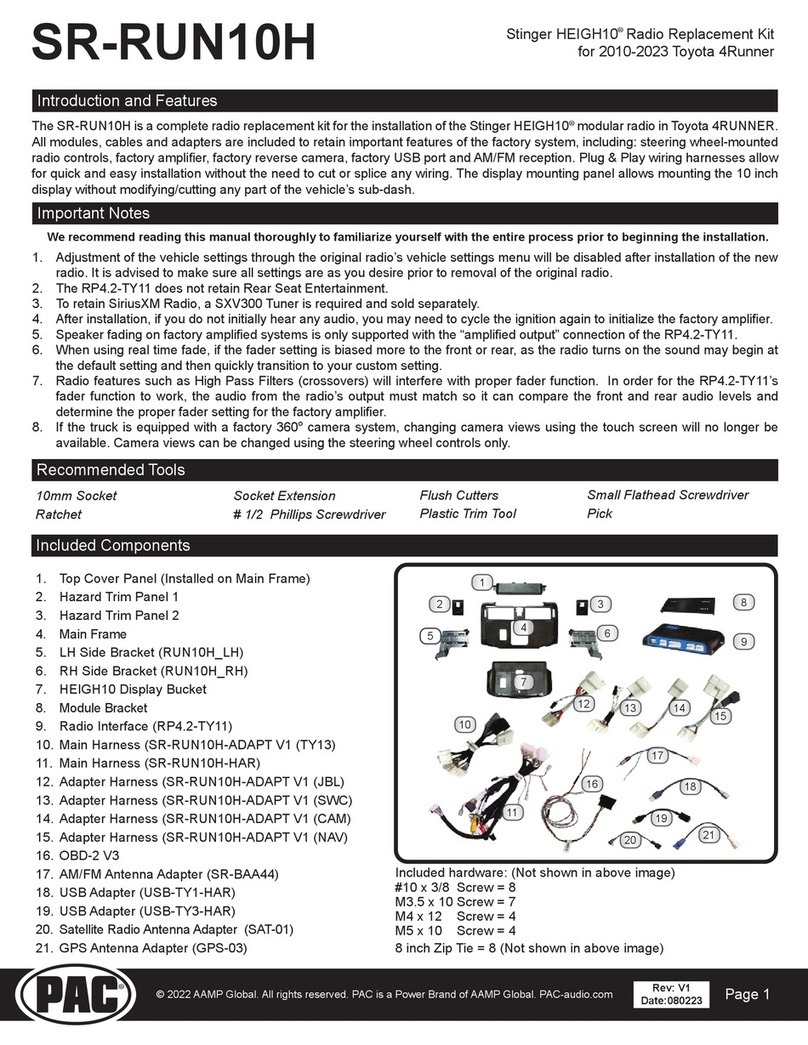
Stinger SR-RUN10H User manual

Stinger

Stinger SR-RUN10H User manual

Stinger Heigh10 User manual

Stinger

Stinger Heigh10 User manual

Stinger XL 112 Supplement

Stinger

Stinger XL 112 Supplement

Stinger HEIGH10 SRK-JK11H User manual

Stinger

Stinger HEIGH10 SRK-JK11H User manual

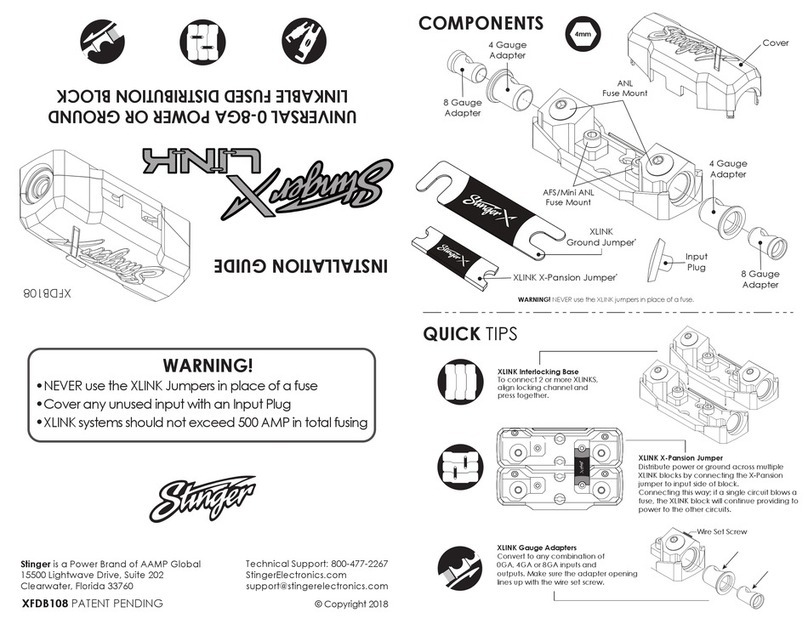
Stinger XLINK XFDB108 User manual

Stinger

Stinger XLINK XFDB108 User manual

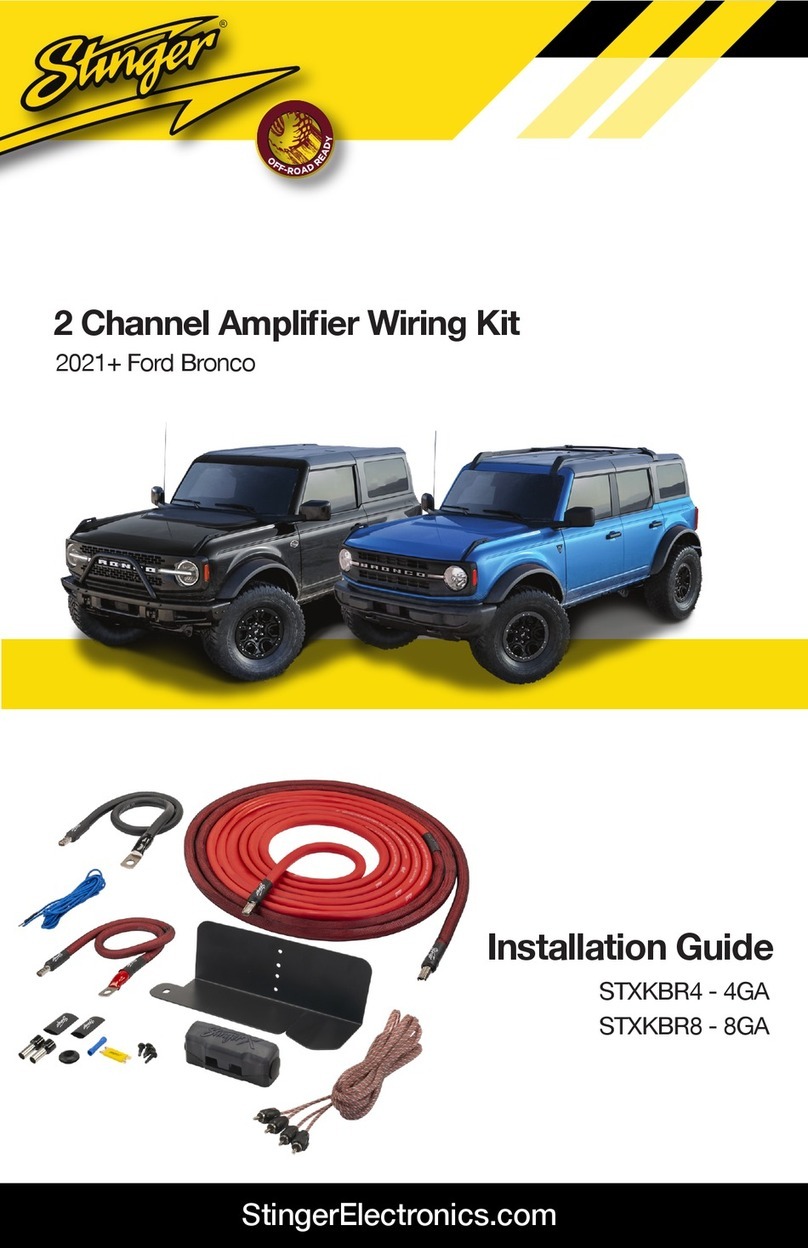
Stinger STXKBR4 User manual

Stinger

Stinger STXKBR4 User manual

Popular Automobile Accessories manuals by other brands

James Baroud Odyssey user guide

James Baroud

James Baroud Odyssey user guide

Motorola i50sx owner's manual

Motorola

Motorola i50sx owner's manual

Yakima 9MM STANDARD BIKE MOUNT instructions

Yakima

Yakima 9MM STANDARD BIKE MOUNT instructions

Feniex T3 instruction manual

Feniex

Feniex T3 instruction manual

Kia E8300-4D000 manual

Kia

Kia E8300-4D000 manual

Brink 756843 installation instructions

Brink

Brink 756843 installation instructions

Whispbar K085W Fitting instructions

Whispbar

Whispbar K085W Fitting instructions

v.link CI-VL2-PC-HSD manual

v.link

v.link CI-VL2-PC-HSD manual

Viking Stack-Rack Assembly and use instructions

Viking

Viking Stack-Rack Assembly and use instructions

Aries 203015 installation manual

Aries

Aries 203015 installation manual

Choetech AT0005 user manual

Choetech

Choetech AT0005 user manual

ZZ2 ZZAIR-PRO instruction manual

ZZ2

ZZ2 ZZAIR-PRO instruction manual

Holman 4A80L installation guide

Holman

Holman 4A80L installation guide

Thule 2075 parts manual

Thule

Thule 2075 parts manual

Motorola T325 quick start guide

Motorola

Motorola T325 quick start guide

TAUBENREUTHER 16-3950 FITTING INSTRUCTION

TAUBENREUTHER

TAUBENREUTHER 16-3950 FITTING INSTRUCTION

DV8 FBJL-02 Product installation manual

DV8

DV8 FBJL-02 Product installation manual

Prorack K1163 manual

Prorack

Prorack K1163 manual

manuals.online logo
manuals.online logoBrands
  • About & Mission
  • Contact us
  • Privacy Policy
  • Terms and Conditions

Copyright 2025 Manuals.Online. All Rights Reserved.

SPXULED
The rubber mounting pads allow the lights to
be mounted on a flat surface or a curved
surface like a roll bar or tubalar frame. The
lights can also be mounted flat, without the
rubber mounting pad.
Once you have choosen a mounting loca-
tion, decide how the cable will be routed. For
example, when mounting on a roll bar, is the
cable going to be routed inside the tube or
on the outside. The rubber mounting pads
allow you to route the cable outside, without
drilling a hole for the cable (FIG B).
Using the template below, mark and drill the
mounting holes. If you are running the cable
through the mounting surface (FIG A & D),
you will also need to drill a 1/4” hole for the
cable. Use the center hole when mounting
with the rubber mounting pads. Use the offset
hole if mounting the light only, no mounting
pad.
UNIVERSAL LED UNDER-BODY/DOME
WHAT’S INCLUDED
2 x CREE LED Pods
2 x Rubber Mounting Pads
4 x Mounting Hardware
Before you start, review directions completely.
If your vehicle is not pre-wired for external lighting,
you may need the following:
Inline Fuse Holder (SPXATC16 or similiar)
3 Amp Fuse
Switch
Relay
2 Strand Primary Wire
Wire Connectors / Solder
Wire Cover
Zip-Ties
Center Cable Hole
Offset Cable Hole
Mounting Hole Mounting Hole
FIG A
Flat surface with mounting pad and cable going
through mounting surface
FIG B
Curved surface with mounting pad and cable routed
out the mounting pad.
MOUNTING THE LED PODS
FIG C
When running the cable through the mounting pad holes,
you will need to cut a slit in the rubber
Cut Line
FIG D
Flat surface without using the mounting pad. Cable will need to go
through the mounting surface.

SPXULED SPXULED
86 85
30
87
87a
12V+
3
AMP
FUSE
Positive +
Negative -
UNIVERSAL LED UNDER-BODY/DOME
Stinger is a Power Brand of AAMP Global
15500 Lightwave, Clearwater, Florida 33760
P: 888-228-5560
support@stingerelectronics.com
www.stingerelectronics.com
© 2019 AAMP Global
ON
LIMITED WARRANTY:
Stinger warrants this product to be free of defects in materials and workmanship for
a period of one (1) years from the original date of purchase. This warranty is not
transferable and applies only to the original purchaser from an authorized Stinger
dealer in the United States of America only. Should service be necessary under this
warranty for any reason due to manufacturing defect or malfunction, Stinger will (at
its discretion), repair or replace the defective product with new or remanufactured
product at no charge. Damage caused by the following is not covered under
warranty: accident, misuse, abuse, product modification or neglect, failure to follow
installation instructions, unauthorized repair attempts, misrepresentations by the
seller. This warranty does not cover incidental or consequential damages and does
not cover the cost of removing or reinstalling the unit(s). Cosmetic damage due to
accident or normal wear and tear is not covered under warranty.
INTERNATIONAL WARRANTIES:
Products purchased outside the United States of America are covered only by that
country’s Authorized Stinger reseller and not by Stinger. Consumers needing service
or warranty information for these products must contact that country’s reseller for
information.
Wiring Guide
You can add a new dedicated switch or use an
existing light or accessory switch that outputs 12V+
when ON. Either way, you will need to add a 3
AMP fuse on the RED 12V+ wire and 12V relay is
recommended.