4. Menu O eration
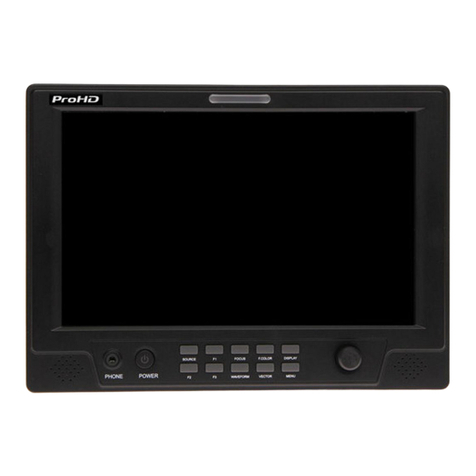
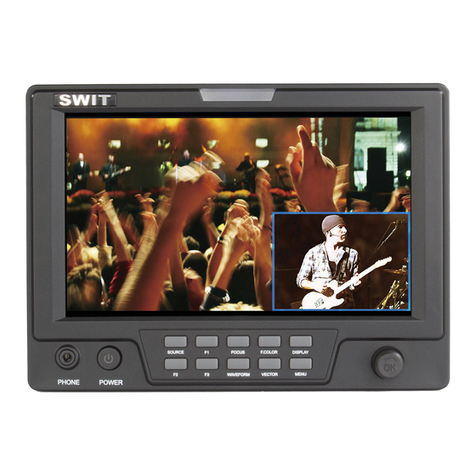
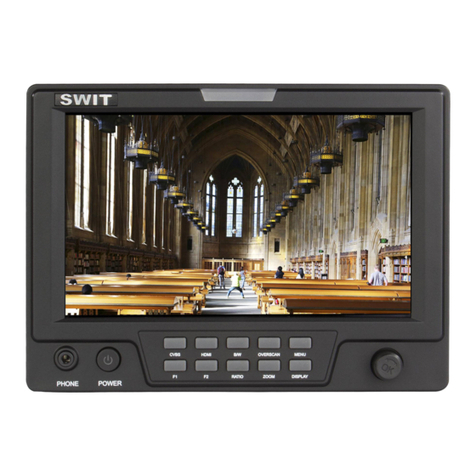
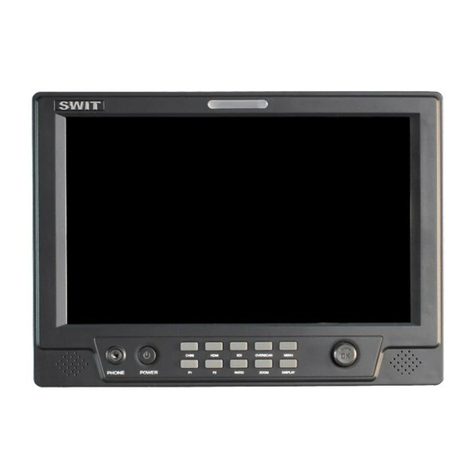
Press “MENU” and it will display menu system
Revolve “OK” to select an item The selected item will be highlighted display
Press “OK” to enter the selected item
Under menu system, press “MENU” to back to previous menu
The menu will automatically save and quit if it remains idle
5. Picture Settings Submenu
The Picture Settings Submenu includes:
(1) CONTRAST: 0-100 value adjustment
(2) BRIGHTNESS: 0-100 value adjustment
(3) HUE: (not available on this model)
(4) SATURATION: 0-100 value adjustment
(5) SHARPNESS: 0-100 value adjustment
(6) CLR. TEMP.: Color temperature selection, Normal
(6500K), Warm (4500K), Cool (9300K)
(7) PIC.MODE: User defined and preset picture modes:
standard, soft and vivid selection
6. System Config Submenu
The System Config Submenu includes:
(1) BACKLIGHT: LCD backlight brightness adjustment, value 0-100
(2) RATIO: Select “16:9” or “4:3” to adjust the aspect ratio
(3) SCAN: “UNDERSCAN” and “OVERSCAN” selection
(4) ZOOM: “OFF”, “ZOOM1” and “ZOOM2” selection
ZOOM1: Canon DSLR scale zoom-in (1 2 times),
ZOOM2: 1 5 times zoom-in
(5) MARKER: Select and set the safety mark scale from
80%, 85%, 90% and 95%
(6) RESET: Revolve “OK” to RESET and press to reset all
to factory setting
7. Dis lay Settings Submenu
The DISPLAY settings submenu is to select the items to
be displayed on screen when ‘DISPLAY” button is pressed
Revolve "OK" to turn on/off the items:
(1) INFO: Including HDMI format, aspect ratio,
underscan/overscan, zoom status and peaking status
(2) MARKER: Safety mark
(3) TITLE: User edited title