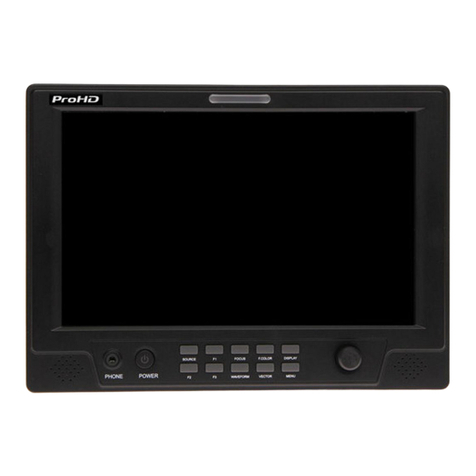
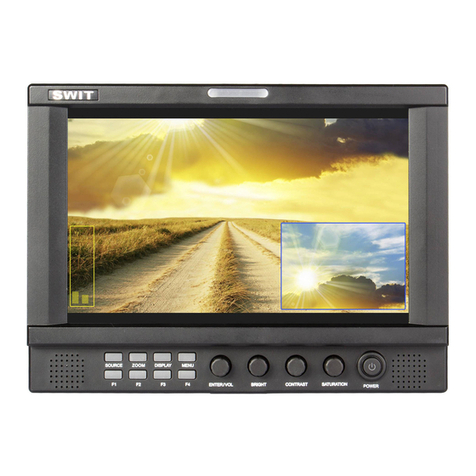
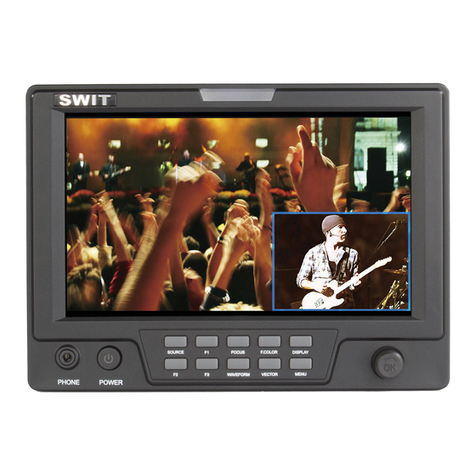
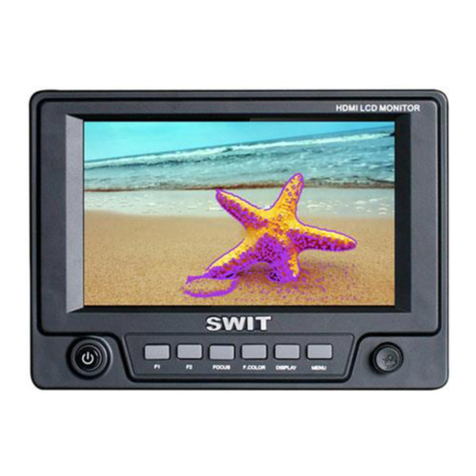
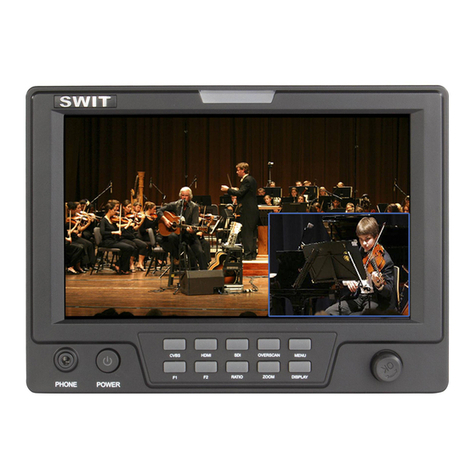
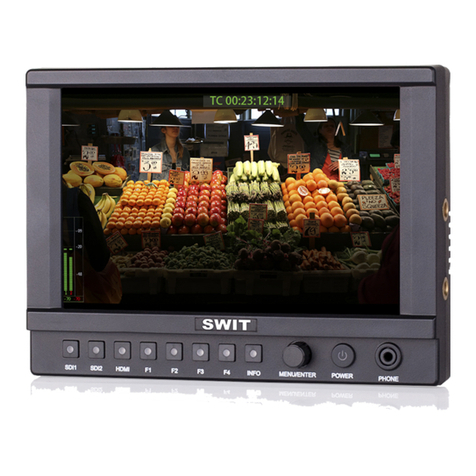
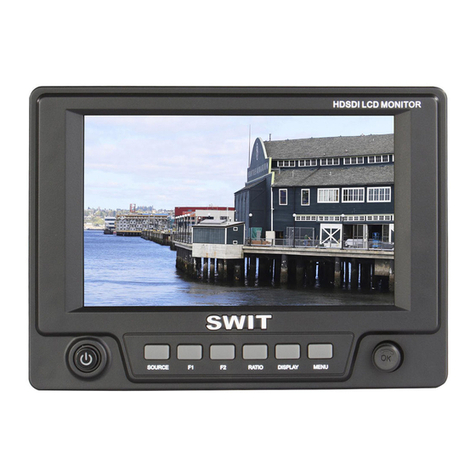
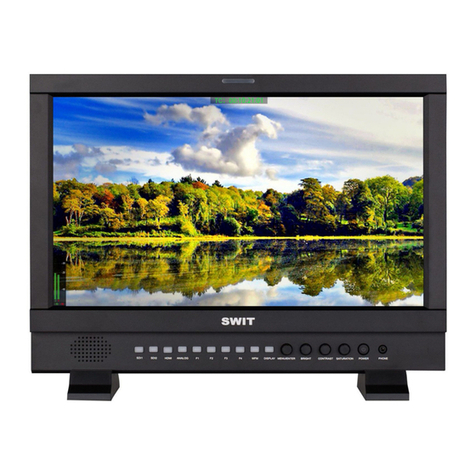
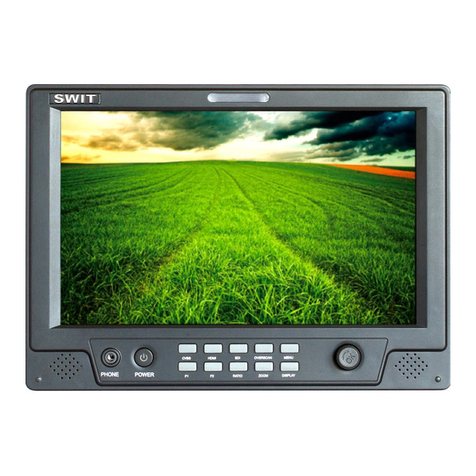
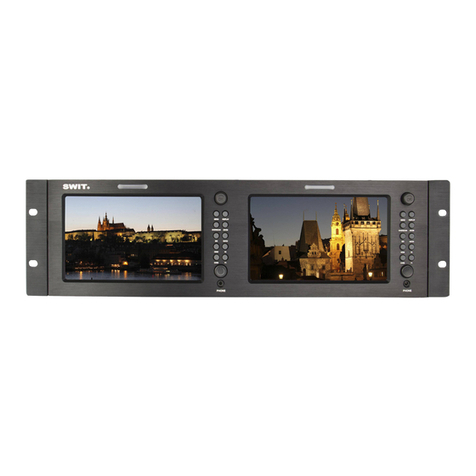
3. Menu Operation
⑴
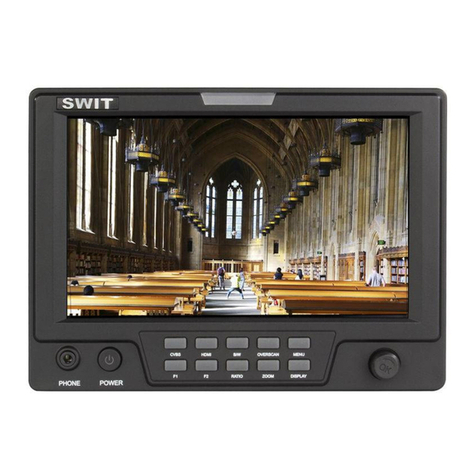
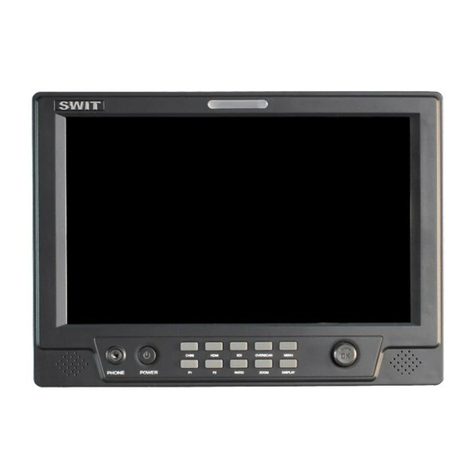
Press “MENU” and it will display menu system
⑵
Revolve “OK” to select an item. The selected item will e highlighted display.
⑶
Press “OK” to enter the selected item.
⑷
Under menu system, press “MENU” to ack to previous menu.
*The menu will automatically save and quit if it remains idle.
3.1 PICTURE submenu
The PICTURE su menu includes:
⑴
CONTRAST: 0-100 value adjustment
⑵
BRIGHTNESS: 0-100 value adjustment
⑶
HUE: 0-100 value adjustment
(Only availa le under CVBS NTSC input)
⑷
SATURATION: 0-100 value adjustment
⑸
SHARPNESS: 0-100 value adjustment
⑹
COLOR TEMP.: Color temperature, Normal (6500K),
Warm (4500K), Cool (9300K) selection
⑺
PIC.MODE: User defined and preset picture modes:
standard, soft and vivid selection
3.2 SYSTEM submenu
The SYSTEM su menu includes:
⑴
RATIO: Aspect ratio “16:9” / “4:3” selection
⑵
SCAN: “UNDERSCAN” / “OVERSCAN” selection
⑶
ZOOM: “OFF”, “ZOOM1” and “ZOOM2” selection
ZOOM1: Canon DSLR scale zoom-in
ZOOM2: Pixel to Pixel zoom-in
⑷
MARKER: Select and set the safe area scale from
80%, 85%, 90% and 95%.
⑸
FLIP: Select “ON” to flip the picture y 180°.
⑹
RESET: Select “YES” to recover all to factory setting.
3.3 OSD submenu
The OSD su menu includes:
⑴
LANGUAGE: Menu language selection
⑵
H-POSITION: Menu horizontal position (0-100)
adjustment, real-time preview and default value: 50.
⑶
V-POSITION: Menu vertical position (0-100)
adjustment, real-time preview and default value: 50.
⑷
DURATION: Menu timeout setting (5-60)
Set a time (in seconds) in which the menu will
automatically quit if remains idle. Default: 15.