EnglishDeutsch
 logo
Brands
  1. Home
  2. •
  3. Brands
  4. •
  5. System Sensor
  6. •
  7. Security Sensor
  8. •
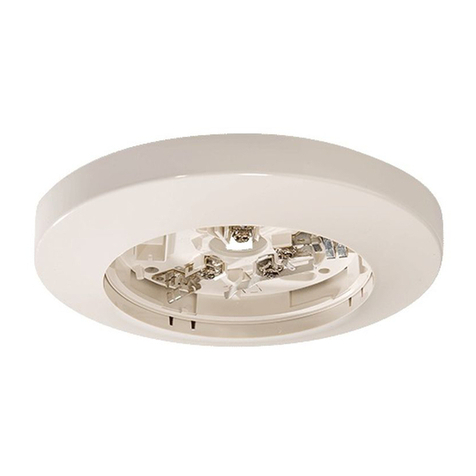
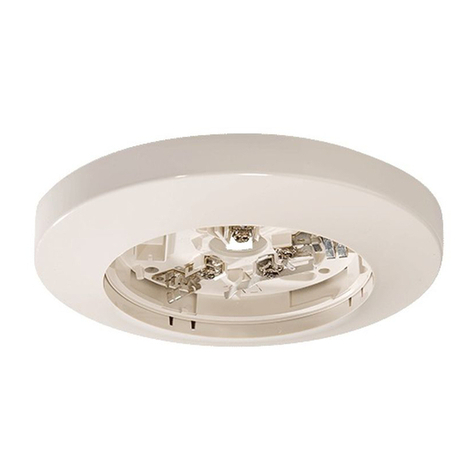
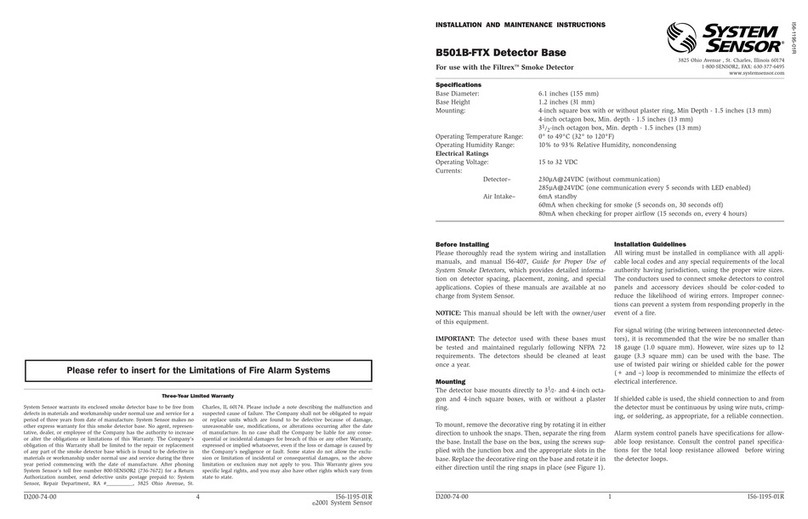
  9. System Sensor B501A User manual

System Sensor B501A User manual

Other System Sensor Security Sensor manuals

System Sensor ISO524-1 User manual

System Sensor

System Sensor ISO524-1 User manual

System Sensor SPECTRAlert H12/24K User manual

System Sensor

System Sensor SPECTRAlert H12/24K User manual

System Sensor SPECTRAlert CH24 Series User manual

System Sensor

System Sensor SPECTRAlert CH24 Series User manual

System Sensor B200SA User manual

System Sensor

System Sensor B200SA User manual

System Sensor JTWB-BCD-5151EIS User manual

System Sensor

System Sensor JTWB-BCD-5151EIS User manual

System Sensor WFD Series User manual

System Sensor

System Sensor WFD Series User manual

System Sensor B801RA User manual

System Sensor

System Sensor B801RA User manual

System Sensor B110RLP User manual

System Sensor

System Sensor B110RLP User manual

System Sensor B401BR750 User manual

System Sensor

System Sensor B401BR750 User manual

System Sensor EBR User manual

System Sensor

System Sensor EBR User manual

System Sensor DUCTSD240 User manual

System Sensor

System Sensor DUCTSD240 User manual

System Sensor B501AP User manual

System Sensor

System Sensor B501AP User manual

System Sensor B110LP User manual

System Sensor

System Sensor B110LP User manual

System Sensor B224RB User manual

System Sensor

System Sensor B224RB User manual

System Sensor B112LP User manual

System Sensor

System Sensor B112LP User manual

System Sensor 22051TLE-RF User manual

System Sensor

System Sensor 22051TLE-RF User manual

System Sensor B114LP User manual

System Sensor

System Sensor B114LP User manual

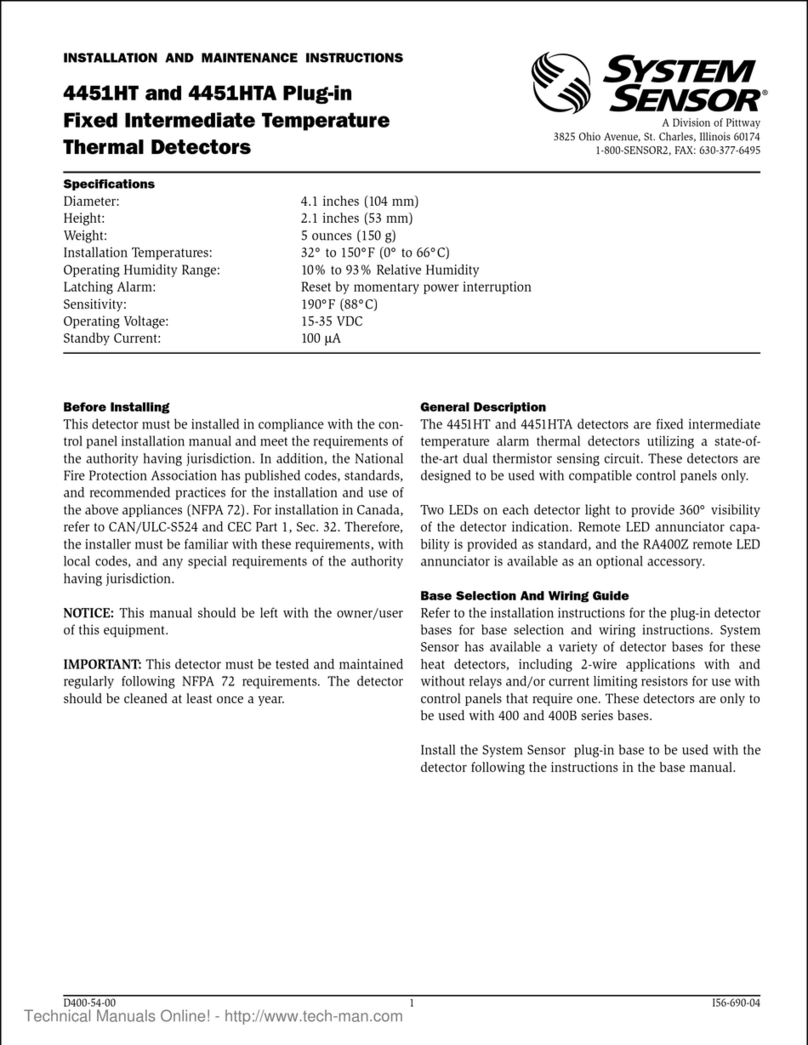
System Sensor 4451HT User manual

System Sensor

System Sensor 4451HT User manual

System Sensor B110LPA User manual

System Sensor

System Sensor B110LPA User manual

System Sensor OSI-RIE Series User manual

System Sensor

System Sensor OSI-RIE Series User manual

System Sensor 1451 User manual

System Sensor

System Sensor 1451 User manual

System Sensor 2112LP User manual

System Sensor

System Sensor 2112LP User manual

System Sensor ECO1002 User manual

System Sensor

System Sensor ECO1002 User manual

System Sensor 9440X FAAST User manual

System Sensor

System Sensor 9440X FAAST User manual

Popular Security Sensor manuals by other brands

THORLABS PDA10JT user guide

THORLABS

THORLABS PDA10JT user guide

Waeco UV-DETECT operating manual

Waeco

Waeco UV-DETECT operating manual

Intermatic IOS-DSIMF manual

Intermatic

Intermatic IOS-DSIMF manual

urmet domus 1083 manual

urmet domus

urmet domus 1083 manual

Siemens AZL66 Series manual

Siemens

Siemens AZL66 Series manual

BTI Profiline Multi Finder operating instructions

BTI

BTI Profiline Multi Finder operating instructions

Challenger SL01 instruction manual

Challenger

Challenger SL01 instruction manual

DMP Electronics 1122INT installation guide

DMP Electronics

DMP Electronics 1122INT installation guide

Rielta Ladoga MK-RK installation guide

Rielta

Rielta Ladoga MK-RK installation guide

Mirion Technologies ACCURAD PRD user manual

Mirion Technologies

Mirion Technologies ACCURAD PRD user manual

Bosch DS835 installation instructions

Bosch

Bosch DS835 installation instructions

Lamptime ST05C instructions

Lamptime

Lamptime ST05C instructions

Ubiquiti MFI-MSC quick start guide

Ubiquiti

Ubiquiti MFI-MSC quick start guide

Subsite 910R Support

Subsite

Subsite 910R Support

Satel OPAL Pro manual

Satel

Satel OPAL Pro manual

Aleph XC-1XTEU manual

Aleph

Aleph XC-1XTEU manual

Pima LARIS QUAD installation instructions

Pima

Pima LARIS QUAD installation instructions

Solinst 301 user guide

Solinst

Solinst 301 user guide

https://manuals.online logo
https://manuals.online logoBrands
  • About & Mission
  • Contact us
  • Privacy Policy
  • Terms and Conditions

Copyright 2026 Manuals.Online. All Rights Reserved.

SS-450-004 1 I56-1042-004
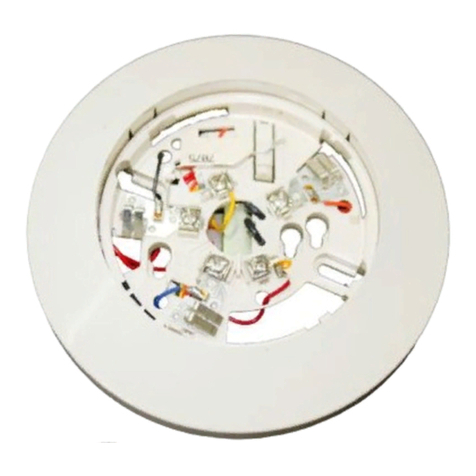
B501A Plug-in Detector Base
INSTALLATION AND MAINTENANCE INSTRUCTIONS
6581 Kitimat Road, Unit 6, Mississauga, Ontario L5N-3T5
1-800-SENSOR2, FAX: 905-812-0771
www.systemsensor.ca
BEFORE INSTALLING
Please read the System Smoke Detectors Application Guide, which provides
detailed information on detector spacing, placement, zoning, wiring, and spe-
cial applications. Copies of this application guide are available from System
Sensor. CAN/ULC-S524 guidelines should be observed.
NOTICE: This manual should be left with the owner/user of this equipment.
IMPORTANT: The detector used with this base must be tested and main-
tained regularly following CAN/ULC-S536 requirements. The detector should
be cleaned at least once a year.
GENERAL DESCRIPTION
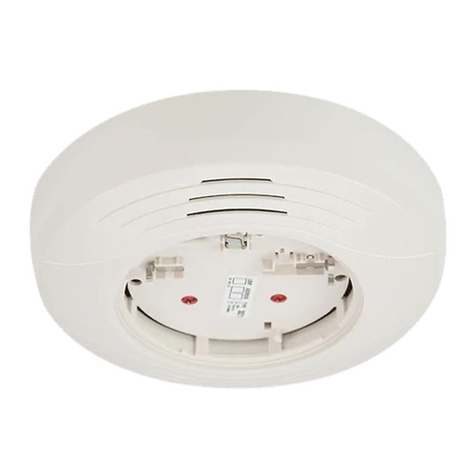
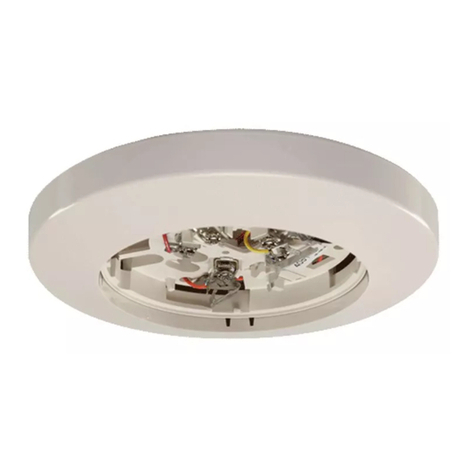
The B501A is a plug in detector base intended for use in an intelligent system
with screw terminals provided for power (+) and (–), and remote annunciator
connections. Communication takes place over the power (+) and (–) lines.
BASE TERMINALS
No. Function
1 Power (–), Remote Annunciator (–)
2 Power (+)
3 Remote Annunciator (+)
FIGURE 1. TERMINAL LAYOUT:
TAMPER PROOF
TAB
TERMINAL 3
TERMINAL 2
TERMINAL 1
MOUNTING
This detector base mounts directly to 50 mm, 60 mm, and 70 mm centers.
INSTALLATION AND WIRING GUIDELINES (SEE FIGURE 2)
All wiring must be installed in compliance with all applicable local codes and
any special requirements of the local authority having jurisdiction. Proper wire
gauges should be used. The conductors used to connect smoke detectors to
control panels and accessory devices should be color-coded to reduce the
likelihood of wiring errors. Improper connections can prevent a system from
responding properly in the event of a fire.
SPECIFICATIONS
Base Diameter: 4.0 inches (10.2cm)
Base Height: .74 inches (18.8 mm)
Operating Temperature: Refer to applicable sensor Operating Temperature Range using the Base/Sensor Cross Reference Chart at
www.systemsensor.com
Electrical Ratings – includes base and detector
Operating Voltage: 15 to 32 VDC
Standby Current: 150µA
For signal wiring (the wiring between interconnected detectors and modules),
it is recommended that the wiring be no smaller than 18 AWG (0.823 square
mm). Wire sizes up to 12 AWG (3.31 square mm) may be used with the base.
Alarm system control panels have specifications for allowable loop resis-
tance. Consult the control panel specifications for the total loop resistance
allowed before wiring the detector loops.
Make wiring connections by stripping about 3⁄8inch (10 mm) of insulation from
the wire end (use strip gauge molded in base). Then slide the wire under the
clamping plate and tighten the clamping plate screw. Do not loop the wire
under the clamping plate. (see Figure 3)
Check the zone wiring of all bases in the system before installing the detec-
tors. This includes checking the wiring for continuity, correct polarity, ground
fault testing and performing a dielectric test.
The base includes an area for recording the zone, address, and type of de-
tector to be installed at that location. This information is useful for setting the
detector head address and for verification of the detector type required for
that location.
Once all detector bases have been wired and mounted, and the loop wiring
has been checked, the detector heads may be installed in the bases.
FIGURE 2. TYPICAL WIRING DIAGRAM FOR 2-WIRE LOOP:
(–)
(+)
+ -
ULC LISTED COMPATIBLE
CONTROL PANEL
CAUTION: DO NOT LOOP WIRE
UNDER TERMINAL 1 OR 2.
BREAK WIRE RUN TO PROVIDE
SUPERVISION OF CONNECTIONS.
CLASS A OPTIONAL WIRING
REMOTE
ANNUNCIATOR
(–)
(+)
3
2
1
3
2
1
3
2
1
FIGURE 3.:
C0473-00

C0131-01
C0133-01
TAMPER-RESIST FEATURE
NOTE: Do not use the tamper-resist feature if the removal tool is to be used.
The detector base includes a tamper-resist feature that prevents removal of
the detector without using a small screwdriver or similar tool.
To activate this feature, use needle-nose pliers to break the tab on the detec-
tor base as shown in Figure 4A. Then, install the detector.
To remove the detector from the base once the tamper-resist feature has
been activated, insert a small-bladed screwdriver into the small hole on the
side of the base and push the plastic lever away from the detector head (see
Figure 4B). This allows the detector to be rotated counterclockwise for re-
moval.
The tamper-resist feature can be defeated by breaking and removing the
plastic lever from the base. However, this prevents the feature from being
used again.
FIGURE 4A. ACTIVATING TAMPER-RESIST FEATURE:
PLASTIC LEVER BREAK TAB AT DOTTED LINE BY
TWISTING TOWARD CENTER OF BASE
SCREWDRIVER TO PRESS PLASTIC LEVER
IN DIRECTION OF ARROW
SS-450-004 2 I56-1042-004
©2011 System Sensor
System Sensor warrants its enclosed smoke detector base to be free from defects in
materials and workmanship under normal use and service for a period of three years
from date of manufacture. System Sensor makes no other express warranty for this
smoke detector base. No agent, representative, dealer, or employee of the Company
has the authority to increase or alter the obligations or limitations of this Warranty. The
Company’s obligation of this Warranty shall be limited to the repair or replacement of any
part of the smoke detector base which is found to be defective in materials or workman-
ship under normal use and service during the three year period commencing with the
date of manufacture. After phoning System Sensor’s toll free number 800-SENSOR2
(736-7672) for a Return Authorization number, send defective units postage prepaid
THREE-YEAR LIMITED WARRANTY
to: System Sensor, Repair Department, RA #__________, 6581 Kitimat Road, Unit 6,
Mississauga, Ontario L5N-3T5. Please include a note describing the malfunction and
suspected cause of failure. The Company shall not be obligated to repair or replace units
which are found to be defective because of damage, unreasonable use, modifications,
or alterations occurring after the date of manufacture. In no case shall the Company
be liable for any consequential or incidental damages for breach of this or any other
Warranty, expressed or implied whatsoever, even if the loss or damage is caused by the
Company’s negligence or fault. Some states do not allow the exclusion or limitation of
incidental or consequential damages, so the above limitation or exclusion may not apply
to you. This Warranty gives you specific legal rights, and you may also have other rights
which vary from state to state.
Please refer to Insert for the Limitations of Fire Alarm Systems
REMOTE ANNUNCIATOR (RA400ZA/RA100ZA)
The remote annunciator is connected between terminals 1 and 3 using the
spade lug terminal packed with the remote annunciator. The spade lug termi-
nal is connected to the base terminal as shown in Figure 5.
It is not acceptable to have three stripped wires under the same wiring termi-
nal unless they are separated by a washer or equivalent means. The spade
lug supplied with the model RA400ZA/RA100ZA is considered an equivalent
means. See Figure 2 for proper installation.
PLASTIC LEVER BREAK TAB AT DOTTED LINE BY
TWISTING TOWARD CENTER OF BASE
USE SMALL-BLADED SCREWDRIVER TO PRESS
PLASTIC LEVER IN DIRECTION OF ARROW
FIGURE 4B. REMOVING DETECTOR HEAD FROM BASE:
C0132-01
C0132-00

FIGURE 5. CONNECTION TO REMOTE ANNUNCIATOR TERMINAL:
STRIPPED WIRE
WIRE WITH SPADE LUG
C0116-00