manuals.online logo
Brands
  1. Home
  2. •
  3. Brands
  4. •
  5. Takstar
  6. •
  7. Microphone
  8. •
  9. Takstar TS-6310 User manual

Takstar TS-6310 User manual

Other Takstar Microphone manuals
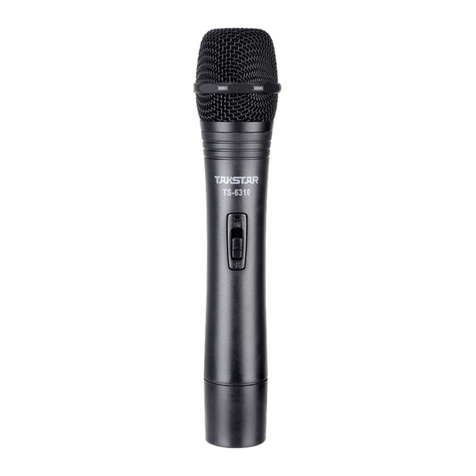
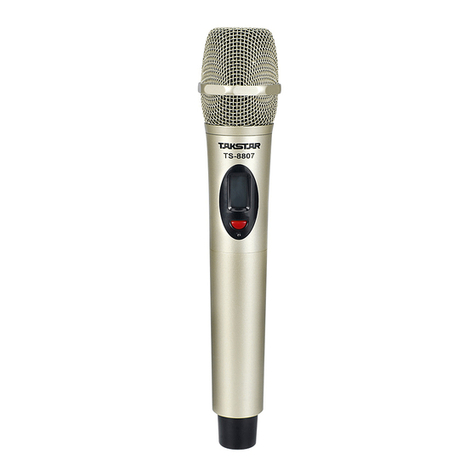
Takstar TS-8807 User manual

Takstar

Takstar TS-8807 User manual

Takstar BM-630 User manual

Takstar

Takstar BM-630 User manual

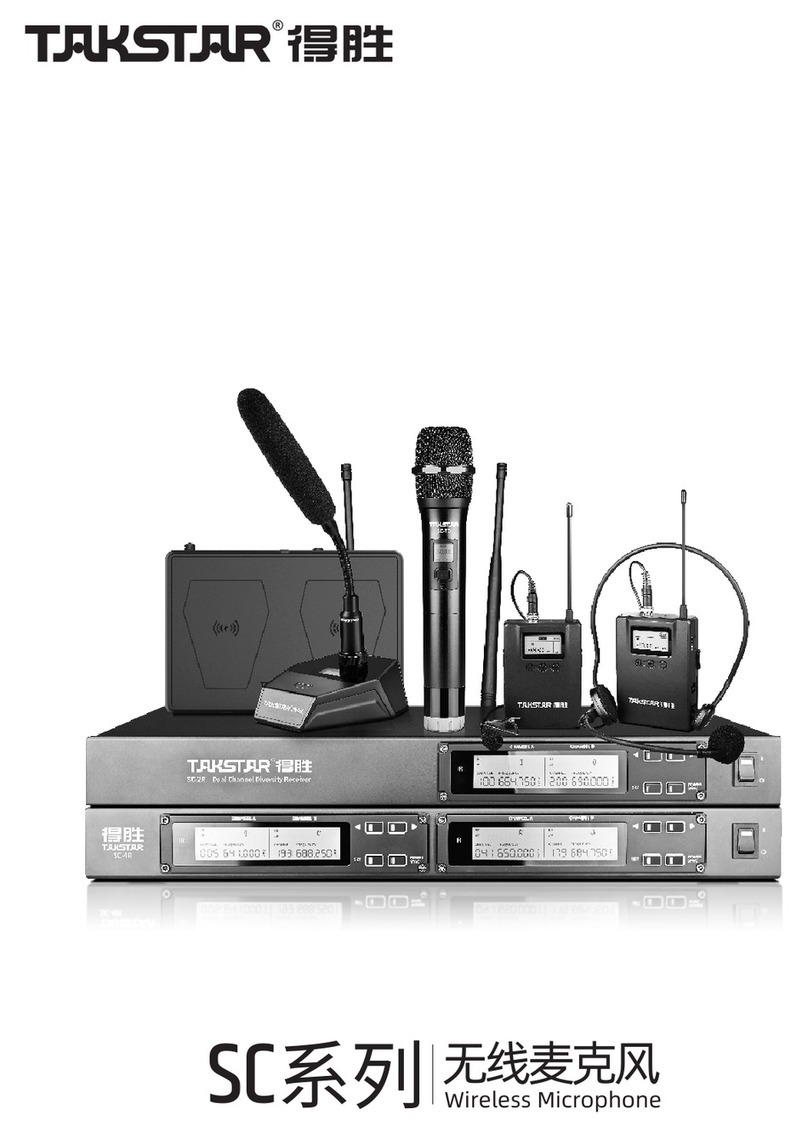
Takstar SC Series User manual

Takstar

Takstar SC Series User manual

Takstar DG-K10USB User manual

Takstar

Takstar DG-K10USB User manual

Takstar BM-650 User manual

Takstar

Takstar BM-650 User manual

Takstar PCM-5510 User manual

Takstar

Takstar PCM-5510 User manual

Takstar TS-8807PP User manual

Takstar

Takstar TS-8807PP User manual

Takstar SM-18 PURE User manual

Takstar

Takstar SM-18 PURE User manual

Takstar SGC-598 User manual

Takstar

Takstar SGC-598 User manual

Takstar TS-3310UH User manual

Takstar

Takstar TS-3310UH User manual

Takstar TS-6310 User manual

Takstar

Takstar TS-6310 User manual

Takstar SGC-600 User manual

Takstar

Takstar SGC-600 User manual

Takstar CM-60 User manual

Takstar

Takstar CM-60 User manual

Takstar UC-2R User manual

Takstar

Takstar UC-2R User manual

Takstar CM-63 User manual

Takstar

Takstar CM-63 User manual

Takstar SM-18 PRO User manual

Takstar

Takstar SM-18 PRO User manual

Takstar DA-237 User manual

Takstar

Takstar DA-237 User manual

Takstar TS-8807TT User manual

Takstar

Takstar TS-8807TT User manual

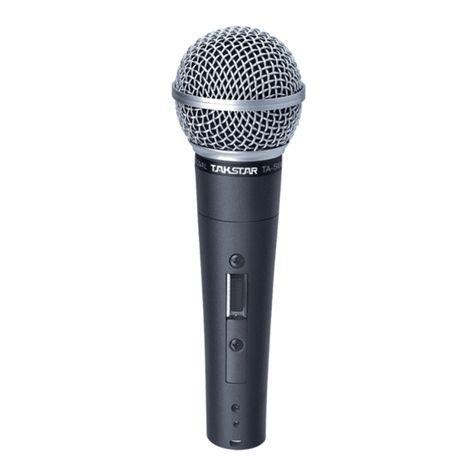
Takstar TA-60 User manual

Takstar

Takstar TA-60 User manual

Takstar G5 User manual

Takstar

Takstar G5 User manual

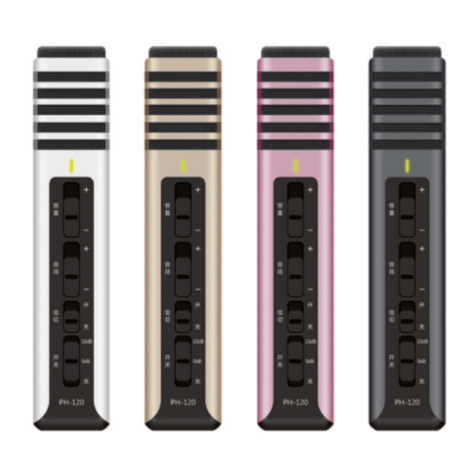
Takstar PH-120 User manual

Takstar

Takstar PH-120 User manual

Takstar MS-118 User manual

Takstar

Takstar MS-118 User manual

Takstar HM-300W User manual

Takstar

Takstar HM-300W User manual
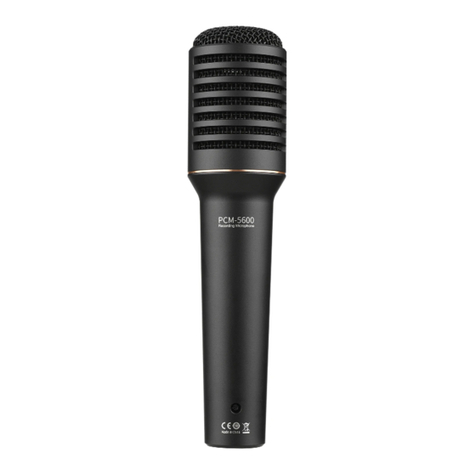
Takstar TA-68 User manual

Takstar

Takstar TA-68 User manual

Popular Microphone manuals by other brands

Betzold 760932 operating instructions

Betzold

Betzold 760932 operating instructions

Shure A88SM user guide

Shure

Shure A88SM user guide

JTS UF-10TH/12 instruction manual

JTS

JTS UF-10TH/12 instruction manual

Shure BETA 58A User giude

Shure

Shure BETA 58A User giude

Shure SM7 user guide

Shure

Shure SM7 user guide

Sony ECM-Z200 Service manual

Sony

Sony ECM-Z200 Service manual

Electro-Voice 652 engineering data

Electro-Voice

Electro-Voice 652 engineering data

mantona 21150 instruction manual

mantona

mantona 21150 instruction manual

Loewe We. SEE 55 user manual

Loewe

Loewe We. SEE 55 user manual

IK Multimedia iRig Stream MIC PRO user manual

IK Multimedia

IK Multimedia iRig Stream MIC PRO user manual

DAPAudio RM-101 user manual

DAPAudio

DAPAudio RM-101 user manual

AKG CHM 21 User instructions

AKG

AKG CHM 21 User instructions

Sennheiser evolution wireless series EM 100 instruction manual

Sennheiser

Sennheiser evolution wireless series EM 100 instruction manual

Sony C-48 operating instructions

Sony

Sony C-48 operating instructions

GIGAMEDIA GGM PAMICUHFG user manual

GIGAMEDIA

GIGAMEDIA GGM PAMICUHFG user manual

Shure WH30TQG user guide

Shure

Shure WH30TQG user guide

auna PRO MIC-900 manual

auna PRO

auna PRO MIC-900 manual

Shure MV51 manual

Shure

Shure MV51 manual

manuals.online logo
manuals.online logoBrands
  • About & Mission
  • Contact us
  • Privacy Policy
  • Terms and Conditions

Copyright 2025 Manuals.Online. All Rights Reserved.

User's Manual
GUANGDONG TAKSTAR ELECTRONIC CO., LTD.
TS-6310
-1-
Features:
Low voltage indication available on handheld microphone transmitter
l Circuit controlled switching noise avoidance
l
Operational Instructions:
Microphone:
1. Handheld Microphone: Rotate the battery cover anti-clockwise, and put
a 9V battery into the battery compartment with proper polarities, then
rotate the battery cover clockwise till it is tight enough.
Belt-pack Transmitter: Open the battery cover by pressing the “OPEN
”sign, then put in the batteries. (Caution: the battery must be in Correct
Polarities
Push the microphone power switch to the “ON” position. If the power
indicator doesn't light, please check if the battery is full enough or the
battery polarities are correct.
3. If the mute function is needed, please push the switch to the middle
position, then the microphone will be in mute state and the unit is still
working.
4. When not using the microphone for a long time, please take out the
batteries from the microphone base in order to avoid damaging the unit
By chemical leakage from the battery.
2.
-2-
AL C AUDIO
AMP DCNR PRE-
EMPHASIS BATT
VOL
STABILIZING
CIRC
HIF PWR AMP
QUARTZ
CRYSTAL OSC
FM MODE
Working Principle of Microphone:
Modulation Mode: FM
Transmit Power: ≤10mW
Max Adjust Degree: ±20kHz
Transmitter Power Supply: 9V Battery
Specification:
FCC WARNING
This device complies with Part 74 of the FCC Rules. Operation is subject to the following two
conditions:
(1) this device may not cause harmful interference, and
(2) this device must accept any interference received, including interference that may cause
undesired operation.
NOTE 1: The manufacturer is not responsible for any changes or modifications not expressly
approved by the manufacturer for compliance, such modifications could void the user’s authority
to operate the equipment.
NOTE 2: This device complied with FCC radiation exposure limits as set forth for an uscontrolled
environment. This device should be installed and operated so that its antenna(s) are not co-located
or operating in conjunction with any other antenna or transmitter