Part Number 203359-01
REV: C
October 2013
© 2013 Teledyne BlueView, Inc. All rights reserved. Printed in USA
All product names are trademarks of their respective companies.
Install ProViewer Software
Insert the CD and run the Setup.
If prompted by a firewall, click “Do not block.”
Configure your PC network interface card
Set your PC Network IP address to 192.168.1.3.
Set the Net Mask to 255.255.255.0.
Bench Test the Sonar
Connect the sonar as shown below.
1) Connect the RJ45 on the Sonar cable to port labeled “Sonar” on POE box.
2) Connect the Ethernet cable to the port labeled “PC” on the POE box and
connect to the computer.
3) Apply AC power to the POE box. The connection will be made in
approximately 60 seconds.
4) Start the ProViewer Software. Click the “Connect” button to connect to sonar.
Quickstart Guide
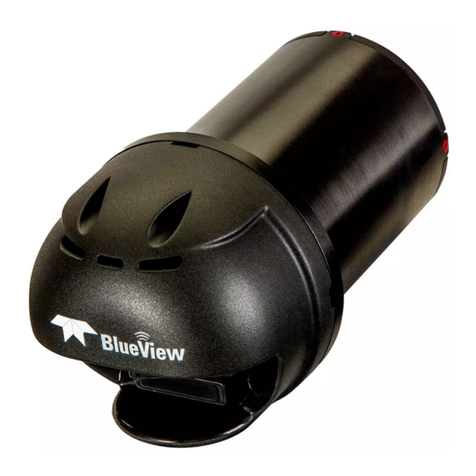
P-Series Sonar with VDSL