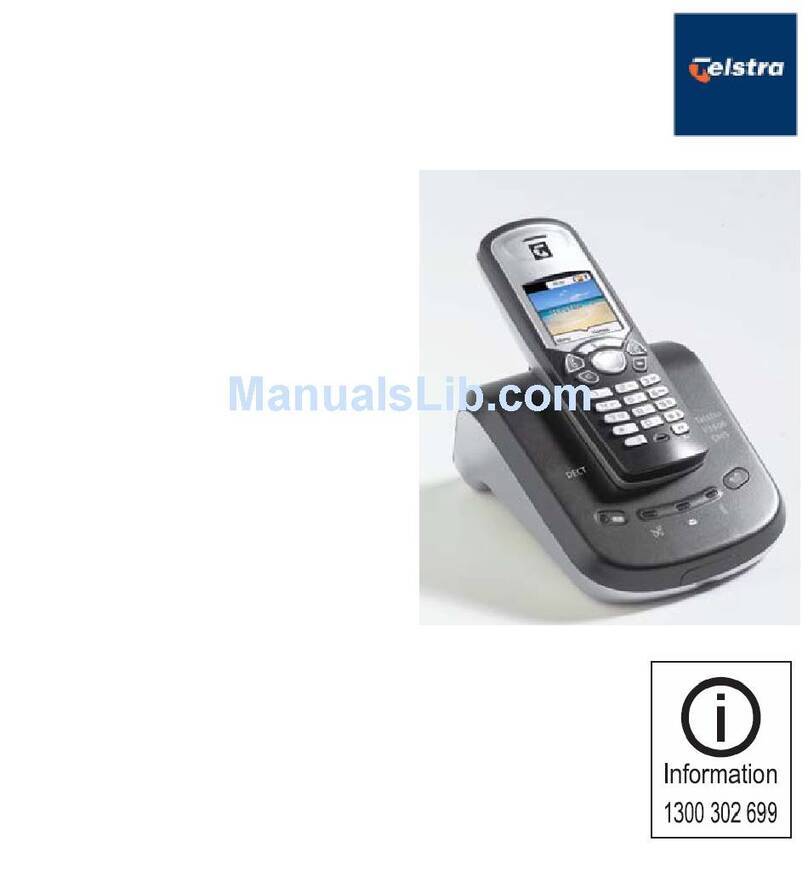
Navigating the handset
Press / at anytime to return to the previous
screen. Press and hold / at anytime to exit the
menu.
Date and time
1. Press to display menu when in idle mode.
2. Press or to reach DATE/TIME. Press .
3. Press to select DATE/TIME. Press .
4. Use the keypad to set the date. Press .
5. Use the keypad to set the time. Press or to
select a.m. or p.m. Press .
6. The screen displays STORED and you’ll hear a
confirmation beep.
When entering the date or time,a zero must be entered
first when entering a single digit (i.e. if the time is 6:08,
you must enter 0608).
Ring melody
There are ten handset ringer melodies to choose from.
1. Press to display menu when in idle mode.
2. Press or to reach SETUP HS. Press
3. Press or to reach RING MELODY. Press , a
checkmark is shown next to the current ring melody.
4. Press or to scroll through the choices and a
sample of each ring melody will be played. Press
5. The screen displays STORED and you’ll hear a
confirmation beep.
Ring volume
The handset ringer volume can be adjusted from five
available levels.
1. Press to display menu when in idle mode.
2. Press or to reach SETUP HS. Press .
3. Press or to reach RING VOLUME. Press .
4. Press or to scroll through the choices and a
sample of each ring volume will be played.
5. Press to confirm. The screen displays STORED
and you’ll hear a confirmation beep.
The handset will not ring when the ringer volume is at
the lowest setting.A ringer off icon will be displayed.
While the telephone is ringing, you can temporarily
silence the ringer by pressing / or .
A ringer off icon will be displayed. The next call will ring
normally.
Tones
Battery low tone
The handset is preset to beep when the battery level is
low. It can be turned off. To turn it off:
1. Press to display the menu when in idle mode.
2. Press or to reach SETUP HS. Press .
3. Press or to reach TONES. Press .
4. Press or to reach BATTERY LOW. Press .
5. A checkmark is shown next to the current selection.
Press or to choose ON or OFF. Press .
6. The screen displays STORED and you’ll hear a
confirmation beep.
Out of range tone
The handset will beep during a conversation when it
is out of range from the telephone base. This tone is
preset to On, but can be turned off. To turn it off:
1. Press to display the menu when in idle mode.
2.Press or to reach SETUP HS. Press .
3. Press or to reach TONES. Press .
4. Press or to reach OUT OF RANGE. Press
5. A checkmark is shown next to the current selection.
Press or to choose ON or OFF. Press .
6. The screen displays STORED and you’ll hear a
confirmation beep.
Getting to know your Telstra V850a Getting to know your Telstra V850a