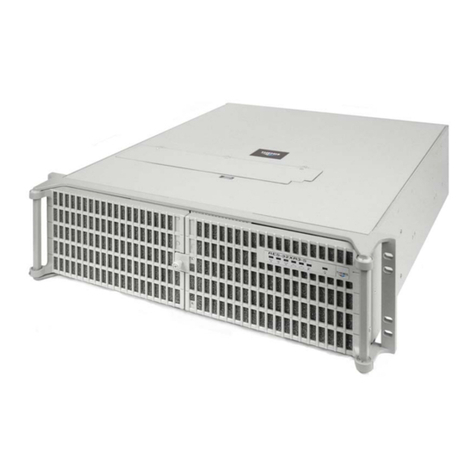
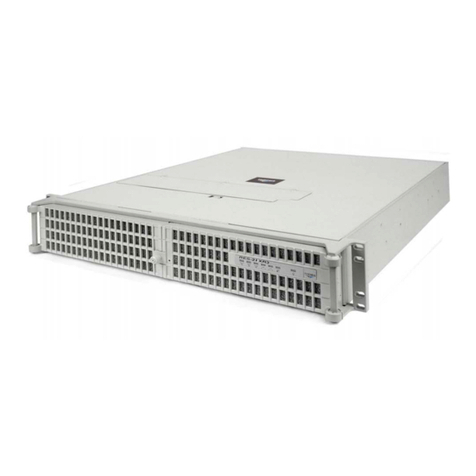
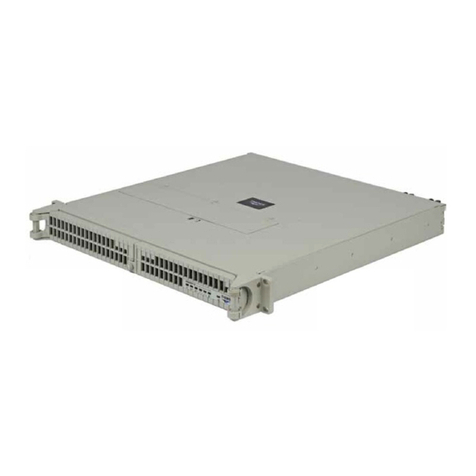
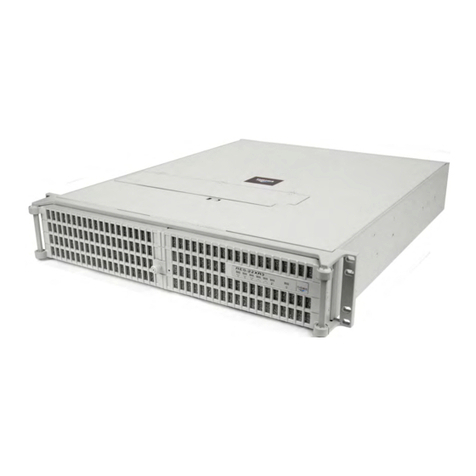
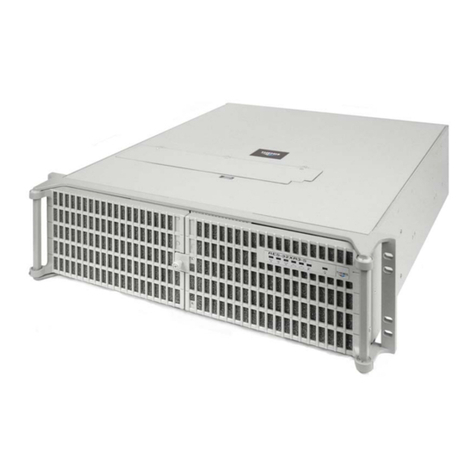
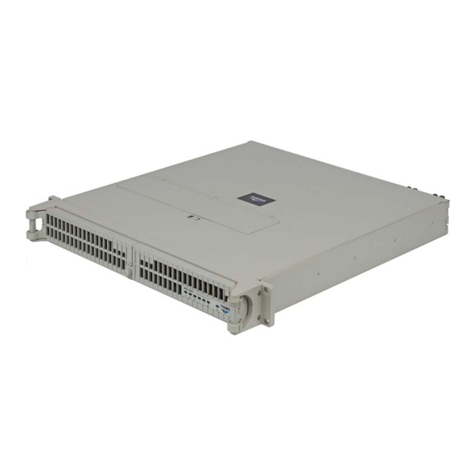
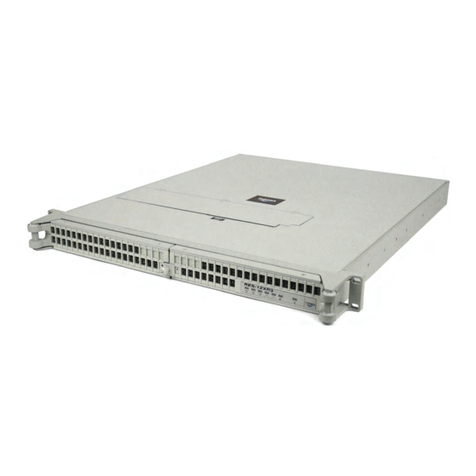
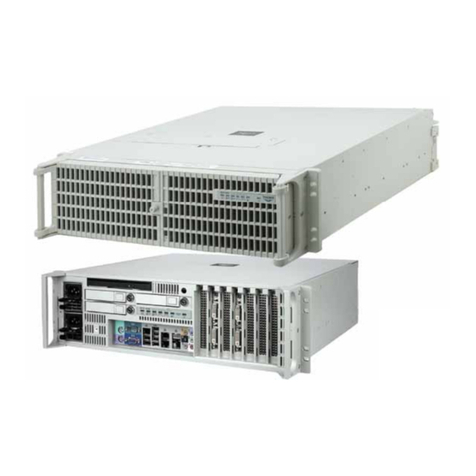
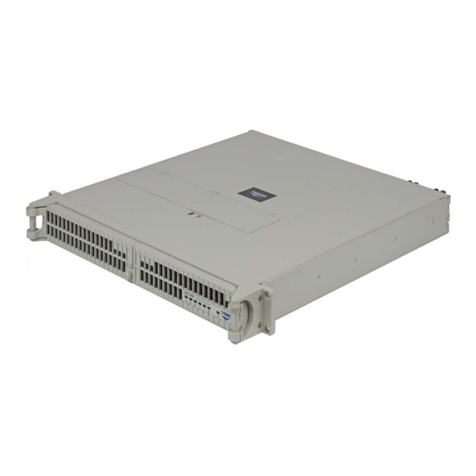
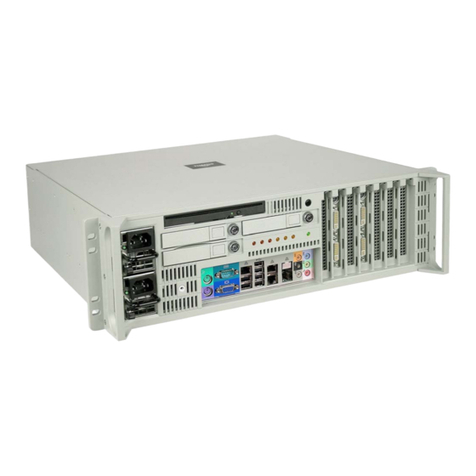
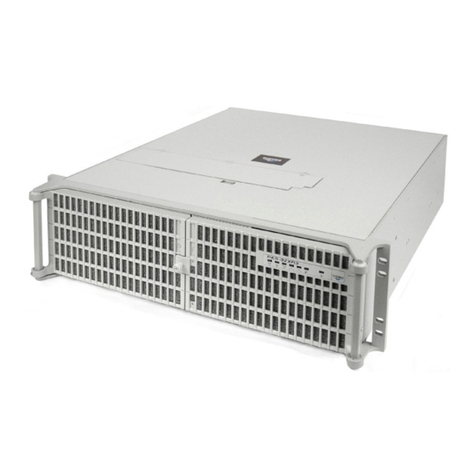
Themis RES-12DCX User manual

User Manual
User Manual
Two Intel Dual-Core/Quad-Core 64-bit Xeon CPUs / 1RU Server
PCI-Express & PCI-X Slots / Gigabit Ethernet / Serial ATA (SATA)
Serial-Attached SCSI (SAS) / RAID / IDE-EIDE / Floppy / VGA / USB
RES-12DCX
RES-12DCX
Installation
Manual
Installation
Manual

2 Intel Dual-Core/Quad-Core 64-bit Xeon CPUs / 1RU Server
RES-12DCX
RES-12DCX
2 Intel Dual-Core/Quad-Core 64-bit Xeon CPUs / 1RU Server
RES-12DCX
RES-12DCX
2 Intel Dual-Core/Quad-Core 64-bit Xeon CPUs / 1RU Server
RES-12DCX
RES-12DCX
2 Intel Dual-Core/Quad-Core 64-bit Xeon CPUs / 1RU Server
RES-12DCX
RES-12DCX
2 Intel Dual-Core/Quad-Core 64-bit Xeon CPUs / 1RU Server
RES-12DCX
RES-12DCX

Themis Computer—Rest of World
5 Rue Irene Joliot-Curie
38320 Eybens, France
Phone +33 476 14 77 80
Fax +33 476 14 77 89
Themis Computer—Americas and Pacific Rim
47200 Bayside Parkway
Fremont, CA 94538
Phone (510) 252-0870
Fax (510) 490-5529
World Wide Web http://www.themis.com
RES-12DCXInstallationManual
Version 1.1—March 2008

Copyright © 2008 Themis Computer, Inc.
ALL RIGHTS RESERVED. No part of this publication may be reproduced in any form, by
photocopy, microfilm, retrieval system, or by any other means now known or hereafter invented without
the prior written permission of Themis Computer.
The information in this publication has been carefully checked and is believed to be accurate. However,
Themis Computer assumes no responsibility for inaccuracies. Themis Computer retains the right to
make changes to this publication at any time without prior notice. Themis Computer does not assume
any liability arising from the application or use of this publication or the product(s) described herein.
RESTRICTED RIGHTS LEGEND: Use, duplication, or disclosure by the United States Government
is subject to the restrictions set forth in DFARS 252.227-7013 (c)(1)(ii) and FAR 52.227-19.
TRADEMARKS and SERVICEMARKS
Themis®is a registered trademark of Themis Computer, Inc.
Intel® is a registered trademark of Intel Corporation.
Xeon™is a trademark of Intel Corporation.
ATI™is a trademark of Advanced Micro Devices, Inc. (AMD)
Intersil®is a registered trademark of Intersil Americas Inc.
Red Hat®is a registered trademark of Red Hat, Inc.
Linux®is a registered trademark of Linus Torvalds.
All other trademarks, servicemarks, or registered trademarks used in this publication are the property of
their respective owners.
RES-12DCX Installation Manual, Version 1.1
March 2008
Part Number: 115298-024
Themis Customer Support
North America, South America, and Pacific Rim
Telephone: 510-252-0870
Fax: 510-490-5529
E-mail: support@themis.com
Web Site: http://www.themis.com

iii
Themis Computer
RES-12DCX Installation Manual
VersionRevisionHistory
Version 1.1......................................................................................... March 2008
• Modified Table 1-1, page 1-4, to include DC power supplies.
• Modified Table 1-2, page 1-11, to define Overheat/Fan Fail LED function.
• Added a section (German) on Safety Instructions before the Table of Contents.
• Assorted minor edits and changes throughout the manual.
Version 1.0..................................................................................... February 2008

iv Themis Computer
RES-12DCX Installation Manual
Safety Instructions
To maximize user safety and ensure correct device operation, all instructions con-
tained in this section should be read carefully.
• The device must be used in accordance with the instructions for use.
• Electrical installations in the room must correspond to the requirements of
respective regulations.
• Take care that there are no cables, particularly mains cables, in areas where
persons can trip over them.
• Do not use a mains connection in sockets shared by a number of other power
consumers. Do not use an extension cable.
• Only use the mains cable supplied.
• The unit is completely disconnected from the power source only when the
power cord is disconnected from the power source. Therefore the power cord
and its connectors must always remain easily accessible.
• Do not set up the device in the proximity of heat sources or in a damp location.
Make sure the device has adequate ventilation.
• All plugs on the connection cables must be screwed or locked to the chassis
housing.
• The device is designed to be used in horizontal position only.
• The device is no longer safe to operate when
— the device has visible damage or
— the device no longer functions.
• In these cases, the device must be shut down and secured against unintentional
operation.
• Repairs may only be carried out by a person authorized by Themis Computer.
Caution: It is important that the user observe all warnings and instructions that are
on the device and contained in this manual.

v
Themis Computer
RES-12DCX Installation Manual
• The device may only be opened for the installation and removal of extension
(PCI) cards, memory modules, hard-disk drives, fan housings, power supplies
(RES-22 and RES-32 systems only), and the lithium battery—all in accordance
with the instructions given in this manual.
• If extensions are made to the device, the legal stipulations and the device spec-
ifications must be observed.
• The device must be switched off when removing the top cover; for example,
before installing extension (PCI) cards.
Operation of Laser Source Devices
DVD/CD-ROM drives contain laser light-emitting diodes (classified in accordance
with IEC 825-1:1993: LASER CLASS 1) and, therefore, must not be opened.
If the enclosure of such a drive is opened, invisible laser radiation is emitted. Do
not allow yourself to be exposed to this radiation.
The laser system meets the code of Federal Regulations 21 CFR,1040 for the USA
and Canadian Radiation Emitting Devices Act, REDR C 1370.
Electrostatic Discharge (ESD)
A sudden discharge of electrostatic electricity can destroy static-sensitive devices
or micro-circuitry. Proper packaging and grounding techniques are necessary pre-
cautions to prevent damage. Always take the following precautions:
1. Transport boards in static-safe containers such as boxes or bags.
2. Keep electrostatic-sensitive parts in their containers until they arrive at static-
free stations.
3. Always be properly grounded when touching a sensitive board, component, or
assembly.
4. Store electrostatic-sensitive boards in protective packaging or on conductive
foam.

vi Themis Computer
RES-12DCX Installation Manual
Grounding Methods
Guard against electrostatic damage at workstations by following these steps:
1. Cover workstations with approved anti-static material. Provide a wrist strap
connected to a work surface and properly grounded tools and equipment.
2. Use anti-static mats, heel straps, or air ionizers to give added protection.
3. Handle electrostatic-sensitive components, boards, and assemblies by the case
or the PCB edge.
4. Avoid contact with pins, leads, or circuitry.
5. Turn off power and input signals before inserting and removing connectors or
test equipment.
6. Keep the work area free of non-conductive materials such as ordinary plastic as-
sembly aids and Styrofoam.
7. Use field service tools, such as cutters, screwdrivers, and vacuums that are con-
ductive.
8. Always place drives and boards PCB-assembly-side down on the foam.

Instructions for the Lithium Battery
RES systems are equipped with a lithium battery installed on the motherboard. To
replace this battery, please observe the instructions that are described in this man-
ual.
Warning: There is a danger of explosion when the wrong type of battery is used as
a replacement.

vii
Themis Computer
RES-12DCX Betriebshandbuch
Auszug aus RES-12DCX Betriebshandbuch:
Sicherheitshinweise
Hersteller: Themis Computer
47200 Bayside Parkway
Fremont, CA 94538, U.S.A.
Tel.-Nr. 001-510-252-0870
Fax-Nr. 001-510-490-5529
Allgemeine Bezeichnung: Rechner-Arbeitsplatz
Handelsname/Typenbezeichnung: RES-12DCX (Rugged Enterprise Server)
Typ-Identikatoren: RES-12DCX Server, IR
RES-12DCX Server, RC/CC
Deutsche Version Nr. 01/2008 vom 20.03.2008

viii Themis Computer
RES-12DCX Betriebshandbuch
Sicherheitshinweise
Lesen Sie im Interesse Ihrer eigenen Sicherheit und des bestimmungsgemäßen
Gebrauchs diesen Abschnitt sorgfältig durch.
•Das Gerät darf nur entsprechend der Gebrauchsanweisung verwendet wer-
den.
•Die elektrische Installation im Raum muss den geltenden Vorschriften entspre-
chen.
•Kabel (insbesondere Netzkabel) dürfen nicht in Bereichen verlegt werden, in
denen Personen darüber stolpern können.
•Für den Netzanschluss dürfen keine Verteilerdosen benutzt werden, an die
noch andere Stromverbraucher angeschlossen sind. Verwenden Sie keine
Verlängerungskabel.
•Verwenden Sie nur das mitgelieferte Netzkabel.
•Die vollständige Trennung des Gerätes von der Netzspannung ist nur gewähr-
leistet, wenn das Netzkabel vom Netz getrennt wird. Aus diesem Grund muss
das Netzkabel samt seinen Anschlüssen jederzeit leicht zugänglich sein.
•Das Gerät darf nicht in der Nähe von Wärmequellen oder an einem feuchten
Ort aufgestellt werden. Achten Sie auf eine ausreichende Belüftung des
Gerätes.
•Alle Stecker an den Verbindungskabeln müssen am Gehäuse festgeschraubt
oder festgeklemmt sein.
•Das Gerät darf nur in horizontaler Lage betrieben werden.
•Die Betriebssicherheit des Gerätes ist nicht mehr gewährleistet, wenn
— das Gerät sichtbare Beschädigungen aufweist oder
— das Gerät nicht mehr funktioniert.
•In diesen Fällen muss das Gerät ausgeschaltet und gegen unbeabsichtigte
Inbetriebnahme gesichert werden.
Achtung: Die Warnungen und Hinweise auf dem Gerät und in dieser Anleitung
sind unbedingt zu beachten.
Table of contents
Other Themis Server manuals

Themis
Themis RES-22DCX User manual

Themis
Themis CoolShell CS-3U User manual

Themis
Themis RES-32XR3-S User manual

Themis
Themis RES-32DCX User manual

Themis
Themis RES-XR4-3U User manual

Themis
Themis RES-22XR3 User manual

Themis
Themis CS-5U User manual

Themis
Themis RES-22XR3 User manual

Themis
Themis RES-11XR3 User manual

Themis
Themis RES-XR4-1U User manual

Themis
Themis RES-21XR3 User manual

Themis
Themis RES-22XR3 User manual

Themis
Themis RES-32XR3-S User manual

Themis
Themis RES-32XEL User manual

Themis
Themis CoolShell 3U User manual

Themis
Themis RES-32XR3/FIO User manual

Themis
Themis RES - 32XR3 User manual

Themis
Themis RES-12XR3 User manual

Themis
Themis 200 User manual

Themis
Themis RES-12XR3-S User manual