Contents
Contents ..............................................................................................................2
Safety...................................................................................................................3
1. Hardware Setup.............................................................................................4
1.1. Packing Contents........................................................................................................... 4
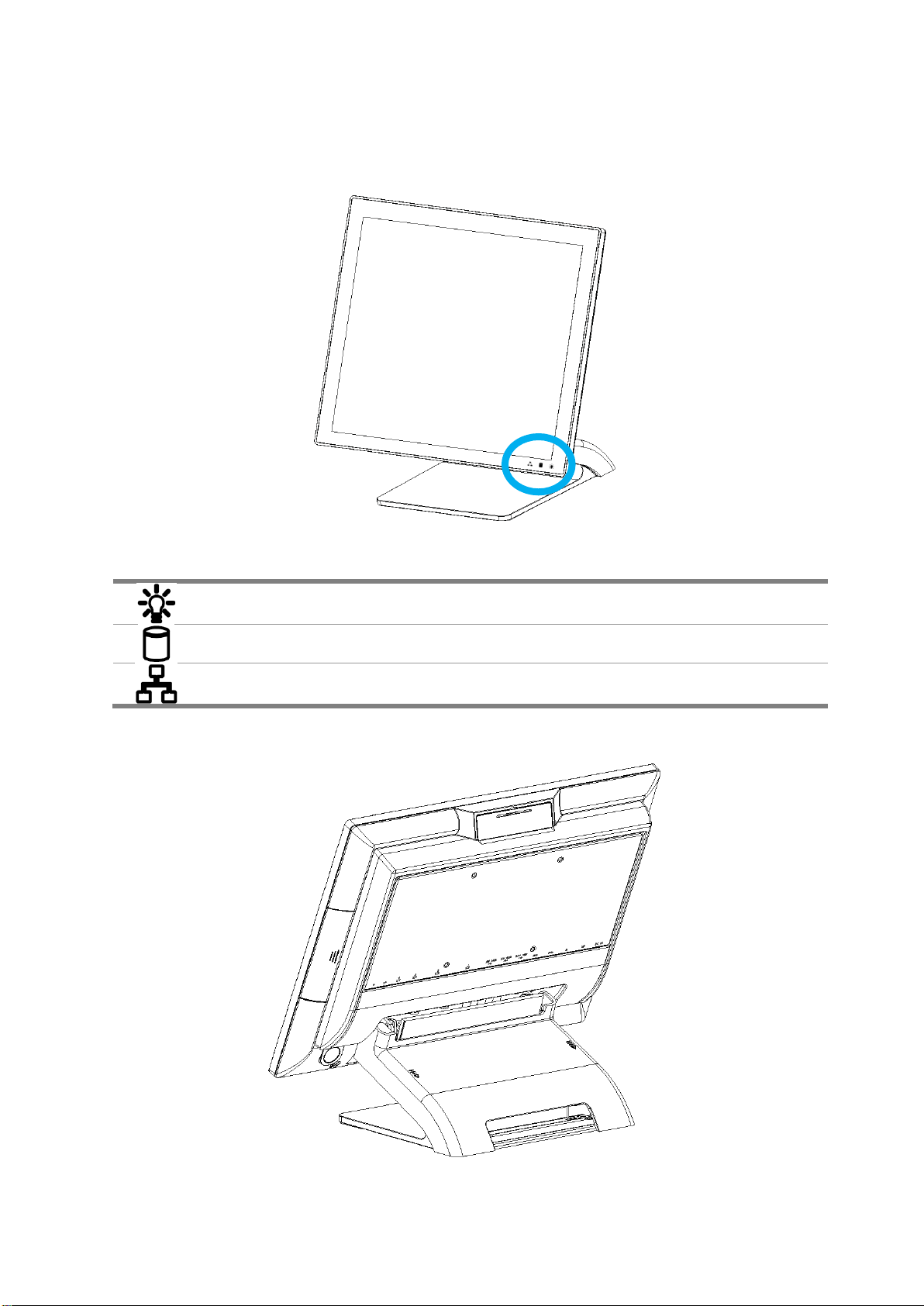
1.2. Quick Tour..................................................................................................................... 5
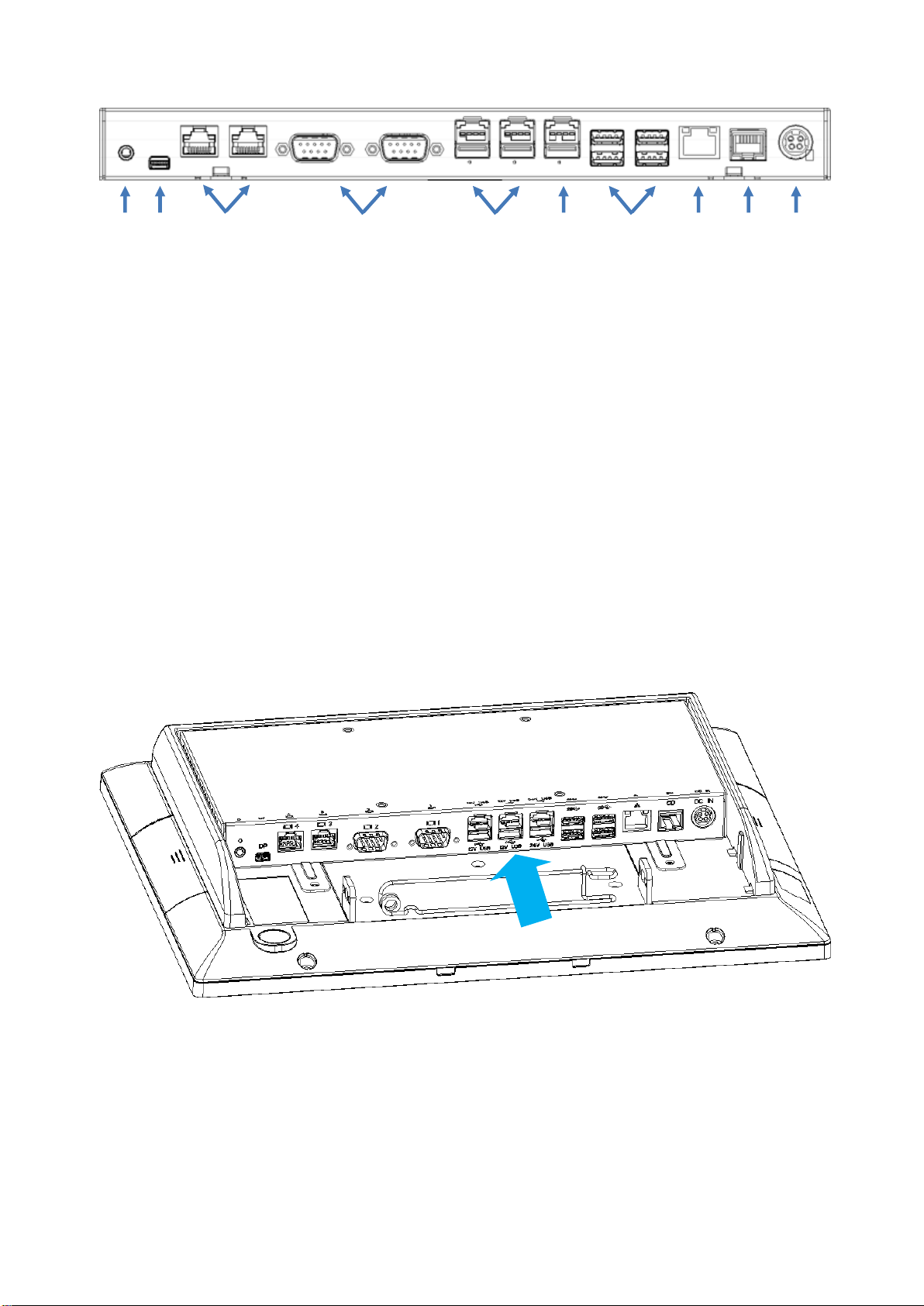
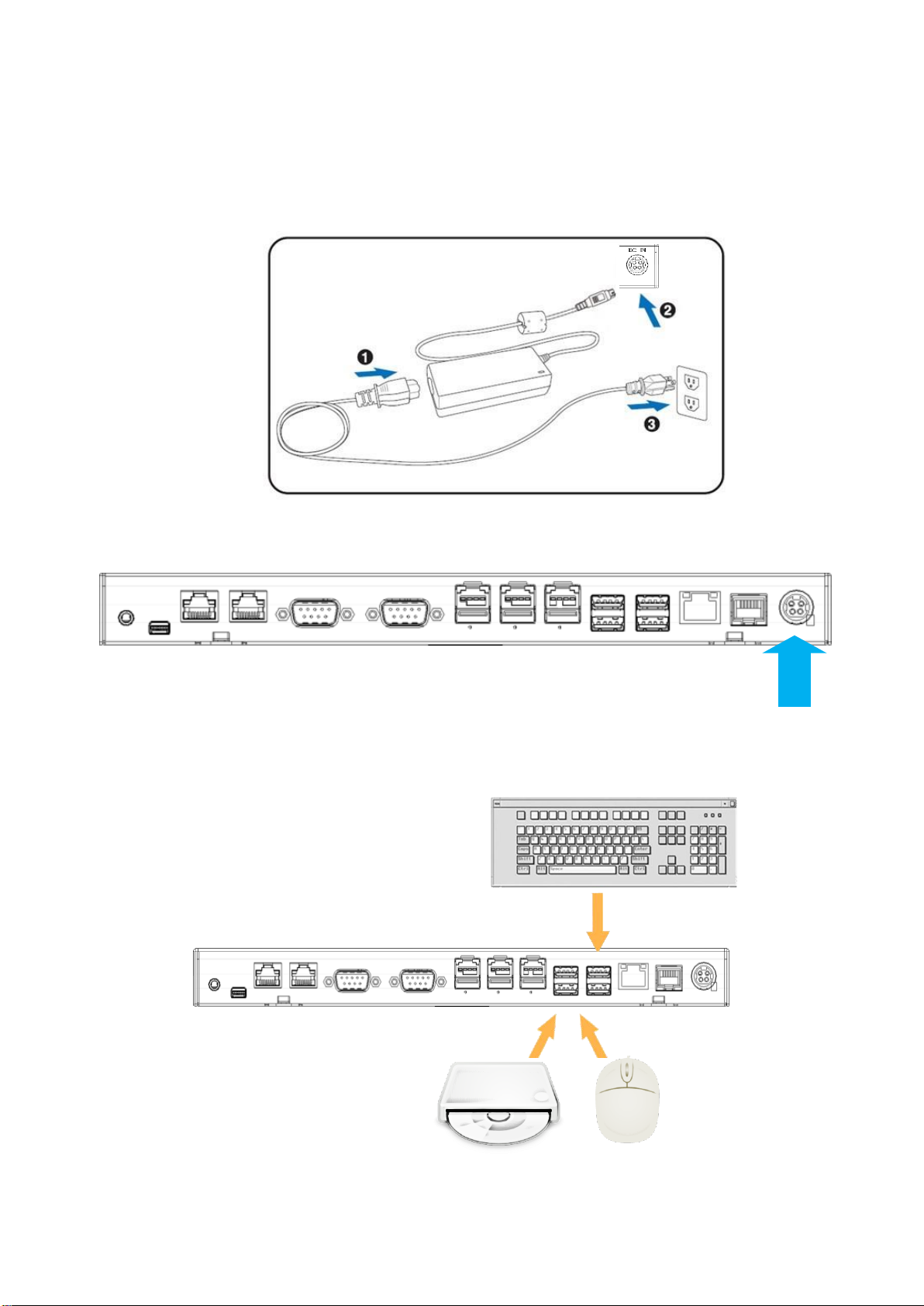
1.3. Basic Peripherals Installation......................................................................................... 6
1.4. Replacing M.2 Storage ................................................................................................ 14
1.5. Replacing Memory Module.......................................................................................... 15
1.6. Adjust Tilting Angle...................................................................................................... 16
1.7. Turn On The Device .................................................................................................... 16
2. I/O Definition................................................................................................17
2.1. Serial Port.................................................................................................................... 17
2.2. Cash Drawer................................................................................................................ 18
3. Preparing Your POS PC For Wall-mounting .............................................20
3.1. What You Need ........................................................................................................... 20
3.2. Safety Information........................................................................................................ 20
3.3. Before Removing The Stand........................................................................................ 20
3.4. Removing The POS PC Stand..................................................................................... 21
3.5. Installing The VESA..................................................................................................... 25
4. Reinstalling The POS PC Stand.................................................................26
4.1. What You Need ........................................................................................................... 26
4.2. Safety Information........................................................................................................ 26
4.3. Before Reinstalling The Stand..................................................................................... 26
4.4. Reinstalling The POS PC Stand.................................................................................. 27
5. Specification................................................................................................31
5.1. Basic Specification....................................................................................................... 31
5.2. Options ........................................................................................................................ 32
6. Dimension ...................................................................................................33
Copyrights.........................................................................................................34
Notices For Non-wireless Product...................................................................34