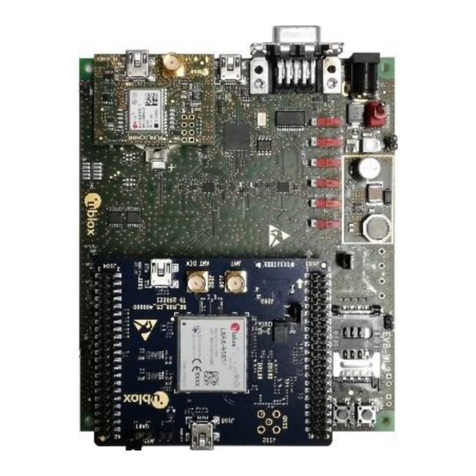
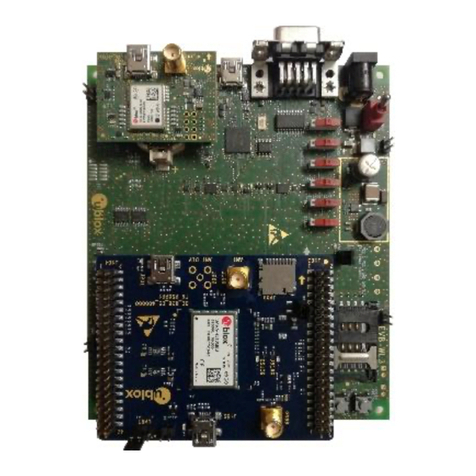
EVK-G45 - User Guide
UBX-18058360 - R01 Page 3 of 21
Contents
Document Information................................................................................................................................ 2
Contents ..........................................................................................................................................................3
1Starting up...............................................................................................................................................4
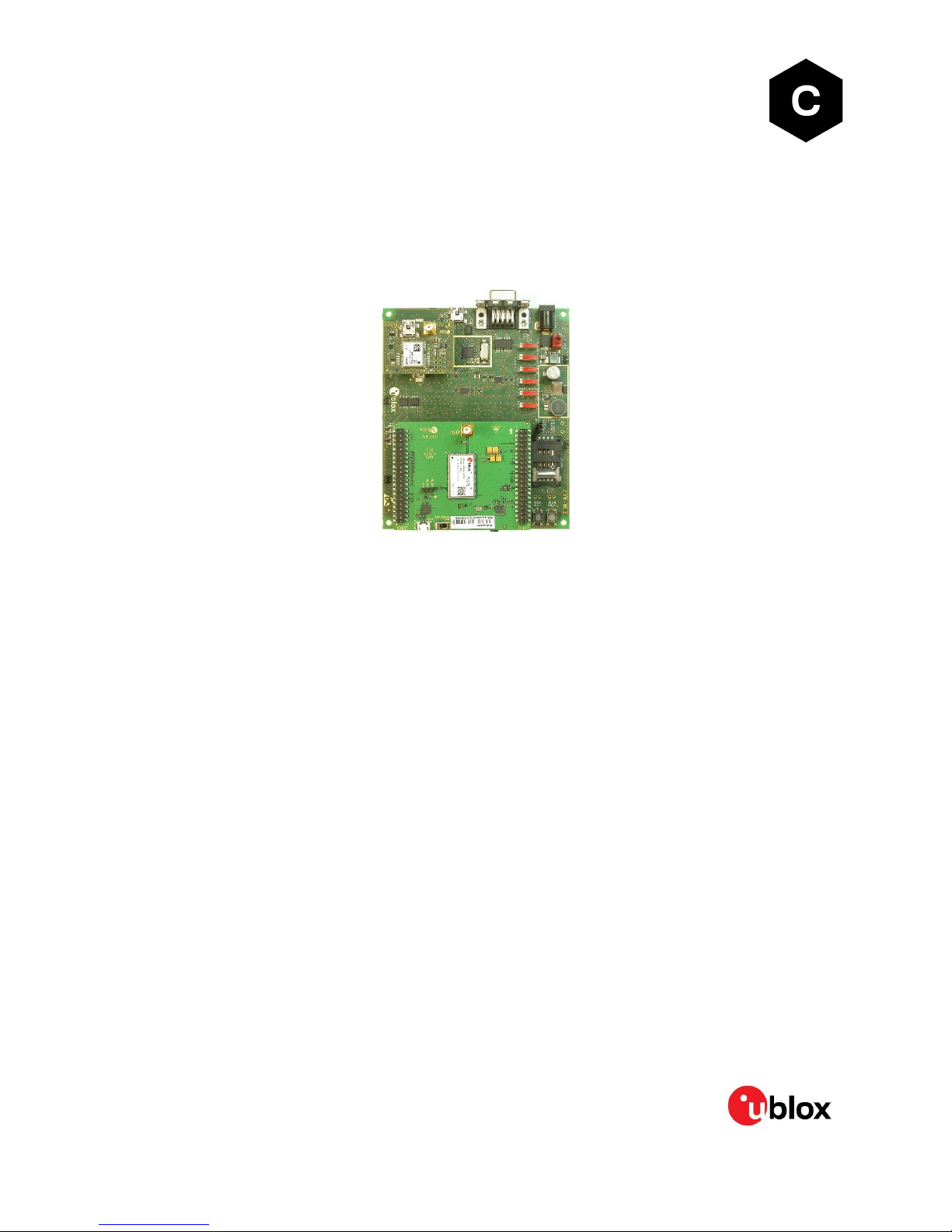
1.1 EVK-G45 overview....................................................................................................................................... 4
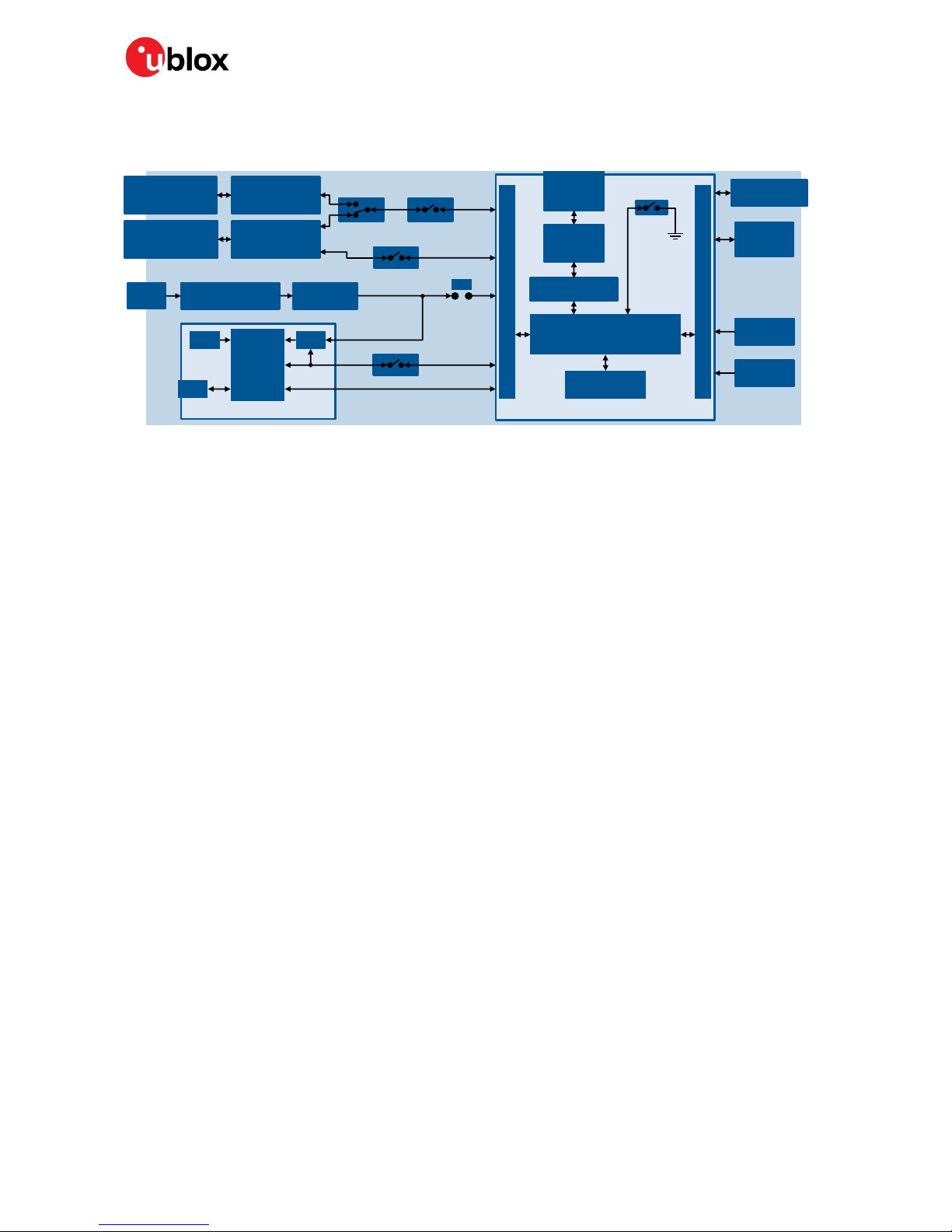
1.2 EVK-G45 block diagram.............................................................................................................................5
1.3 Switches, jumpers and buttons ............................................................................................................... 6
1.4 LEDs............................................................................................................................................................... 7
1.5 Connectors ................................................................................................................................................... 8
1.6 EVK-G45 pin out .......................................................................................................................................... 9
1.6.1 Routing of SARA-G450 module pins to connectors on the ADP-G45...................................... 9
1.6.2 Pin-out of the 42-pin dual in-line board-to-board connectors on the ADP-G450................ 10
1.7 Software installation ................................................................................................................................ 10
1.8 Board setup ................................................................................................................................................. 11
1.9 Enabling error result codes ......................................................................................................................12
1.10 PIN code insertion (when required).........................................................................................................12
1.11 Registration on a cellular network ..........................................................................................................12
1.12 Switching off the EVK-G45 ......................................................................................................................12
Appendix ........................................................................................................................................................ 13
ASet up AT terminal applications for communication with the EVK-G45 .......................... 13
BSet up cellular packet data connection on PC ........................................................................... 14
B.1 Install a new modem from the control panel ....................................................................................... 14
B.2 Configuring a new connection ................................................................................................................ 15
CExamples of AT commands.............................................................................................................. 16
C.1 SMS management.................................................................................................................................... 16
C.2 Internet connection in GPRS mode (using external TCP/IP stack) ................................................ 16
C.3 Internet connection in GPRS mode (using internal TCP/IP stack)...................................................17
DCurrent consumption measurement............................................................................................. 18
Declaration of conformities..................................................................................................................... 18
EGlossary .................................................................................................................................................. 19
Related documents ................................................................................................................................... 20
Revision history.......................................................................................................................................... 20
Contact........................................................................................................................................................... 21