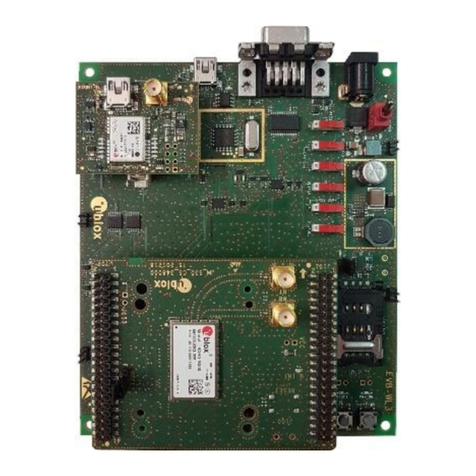
EVK-R5 - User guide
UBX-19042592 - R06 Contents Page 3 of 23
C1-Public
Contents
Document information................................................................................................................................ 2
Contents ..........................................................................................................................................................3
1Starting up...............................................................................................................................................4
1.1 Overview........................................................................................................................................................ 4
1.2 Block diagram .............................................................................................................................................. 5
1.3 Switches, jumpers and buttons ............................................................................................................... 6
1.4 LEDs............................................................................................................................................................... 7
1.5 Connectors ................................................................................................................................................... 8
1.6 Pin out............................................................................................................................................................ 9
1.7 Board setup ................................................................................................................................................. 11
Appendix ........................................................................................................................................................ 13
ASetting up AT terminal communication....................................................................................... 13
BSetting up cellular packet data connection on Windows....................................................... 14
B.1 Install a new modem from the control panel ....................................................................................... 14
B.2 Configuring a new connection ................................................................................................................ 16
CAT commands examples ................................................................................................................... 17
C.1 Define the initial default bearer for connectivity.................................................................................17
C.2 Data connection using internal TCP/IP stack ......................................................................................17
C.3 Opening a TCP socket .............................................................................................................................. 18
C.4 Opening a UDP socket.............................................................................................................................. 19
DCurrent consumption measurement............................................................................................ 20
EDeclaration of conformities............................................................................................................. 20
FGlossary .................................................................................................................................................. 21
Related documents ....................................................................................................................................22
Revision history...........................................................................................................................................22
Contact.......................................................................................................................................................... 23