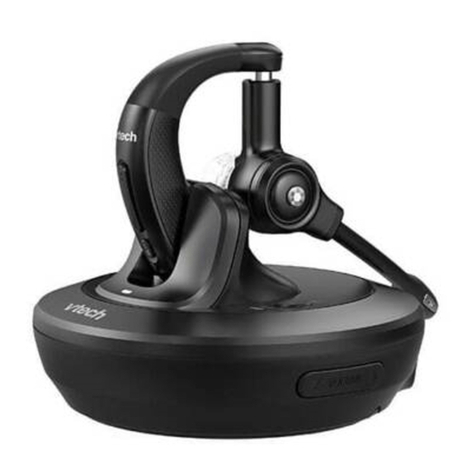
V-tech IS6100 User manual

User’s manual
w w w.v t e c h p h o n e s .c o m
Model: IS6100

Congratulations
on purchasing your new VTech product. Before using this product, please read
Important safety instructions on page 22 of this manual.
This manual has all the feature operations and troubleshooting necessary to install
and operate your new VTech product. Please review this manual thoroughly to
ensure proper installation and operation of this innovative and feature rich VTech
product. For support, shopping, and everything new at VTech, visit our website at
www.vtechphones.com. In Canada, please visit www.vtechcanada.com.
The ENERGY STAR®program (www.energystar.gov) recognizes and
encourages the use of products that save energy and help protect our
environment. We are proud to mark this product with the ENERGY STAR®
label indicating it meets the latest energy efciency guidelines.

i
Table of contents
Getting started .............................. 1
Parts checklist ................................. 1
Headset layout ................................ 2
Headset charger installation ........... 3
Power on the headset ..................... 3
Headset charging ............................ 3
Add and register a headset ............. 4
Replace a headset........................... 5
Headset attachments....................... 6
Headset operation....................... 12
Make a call .................................... 12
Answer a call ................................. 12
End a call....................................... 12
Ringer............................................ 12
Temporary ringer silencing............ 12
Volume control............................... 13
Call waiting .................................... 13
Mute............................................... 13
Switch a call between a handset
and a headset ............................ 13
Multiple headset/handset use........ 14
Answer an intercom call ................ 14
Answer an incoming call during
an intercom call.......................... 14
End an intercom call...................... 14
Appendix...................................... 15
Headset indicators ........................ 15
Headset battery ............................. 16
Troubleshooting............................. 17
Important safety instructions.......... 22
Precautions for users of implanted
cardiac pacemakers ................... 23
Operating range............................. 23
Maintenance.................................. 23
About cordless headset................. 24
The RBRC®seal ............................ 24
Warranty........................................ 25
FCC, ACTA and IC regulations ..... 27
Technical specications ................ 29
Index .............................................30

1
Parts checklist
Your headset package contains the following items. Save your sales receipt and
original packaging in the event warranty service is necessary.
User’s manual
The headset battery is not replaceable.
To purchase a replacement power adapter, visit our website at www.vtechphones.
com or call 1 (800) 595-9511. In Canada, go to www.vtechcanada.com or call
1 (800) 267-7377.
•
•
Cordless
headset
Headset
charger
Headset charger
power adapter
Head band
Getting started
Ear hooks (3) Additional
earbuds (3)

Getting started
2
(on/off)
Press and hold for two seconds to power on or off.
Press to answer, end or join a call (pages 12 and 14).
On in red when charging in the headset charger.
On in blue when fully charged in the headset charger.
Flashes once every 10 seconds in blue when in idle mode.
Flashes once every 10 seconds in red when in low battery mode.
Flashes twice every three seconds in blue while on a call.
Flashes quickly and alternately in red and blue while being registered.
Flashes four times every four seconds in blue when there is an incoming call.
Headset layout
MUTE/FLASH
While on a call, press to
mute the microphone (page 13).
While on a call, press and hold
to answer an incoming call when
you receive a call waiting alert
(page 13).
When there is an incoming call,
press to silence the ringer in the
earpiece temporarily.
Microphone
Earpiece
Rotating clip
Connect the ear hook
or head band.
+/-/VOLUME
While on a call, press to adjust
the listening volume (page 13).
When the headset is not in
use, press to adjust the ringer
volume (page 13).
RESET
inset button

3
Getting started
Headset charger installation
Install the headset charger as shown below.
Headset charger
Plug the small end of
the headset charger
power adapter into
the power jack of the
headset charger.
Plug the large end of the headset
charger power adapter into an
electrical outlet not controlled by a
wall switch.
Power on the headset
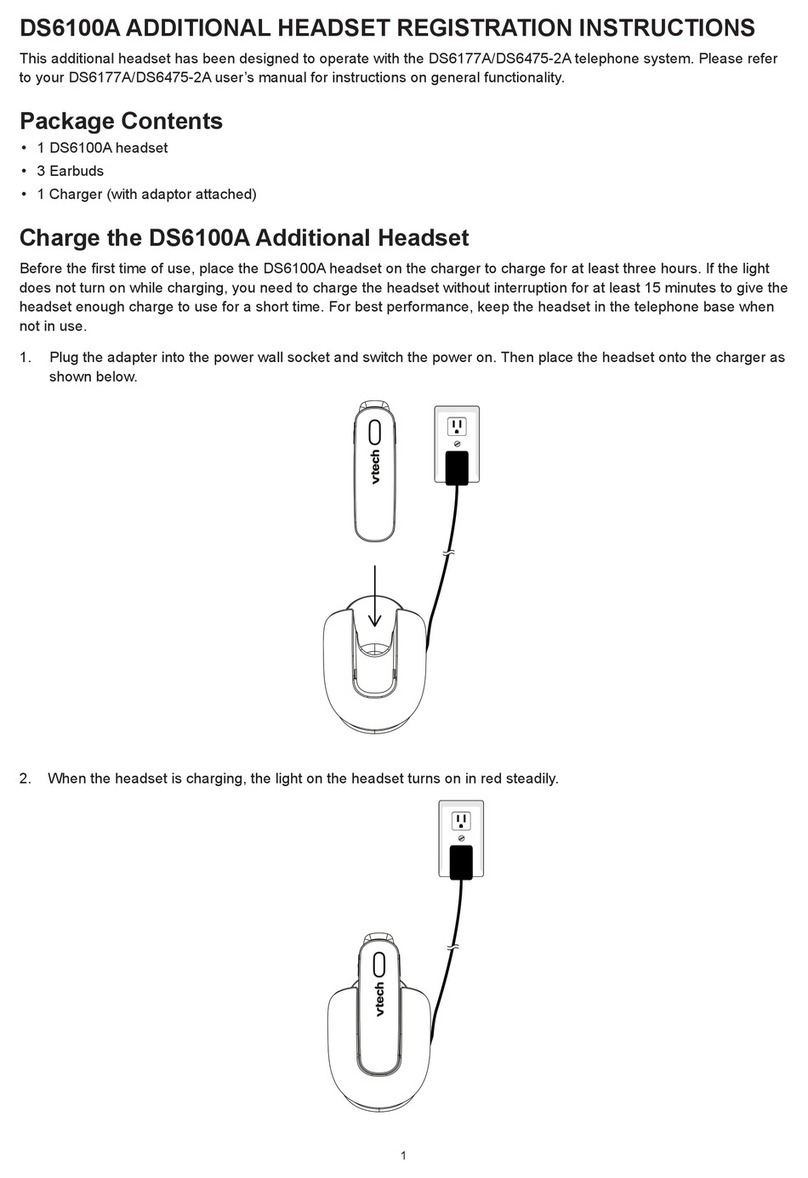
Power on the headset before use. Place the headset in the headset charger or
press and hold for two seconds. The light ashes three times in blue and you
hear three beeps when the headset is being powered on.
Headset charging
After installing the headset charger,
charge the headset in its charger. The
headset is fully charged after three
hours of continuous charging. If the
light does not turn on while
charging, you need to charge
the headset without interruption for at
least 15 minutes to give the headset
enough charge to use for a short
time. For best performance, keep the
headset in the headset charger when
not in use. See the table on page 16
for battery operating times.
If the headset will not be used for a long time, press and hold for two seconds to
power off the headset. The light ashes three times in red and you hear three beeps
when the headset is being powered off.
1. Place the tip of the headset
in the small cradle on the
headset charger.
2. The magnet holds
the top of the
headset in place.
The light turns
on when charging.

Getting started
4
Add and register a headset
Each newly purchased headset (IS6100) must be registered to a VTech DECT 6.0
cordless telephone system before use. Visit www.vtechphones.com for a list of
compatible telephones.
The telephone base recognizes and counts a headset the same as a handset. You
can place the headset charger anywhere you have an available power outlet.
Refer to your telephone user’s manual for a maximum number of headsets that you
can register to the telephone base. If you already have the maximum number of
handsets/headsets registered, you need to follow the deregistration information in
your telephone user’s manual before adding a new headset.
To register a headset:
Place the non-registered headset in the headset charger and allow it to charge for
at least 15 minutes before beginning registration. Remove the headset from the
headset charger. The light on the headset ashes slowly and alternately in red
and blue.
On the telephone base of the cordless telephone, press and hold
/FIND HANDSET for about four seconds until the red IN USE light turns on. Then
release the button.
Immediately place the headset in the headset charger. It takes about 60 seconds
to complete the registration process. The red IN USE light on the telephone base
turns off. The light on the headset turns red when it is registered but not fully
charged, or turns blue if it is registered and fully charged.
If the registration process is successful, you hear a dial tone when you press on
the headset. If the registration fails, you hear “Not registered” when you press on
the headset. The light on the headset ashes slowly and alternately in red and
blue. To reset the headset, remove it from the headset charger and then place it back
into its charger. Try the registration process again.
1.
2.
3.
You cannot register a headset if any other system handset or headset is in use. You
can only register one headset to the telephone base at a time.
The headset must be deregistered before registering it to another telephone system.
•
•

Getting started
5
Replace a headset
If you want to replace a headset or reassign the designated headset number of a
registered headset, you must deregister all handsets and headsets that are registered
to the same telephone base. Then register each handset and headset individually.
To make deregistration easier, read all of the instructions on this page before
you begin.
To deregister all headsets:
Press and hold /FIND HANDSET on the telephone base for about 10 seconds
until the IN USE light on the telephone base turns on and starts to ash. Then
release /FIND HANDSET.
Immediately press and release /FIND HANDSET again while the IN USE light is
still ashing. The IN USE light ashes for approximately seven seconds.
The deregistration process takes up to 10 seconds to complete. There is a
conrmation tone from the telephone base. The light ashes slowly and
alternately in red and blue when the deregistration process completes.
If the deregistration process is successful, you hear “Not registered” when you press
on the handset. If the deregistration fails, you may need to reset the telephone and
try again.
To reset:
Pick up the registered headset and press the RESET inset button with a paper clip
or similar object.
-OR-
Unplug the power from the telephone base, then plug it back in.
1.
2.
3.
•
•
You cannot deregister a headset if any system handset or headset is in use.

6
Getting started
Headset attachments
Earbud
There are four earbuds provided and one of them has been attached to the headset.
To remove the earbud from the headset earpiece:
Hold both sides of the earbud and then pull the earbud until it separates from
the earpiece.
To attach the earbud to the headset earpiece:
Choose an appropriate earbud.
Press the earbud towards the earpiece until it clicks into place. Move the earbud
around so that the protruding bump on the earbud is pointing towards your mouth
when placed on your ear. The protruding bump on the earbud holds the headset
securely in your ear.
1.
2.
Protruding bump

Getting started
7
Headset attachments (continued)
Ear hook
There are three ear hooks provided.
To attach the ear hook to the headset:
Remove any headset attachment (earbud excluded) connected to the headset.
Choose an appropriate ear hook.
Insert the ear hook [A] into the rotating clip [B] on the headset until it clicks
into place.
Hook the headset on your right ear. Adjust the angle of the headset until the
microphone is pointing towards your mouth. Firmly grip the earpiece with one hand
whenever adjusting the headset microphone up or down.
1.
2.
3.
4.
[A]
[B]
Other manuals for IS6100
1
This manual suits for next models
1
Table of contents
Other V-tech Headset manuals
V-tech
V-tech VH6220 User manual
V-tech
V-tech VH6212 User manual
V-tech
V-tech VSP505 User manual
V-tech
V-tech VH6210 User manual
V-tech
V-tech VH6212 User manual
V-tech
V-tech VH6210 User manual
V-tech
V-tech VTH1930 Owner's manual
V-tech
V-tech VH6210 User manual
V-tech
V-tech VSP600A User manual
V-tech
V-tech A100D User manual