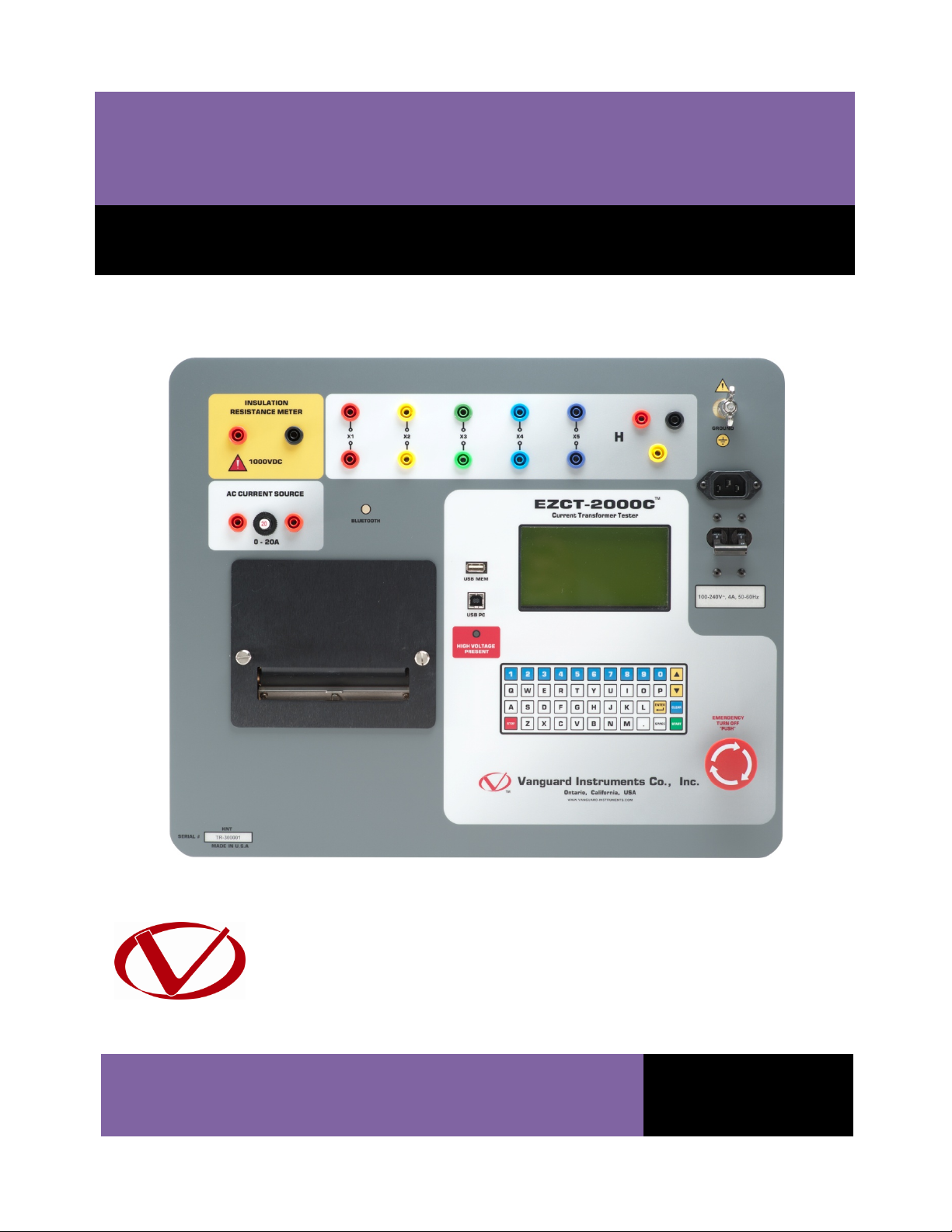
REV 1 EZCT-2000C USER’S MANUAL
ii
TABLE OF CONTENTS
CONVENTIONS USED IN THIS DOCUMENT ..................................................................................... 1
1.0 INTRODUCTION.................................................................................................................... 2
1.1 General Description and Features ................................................................................... 2
1.2 Common Features (EZCT-2000C and EZCT-2000C Plus) .................................................. 2
1.3 EZCT-2000C Plus Features................................................................................................ 4
1.4 Ordering Information....................................................................................................... 5
1.5 Technical Specifications ................................................................................................... 6
1.6 EZCT-2000C Controls and Indicators ............................................................................... 7
2.0 PRE-TEST SETUP ................................................................................................................... 9
2.1 Operating Voltages .......................................................................................................... 9
2.2 LCD Screen Contrast Control............................................................................................ 9
2.3 Printer Paper Control....................................................................................................... 9
2.4 Printer Paper.................................................................................................................... 9
3.0 OPERATING PROCEDURES ................................................................................................. 11
3.1 EZCT-2000C Cable Connections ..................................................................................... 11
3.2 EZCT-2000C X Input Voltage Warning ........................................................................... 17
3.3 Performing Tests............................................................................................................ 18
3.3.1. Entering Test Record Header Information ............................................................. 18
3.3.2. Performing Resistance, Excitation, and Ratio Tests ............................................... 21
3.3.3. Performing a CT Burden Test (EZCT-2000C Plus Only)........................................... 32
3.3.4. Performing an Insulation Resistance Test.............................................................. 37
3.3.5. Performing a Current Source Test (EZCT-2000C Plus Only) ................................... 42
3.4 Working With Test Records ........................................................................................... 44
3.4.1. Restoring and Printing a Test Record From Flash EEPROM ................................... 44
3.4.2. Restoring and Printing a Test Record From a USB Flash Drive .............................. 48
3.4.3. Printing a Restored Test Record............................................................................. 51
3.4.4. Printing a Directory of Test Records Stored in the EZCT-2000C’s Memory........... 53
3.4.5. Printing a Directory of Test Records Stored in a USB Flash Drive.......................... 56
3.4.6. Copying Test Records to a USB Flash Drive............................................................ 58
3.4.7. Erasing Test Records From the Flash EEPROM ...................................................... 61
3.4.8. Erasing Test Records From a USB Flash Drive ........................................................ 64
3.5 Working With Test Plans................................................................................................ 67
3.5.1. Extracting the Test Plan From a Test Record ......................................................... 67
3.5.2. Printing a Directory of Test Plans Stored in the EZCT-2000C’s Memory ............... 69
3.5.3. Printing a Directory of Test Plans Stored in a USB Flash Drive .............................. 71
3.5.4. Printing a Test Plan................................................................................................. 73
3.5.5. Erasing Test Plans From the Flash EEPROM........................................................... 75
3.5.6. Erasing Test Plans From a USB Flash Drive............................................................. 78
3.5.7. Loading a Test Plan from the EZCT-2000C’s Flash EEPROM .................................. 81
3.5.8. Loading a Test Plan from a USB Flash Drive ........................................................... 83
3.5.9. Running a Test Using a Loaded Test Plan............................................................... 85
3.5.10. Unloading a Test Plan from the Working Memory ................................................ 89