manuals.online logo
Brands
  1. Home
  2. •
  3. Brands
  4. •
  5. Varian
  6. •
  7. Laboratory Equipment
  8. •
  9. Varian GC 3800 Manual

Varian GC 3800 Manual

Other Varian Laboratory Equipment manuals
Varian Cary 5000 User manual

Varian

Varian Cary 5000 User manual

Varian CP-3800 GC Parts list manual

Varian

Varian CP-3800 GC Parts list manual

Varian ProStar 400 User manual

Varian

Varian ProStar 400 User manual

Varian 450-GC User manual

Varian

Varian 450-GC User manual

Varian 210-MS User manual

Varian

Varian 210-MS User manual

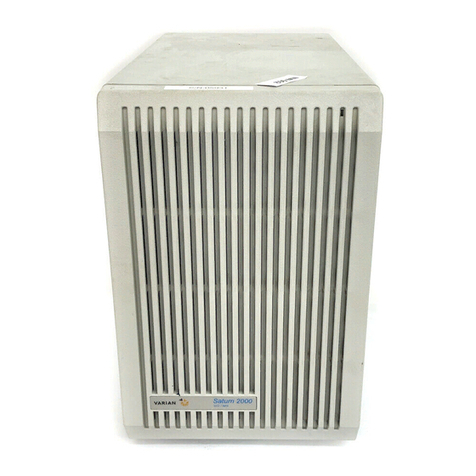
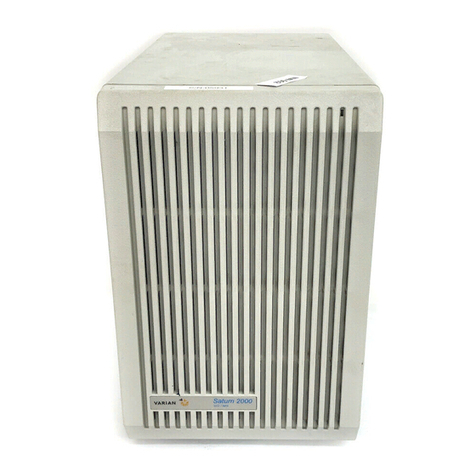
Varian Saturn 2000 GC/MS User manual

Varian

Varian Saturn 2000 GC/MS User manual
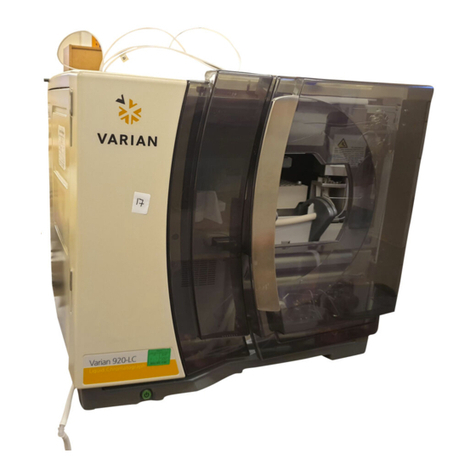
Varian 920-LC User manual

Varian

Varian 920-LC User manual

Varian 900-LC Series Use and care manual

Varian

Varian 900-LC Series Use and care manual

Varian ProStar 400 Release note

Varian

Varian ProStar 400 Release note

Varian ProStar 701 Release note

Varian

Varian ProStar 701 Release note

Varian Saturn 2000 GC/MS User manual

Varian

Varian Saturn 2000 GC/MS User manual

Varian archon User manual

Varian

Varian archon User manual

Varian 4000 MS User manual

Varian

Varian 4000 MS User manual

Varian 4000 GC User manual

Varian

Varian 4000 GC User manual

Varian ProStar 430 Release note

Varian

Varian ProStar 430 Release note

Varian 3900GC Manual

Varian

Varian 3900GC Manual

Varian Micro-GC 490-GC User manual

Varian

Varian Micro-GC 490-GC User manual

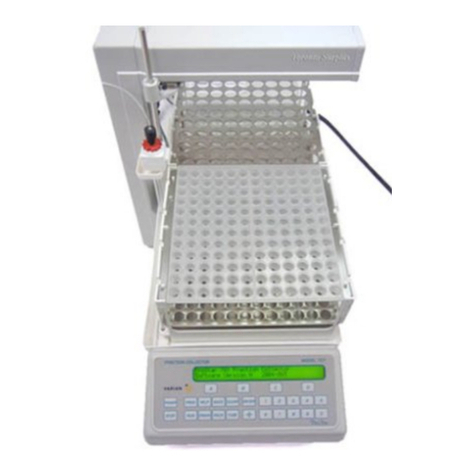
Varian ProStar User manual

Varian

Varian ProStar User manual

Varian PROSTAR 210 User manual

Varian

Varian PROSTAR 210 User manual

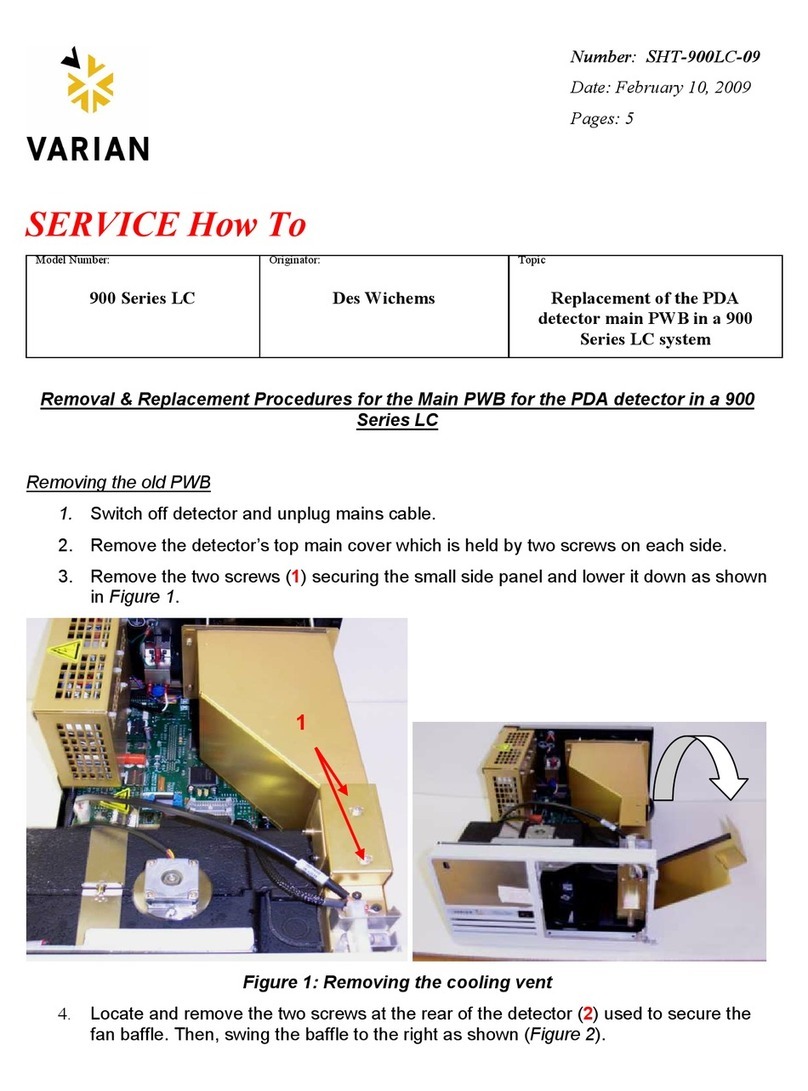
Varian 900-LC Series Parts list manual

Varian

Varian 900-LC Series Parts list manual

Varian 4000 GCMS Reference guide

Varian

Varian 4000 GCMS Reference guide
Varian ProStar 510 Release note

Varian

Varian ProStar 510 Release note

Varian 1200 LC/MS User manual

Varian

Varian 1200 LC/MS User manual
Popular Laboratory Equipment manuals by other brands

Radleys Carousel 6 Plus instructions

Radleys

Radleys Carousel 6 Plus instructions

Hemotherm 400MR Operation & technical manual

Hemotherm

Hemotherm 400MR Operation & technical manual

mrclab DVO Series Operation manual

mrclab

mrclab DVO Series Operation manual

CoolLED pE-800 quick start guide

CoolLED

CoolLED pE-800 quick start guide

Luminex Guava easyCyte Maintenance Guide

Luminex

Luminex Guava easyCyte Maintenance Guide

IKA A10 basic operating instructions

IKA

IKA A10 basic operating instructions

Belden HIRSCHMANN RPI-P1-4PoE installation manual

Belden

Belden HIRSCHMANN RPI-P1-4PoE installation manual

Koehler K1223 Series Operation and instruction manual

Koehler

Koehler K1223 Series Operation and instruction manual

Globe Scientific GCM-12 quick start guide

Globe Scientific

Globe Scientific GCM-12 quick start guide

Getinge 86 SERIES Technical manual

Getinge

Getinge 86 SERIES Technical manual

CORNING Everon 6000 user manual

CORNING

CORNING Everon 6000 user manual

Biocomp GRADIENT MASTER 108 operating manual

Biocomp

Biocomp GRADIENT MASTER 108 operating manual

Cole Parmer Stuart SB3/1 instruction manual

Cole Parmer

Cole Parmer Stuart SB3/1 instruction manual

BEVS 2501/2A user manual

BEVS

BEVS 2501/2A user manual

Qiagen DML 3000 user manual

Qiagen

Qiagen DML 3000 user manual

Queensgate NANOSCAN OP400 Quick start instructions

Queensgate

Queensgate NANOSCAN OP400 Quick start instructions

Parr Instrument 4560 Operating instructions manual

Parr Instrument

Parr Instrument 4560 Operating instructions manual

Integra DOSE IT operating instructions

Integra

Integra DOSE IT operating instructions

manuals.online logo
manuals.online logoBrands
  • About & Mission
  • Contact us
  • Privacy Policy
  • Terms and Conditions

Copyright 2025 Manuals.Online. All Rights Reserved.

Maneuvering the Assembly Documentation
1. Select your bookmark of
interest
2. Click on the (+) to expand
your selection and select the
submenu
3. Navigate through the
document with these buttons
PARTS
LIST
DOC: 03-925914-01/02
DESC: Micro - TCD Installation
PAGE:
REV
1 of 3 1
TOOLS
PREPARED BY: Sax Makthepharack REVISED BY: CONTROL: INDUSTRIAL ENGINEERING REV. DATE: SHOWN
-
03 - 10 - 00
Michael Slaughter
MENU
CHG
HISTORY
INSTALLATION OF MICRO-TCD
STATION #3, ASSEMBLY PROCEDURES
ADAPTER (SEE NEXT PAGE)
TEE (SEE NEXT PAGE)
PARTS
LIST
DOC: 03-925914-01/02
DESC: Micro - TCD Installation
PAGE:
REV
2 of 3 1
TOOLS
PREPARED BY: Sax Makthepharack REVISED BY: CONTROL: INDUSTRIAL ENGINEERING REV. DATE: SHOWN
-
03 - 10 - 00
Michael Slaughter
MENU
CHG
HISTORY
EFC CARRIER
INJECTOR (REF.)
SEE DETAIL “A”
ANALYTICAL COLUMN (CP-7758)
REFERENCE COLUMN (CP-735732) SEE DETAIL “B”
03-925910-01
BALANCE ADAPTOR
SEE DETAIL “B”
SCHEMATIC OF MICRO-TCD WITH ADAPTOR REFERENCE
DETAIL “A” DETAIL “B”
INJECTOR (REF.)
CLICK HERE FOR
MICRO-TCD ASSEMBLY
16-000589-00
TEE
28-694581-00
FERRULE
03-949551-00
NUT
CP-470100
FERRULE, Ø0.32 COLUMN
CP-085887
NUT
(03-925916-01)
MICRO-TCD REF. SIDE, ADAPTOR FACTORY
MICRO-TCD CELL (REF.)
SCHEMATIC OF MICRO-TCD WITH INJECTOR REFERENCE
PARTS
LIST
DOC: 03-925914-01/02
DESC: Micro - TCD Installation
PAGE:
REV
3 of 3 1
TOOLS
PREPARED BY: Sax Makthepharack REVISED BY: CONTROL: INDUSTRIAL ENGINEERING REV. DATE: SHOWN
-
03 - 10 - 00
Michael Slaughter
MENU
CHG
HISTORY
INSTALLATION OF MICRO-TCD:
1. ENSURE GC OVEN INSULATION IS CAREFULLY WRAPPED UNDER AND
AROUND, THE MICRO-TCD TO PREVENT COLUMN OVEN CONDITIONS
COUPLING WITH DETECTOR.
2. FEED HEATER AND PROBE TO LOCATION ON PWA’S
- HEATER TO ZONE ON POWER PWA.
- PROBE TO ZONE ON MAIN PWA.
3. INSTALL MICRO-TCD PWA BOARD (03-925904-01) AND SECURE. ROUTE FLAT,
RIBBON CABLE FROM MICRO-TCD ALONGSIDE PNEUMATICS BULKHEAD AND
AROUND TO MICRO-TCD PWA BOARD. SECURE WITH CABLE CLAMP. 03-925904-01
MICRO-TCD PWA
HEATER CONNECTOR ZONE
PROBE CONNECTOR ZONE
03-925914-11/12
MICRO-TCD SUB-ASSEMBLY
PARTS
LIST
DOC: 03-925914-01/02
DESC: Micro - TCD Installation
PAGE:
REV
4 of 3 1
TOOLS
PREPARED BY: Sax Makthepharack REVISED BY: CONTROL: INDUSTRIAL ENGINEERING REV. DATE: SHOWN
-
03 - 10 - 00
Michael Slaughter
MENU
CHG
HISTORY
PARTS
LIST
DOC: 03-925862-00
DESC:
PAGE:
REV
1 of 2
3800GC W/DEFC Leak Test Procedure 1
TOOLS
PREPARED BY: Sax Makthepharack REVISED BY: CONTROL: INDUSTRIAL ENGINEERING REV. DATE: SHOWN
-
06 - 09 - 98
Michael Slaughter
MENU
CHG
HISTORY
INJECTOR EFC LEAK TEST PROCEDURE
1. Install ETS software Version 1.6.2 or newer. (be sure to discharge yourself before touching ROM pwa.)
2. Set the DIP Switches on the main board as shown:
3. Turn on power and connect Carrier Gas inlet tube.
4. Make sure jumpers on EFC board are in the correct position.
5. Cap off all unused gas inlet fittings and the Injector column out fitting.
6. Press MENU key.
7. Check com board if installed (under AOC cont.) pg.2.
8. Check Detector Electrometer pwa’s, (3) are they present?.
9. Check EFC’s, (5) are they present? Are they good?
10. If EFC’s are present and good, press Enter Key and set to Pressure DAC 5.00 and Flow DAC to 3.00.(Left blue toggle key below display 3
times to pressure up instrument).
11. After completing items 1 thru 10, turn on Carrier Gas.
12. When the pressure is stable, turn OFF Carrier Gas and press LEAKSTOP Key. (blue key below display)
13. The leak test procedure will run for 5 minutes then stop and display the leak value for the 5 min. period. (< .30 + .10 for each EFC installed is
the acceptance criteria, (if the test fails, retest and measure the flow at the EFC Vent tube. If a leak is detected and is less than .10 ml/min.
subtract the amount from your total leak value. If that value is less than the spec (above), the instrument passed the test. If over, the
instrument Fail and the leak must be found and corrected. Retest as above until a pass condition is reached.
14. Record the resulting value of the leak test on the QC Record Sheet.
15. Press Menu Key, go to TEMPERATURE MENU (4) check and press Enter.
16. Set all Temp zones to NOT USED and press Enter. (use decrease key)
17. Go to Pg.2 of 3, check Vent Doors for unrestricted opening and closing. (toggle ON enter, OFF enter)
18. If any Cryo is installed, go to pg. 3. Select the proper external event then activate to assure opening and closing. (blue Time Off/On key
under display)
19. Go back to pg. 1 and Enable those zones used. Observe temperature go to 50 deg. and hold stable.
20. Press CONTACTOR key.
21. If Fan is running, go back to pg. 2 and turn off Fan.
22. Go to EFC Control (5) enter, select flow key and measure each Inj/Det. for some amount of flow.
23. Go to Main Menu, select EFC Control, press enter, go to EFC location (front, middle, rear) then go to pg. 6. In lower right corner of display
see EFC type, is it correct? (type 1,3,4,5, etc.) Turn Instrument Off, replace ROM board and restart instrument. Initial Display should
appear.
PARTS
LIST
DOC: 03-925862-00
DESC:
PAGE:
REV
2 of 2
3800GC W/DEFC Leak Test Procedure 1
TOOLS
PREPARED BY: Sax Makthepharack REVISED BY: CONTROL: INDUSTRIAL ENGINEERING REV. DATE: SHOWN
-
06 - 09 - 98
Michael Slaughter
MENU
CHG
HISTORY
DETECTOR EFC LEAK TEST PROCEDURE
1. Connect Helium to makeup line for FID, TSD, ECD and TCD. Connect Helium to H2 line for PFPD and TCD(H2).
2. Cap off all other gas inlets
3. Make sure DEFC position jumpers in correct position.
4. Cap all other inlets (Top and bottom of Detector)
5. Plug in customer software.
6. Turn on the power
7. Press ∞to go to local mode.
8. From the “Instrument Setup” menu, Enter the IEFC type(s) in the appropriate positions in the “Heated Zones” screen
9. Save and Exit
10. When the GC is done initializing (~2 minutes), Press ∞to go to local mode.
11. Press “Detector” button to get to the Detector Menu
12. For each detector:
* Pick Detector
* Go to the “adjustments” screen, page 2
* Turn on the gas
* Within 2 minutes, the flowrate of the Helium channel (1) should go to 0. In the case of PFPD, channel 2 is used. In the case of
TCD(H2), Channel 1 is used.
* If flowrate does not go to 0, fix leaks and retest. (.1 is acceptable for PFPD with manufacture engineer approval).
* Turn off gas and GC
PARTS
LIST
DOC: 03-925709-01
DESC: Assy, Column Oven Cryogenics, (CO2)
PAGE:
REV
1 of 3 1
CHG
HISTORY TOOLS
PREPARED BY: Sax Makthepharack REVISED BY: CONTROL: INDUSTRIAL ENGINEERING REV. DATE: SHOWN
-
04 - 05 - 00
Michael Slaughter
MENU
ASSY, COLUMN OVEN CRYOGENICS, (CO2)
3800GC SUB-ASSEMBLIES STATION, ASSEMBLY PROCEDURES
PARTS
LIST
DOC: 03-925709-01
DESC: Assy, Column Oven Cryogenics, (CO2)
PAGE:
REV
2 of 3 1
CHG
HISTORY TOOLS
PREPARED BY: Sax Makthepharack REVISED BY: CONTROL: INDUSTRIAL ENGINEERING REV. DATE: SHOWN
-
04 - 05 - 00
Michael Slaughter
MENU
NOTES:
1.
03-925567-01
3800 CO2 VALVE FACTORY INSTALL
COLUMN OVEN CRYOGENICS EXPLODED VIEW
28-694205-00
1/8IN ADAPTER
28-609966-00
ADAP, COMP., 1/8 X 1/8 SST
12-222060-04, 2 PLCS
SCREW, 10-32 X 1/4 PAN, SS
03-925261-01
BRACKET, CRYO VALVE
03-925497-01
CO2 OUTLET TUBE
FLOW DIRECTIOIN
60°(REF.)
INSTALL TEFLON TAPE ON FITTING THREADS AS REQUIRE AND
FRONT VIEW (REF.)
1
1
2
CO2 OUTLET TUBE (REF.)
3800 CO2 VALVE
FACTORY INSTALL
CRYO VALVE BRACKET (REF.)
1-1/2 - 2 TURNS IN THE DIRECTION OF THREADS.
SURE TUBING TOWARD THE FAN SHAFT INSIDE THE OVEN
WHEN INSTALLING THE CO2 OUTLET TUBE (03-925497-01) MAKE2.
PARTS
LIST
DOC: 03-925709-01
DESC: Assy, Column Oven Cryogenics, (CO2)
PAGE:
REV
3 of 3 1
CHG
HISTORY TOOLS
PREPARED BY: Sax Makthepharack REVISED BY: CONTROL: INDUSTRIAL ENGINEERING REV. DATE: SHOWN
-
04 - 05 - 00
Michael Slaughter
MENU
COLUMN OVEN
CRYOGENICS ASSEMBLY (REF.)
22-799995-00
BUSHING, STRAIN REL.
12-901163-00, 2 PLCS
SCREW, 8-32 X 3/8 SEM
03-925489-01
ASSY, CABLE, CRYO EXTENSION
9
1
7
NOTE:
CONNECT CRYOU EXTENSIO
WIRES PIN TO (J-47) ON PWA
(J-47)
CONNECTOR (REF.)