manuals.online logo
Brands
  1. Home
  2. •
  3. Brands
  4. •
  5. Vendlet
  6. •
  7. Medical Equipment
  8. •
  9. Vendlet V5 User manual

Vendlet V5 User manual

Other manuals for V5

2

This manual suits for next models

1

Other Vendlet Medical Equipment manuals
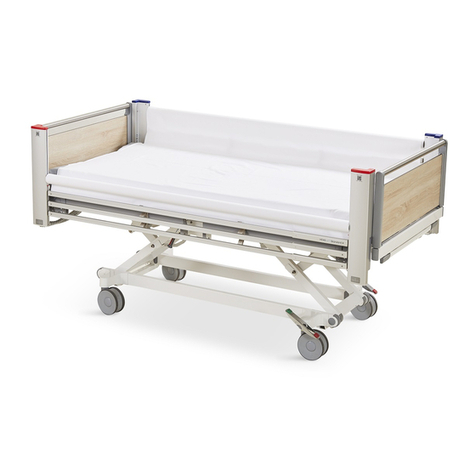
Vendlet STANDARD User manual

Vendlet

Vendlet STANDARD User manual

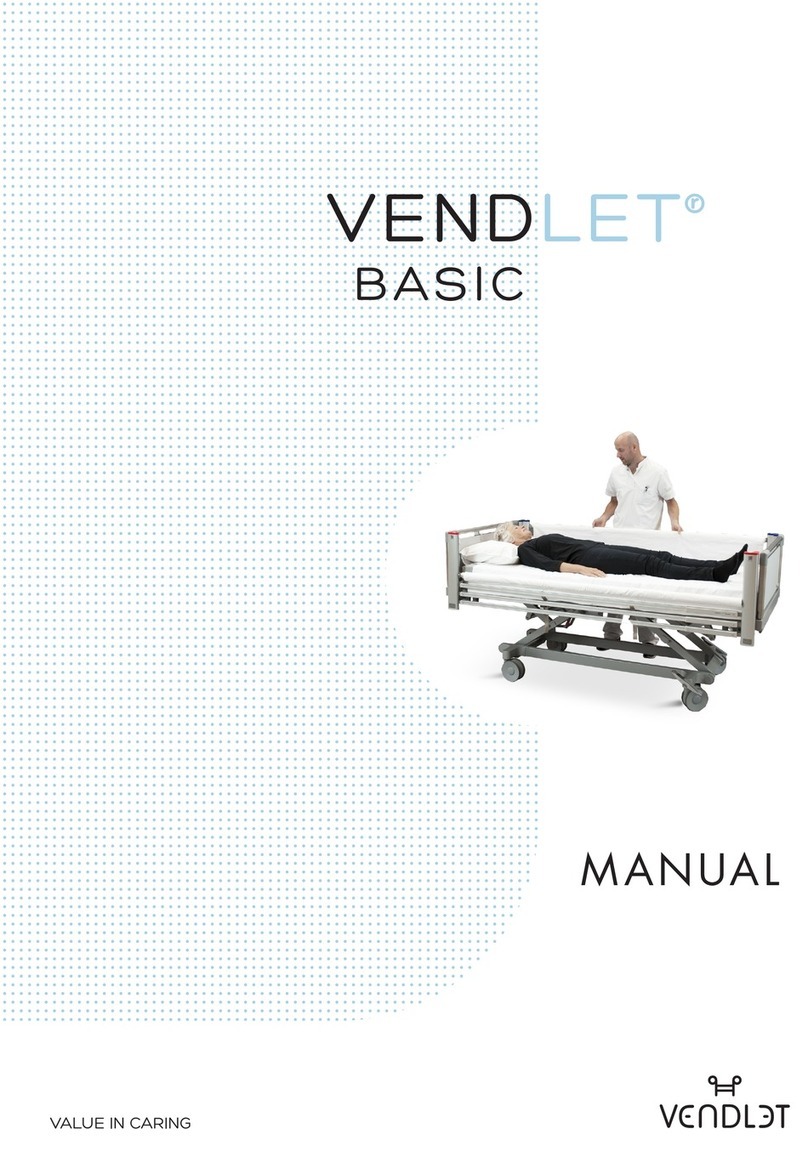
Vendlet BASIC User manual

Vendlet

Vendlet BASIC User manual
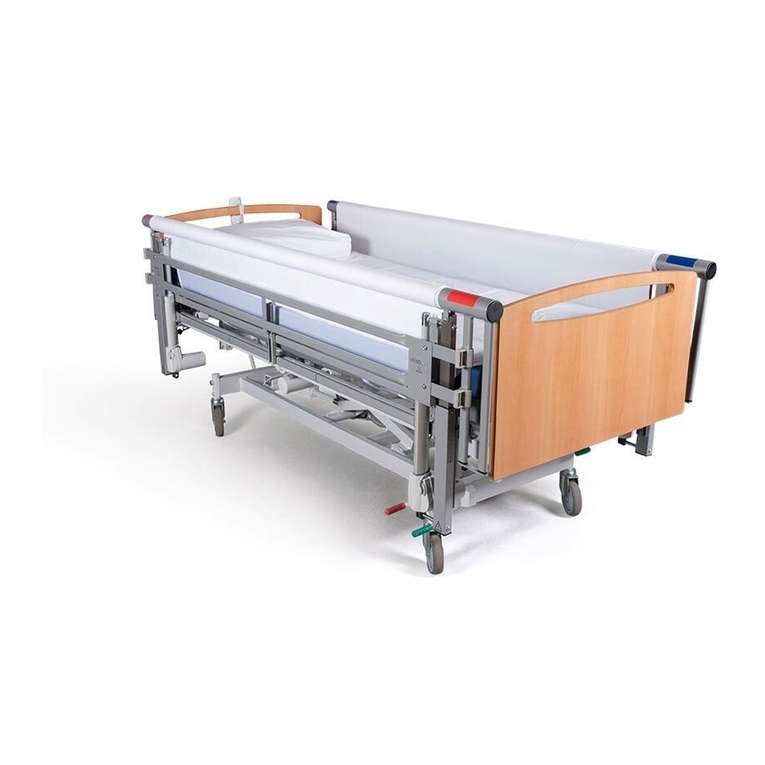
Vendlet V5S Speed Adjust User manual

Vendlet

Vendlet V5S Speed Adjust User manual
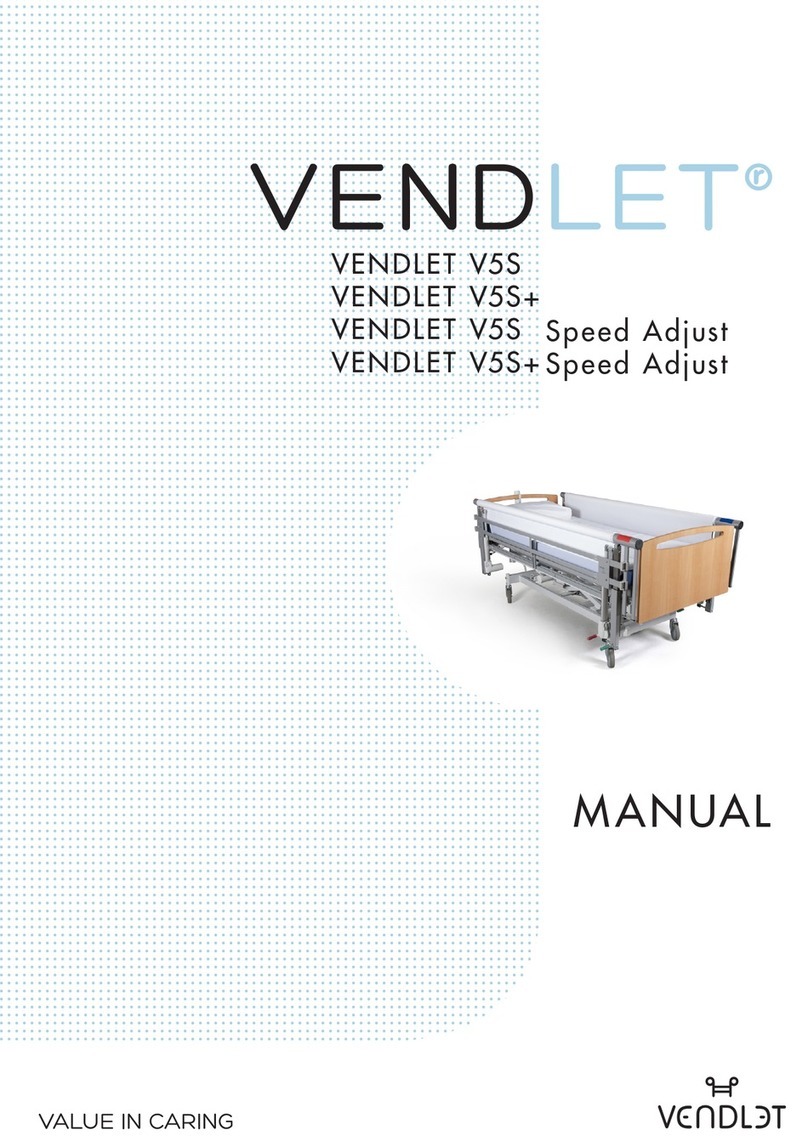
Vendlet V5S Speed Adjust User manual

Vendlet

Vendlet V5S Speed Adjust User manual
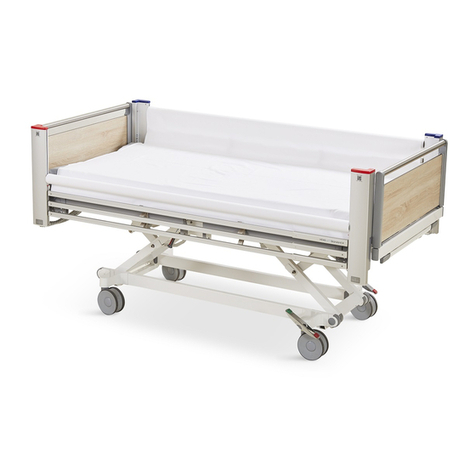
Vendlet STANDARD User manual

Vendlet

Vendlet STANDARD User manual
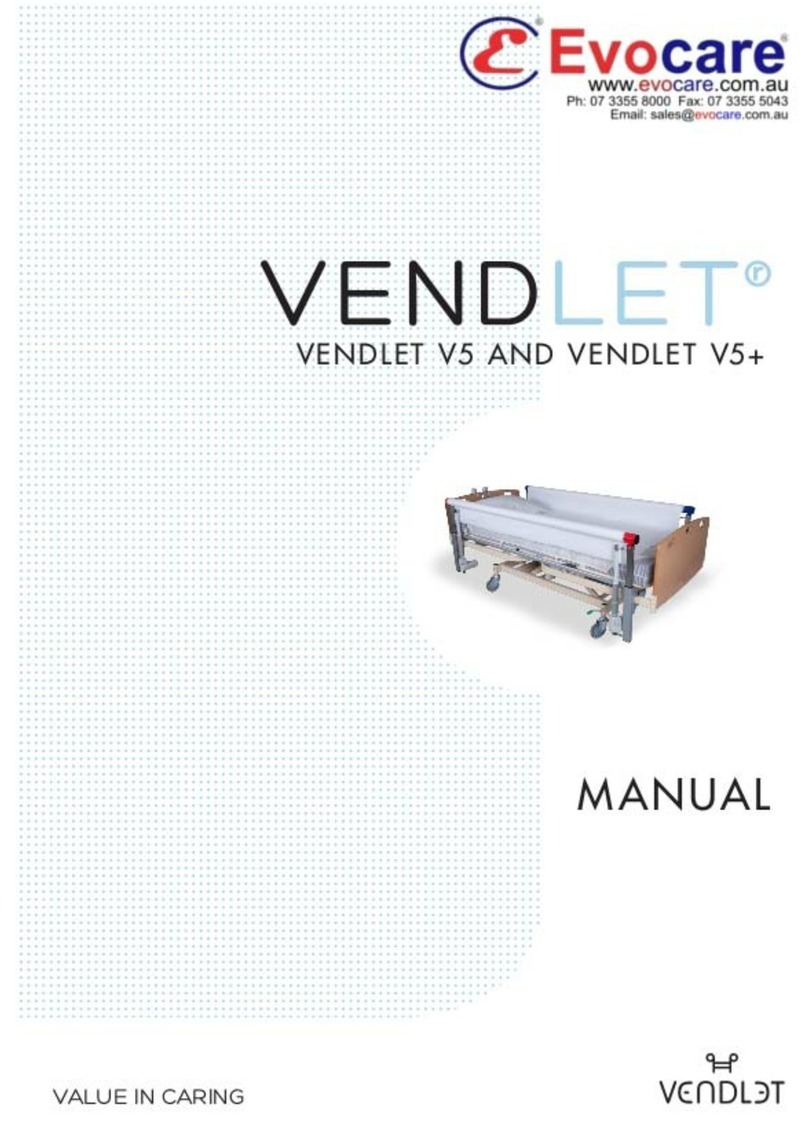
Vendlet V5 User manual

Vendlet

Vendlet V5 User manual
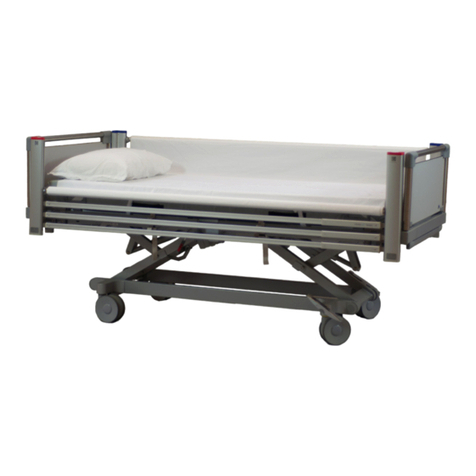
Vendlet BASIC User manual

Vendlet

Vendlet BASIC User manual
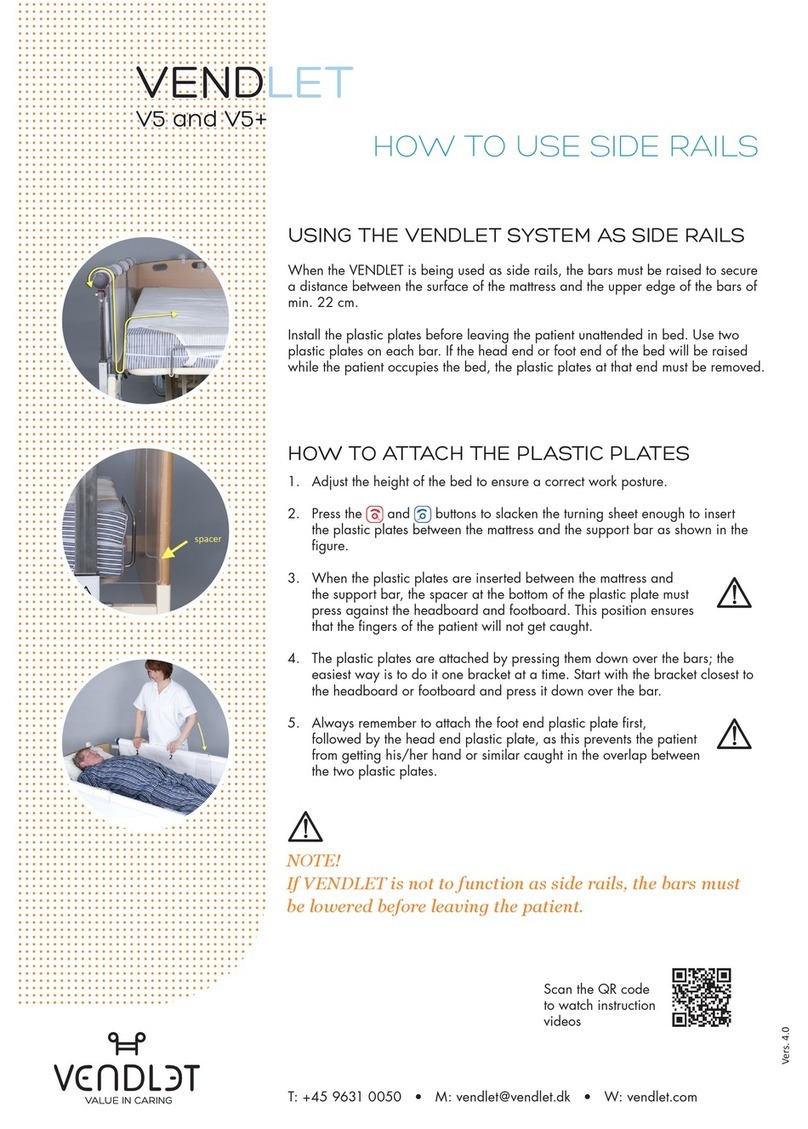
Vendlet V5 Guide

Vendlet

Vendlet V5 Guide

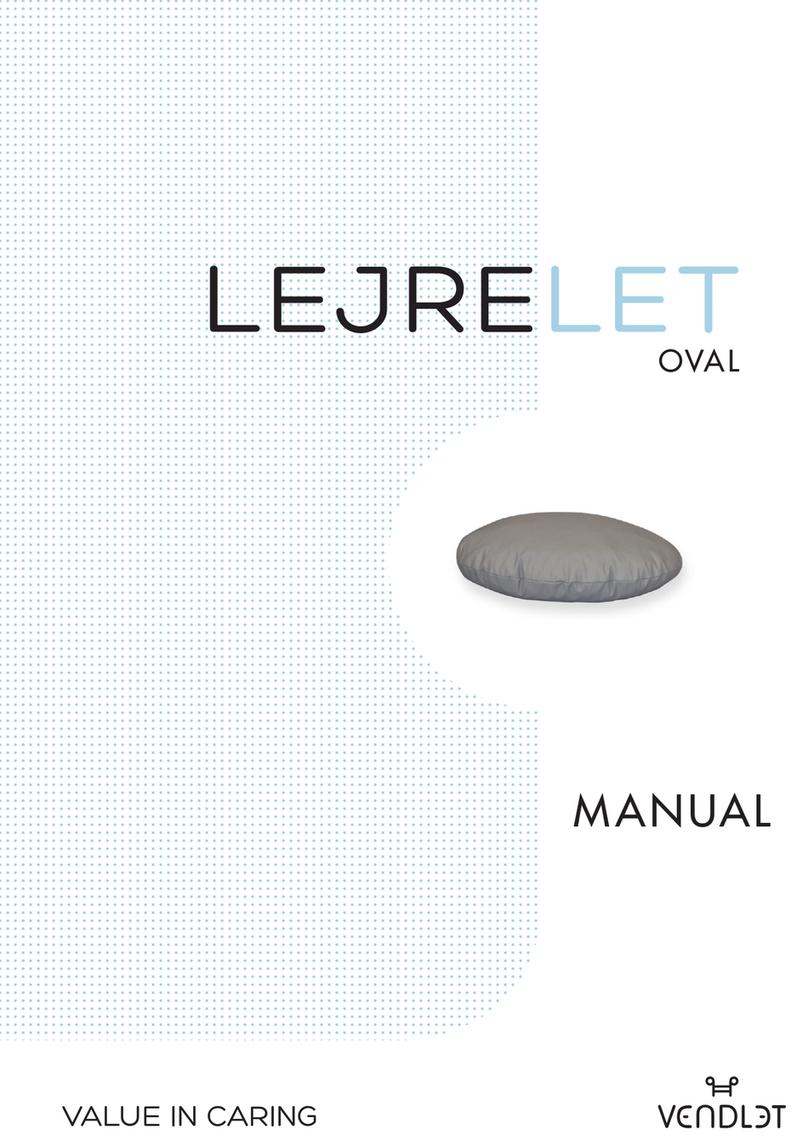
Vendlet Lejrelet Oval User manual

Vendlet

Vendlet Lejrelet Oval User manual
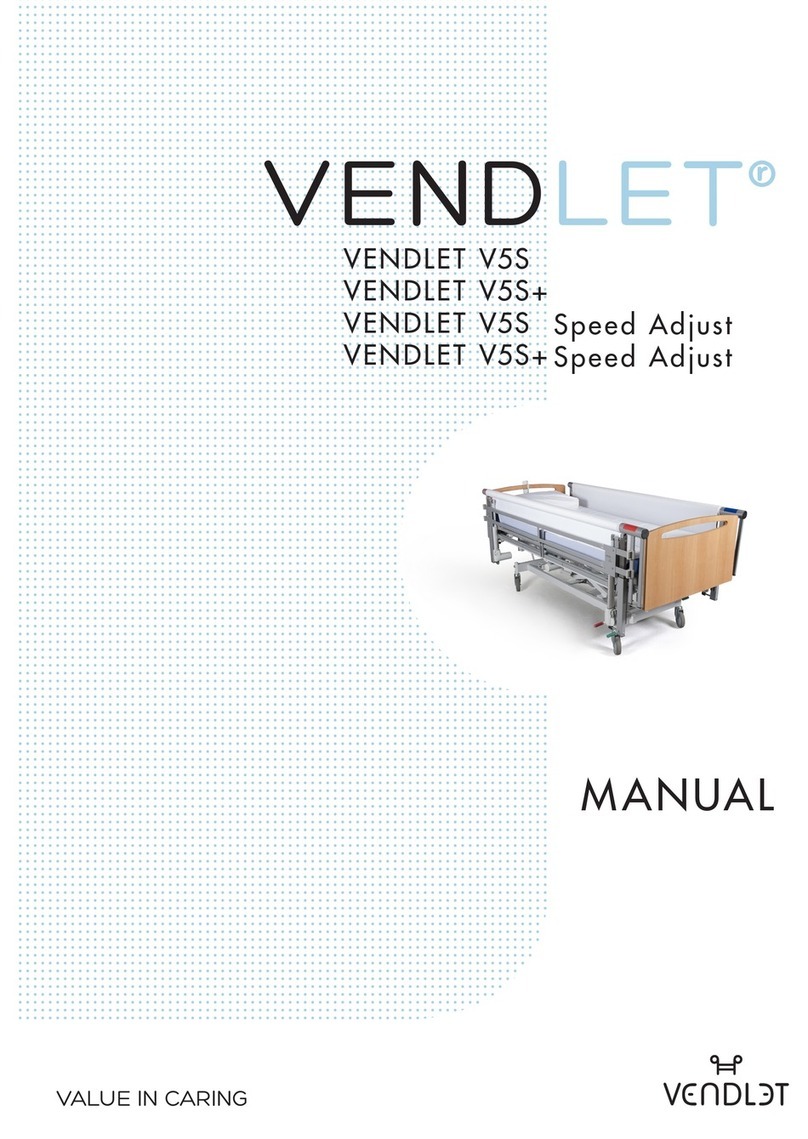
Vendlet V5S Speed Adjust User manual

Vendlet

Vendlet V5S Speed Adjust User manual

Popular Medical Equipment manuals by other brands

Itamar Medical WatchPAT Operation manual

Itamar Medical

Itamar Medical WatchPAT Operation manual

PROTEOR 1P650 KNEE Assembling and adjustment instructions

PROTEOR

PROTEOR 1P650 KNEE Assembling and adjustment instructions

Liberate Medical VentFree user manual

Liberate Medical

Liberate Medical VentFree user manual

Dicarre DA20 user guide

Dicarre

Dicarre DA20 user guide

Stryker Medical M Series Operation manual

Stryker Medical

Stryker Medical M Series Operation manual

Invacare ScanBed 750 user manual

Invacare

Invacare ScanBed 750 user manual

Getinge Arjohuntleigh Nimbus 3 Professional Instructions for use

Getinge

Getinge Arjohuntleigh Nimbus 3 Professional Instructions for use

Mettler Electronics Sonicator 730 Maintenance manual

Mettler Electronics

Mettler Electronics Sonicator 730 Maintenance manual

Pressalit Care R1100 Mounting instruction

Pressalit Care

Pressalit Care R1100 Mounting instruction

Denas MS DENAS-T operating manual

Denas MS

Denas MS DENAS-T operating manual

bort medical ActiveColor quick guide

bort medical

bort medical ActiveColor quick guide

AccuVein AV400 user manual

AccuVein

AccuVein AV400 user manual

agiliti NP Trio user manual

agiliti

agiliti NP Trio user manual

Rocket Medical Rocket Digital Oocyte Aspiration Pump Service manual

Rocket Medical

Rocket Medical Rocket Digital Oocyte Aspiration Pump Service manual

Monteris Medical Neuroblate Instructions for use

Monteris Medical

Monteris Medical Neuroblate Instructions for use

Otto Block 8E33 7 manual

Otto Block

Otto Block 8E33 7 manual

ADVANCED HOME CARE Helios Guide

ADVANCED HOME CARE

ADVANCED HOME CARE Helios Guide

NeuLog NUL-208 Guide

NeuLog

NeuLog NUL-208 Guide

manuals.online logo
manuals.online logoBrands
  • About & Mission
  • Contact us
  • Privacy Policy
  • Terms and Conditions

Copyright 2025 Manuals.Online. All Rights Reserved.

1. The surface of the bed must be falt and horizontal.
2. Remove the plastic plates and hang them on the support bar.
3. Double-click the button to activate the VENDLET system. The VENDLET
system produces an acoustic signal and the green diode over the power
symbol turns on. When the hand control has been inactive for 90 seconds,
the system is off again.
4. The patient is repositioned by operating the hand control.
During the procedures always stay focused on the patient.
WHEN VENDLET IS USED AS SIDE RAIL
QUICK GUIDE
Vers. 2.0
5. After repositioning the patient; raise the bars if these have been lowered.
6. Attach the plastic plates – 2 on each side.
See also the side rail guide.
The button works
as a stop button
Scan the QR code
to watch instruction
videos
VENDLET
V5 and V5+
T: +45 9631 0050 • M: vendlet@vendlet.dk • W: vendlet.com
VENDLET must be used
and installed in accordance
with the manual
Tighten the sheet on
the red bar
Slacken the sheet on
the red bar
Raise
the red bar
Lower
the red bar
Raise
the blue bar
Lower
the blue bar
Tighten the sheet on
the blue bar
Slacken the sheet on
the blue bar
Power w.
illuminated diode/
stop
Under bed light
(accessory)
All rights reserved
Copyright 2015 Vendlet ApS
1. The surface of the bed must be flat and horizontal.
2. Raise the bars on both sides.
3. Double-click the button to activate the VENDLET system. The VENDLET
system produces an acoustic signal and the green diode over the power
symbol turns on. When the hand control has been inactive for 90 seconds,
the system is off again.
4. The patient is repositioned by operating the hand control.
WHEN VENDLET IS NOT USED AS SIDE RAIL
QUICK GUIDE
Vers. 2.0
5. The bars must be lowered on both sides before
the patient is left unattended in the bed.
VENDLET
V5 and V5+
T: +45 9631 0050 • M: vendlet@vendlet.dk • W: vendlet.com
The button works
as a stop button
During the procedures always stay focused on the patient.
Scan the QR code
to watch instruction
videos
VENDLET must be used
and installed in accordance
with the manual
Tighten the sheet on
the red bar
Slacken the sheet on
the red bar
Raise
the red bar
Lower
the red bar
Raise
the blue bar
Lower
the blue bar
Tighten the sheet on
the blue bar
Slacken the sheet on
the blue bar
Power w.
illuminated diode/
stop
Under bed light
(accessory)