manuals.online logo
Brands
  1. Home
  2. •
  3. Brands
  4. •
  5. WANHAO
  6. •
  7. 3D Printer
  8. •
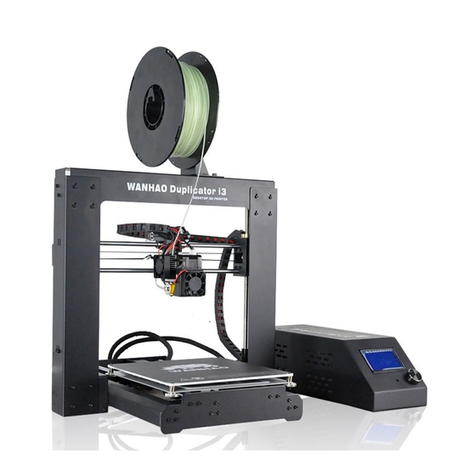
  9. WANHAO Duplicator I3V2 User manual

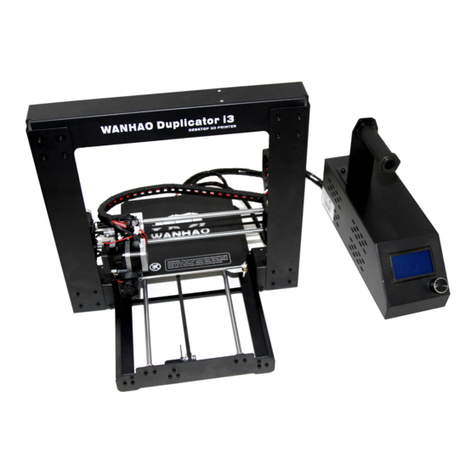
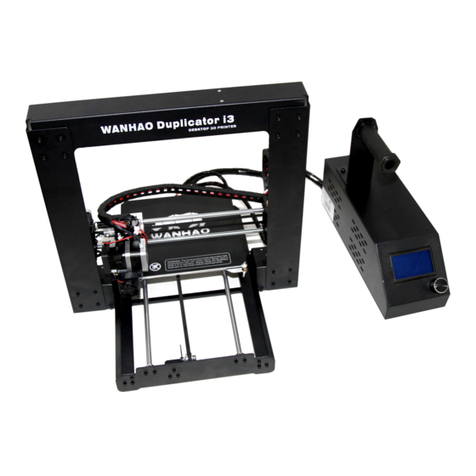
WANHAO Duplicator I3V2 User manual

Other manuals for Duplicator I3V2

1

Other WANHAO 3D Printer manuals

WANHAO Duplicator 5S User manual

WANHAO

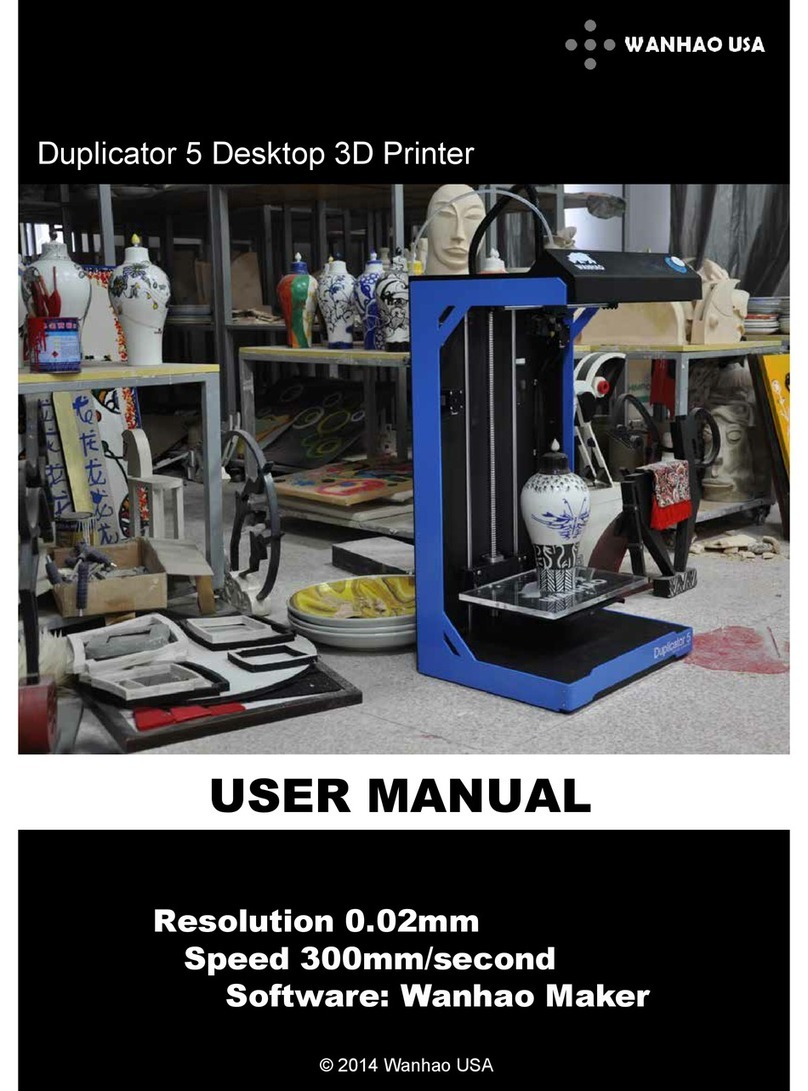
WANHAO Duplicator 5S User manual

WANHAO Duplicator 7 Plus User manual

WANHAO

WANHAO Duplicator 7 Plus User manual

WANHAO Duplicator 7 Plus User manual

WANHAO

WANHAO Duplicator 7 Plus User manual

WANHAO CGR Series User manual

WANHAO

WANHAO CGR Series User manual

WANHAO DUPLICATOR I3 MINI User manual

WANHAO

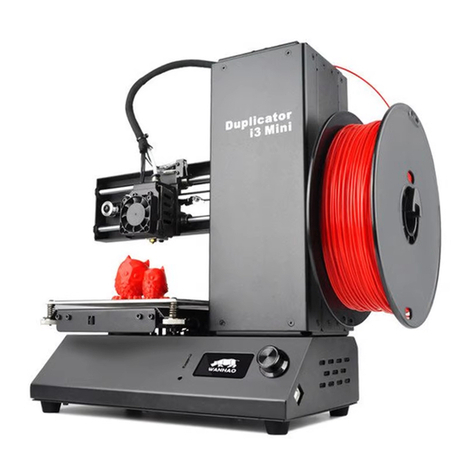
WANHAO DUPLICATOR I3 MINI User manual

WANHAO Duplicator Five User manual

WANHAO

WANHAO Duplicator Five User manual

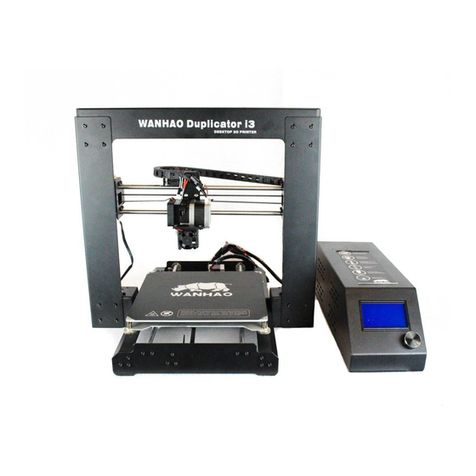
WANHAO Duplicator i3 User manual

WANHAO

WANHAO Duplicator i3 User manual

WANHAO Duplicator I3V2 User manual

WANHAO

WANHAO Duplicator I3V2 User manual

WANHAO Duplicator i3 Instruction sheet

WANHAO

WANHAO Duplicator i3 Instruction sheet

WANHAO DUPLICATOR 7 User manual

WANHAO

WANHAO DUPLICATOR 7 User manual

WANHAO GADOSO REVOLUTION 2 User manual

WANHAO

WANHAO GADOSO REVOLUTION 2 User manual

WANHAO Duplicator 5S User manual

WANHAO

WANHAO Duplicator 5S User manual

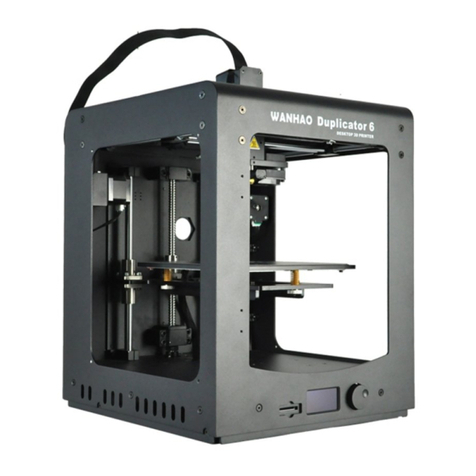
WANHAO Duplicator 6 User manual

WANHAO

WANHAO Duplicator 6 User manual

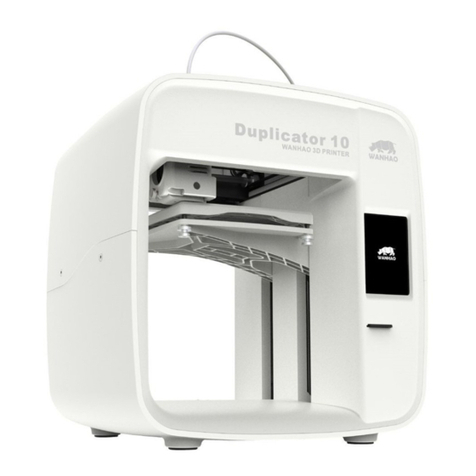
WANHAO Duplicator 10 User manual

WANHAO

WANHAO Duplicator 10 User manual

WANHAO Duplicator i3 User manual

WANHAO

WANHAO Duplicator i3 User manual

WANHAO CGR Mini Mono User manual

WANHAO

WANHAO CGR Mini Mono User manual

WANHAO Duplicator i3 Manual

WANHAO

WANHAO Duplicator i3 Manual

WANHAO Duplicator 4 User manual

WANHAO

WANHAO Duplicator 4 User manual

WANHAO I3 Plus User manual

WANHAO

WANHAO I3 Plus User manual

WANHAO Duplicator 5S User manual

WANHAO

WANHAO Duplicator 5S User manual

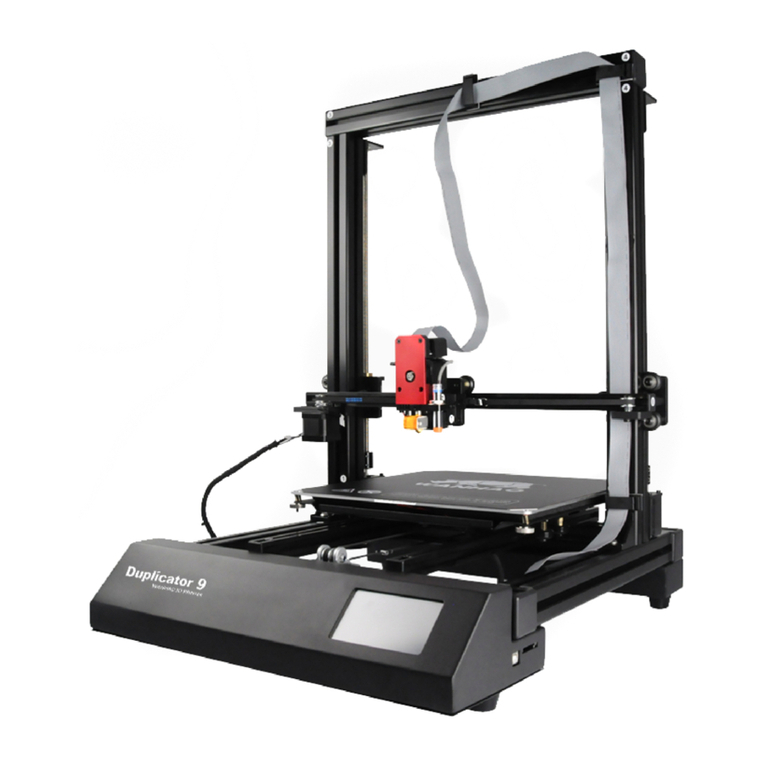
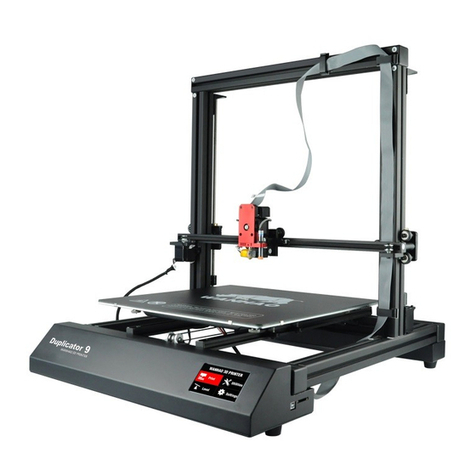
WANHAO DUPLICATOR 9 User manual

WANHAO

WANHAO DUPLICATOR 9 User manual
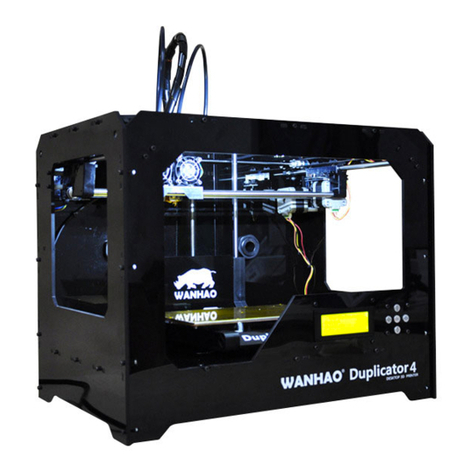
WANHAO Duplicator 5 User manual

WANHAO

WANHAO Duplicator 5 User manual

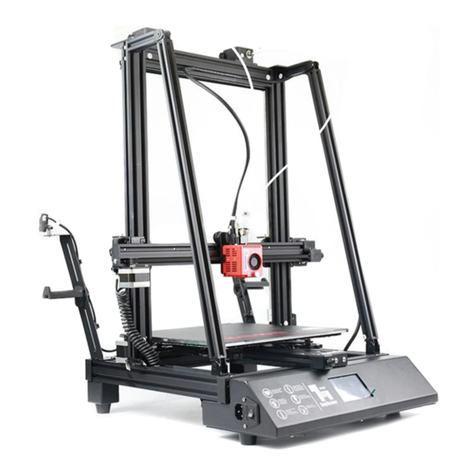
WANHAO D9 User manual

WANHAO

WANHAO D9 User manual

WANHAO DUPLICATOR 7 User manual

WANHAO

WANHAO DUPLICATOR 7 User manual

Popular 3D Printer manuals by other brands

bq Hephestos 2 Faq

bq

bq Hephestos 2 Faq

EcubMaker TOYDIY quick start guide

EcubMaker

EcubMaker TOYDIY quick start guide

AnyCubic Kossel Plus Modification

AnyCubic

AnyCubic Kossel Plus Modification

ReDeTec ProtoCycler Operation manual

ReDeTec

ReDeTec ProtoCycler Operation manual

Kywoo3D Tycoon IDEX user manual

Kywoo3D

Kywoo3D Tycoon IDEX user manual

CraftBot PLUS PRO user guide

CraftBot

CraftBot PLUS PRO user guide

3DGence INDUSTRY F340 user manual

3DGence

3DGence INDUSTRY F340 user manual

HP Jet Fusion 4200 Product Documentation Site Preparation Guide

HP

HP Jet Fusion 4200 Product Documentation Site Preparation Guide

Rokit AEP Series user manual

Rokit

Rokit AEP Series user manual

Ackuretta FreeShape 120 user manual

Ackuretta

Ackuretta FreeShape 120 user manual

DIYElectronics PRUSA I3 ELECTRONICS AND SOFTWARE GUIDE

DIYElectronics

DIYElectronics PRUSA I3 ELECTRONICS AND SOFTWARE GUIDE

Ultimaker S5 Material Station installation guide

Ultimaker

Ultimaker S5 Material Station installation guide

Stratasys FDM Vantage Series user guide

Stratasys

Stratasys FDM Vantage Series user guide

ZYYX Pro II user manual

ZYYX

ZYYX Pro II user manual

German RepRap X400 Pro V3 user guide

German RepRap

German RepRap X400 Pro V3 user guide

3DGence ONE user manual

3DGence

3DGence ONE user manual

Create 3400 Handbook

Create

Create 3400 Handbook

Snapmaker Dual Extrusion 3D Printing Module quick start guide

Snapmaker

Snapmaker Dual Extrusion 3D Printing Module quick start guide

manuals.online logo
manuals.online logoBrands
  • About & Mission
  • Contact us
  • Privacy Policy
  • Terms and Conditions

Copyright 2025 Manuals.Online. All Rights Reserved.

I3 V2 to V2.1 UPGRADING INSTRUCTION
1. Replace the Wing Nuts by
Thumb Nuts.
1.1 Push the heating plate and twist
the wing nuts clockwise to unscrew
wing nut.
1.2 Twist the thumb Nut anticlockwise
to tighten the thumb nut
1.3 Repeat 1.1 and 1.2 to replace the
rest 3 wing nuts with thumb nuts.
2. Replace the extruder bearing
block
2.2 lose the 2 extruder locking bolt from
the bottom side of extruder.
2.3 Move the extruder off the extruder
plate. So you can see the 6 bearing locking
bolts.
2.4 Unscrew the 6 bolts. So you can detach
the extruder plate and the aluminum
bearing blocks.
2.1 Lose the 2 Fan locking screws. So the
Fan cable can be moved freely.
2.5 lose the 2 set screw, so the X axis can
move freely.
2.6 Move the steel rods off the locking
plate and move the aluminum block off
the rods.
2.7 Insert the 2 new plastic bearing block
into the 2 rods.
2.8 Re-insert the 2 rods back to locking
place.
2.9 Re-install the 6 locking bolts.
2.10 Re-install the extruder onto the
extruder plate and bolt it up.
2.11 Tighten the 2 fan bolts.
2.12 Re-lock the set screw of the rods.