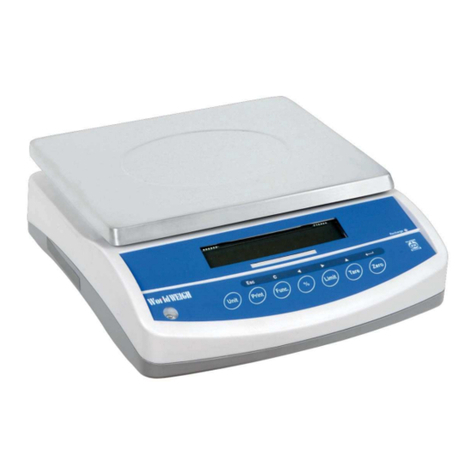
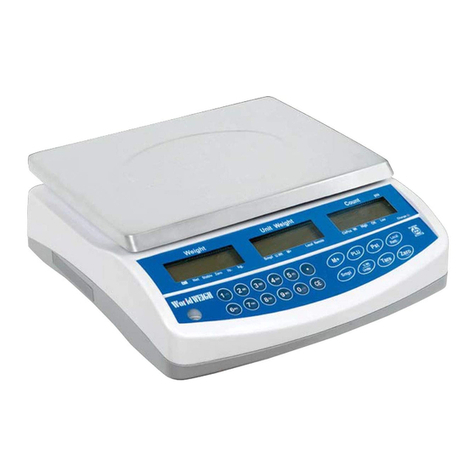
WorldWEIGH BWS User manual

BWS
Platform Scales

BWS platform scales Technical Manual
II


BWS platform scales Technical Manual
CONTENTS
1. SPECIFICATION..…………………………………………………………………. 2
2. INTRODUCTION…………………………………………………………………... 3
3. INSTALLATION……………………………………………………………………. 4
Precautions …………………………………………………………………………4
Parts………………………………………………………………………………… 4
Installation………………………………………………………………………….. 5
4. KEYS DESCRIPTION……………………………………………………………... 6
Key Board…………………………………………………………………………... 6
Secondary functions of the keys………………………………………………….7
Display……………………………………………………………………………….7
5. OPERATION……………………………………………………………………… 8
5.1. Basic Operation…………………………………………………………... ...8
1. Power On /Off………………..………………………………………………8
2. Zero…………………………………………………………………………...8
3. Tare…………………………………………………………………………...8
4. Select Unit……………………………………………………………………8
5.2. Check Weighing……………………………………………………………..9
5.2.1. Set Limits…...……………………………………………..………….9
5.2.2. Set Check Weighing………..……………………………………….9
5.3. Accumulation…………………………………………………………………10
5.3.1. Memory Recall……………...…………………….………………….10
5.3.2. Memory Clear………………………………………………………...10
5.3.3. Automatically Accumulation………………………………………...10
5.4. Parts Counting...……………………………………………………………..11
5.5. Animal Weighing……………………………………………………………..11
5.6. Key Board Lock………………………………………………………………11
5.7. Set Auto Power Off…………………………………………………………..12
5.8. Set Back Light………………………………………………………………..13
6. PARAMETERS…………………………………………………………………….14
7. CALIBRATION……………………………………………………………………..16
8. RS-232 OUTPUT…………………………………………………………………17
8.1. Specifications……………………….………………………………………17
8.2. Connecter……………………………………………………………………17
RS-232 Output………………………………………………………………17
Check weighing Output…………………………………………………….17
8.3. Continues output protocol………………………………………………….17
9. DRAWING…………………………………………………………………………19
9.1. Drawing………………………………………………………………21
9.2. Parts List……………………………………………………………..22

BWS platform scales Technical Manual
- 1 -
PRECAUTIONS
WARNING
DISCONNECT ALL POWER TO THIS UNIT
BEFORE INSTALLING, CLEANING, OR
SERVICING. FAILURE TO DO SO COULD
RESULT IN BODILY HARM OR DAMAGE THE
UNIT.
CAUTION
•Permit only qualified persons to service the instrument
•Before connecting or disconnecting any components, remove the
power.
•
Failure to observe these precautions bodily harm or damage to or
destruction of the equipment.
•The platform scales is a precision electronic instrument,
handle it carefully.
•Do not install the scale in direct sunlight.
•Verify the local voltage and receptacle type are correct for
the scale.
•Only use original adaptor, other could cause damage to the
scale.
•Pluggable equipment must be installed near an easily
accessible socket outlet.
•Avoid unstable power sources. Do not use near large users
of electricity such as welding equipment or large motors.
•Avoid sudden temperature changes, vibration, wind and
water.
•Avoid heavy RF noise.
•Keep the indicator clean
BWS platform scales Technical Manual
- 2 -
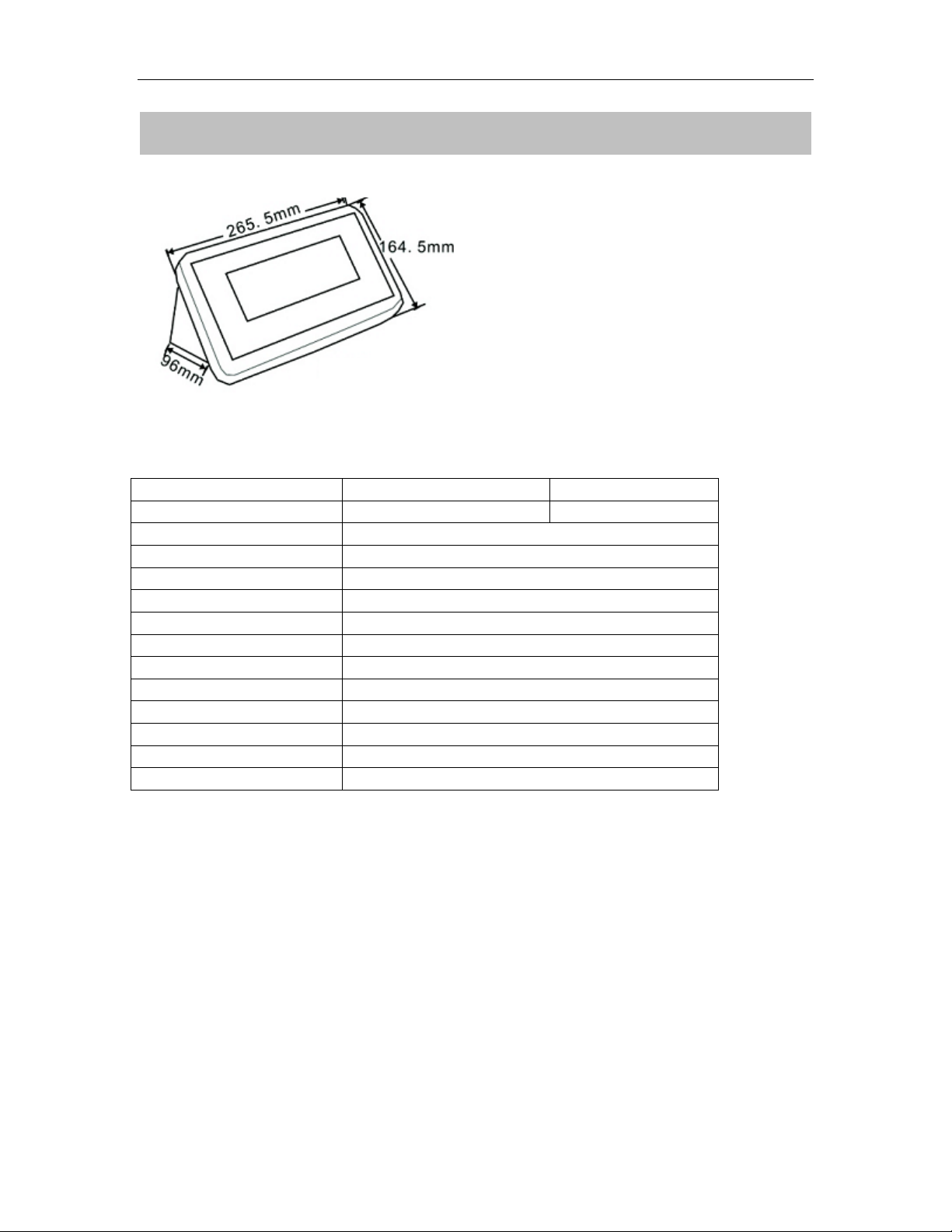
1. SPECIFICATION
Model
BWS
BWS-E
Display
52mm LCD
1.2” LED
Housing
SST
Operating Temperature
-10°C - 40°C / 14°F - 104°F
Resolution
1/6000 (OIML Approved)
Key Pad
7 Keys
Power
AC Adaptor (12V/500mA)/ Battery (6V/4Ah)
Calibration
Automatic External
Interface
RS-232 Output Optional
Load cell drive Voltage
Max: 5V/150mA
Load Cells
Up to 4 load cell
ADC
Sigma Delta
ADC Update
≤1/10 second
Stabilization Time
One seconds typical

BWS platform scales Technical Manual
- 3 -
2. INTRODUCTION
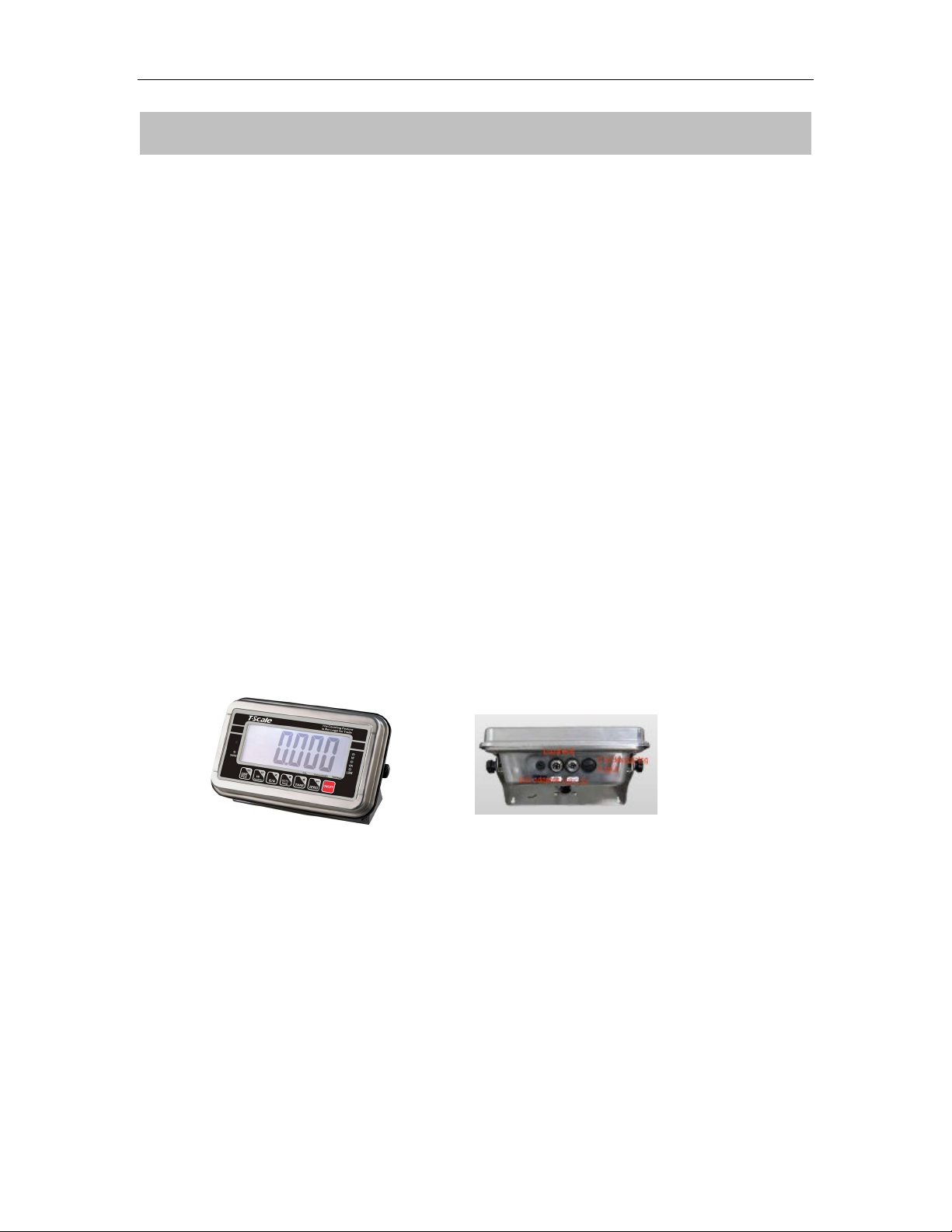
The BWS series platform scales that amplifies signals from a load cell,
converts it to digital data and displays it as a mass value.
It is suitable for general weighing or more specialized applications such as
check weighing, animal weighing and accumulation applications.
It can connect the indicator to a printer or a PC.
Large LCD with white LED back light displays
BWS platform scales Technical Manual
- 4 -
3. INSTALLATION
Unpacking
When you receive the scale, inspect it to make sure that it is not damaged and
that all are parts are included:
•Remove the Indicator from the carton.
•Remove the protective covering. Store the packaging and to use if you
need to transport the scale later.
•Inspect the indicator for damage.
•Make sure all components are included.
1. Indicator
2. Adaptor
3. Manual
4. Indicator holder (Optional)
5. Load cell Output connecter (Optional)
6. RS-232 Output Connecter (Optional)
Parts Description
Installation
•Place the Indicator on a table or use indicator holder to connect with stand.
•Connect the plat form load cell cable in to the indicator load cell connecter.
Load cell connecter is locating back side of the indicator.

BWS platform scales Technical Manual
- 5 -
•Connect the adaptor pin in to the indicator adaptor jack.
Adaptor jack is locating, back side of the indicator.
•Adaptor connects into your AC power socket.
Pluggable equipment must be installed near an easily accessible socket
outlet with a protective ground/ earth contact.
•Turn on the On/Off key. If you want to turn off, press the key again.
•Display will be show the scale capacity and will be starting self checking.
•After self checking, display will be come to normal weighing mode.
•Warm-up time of 15 minutes stabilizes the measured values after
switching on.
•Calibrate with exact calibration weights, minimum 1/3 of the scale capacity
want to use for calibration. For calibration see details in parameter.
Then you can start your operation
BWS platform scales Technical Manual
- 6 -
4. KEYS DESCRIPTION
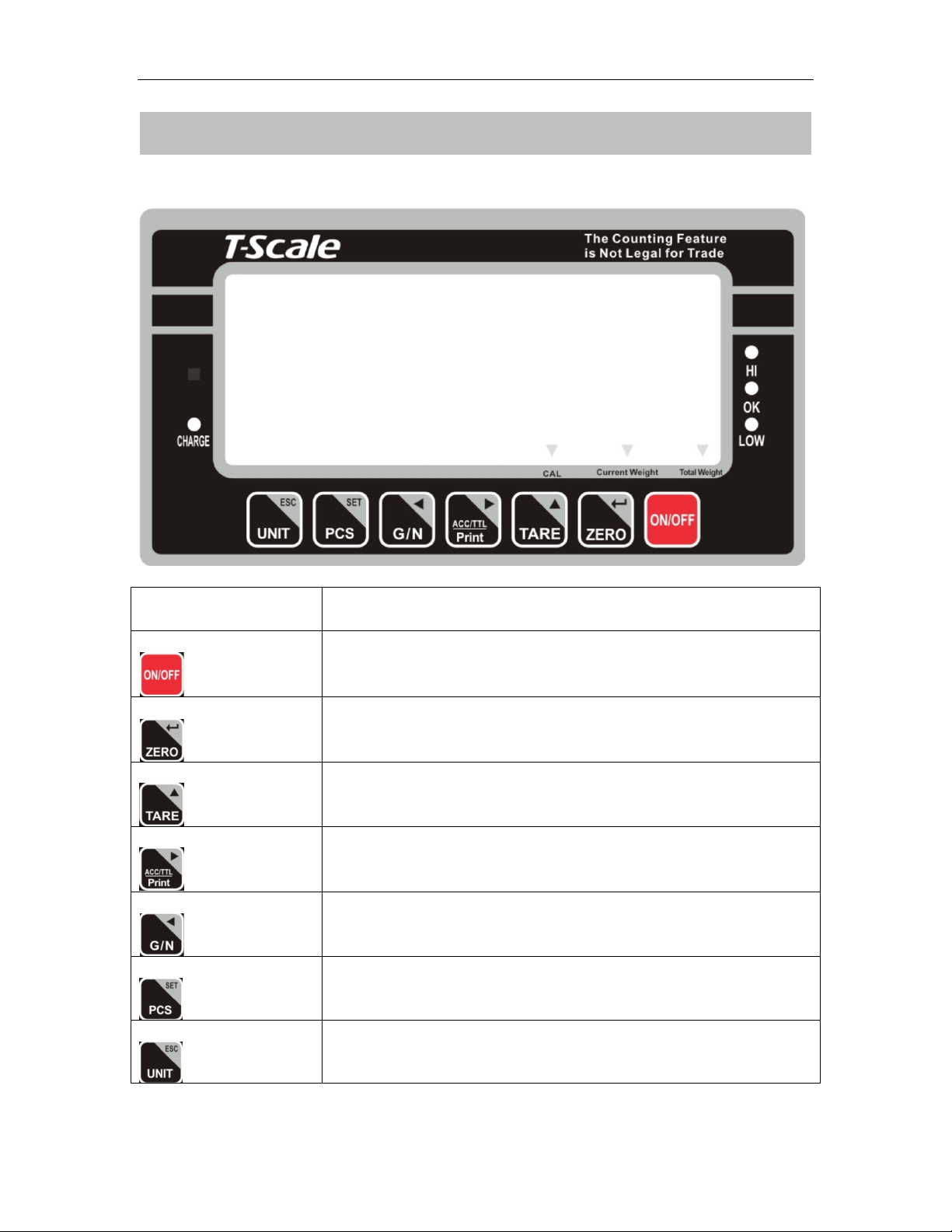
Key Board
Keys
Description
Power turn ON/OFF
Set the Zero Display
To perform a tare function, Subtracts weights.
Accumulator key, current values will store to the memory,
To send the data to printer or PC
Shift to Gross / Net Weight.
Counting
To change the unit
This manual suits for next models
1
Table of contents
Other WorldWEIGH Scale manuals