manuals.online logo
Brands
  1. Home
  2. •
  3. Brands
  4. •
  5. WowWee
  6. •
  7. Toy
  8. •
  9. WowWee RS Media User manual

WowWee RS Media User manual

Other manuals for RS Media

1

This manual suits for next models

1

Other WowWee Toy manuals

WowWee RS FEMISAPIEN User manual

WowWee

WowWee RS FEMISAPIEN User manual

WowWee Mini Robosapien User manual

WowWee

WowWee Mini Robosapien User manual

WowWee BUTT HEADS LOUD & PROUD FART LAUNCHER 3000 User manual

WowWee

WowWee BUTT HEADS LOUD & PROUD FART LAUNCHER 3000 User manual

WowWee Robosapien X Manual

WowWee

WowWee Robosapien X Manual

WowWee 0442 User manual

WowWee

WowWee 0442 User manual

WowWee ROBORAPTOR X User manual

WowWee

WowWee ROBORAPTOR X User manual

WowWee Fingerlings User manual

WowWee

WowWee Fingerlings User manual

WowWee Alive Lion Cub User manual

WowWee

WowWee Alive Lion Cub User manual

WowWee Roborover User manual

WowWee

WowWee Roborover User manual

WowWee Alive Mini White Tiger cub User manual

WowWee

WowWee Alive Mini White Tiger cub User manual

WowWee Tri-bot User manual

WowWee

WowWee Tri-bot User manual

WowWee Minion MiP Turbo Dave 0868 User manual

WowWee

WowWee Minion MiP Turbo Dave 0868 User manual

WowWee Alive Lion Cub User manual

WowWee

WowWee Alive Lion Cub User manual

WowWee RC Mini Robosapien User manual

WowWee

WowWee RC Mini Robosapien User manual

WowWee MiP User manual

WowWee

WowWee MiP User manual

WowWee Untamed Legends Dragon User manual

WowWee

WowWee Untamed Legends Dragon User manual

WowWee ROBORAPTOR 8095 User manual

WowWee

WowWee ROBORAPTOR 8095 User manual

WowWee CHIP User manual

WowWee

WowWee CHIP User manual

WowWee Tipster 0370 User manual

WowWee

WowWee Tipster 0370 User manual

WowWee Robonetics Robosapien V2 User manual

WowWee

WowWee Robonetics Robosapien V2 User manual

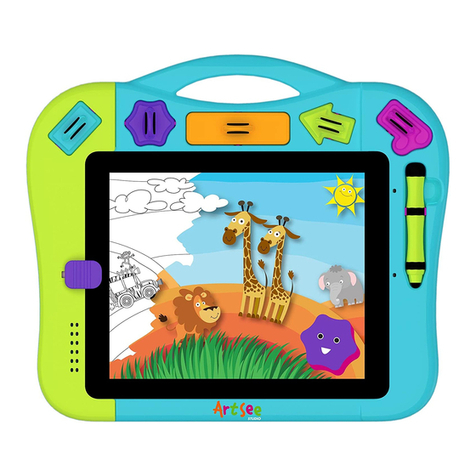
WowWee ArtSee Studio User manual

WowWee

WowWee ArtSee Studio User manual
WowWee Untamed Fingerlings User manual

WowWee

WowWee Untamed Fingerlings User manual

WowWee Alive Elvis User manual

WowWee

WowWee Alive Elvis User manual

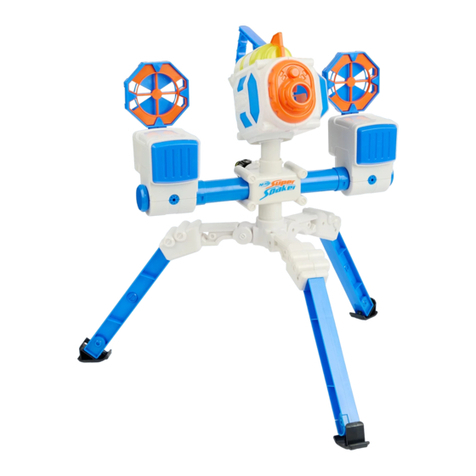
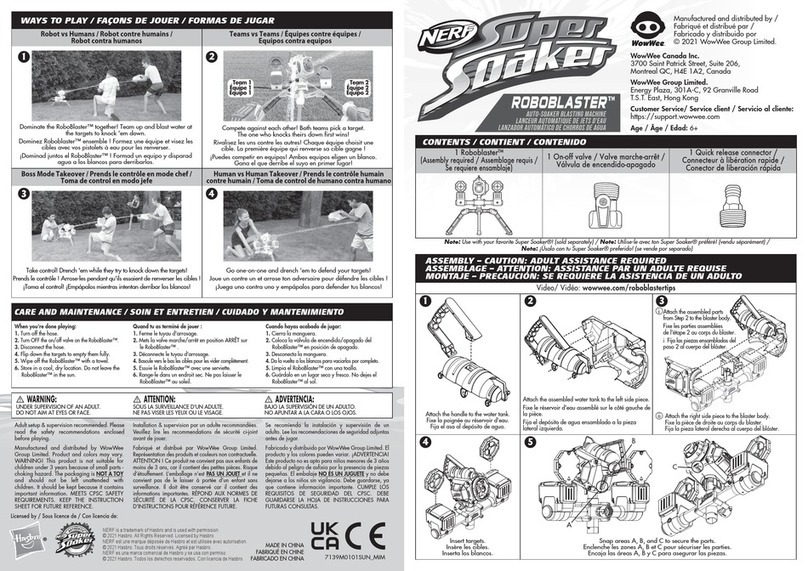
WowWee Nerf Super Soaker Roboblaster User manual

WowWee

WowWee Nerf Super Soaker Roboblaster User manual

Popular Toy manuals by other brands
FUTABA GY470 instruction manual

FUTABA

FUTABA GY470 instruction manual
LEGO 41116 manual

LEGO

LEGO 41116 manual

Fisher-Price ColorMe Flowerz Bouquet Maker P9692 instruction sheet
Fisher-Price

Fisher-Price ColorMe Flowerz Bouquet Maker P9692 instruction sheet

Little Tikes LITTLE HANDIWORKER 0920 Assembly instructions

Little Tikes

Little Tikes LITTLE HANDIWORKER 0920 Assembly instructions

Eduard EF-2000 Two-seater exterior Assembly instructions

Eduard

Eduard EF-2000 Two-seater exterior Assembly instructions

USA Trains EXTENDED VISION CABOOSE instructions

USA Trains

USA Trains EXTENDED VISION CABOOSE instructions
Modellbau Laffont Z1601 Assembly instructions

Modellbau Laffont

Modellbau Laffont Z1601 Assembly instructions

NOCH 12905 instruction manual

NOCH

NOCH 12905 instruction manual

Eduard Ki-61-Id quick start guide

Eduard

Eduard Ki-61-Id quick start guide

Viessmann Vollmer 45616 Mounting instruction

Viessmann

Viessmann Vollmer 45616 Mounting instruction

Vollmer 42004 Mounting instruction

Vollmer

Vollmer 42004 Mounting instruction

Phoenix Model CLASSIC-EP instruction manual

Phoenix Model

Phoenix Model CLASSIC-EP instruction manual

H-KING Sopwith Camel British WW1 Fighter instruction manual

H-KING

H-KING Sopwith Camel British WW1 Fighter instruction manual

MODSTER Predator 4x4 Crawler user manual

MODSTER

MODSTER Predator 4x4 Crawler user manual

DHK Hobby 8136 User instruction manual

DHK Hobby

DHK Hobby 8136 User instruction manual

THUNDER TIGER Raptor 50 V2 kit manual

THUNDER TIGER

THUNDER TIGER Raptor 50 V2 kit manual

Timberkits Skateboarder instructions

Timberkits

Timberkits Skateboarder instructions

Hangar 9 Funtana 125 Assembly manual

Hangar 9

Hangar 9 Funtana 125 Assembly manual

manuals.online logo
manuals.online logoBrands
  • About & Mission
  • Contact us
  • Privacy Policy
  • Terms and Conditions

Copyright 2025 Manuals.Online. All Rights Reserved.

1
Quick Start
Item No. 8061 | Ages 8+
A Fusion of technology and Personality
2
3
QUICK START
To sample some of RS Media’s functions immediately, insert his batteries (see p.8-9 of the User Manual), turn
him on (see p.14 of the User Manual), and follow this overview of select functions in each of his Modes.
Mode Change Button
Left Shift
SeLeCt Button
deMo Button
Stop Button
SignaL indiCator Light
Stop pad
pLay / pauSe
CaMera Button
right Shift
pLay/pauSe pad
Left direCtion pad right direCtion pad
2
3











QUICK START
























+
+
+




Mode selection Press to cycle through RS Media’s three modes.
+
+
+
+
Consult the corresponding modes Function Chart in the User Manual for a brief explanation of each of these
functions.
+
+
+
+
+
+
/
/
/
/
/
/
/
/
/
4
Java Games
RS Media is only capable of playing approved Java games from the
WowWee RS Media website. To add more Java games to your RS
Media visit www.rsmediaonline.com
Sun Microsystems and Java are registered trademarks of
Sun Microsystems, Inc.
Downloading Photographs
Transferring photos from RS Media onto an SD card is only
possible via a PC. Inserting an SD card into RS Media to retrieve
photos from his default memory is not possible.
Customer Support
For RS Media Customer Support please visit our website or email
us at [email protected]
MP3 License
Supply of this product does not convey a license nor imply any right
to distribute content created with this product in revenue-generating
broadcast systems (terrestrial, satellite, cable and/or other distribution
channels), streaming applications (via Internet, intranets and/or other
networks), other content distribution systems (pay-audio or audio-on-
demand applications and the like) or on physical media (compact discs,
digital versatile discs, semiconductor chips, hard drives, memory cards
and the like). An independent license for such use is required. For details,
please visit http://mp3licensing.com
MPEG-4 License
This product is licensed under the MPEG-4 visual patent portfolio license
for the personal and non-commercial use of a consumer for (i) encoding
video in compliance with the MPEG-4 visual standard (“MPEG-4 video”)
and/or (ii) decoding MPEG-4 video that was encoded by a consumer
engaged in a personal and non-commercial activity and/or was obtained
from a video provider licensed by MPEG LA to provide MPEG-4 video. No
license is granted or shall be implied for any other use. Additional
information including that relating to promotional, internal and
commercial uses and licensing may be obtained from MPEG LA, llc. See
http://www.mpegla.com
To play back video captured by RS Media on a PC, the user needs to
download a Codec from the Internet. Instructions on how to do this can
be found at www.rsmediaonline.com
Microsoft®
Microsoft® and Microsoft® Windows® are registered trademarks.
8061US01FLA
Manufactured and distributed by
© 2006 WowWee Ltd.
All Rights Reserved.
WowWee Limited
Asia Ofce
Unit 301A-C, 92 Granville Rd
T.S.T. East, Hong Kong
WowWee Group
North America Ofce
6600 Decarie, Suite 200
Montreal, QC H3X 2K4, Canada
Email: [email protected]

