manuals.online logo
Brands
  1. Home
  2. •
  3. Brands
  4. •
  5. WowWee
  6. •
  7. Toy
  8. •
  9. WowWee REMY'S RATATOUILLE ADVENTURE User manual

WowWee REMY'S RATATOUILLE ADVENTURE User manual

Other WowWee Toy manuals

WowWee MiP User manual

WowWee

WowWee MiP User manual

WowWee ROBOROVER 8405 User manual

WowWee

WowWee ROBOROVER 8405 User manual

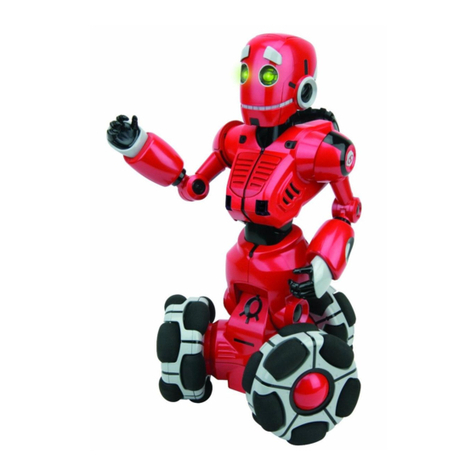
WowWee Tri-bot User manual

WowWee

WowWee Tri-bot User manual

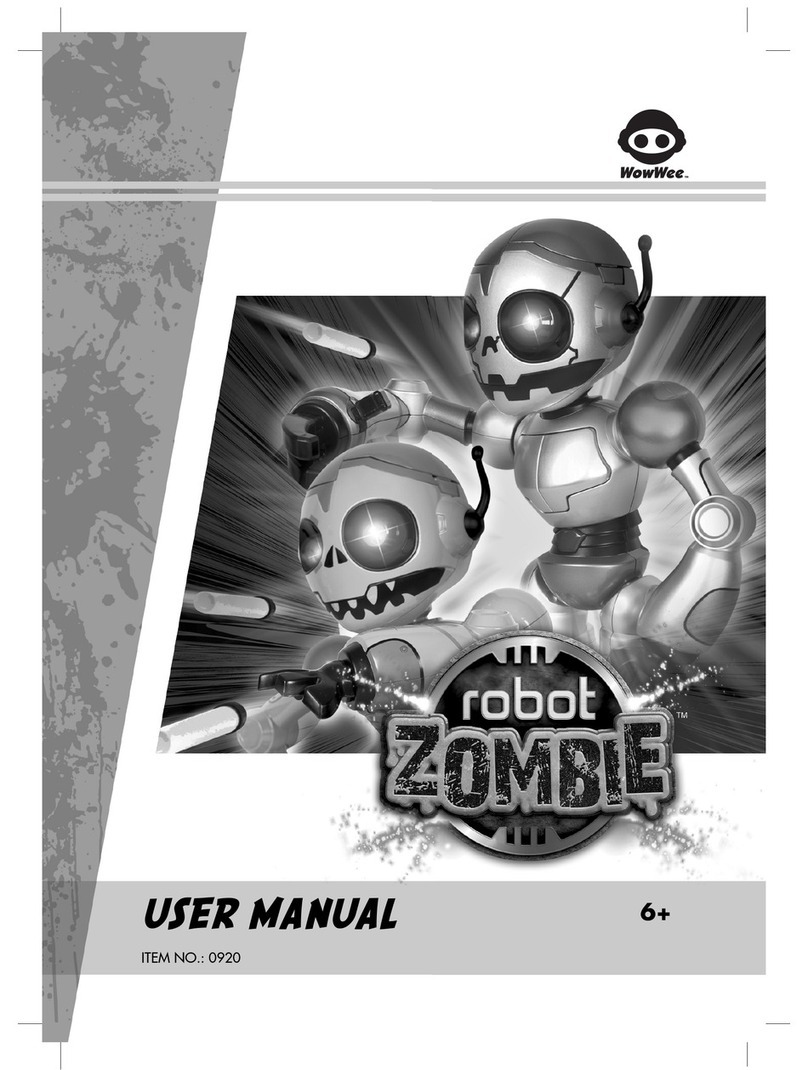
WowWee RobotZombie User manual

WowWee

WowWee RobotZombie User manual

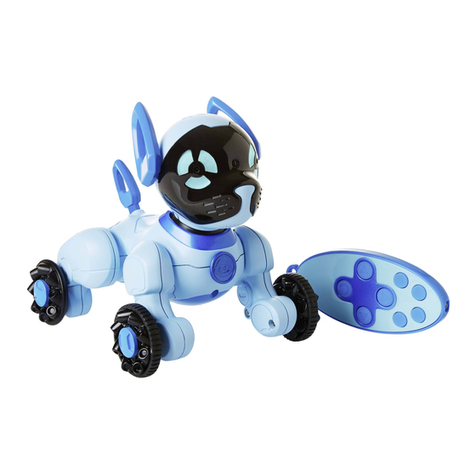
WowWee Chippies User manual

WowWee

WowWee Chippies User manual

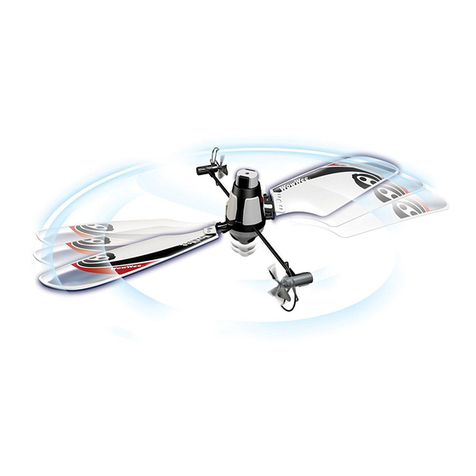
WowWee FlyTech BLADESTAR User manual

WowWee

WowWee FlyTech BLADESTAR User manual

WowWee Minion MiP Turbo Dave 0868 User manual

WowWee

WowWee Minion MiP Turbo Dave 0868 User manual

WowWee Fingerlings User manual

WowWee

WowWee Fingerlings User manual

WowWee 1045 User manual

WowWee

WowWee 1045 User manual

WowWee RC Mini MiP Installation guide

WowWee

WowWee RC Mini MiP Installation guide

WowWee Untamed Fingerlings User manual

WowWee

WowWee Untamed Fingerlings User manual

WowWee MiP User manual

WowWee

WowWee MiP User manual

WowWee RS Media User manual

WowWee

WowWee RS Media User manual

WowWee Lite Sprites Lite Wand + Prisma User manual

WowWee

WowWee Lite Sprites Lite Wand + Prisma User manual

WowWee MiP 0825 User manual

WowWee

WowWee MiP 0825 User manual

WowWee Untamed Legends Dragon User manual

WowWee

WowWee Untamed Legends Dragon User manual

WowWee Fingerlings HUGS User manual

WowWee

WowWee Fingerlings HUGS User manual

WowWee ROBORAPTOR 8095 User manual

WowWee

WowWee ROBORAPTOR 8095 User manual

WowWee Nerf Super Soaker Roboblaster User manual

WowWee

WowWee Nerf Super Soaker Roboblaster User manual

WowWee Roborover User manual

WowWee

WowWee Roborover User manual

WowWee FlyTech Bladestar 4055 User manual

WowWee

WowWee FlyTech Bladestar 4055 User manual

WowWee Untamed Fingerlings User manual

WowWee

WowWee Untamed Fingerlings User manual

WowWee ArtSee Studio User manual

WowWee

WowWee ArtSee Studio User manual

WowWee FlyTech Skyhopper 4501 User manual

WowWee

WowWee FlyTech Skyhopper 4501 User manual

Popular Toy manuals by other brands

FUTABA GY470 instruction manual

FUTABA

FUTABA GY470 instruction manual

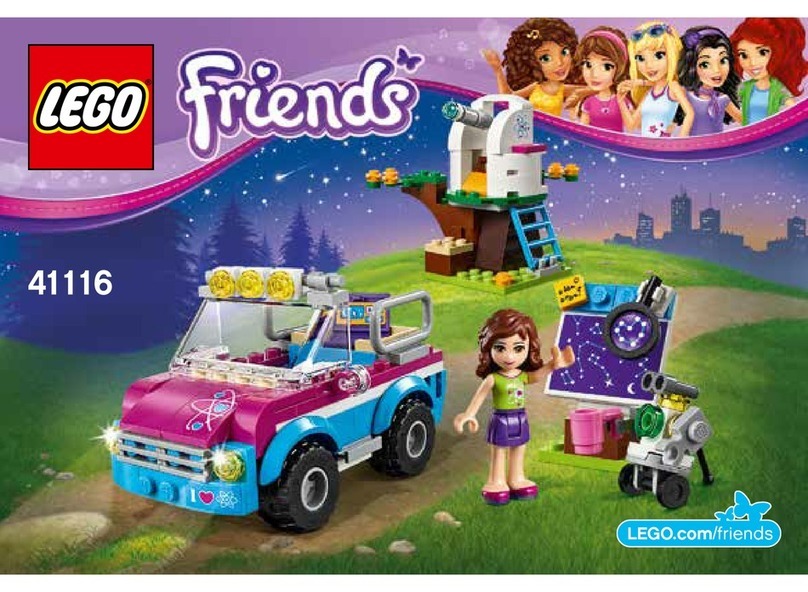
LEGO 41116 manual

LEGO

LEGO 41116 manual

Fisher-Price ColorMe Flowerz Bouquet Maker P9692 instruction sheet

Fisher-Price

Fisher-Price ColorMe Flowerz Bouquet Maker P9692 instruction sheet

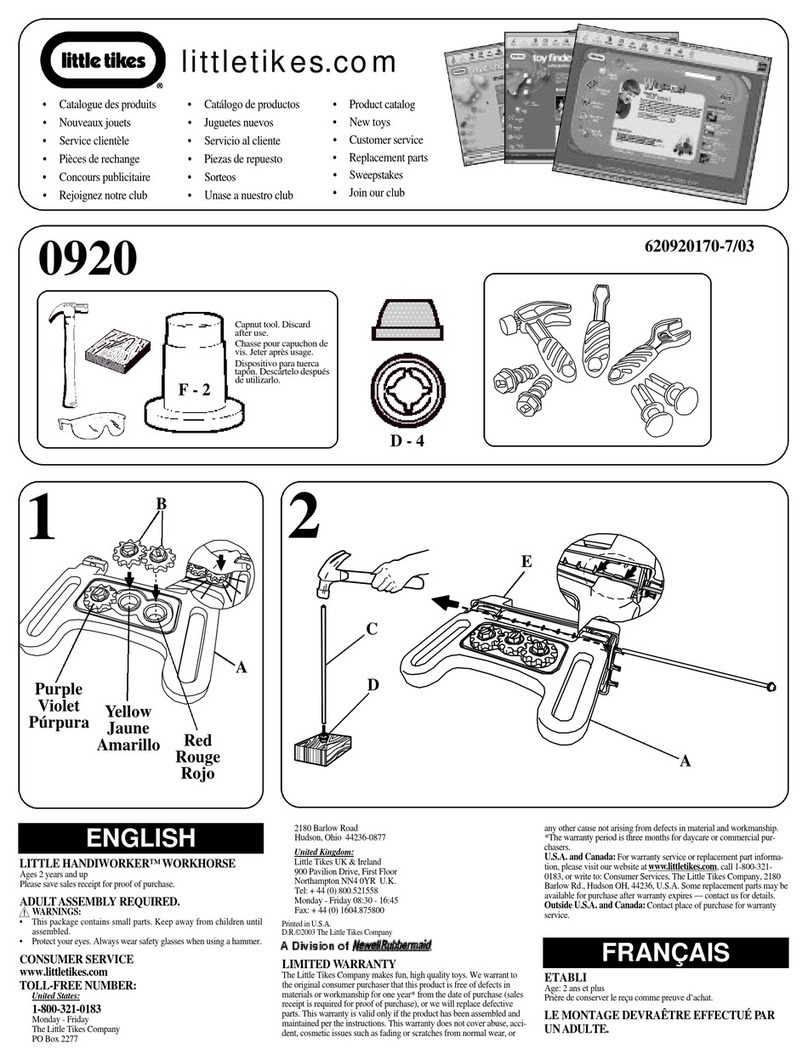
Little Tikes LITTLE HANDIWORKER 0920 Assembly instructions

Little Tikes

Little Tikes LITTLE HANDIWORKER 0920 Assembly instructions

Eduard EF-2000 Two-seater exterior Assembly instructions

Eduard

Eduard EF-2000 Two-seater exterior Assembly instructions

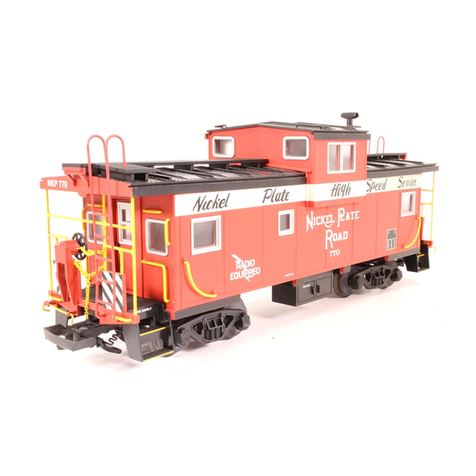
USA Trains EXTENDED VISION CABOOSE instructions

USA Trains

USA Trains EXTENDED VISION CABOOSE instructions

Modellbau Laffont Z1601 Assembly instructions

Modellbau Laffont

Modellbau Laffont Z1601 Assembly instructions

NOCH 12905 instruction manual

NOCH

NOCH 12905 instruction manual

Eduard Ki-61-Id quick start guide

Eduard

Eduard Ki-61-Id quick start guide

Viessmann Vollmer 45616 Mounting instruction

Viessmann

Viessmann Vollmer 45616 Mounting instruction

Vollmer 42004 Mounting instruction

Vollmer

Vollmer 42004 Mounting instruction

Phoenix Model CLASSIC-EP instruction manual

Phoenix Model

Phoenix Model CLASSIC-EP instruction manual

H-KING Sopwith Camel British WW1 Fighter instruction manual

H-KING

H-KING Sopwith Camel British WW1 Fighter instruction manual

MODSTER Predator 4x4 Crawler user manual

MODSTER

MODSTER Predator 4x4 Crawler user manual

DHK Hobby 8136 User instruction manual

DHK Hobby

DHK Hobby 8136 User instruction manual

THUNDER TIGER Raptor 50 V2 kit manual

THUNDER TIGER

THUNDER TIGER Raptor 50 V2 kit manual

Timberkits Skateboarder instructions

Timberkits

Timberkits Skateboarder instructions

Hangar 9 Funtana 125 Assembly manual

Hangar 9

Hangar 9 Funtana 125 Assembly manual

manuals.online logo
manuals.online logoBrands
  • About & Mission
  • Contact us
  • Privacy Policy
  • Terms and Conditions

Copyright 2025 Manuals.Online. All Rights Reserved.

A
B
CONTROL
Control Distance:
15-24 feet / 4.6-7.3 M
SHIRT CRAWLING
A
WARNING!For Lithium-ion Batteries:
B
USER MANUAL
OVERVIEW
Package Contents: 1 x Remy / Emile; 1 x Cheese Controller
1 x Crawler Base; 1 x Micro USB cable
1 x User Manual
Required: 3 x 1.5V “LR44 / AG13”

Button Cell Batteries (included)
HOW TO PLAY
The Rechargeable Battery is only to be charged or replaced by adults.
The Rechargeable Battery must only be used with the included USB Charging
Cable.
Parts to be cleaned are to be disconnected from the USB Charging Cable before
cleaning.
This product is intended for indoor used only.
The product is not recommended for use on loose dirt or wet surfaces.
Do not immerse in water. Immersing Remy/Emile can result in electric shock.
Burn hazard, fire hazard, and explosion hazard associated with mishandling of the
battery.
To avoid possible hazards, do not crush, disassemble, or dispose of in fire.
An adult should periodically check this toy to ensure no damage or hazards exist; if
so, remove from use.
• Charge battery in isolated area.
• Never charge battery unattended.
• Keep from flammable materials.
• Do not expose to direct sunlight.
• There is a risk of the battery exploding, overheating, or igniting.
Do not disassemble, modify, heat, or short circuit the battery.
Do not place them in fires or leave them in hot places.
• Do not drop or subject to strong impacts.
• Do not allow the Rechargeable Battery or charging contacts to get wet.
• Only use the Rechargeable Battery in the device specified by WowWee®.
• Carefully read the instruction guide, and use the Rechargeable Battery
correctly.
• In the unlikely event of leakage or explosion, use sand or a chemical fire
extinguisher for the battery.
• Battery must be recycled or disposed of properly.
• Battery should be recycled or disposed of as per state and local guidelines.
www.Disney.com
Disney Theme Park Merchandise
Distributed by:
Lake Buena Vista, FL 32830
©Disney
©Disney/Pixar
MADE IN CHINA
TRACKING CODE / DATE CODE
CHARGING
OFF
Battery Diagram/Installation
LED
Power
Micro USB
DC IN 5V 0.5A
For Lithium-ion Batteries:
BATTERY INFORMATION
4817US01TOP_MIM
WARNING! This product is not suitable for children under 3 years because
of small parts - choking hazard.
CAN ICES-3(B)/NMB-3(B)
MADE IN CHINA
CAUTION
Changes or modifications not expressly approved by the party responsible
for compliance could void the user’s authority to operate the equipment.
NOTE
This equipment has been tested and found to comply with the limits for a class
B digital device, pursuant to part 15 of the FCC rules. These limits are
designed to provide reasonable protection against harmful interference in a
residential installation. This equipment generates, uses and can radiate radio
frequency energy and, if not installed and used in accordance with the
instructions, may cause harmful interference to radio communications.
However, there is no guarantee that interference will not occur in a particular
Installation. If this equipment does cause harmful interference to radio or
television reception, which can be determined by turning the equipment off
and on, the user is encouraged to try and correct the interference by one or
more of the following measures:
• Reorient or relocate the receiving antenna
• Increase the separation between the equipment and receiver
•Connect the equipment into an outlet on a circuit different from that to
which the receiver is connected
• Consult the dealer or experienced radio/TV technician for help
This Device complies with Part 15 of the FCC Rules. Operation is subject to
the following two conditions: (1) This device may not cause harmful
interference, and (2) This device must accept any interference received,
including interference that may cause undesired operation.
This device contains licence-exempt transmitter(s)/receiver(s) that comply with
Innovation, Science and Economic Development Canada’s licence-exempt
RSS(s). Operation is subject to the following two conditions:
1.This device may not cause interference.
2.This device must accept any interference, including interference that may
cause undesired operation of the device.
ON
3 x 1.5V “LR44 / AG13”
Button Cell Batteries (included)
Installing or changing batteries in Cheese Control:
Lay Cheese Control down so that the battery compartment
faces upwards. Cheese Control requires 3x1.5V
“LR44/AG13” Button Cell Batteries (included).
BATTERY REPLACEMENT
1. Remove the screw to access the battery compartment.
2. Open battery door.
3. Exhausted batteries are to be removed.
4. New batteries are to be inserted with correct polarity.
5. Replace the battery door and secure with screw.
BATTERY INSTRUCTIONS
• Do not mix old and new batteries.
• Do not mix alkaline, standard (carbon zinc), or
rechargable (nickel- cadmium) batteries.
• Non-rechargable batteries are not to be recharged.
• The supply terminals are not to be short circuited.
• Do not use rechargable batteries.
• Remove batteries when not in use or discharged
* Remy/Emile is operated by 1 x 3.7V 150 mAh Lithium-ion rechargeable
Recharging Remy/Emile:
1. Plug the Micro USB Cable into the
Micro USB port on Remy/Emile and
connect to a power source as
indicated in the diagram.
2. Charging is indicated by a flashing
red light.
3. When fully charged, the light on
Remy/Emile will appear stop
flashing.
WowWee Group Limited. Energy Plaza, 301A-C, 92 Granville
Road, T.S.T. East, Hong Kong
WowWee Canada Inc. 3700 Saint Patrick Street, Suite 206,
Montreal, QC, H4E 1A2, Canada
Customer Service: https://support.wowwee.com
Age: 3+
© 2020 WowWee Group Limited.
All Rights Reserved. Patent Pending.
1
2
3