Contents
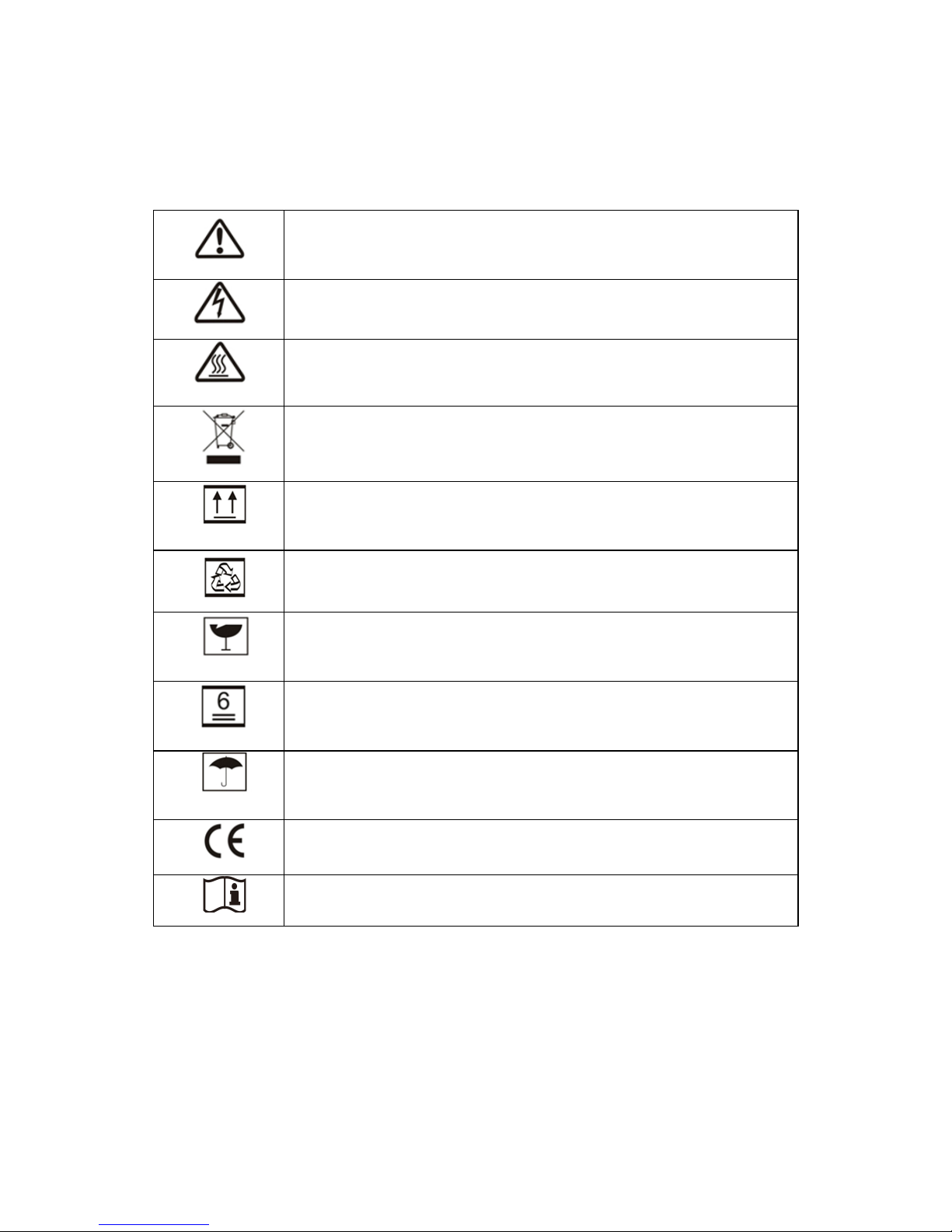
1. Symbols............................................................................................1
2. Safety ...............................................................................................2
3. Installation.......................................................................................4
3.1 Mounting Instruction ..............................................................4
3.2 Unpacking.........................................................................5
3.3 Equipment Installation .......................................................6
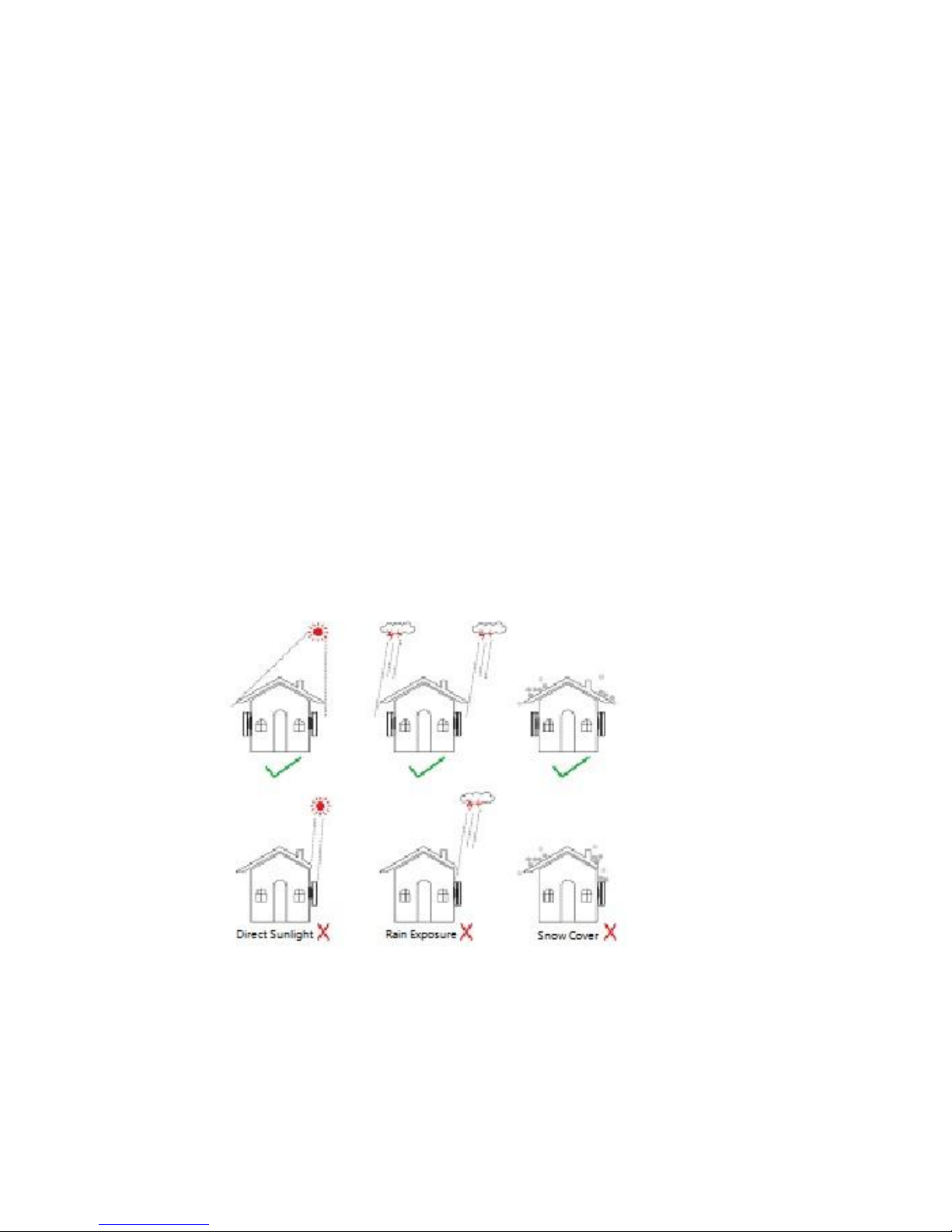
3.3.1 Selecting the installation position.................................6
3.3.2 Mounting Procedure .....................................................9
3.4 Electrical Connection.............................................................12
3.4.1 Connection to Grid (AC Side Connection) ....................12
3.4.2 DC Side Connection ......................................................15
3.4.3 RS485 Communication..................................................20
3.4.4 USB Communication .....................................................25
3.5 Troubleshooting.......................................................................25
4. System Operation.......................................................................29
4.1 Functions of Indicating Lights................................................29
4.2 LCD Display Descriptions .......................................................30
4.2.1 Top Area –Flow of Power Generated ...........................30
4.2.2 Middle Left –Status Information..................................31
4.2.3 Right Middle Area—Histogram Display ........................38
4.2.4 Bottom Area .................................................................39
4.3 Key Operation and LCD Description ......................................39
4.3.1 Key Description .............................................................40
4.3.2 Key Operation and LCD Description..............................40
4.4 Menu Introduction ................................................................40
4.5 Start up Introduction.............................................................41
4.6 Settings Description...............................................................41
4.6.1 Error History Display .....................................................42