/ 19 www.ziehl.de
Table of contents
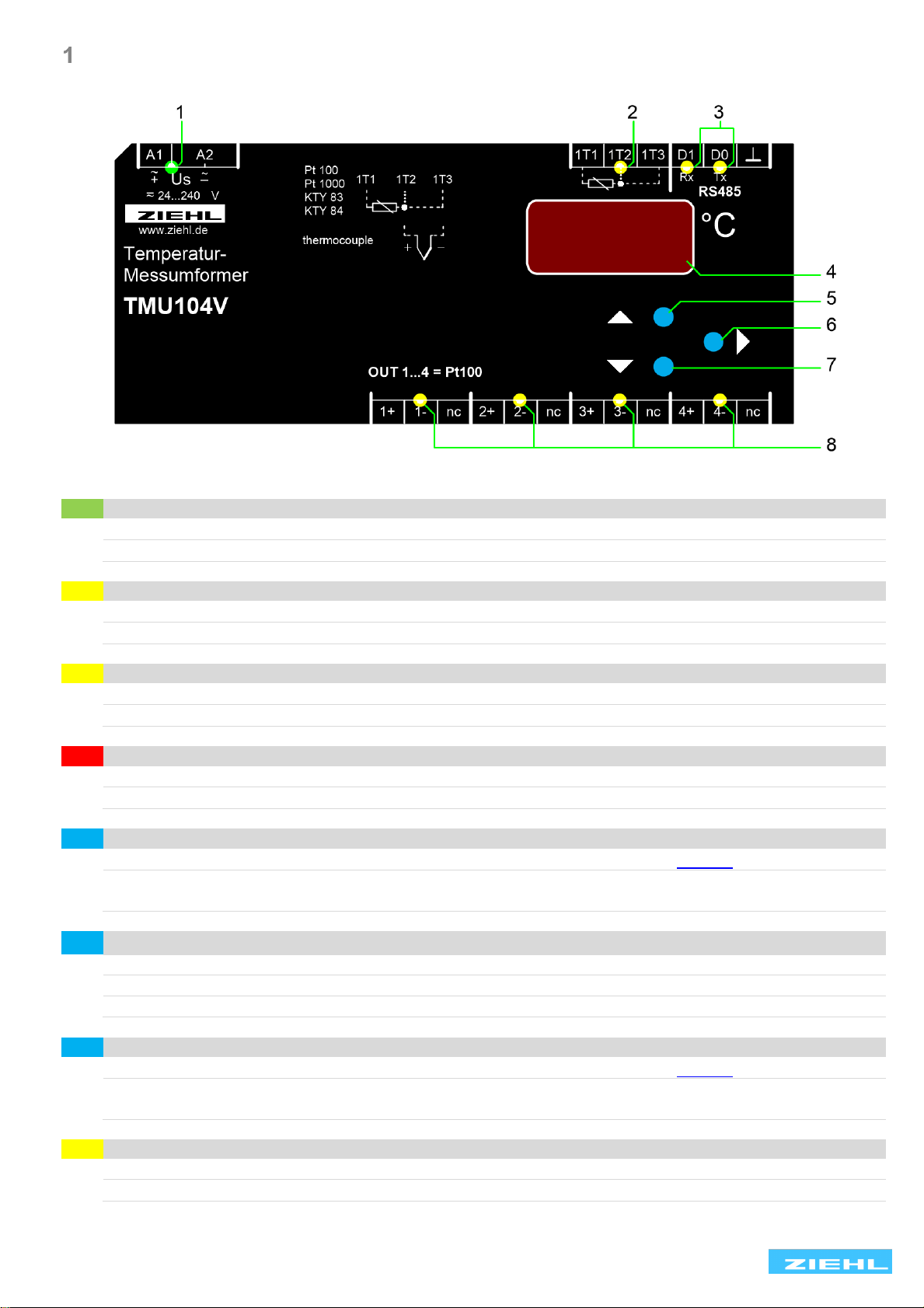
Display and controls .............................................................................................................................. 3
Factory setting........................................................................................................................................ 4
2.1 Factory reset.................................................................................................................................. 4
Application and short description......................................................................................................... 4
Overview of functions............................................................................................................................ 4
Connecting diagram............................................................................................................................... 5
5.1 Outputs.......................................................................................................................................... 5
5.2 Connection of ZIEHL equipment.................................................................................................... 5
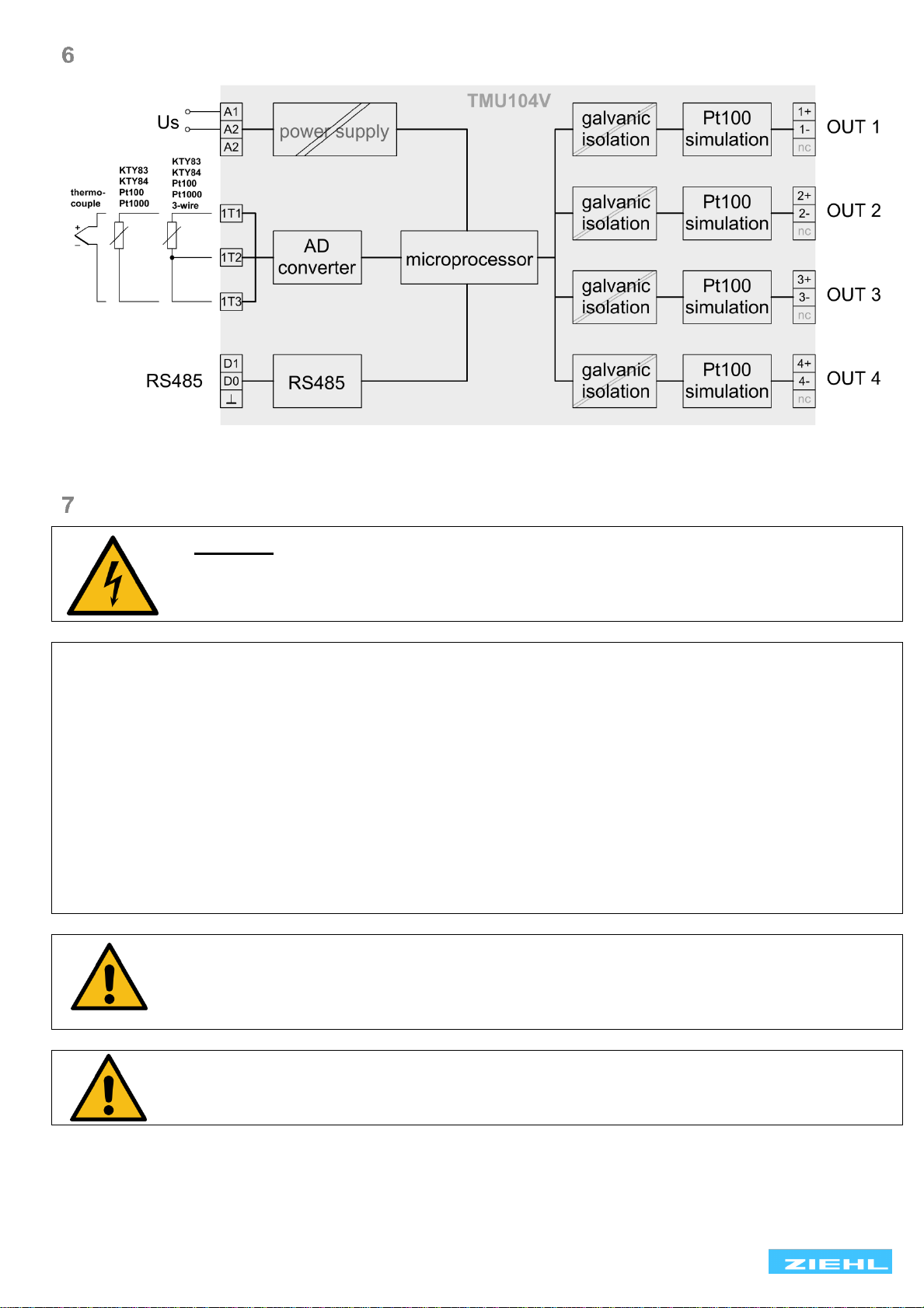
Block diagram......................................................................................................................................... 6
Important notes ...................................................................................................................................... 6
Installation .............................................................................................................................................. 7
Putting into operation ............................................................................................................................ 7
9.1 General instructions for operation.................................................................................................. 7
9.2 Display mode................................................................................................................................. 7
9.3 Menu mode.................................................................................................................................... 7
9.4 Parameter setting mode................................................................................................................. 7
9.5 Tips for operation........................................................................................................................... 7
9.6 Switch on device............................................................................................................................ 7
9.7 Configure the sensor input............................................................................................................. 7
9.8 Configure the RS485 interface....................................................................................................... 8
9.9 Sensor simulation.......................................................................................................................... 9
9.10 Code lock ...................................................................................................................................... 9
9.11 Info menu .................................................................................................................................... 10
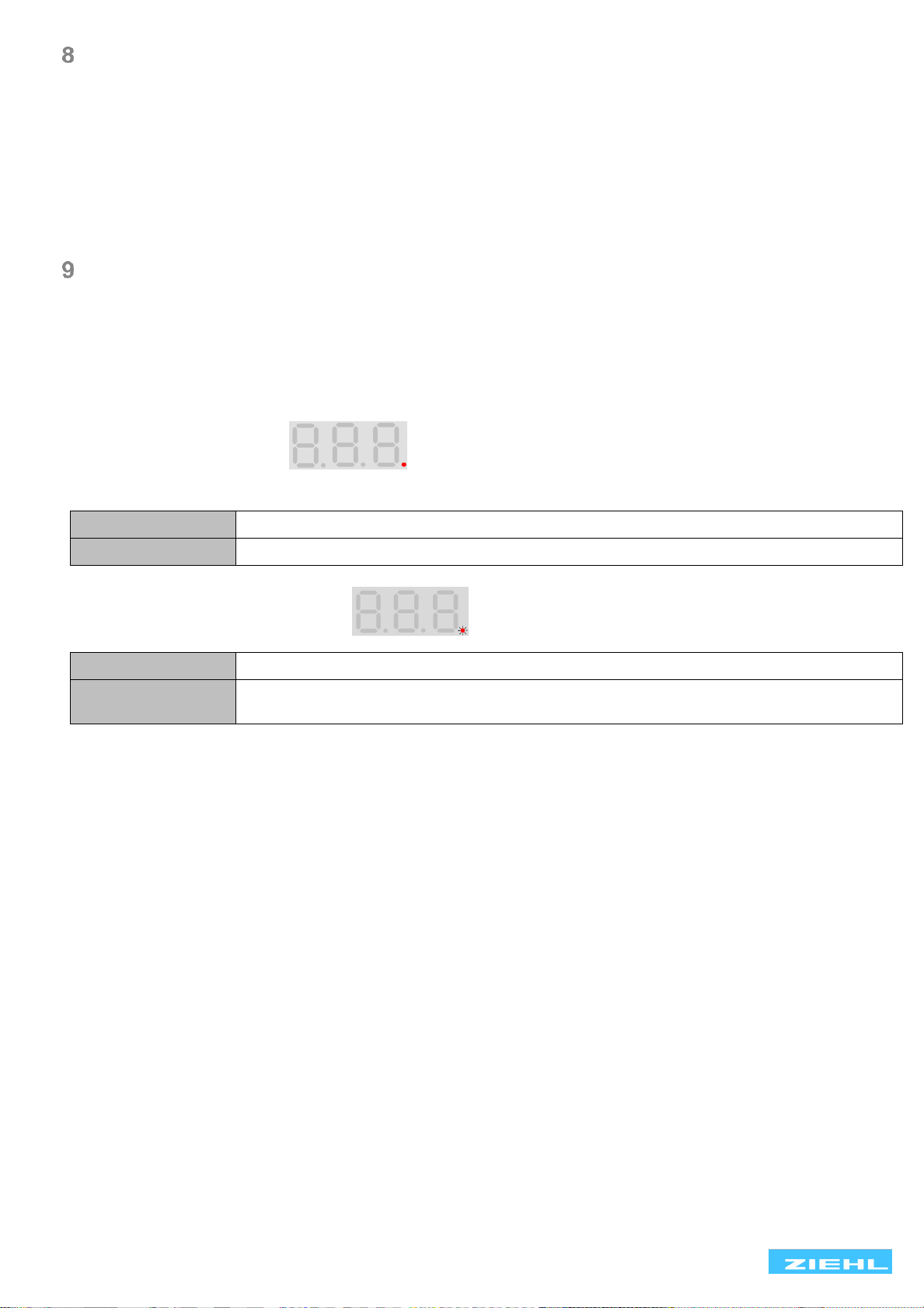
9.12 Possible indications in display...................................................................................................... 11
Operation .............................................................................................................................................. 12
Error search and measures ................................................................................................................. 14
Technical data ...................................................................................................................................... 15
Housing Design V6............................................................................................................................... 17
Appendix............................................................................................................................................... 18
14.1 Ziehl RS485 protocol................................................................................................................... 18
14.2 Example ...................................................................................................................................... 19
14.3 Modbus........................................................................................................................................ 19