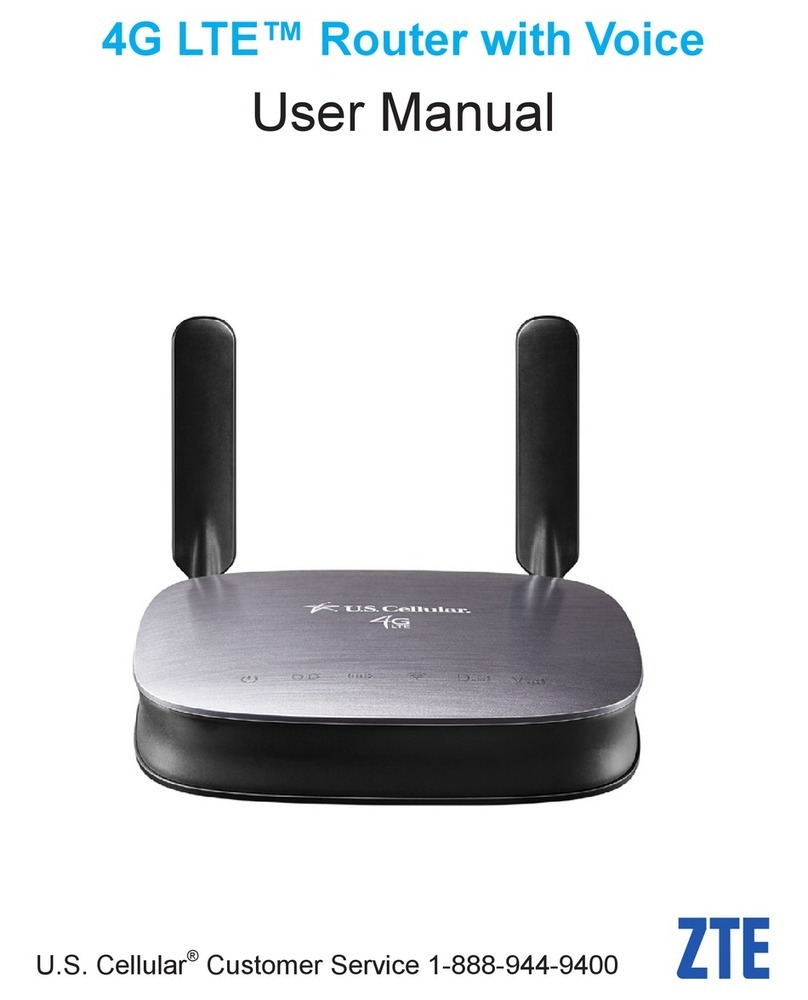
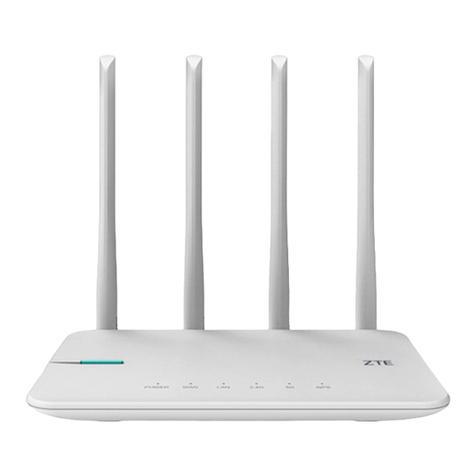
Zte T3000 User manual

1
T3000
Let’s go
Getting started with your device.

2
1. Connect Your Device
Connect the WAN/LAN4 port to the broadband service network port with a
network cable.

3
2. Power on Your Device
Connect the original power adapter to your device and then your device will be
powered on and connect to the Internet automatically.

4
3. Access the Internet
Wi-Fi: Get the default SSID and password on the label and connect to the
Wi-Fi network with your mobile device, and then access the Internet.

5
Network cable(RJ45): Connect with the computer via LAN ports and then
access the Internet.

6
Manage Your Device
You can manage the device by logging in to the configuration web page.
1. View the label on your device to get the default Device Manager Website IP
address and Password.
2. Launch the Internet browser and enter the Device Manager Website IP
address in the address bar.
3. Input the password and then click Login.
4. After the configuration web page is opened, you can change the Wi-Fi SSID,
password or other settings.

7
Mesh Network Function
Your device has the Wi-Fi Mesh ability. You can create Wi-Fi Mesh network to
form a larger range of Wi-Fi network in your house and ensure seamless Wi-Fi
roaming when you move.

8
To set your mesh network:
1. Log in to the management web page.
2. Click Mesh Network icon .
3. Follow the instructions to create your mesh network.
4. Enjoy your mesh network.

9
Indicator Lights and Interfaces

10
1
LAN ports
Connect to a PC.
2
WAN/LAN
ports
WAN/LAN4: Connect to a WAN in the single WAN mode.
WAN/LAN3: If you want to use two WAN connections, you need to switch to the
Multi WAN mode on the management web page and then connect the other WAN
to the WAN/LAN3 port.
3
Power port
Connect to the original power adapter.
4
WPS key
Press and hold for about 2 seconds to activate the WPS function or create the
mesh network.
5
NFC area
When you bring your NFC-enabled phone and the device together, follow the
instructions on your phone to connect to the Wi-Fi network without entering the
password.
6
Indicator
Red blinking:
The device is being started.
The device is being restored to the factory settings.
Red on: The WAN is not connected.
White blinking:
WPS is activating.
The mesh network is being created.
White on: The WAN is connected.
Off: The power adapter is not connected.
7
RESET
Press and hold for about 3 seconds to restore your device to the factory settings.
Other manuals for T3000
1
Table of contents
Other Zte Network Router manuals
Zte
Zte ZXR10 2600 Technical specifications
Zte
Zte MF25A User manual
Zte
Zte ZXR10 2900E Series Installation manual
Zte
Zte ZXR10 3800-8 Installation instructions
Zte
Zte MF971LS User manual
Zte
Zte MF286D User manual
Zte
Zte ZXR10 3800-8 Installation instructions
Zte
Zte ZXHN H168M User manual
Zte
Zte ZXR10 3800-8 Installation instructions
Zte
Zte MF279T User manual