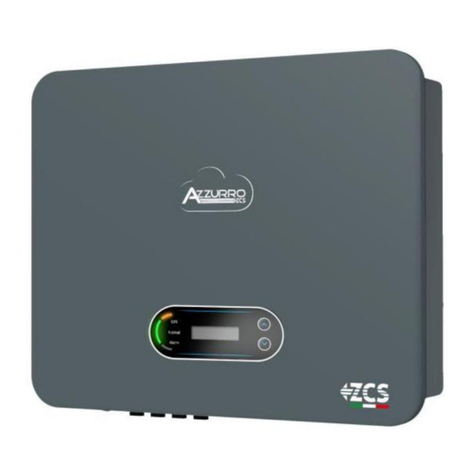
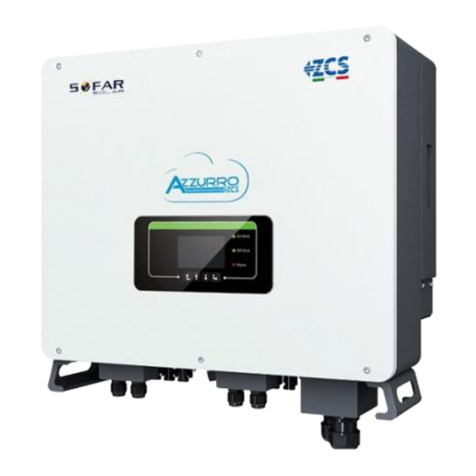
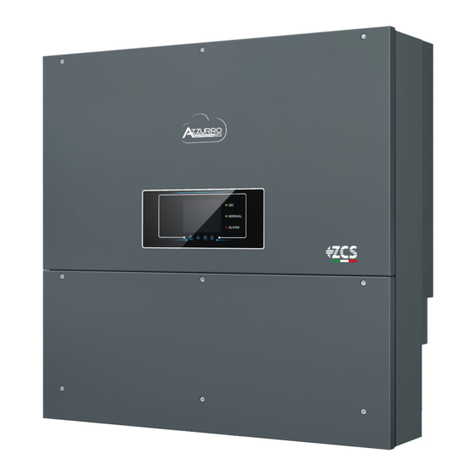
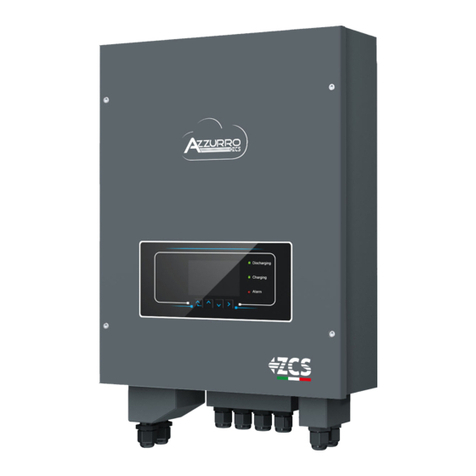
User’s Manual 3PH HYD5000
-HYD20000-ZSS
-AL-GI-00
- Application: GID
5/258
4.2.3. Importing of safety parameters ..................................................................................................................169
4.2.4. Setting the input channels.............................................................................................................................171
4.2.5. Setting battery parameters ...........................................................................................................................172
4.3. Main menu ................................................................................................................................................................173
4.3.1. Basic settings..................................................................................................................................................176
4.3.2. Advanced settings ........................................................................................................................................185
4.3.3. Event list ..........................................................................................................................................................190
4.3.4. System interface information..................................................................................................................190
4.3.5. Energy statistics............................................................................................................................................193
4.3.6. Software Update ...........................................................................................................................................195
5. Technical data ...................................................................................................................................................................197
5.1. 3PH HYD5000-HYD8000-ZSS technical data .............................................................................................197
5.2. 3PH HYD10000-HYD20000-ZSS technical data........................................................................................198
6. Troubleshooting...............................................................................................................................................................199
7. Uninstalling ........................................................................................................................................................................208
7.1. Uninstallation steps ..............................................................................................................................................208
7.2. Packaging ..................................................................................................................................................................208
7.3. Storage........................................................................................................................................................................208
7.4. Disposal......................................................................................................................................................................208
8. Monitoring systems ........................................................................................................................................................209
8.1. External Wi-Fi adapter ........................................................................................................................................209
8.1.1. Installation...........................................................................................................................................................209
8.1.2. Configuration ......................................................................................................................................................210
8.1.3. Check ......................................................................................................................................................................219
8.1.4. Troubleshooting ................................................................................................................................................221
8.2. Ethernet adapter ....................................................................................................................................................225
8.2.1. Installation...........................................................................................................................................................225
8.2.2. Check ......................................................................................................................................................................227
8.2.3. Troubleshooting ................................................................................................................................................228
8.3. 4G adapter.................................................................................................................................................................229
8.3.1. Installation...........................................................................................................................................................229
8.3.2. Check ......................................................................................................................................................................231