manuals.online logo
Brands
  1. Home
  2. •
  3. Brands
  4. •
  5. Zultys
  6. •
  7. Telephone
  8. •
  9. Zultys ZIP 37G User manual

Zultys ZIP 37G User manual

Other manuals for ZIP 37G

2

Other Zultys Telephone manuals

Zultys MX250 User manual

Zultys

Zultys MX250 User manual

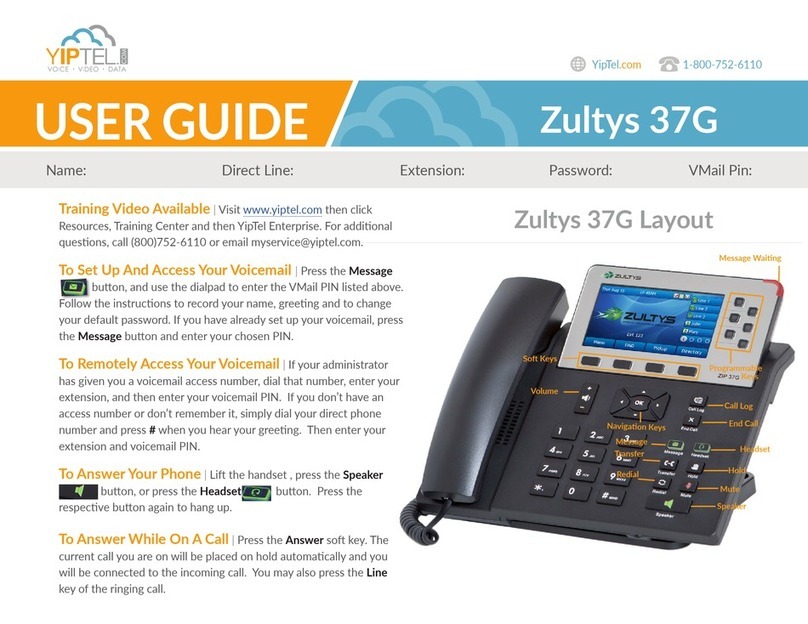
Zultys 37G User manual

Zultys

Zultys 37G User manual

Zultys ZIP4x4 User manual

Zultys

Zultys ZIP4x4 User manual

Zultys ZIP4x4 User manual

Zultys

Zultys ZIP4x4 User manual

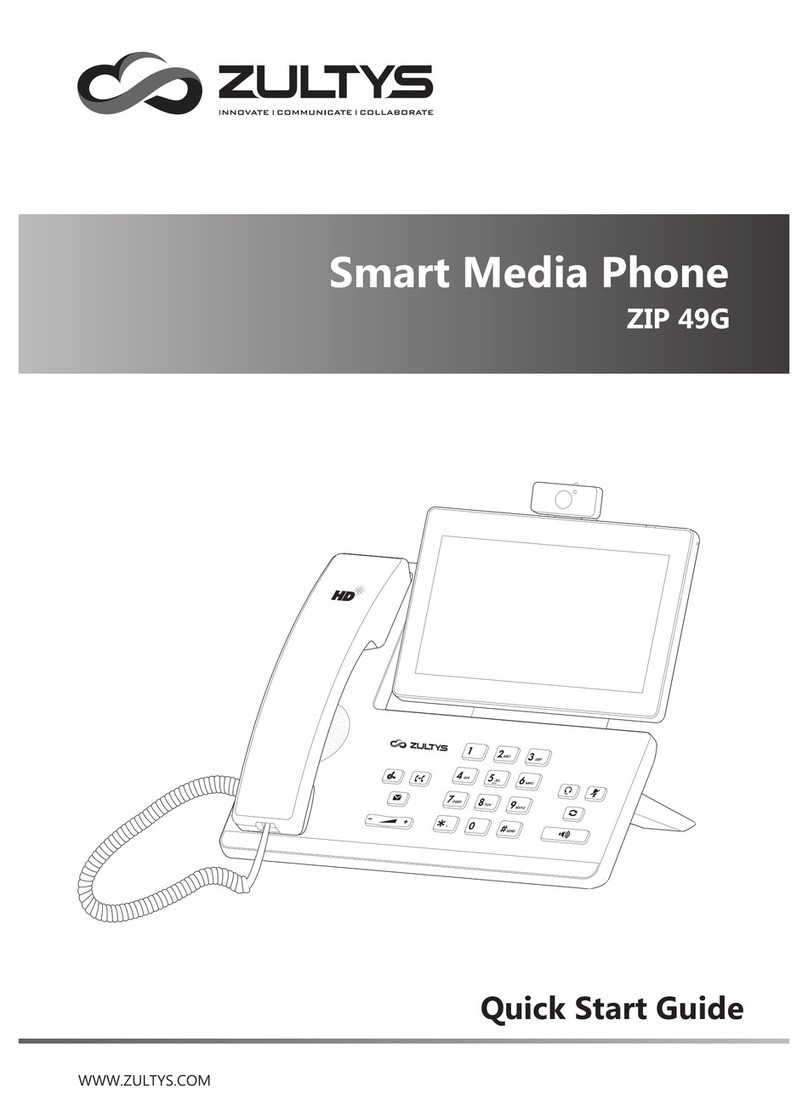
Zultys Smart Media Phone User manual

Zultys

Zultys Smart Media Phone User manual

Zultys ZIP 49GA User manual

Zultys

Zultys ZIP 49GA User manual

Zultys ZIP 36G User manual

Zultys

Zultys ZIP 36G User manual

Zultys ZIP 33i User manual

Zultys

Zultys ZIP 33i User manual

Zultys ZIP 33G User manual

Zultys

Zultys ZIP 33G User manual

Zultys ZIP 33G User manual

Zultys

Zultys ZIP 33G User manual

Zultys ZIP 33G User manual

Zultys

Zultys ZIP 33G User manual

Zultys ZIP 33i User manual

Zultys

Zultys ZIP 33i User manual

Zultys ZIP 33G User manual

Zultys

Zultys ZIP 33G User manual

Zultys 37G User manual

Zultys

Zultys 37G User manual

Zultys ZIP 36G User manual

Zultys

Zultys ZIP 36G User manual

Popular Telephone manuals by other brands

Philips BaseLine Pro manual

Philips

Philips BaseLine Pro manual

V-tech i6772 user guide

V-tech

V-tech i6772 user guide

BT FREELANCE XD 5100 quick start guide

BT

BT FREELANCE XD 5100 quick start guide

Uniden 1360 user guide

Uniden

Uniden 1360 user guide

Fanvil D800 user manual

Fanvil

Fanvil D800 user manual

Avaya IP500 user guide

Avaya

Avaya IP500 user guide

NEC Univerge SV9100 installation manual

NEC

NEC Univerge SV9100 installation manual

Amanda MiniSOHO Installation and programming manual

Amanda

Amanda MiniSOHO Installation and programming manual

Hitachi SelecSet 900 Series user guide

Hitachi

Hitachi SelecSet 900 Series user guide

mPTech HAMMER BS21 quick start guide

mPTech

mPTech HAMMER BS21 quick start guide

NEC 2000IVX user guide

NEC

NEC 2000IVX user guide

ooma Phone Genie quick start guide

ooma

ooma Phone Genie quick start guide

Siemens Gigaset S450 user guide

Siemens

Siemens Gigaset S450 user guide

Clarity RC100 operating instructions

Clarity

Clarity RC100 operating instructions

GE 2-9480 user guide

GE

GE 2-9480 user guide

Geemarc PHOTOPHONE 155 user guide

Geemarc

Geemarc PHOTOPHONE 155 user guide

Interquartz Gemini IQ333 operating instructions

Interquartz

Interquartz Gemini IQ333 operating instructions

SSS Siedle HT 840-0 operating instructions

SSS Siedle

SSS Siedle HT 840-0 operating instructions

manuals.online logo
manuals.online logoBrands
  • About & Mission
  • Contact us
  • Privacy Policy
  • Terms and Conditions

Copyright 2025 Manuals.Online. All Rights Reserved.

Quick Installation Guide
96-35371-01
Configuring your Phone
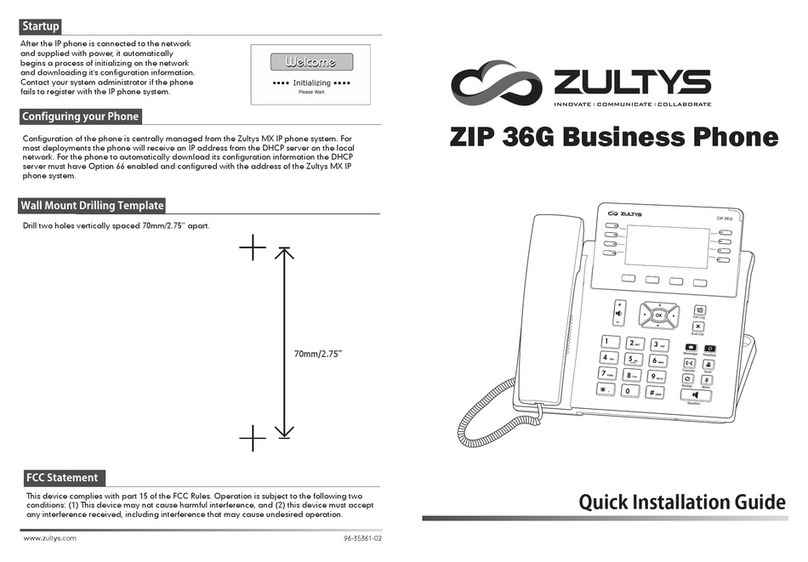
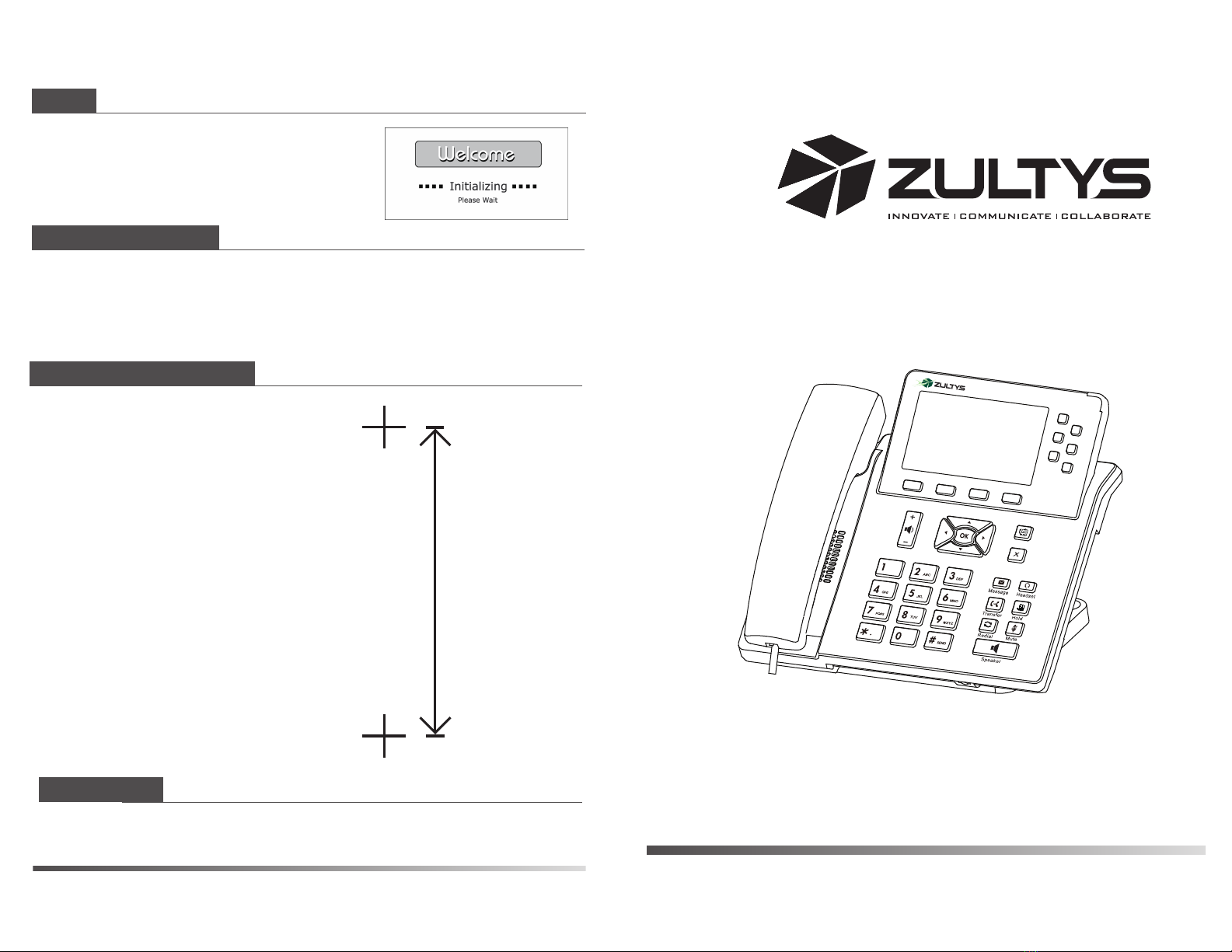
Configuration of the phone is centrally managed from the Zultys MX IP phone system. For
most deployments the phone will receive an IP address from the DHCP server on the local
network. For the phone to automatically download its configuration information the DHCP
server must have Option 66 enabled and configured with the address of the Zultys MX IP
phone system. For further information about configuration of the phone please refer to the
ZIP 35i Administration Manual.
Wall Mount Drilling Template
Drill two holes vertically spaced 70mm/2.75” apart.
After the IP phone is connected to the network
and supplied with power, it automatically
begins a process of initializing on the network
and downloading it's configuration information.
Contact your system administrator if the phone
fails to register with the IP phone system.
Startup
FCC Statement
This device complies with part 15 of the FCC Rules. Operation is subject to the following two
conditions: (1) This device may not cause harmful interference, and (2) this device must accept
any interference received, including interference that may cause undesired operation.
70mm/2.75”
ZIP 37G
Call L og
End Ca ll
ZIP 37G Business Phone

1. Attach the stand, as shown below:
2. Connect the handset and optional headset, as shown below:
3. Connect the network and power, as shown below:
a. AC Power Option
b. PoE (Power over Ethernet) Option
The following items are included in your package. If you find anything missing, contact your
system administrator.
Packing List
Assembling the Phone
Note: If PoE (Power over Ethernet) option is used, the power adapter is not required.
Desk Mount Method
Handset Cord
HandsetIP Phone
Ethernet Cable
Quick Installation
Guide & Quick
Reference Guide
Power Adapter
(DC 5V)
PC Connection
(Optional)
PC Connection
(Optional)
IEEE 802.3af compliant
PoE Switch
Note: Headset purchased separately.
ZIP 37G Quick Installation Guide
You have two options for network and power connections. Your system administrator will advise
you on which one to use.
ZIP 37G Quick Installation Guide
Wall Mount Method
Stand &
Wall Mount
Power Adapter
(optional)
Network