9
03.16.18
Workflow • Evaluating a Site Before Installing
The Site Survey Widget is quick,
non-intrusive w y to ev lu te
loc tion for new g tew y. Use
Site Survey to show the
number of networks on site, how
close those networks re to your
proposed loc tion, nd estim ted
potenti l for congestion nd
l tency. You do not h ve to p ir the
ToolBox with ny T rget Z-W ve
Controllers; only the Monitoring
Device. This test will show if the
desired loc tion for your T rget Z-
W ve Controller is good, or if it
should be reloc ted. It is best used
t p rtment complexes or town-
homes where there m y be multiple
Z-W ve networks in dj cent
homes.
Difficulty Level: EASY
Time to Complete Task: 15 min.
Items Needed:
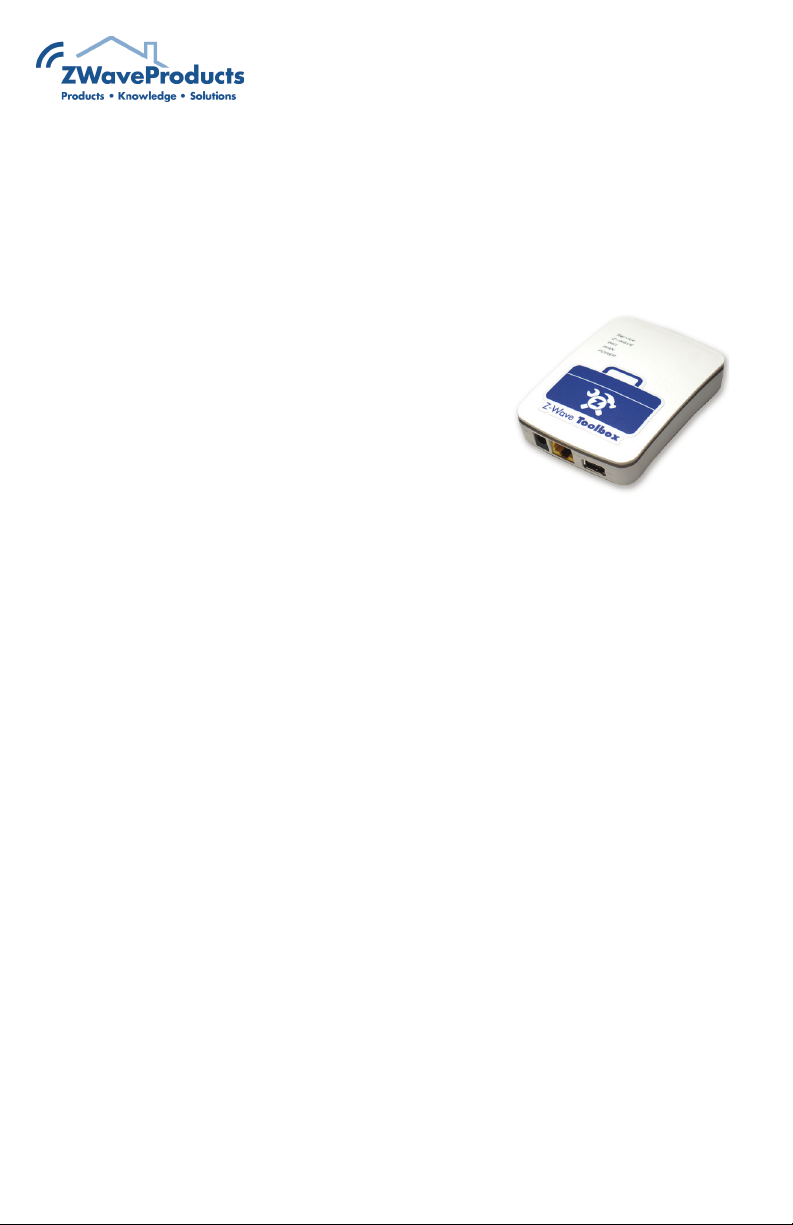
ToolBox
Smart phone/Tablet (Monitoring
Device) to see the ToolBox interface
Extension Cord to be able to move
around the work area comfortably
Where to find more information:
“Site Survey” - pg 51
Connection Type:
Steps:
1. Connect the Z-Wave Toolbox to
the extension cord, then plug the
extension cord to power.
2. From the Monitoring Device,
navigate to access WiFi networks.
3. Find the SSI for the ToolBox and
connect. Password = password.
Having Trouble? See page 6.
4. Still on the Monitoring Device, open
up a web browser and type
192.168.100.1 and enter.
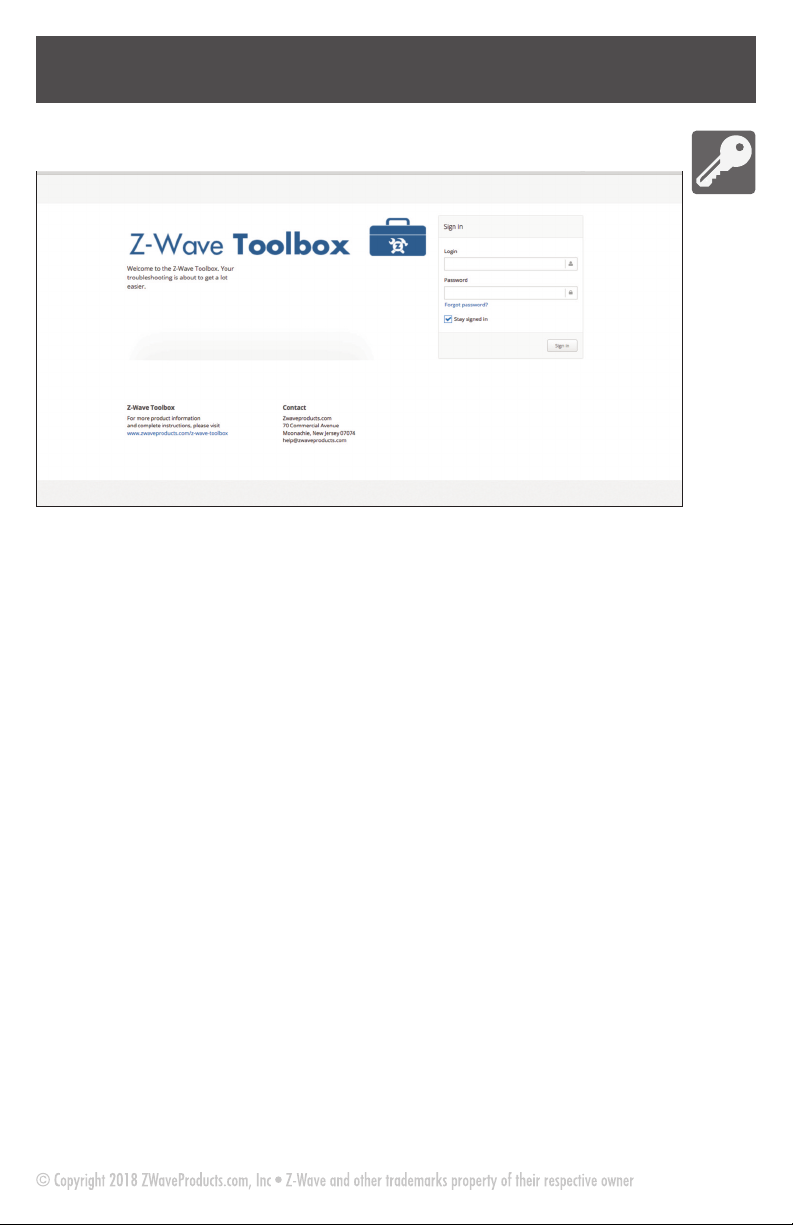
5. Sign into the home page.
Login = user
Password = password
(see pg 7 for more)
6. Using the navigation on the left,
select Z-Wave Analyzers / Site Survey.
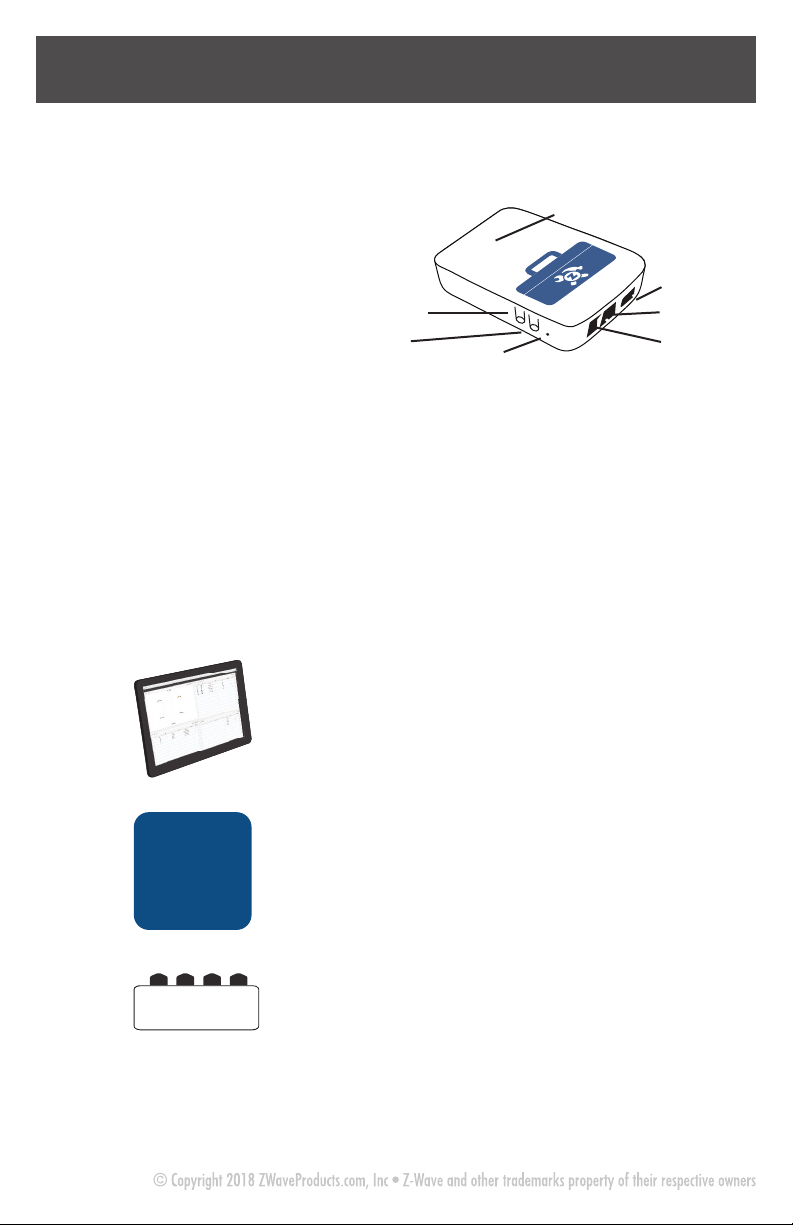
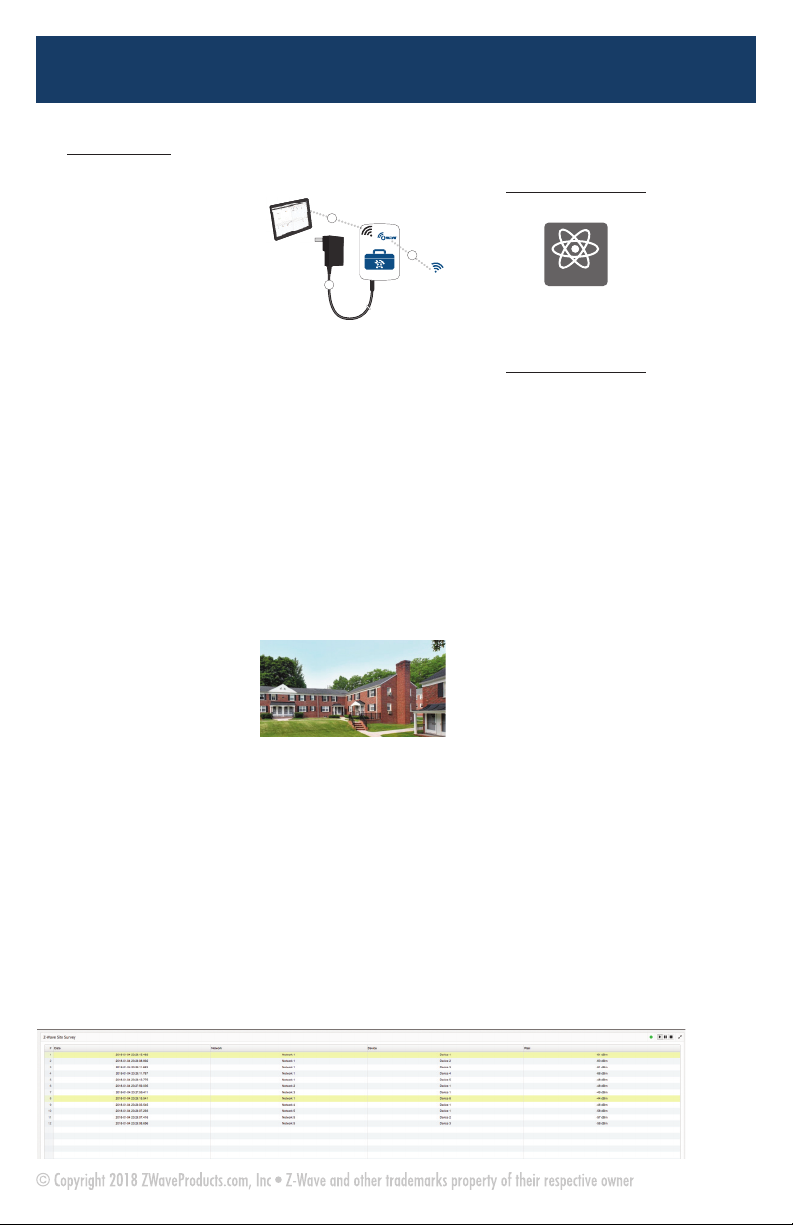
Z-Wave Toolbox
A
Client WiFiClient WiFi
Z-WaveZ-Wave
120V120V
powerpower
B
D
AmbientZ-Wavenoise
Ambient Z-Wave noise
7. Click the Start button to start the
test. You can move the ToolBox
around as needed.
RSSI = Received signal strength
indication; a scale of how strong
Z-Wave communication is.
8. This test is FROM the ToolBox, so
placement and location of the ToolBox
is key.
9. The test is interpreted by viewing
the RSSI values of nearby networks.
With the ToolBox at the proposed
Target Z-Wave Controller or Panel
location, view the data. The lower the
RSSI number of each device, the
better the proposed gateway will hear.
Under 40 is ideal. 40 to 50 shows
some traffic that may cause latency
and missed transmissions, and at over
50, the new gateway location should
be changed. Reposition the ToolBox
for a new test.
10. At this time, there is no way to
save the Site Survey data. We
recommend screen captures and
specific names of the capture files for
documentation and later evaluation.
IE: BldA_Apt35_Stat.png. -ZWP
ZWaveProducts ToolBox User's Manual_ZWaveProducts ToolBox 3/22/18 1:49 PM Page 9