manuals.online logo
Brands
  1. Home
  2. •
  3. Brands
  4. •
  5. ABB
  6. •
  7. DC Drive
  8. •
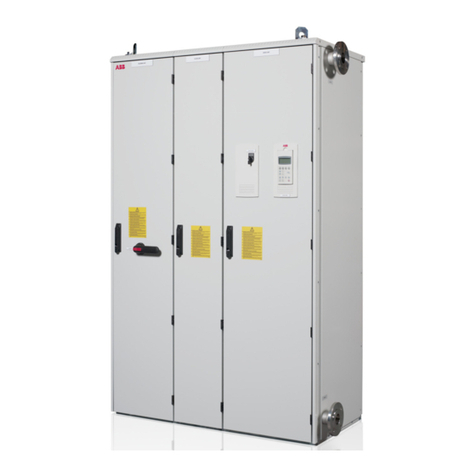
  9. ABB ACS880-01 Series User manual

ABB ACS880-01 Series User manual

Other manuals for ACS880-01 Series

15

This manual suits for next models

1

Other ABB DC Drive manuals

ABB ACS380 Series User manual

ABB

ABB ACS380 Series User manual

ABB ACS2000 AFE 2MVA User manual

ABB

ABB ACS2000 AFE 2MVA User manual

ABB ACSM1-04 Series User manual

ABB

ABB ACSM1-04 Series User manual

ABB ACS880-07 User manual

ABB

ABB ACS880-07 User manual

ABB ACS880-34 User manual

ABB

ABB ACS880-34 User manual

ABB ACS 400V User manual

ABB

ABB ACS 400V User manual

ABB ACS 580-OP User manual

ABB

ABB ACS 580-OP User manual

ABB ACS880-01 Series User manual

ABB

ABB ACS880-01 Series User manual

ABB InRouter 615 User manual

ABB

ABB InRouter 615 User manual

ABB ACS850 series Use and care manual

ABB

ABB ACS850 series Use and care manual

ABB ACS880-07 User manual

ABB

ABB ACS880-07 User manual

ABB HP CP500 User manual

ABB

ABB HP CP500 User manual

ABB ACH580-31 User manual

ABB

ABB ACH580-31 User manual

ABB ACS560 Installation manual

ABB

ABB ACS560 Installation manual

ABB ACS880-M04 User manual

ABB

ABB ACS880-M04 User manual

ABB RSYC-01 User manual

ABB

ABB RSYC-01 User manual

ABB ACS355 series User manual

ABB

ABB ACS355 series User manual

ABB ACS880 Series Owner's manual

ABB

ABB ACS880 Series Owner's manual

ABB ACS1000i air-cooled User manual

ABB

ABB ACS1000i air-cooled User manual

ABB ACS250 Owner's manual

ABB

ABB ACS250 Owner's manual

ABB DCS800 User manual

ABB

ABB DCS800 User manual

ABB ACS880-04F Installation manual

ABB

ABB ACS880-04F Installation manual

ABB ACS355 series Owner's manual

ABB

ABB ACS355 series Owner's manual

ABB ACH580-01 Series User manual

ABB

ABB ACH580-01 Series User manual

Popular DC Drive manuals by other brands
National Instruments NI MID-7604 user guide

National Instruments

National Instruments NI MID-7604 user guide

SOMFY Maestria WT Series instructions

SOMFY

SOMFY Maestria WT Series instructions

Danfoss VLT HVAC Design guide

Danfoss

Danfoss VLT HVAC Design guide

Trane TR150 Service manual

Trane

Trane TR150 Service manual

Chamberlain Garog D Series operating manual

Chamberlain Garog

Chamberlain Garog D Series operating manual

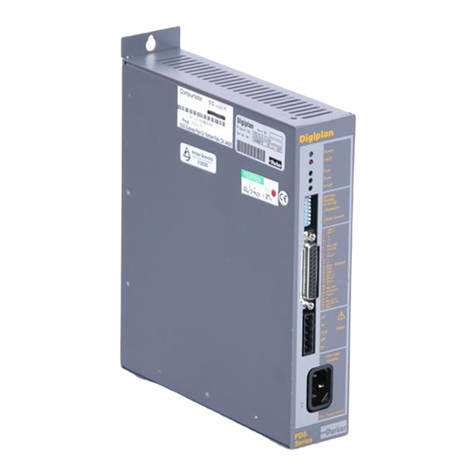
Parker PDS Series user guide

Parker

Parker PDS Series user guide

Binks QS-5012-1-CE Service manual

Binks

Binks QS-5012-1-CE Service manual

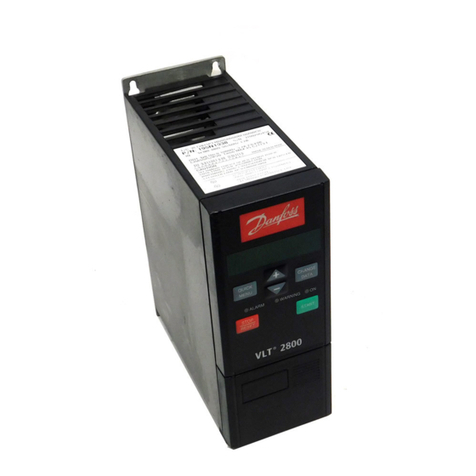
Danfoss VLT 2800 Series Quick setup

Danfoss

Danfoss VLT 2800 Series Quick setup

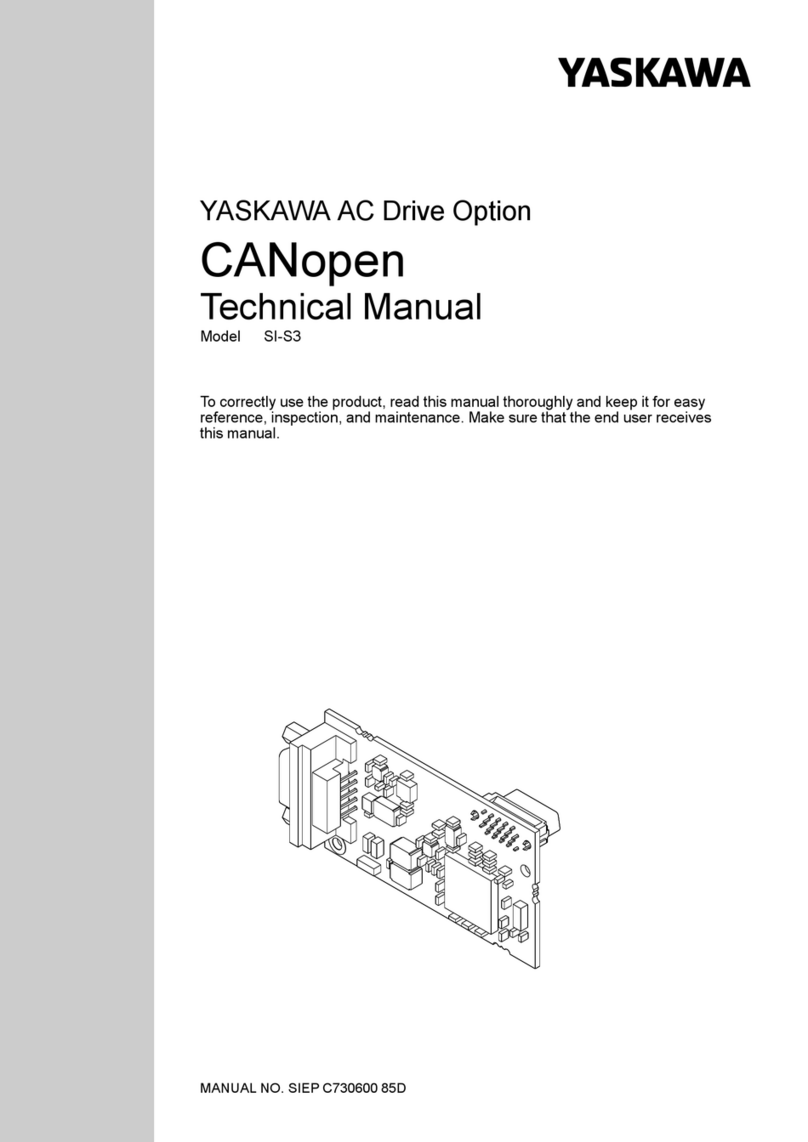
YASKAWA CANopen SI-S3 Technical manual

YASKAWA

YASKAWA CANopen SI-S3 Technical manual

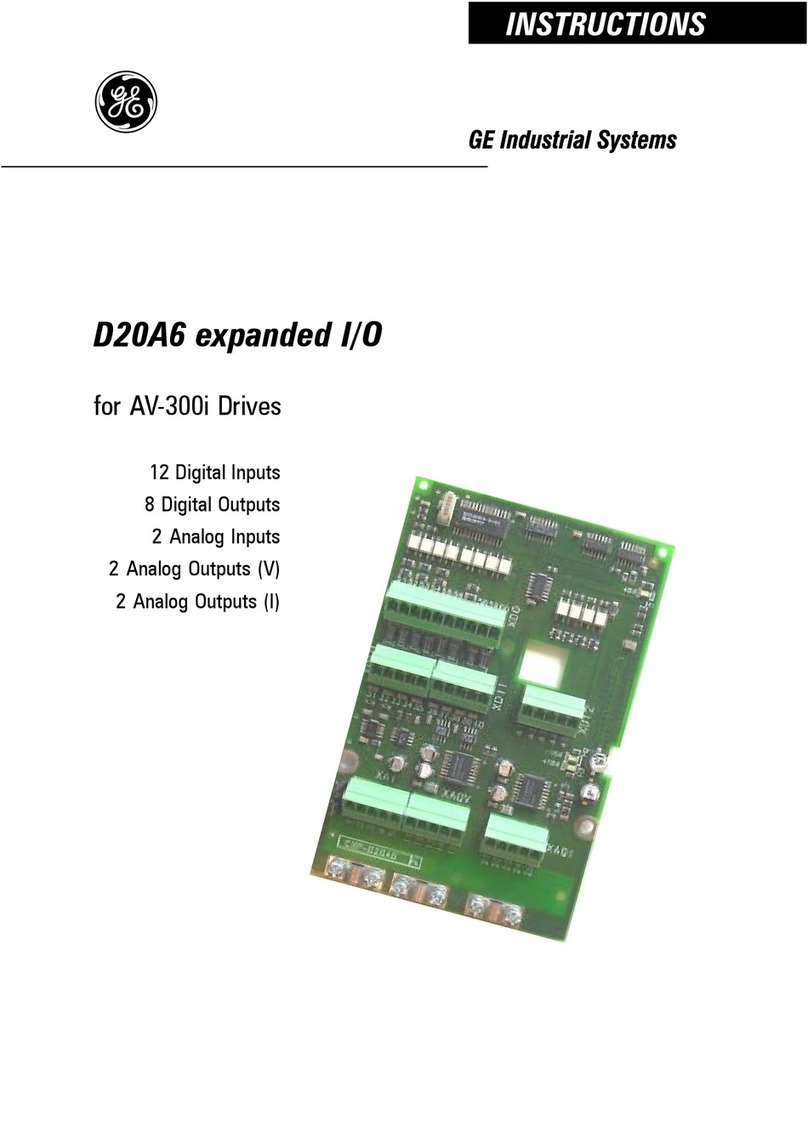
GE D20A6 instructions

GE

GE D20A6 instructions

Danfoss VLT AQUA Drive FC 202 operating manual

Danfoss

Danfoss VLT AQUA Drive FC 202 operating manual

Lenze PositionServo 940 user manual

Lenze

Lenze PositionServo 940 user manual

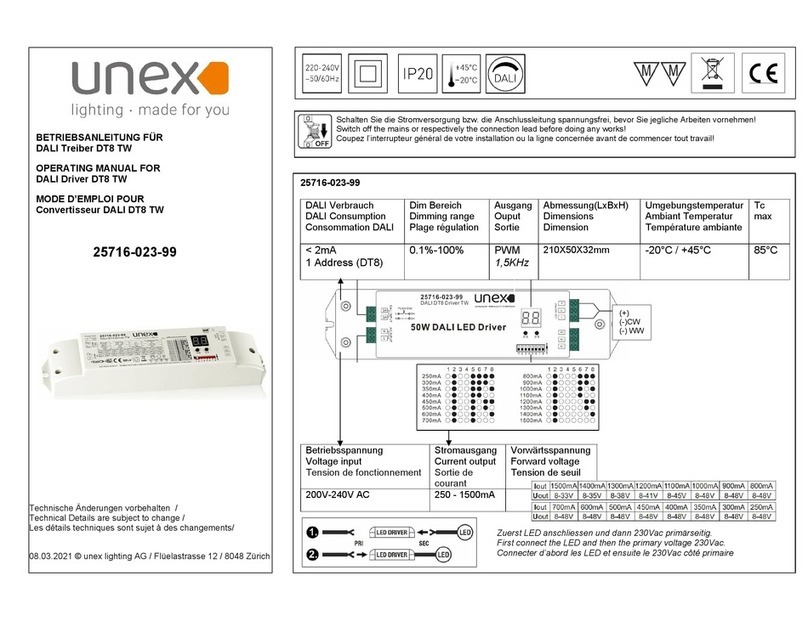
Unex MC-D-250-1000-050W-TW operating manual

Unex

Unex MC-D-250-1000-050W-TW operating manual

Geckodrive G213V manual

Geckodrive

Geckodrive G213V manual

Rockwell Automation PowerFlex 700S Programming manual

Rockwell Automation

Rockwell Automation PowerFlex 700S Programming manual

WEG DeviceNet CFW500 user manual

WEG

WEG DeviceNet CFW500 user manual

Siemens SINAMICS G List manual

Siemens

Siemens SINAMICS G List manual

Siemens SINAMICS SM150 6SL3815-7NP41-0AA1 Operating instructions & installation instructions

Siemens

Siemens SINAMICS SM150 6SL3815-7NP41-0AA1 Operating instructions & installation instructions

manuals.online logo
manuals.online logoBrands
  • About & Mission
  • Contact us
  • Privacy Policy
  • Terms and Conditions

Copyright 2025 Manuals.Online. All Rights Reserved.

English . . . . . . . . .3
English – USA . . .9
Dansk . . . . . . . . .17
Deutsch . . . . . . .23
Español . . . . . . .29
Suomi. . . . . . . . .35
Français. . . . . . .41
Italiano. . . . . . . .47
Nederlands . . . .53
Polski . . . . . . . . .59
Português . . . . .65
Русский . . . . . . .71
Svenska . . . . . . .77
Türkçe . . . . . . . .83
中文. . . . . . . . . . .89
—
ABB INDUSTRIAL DRIVES
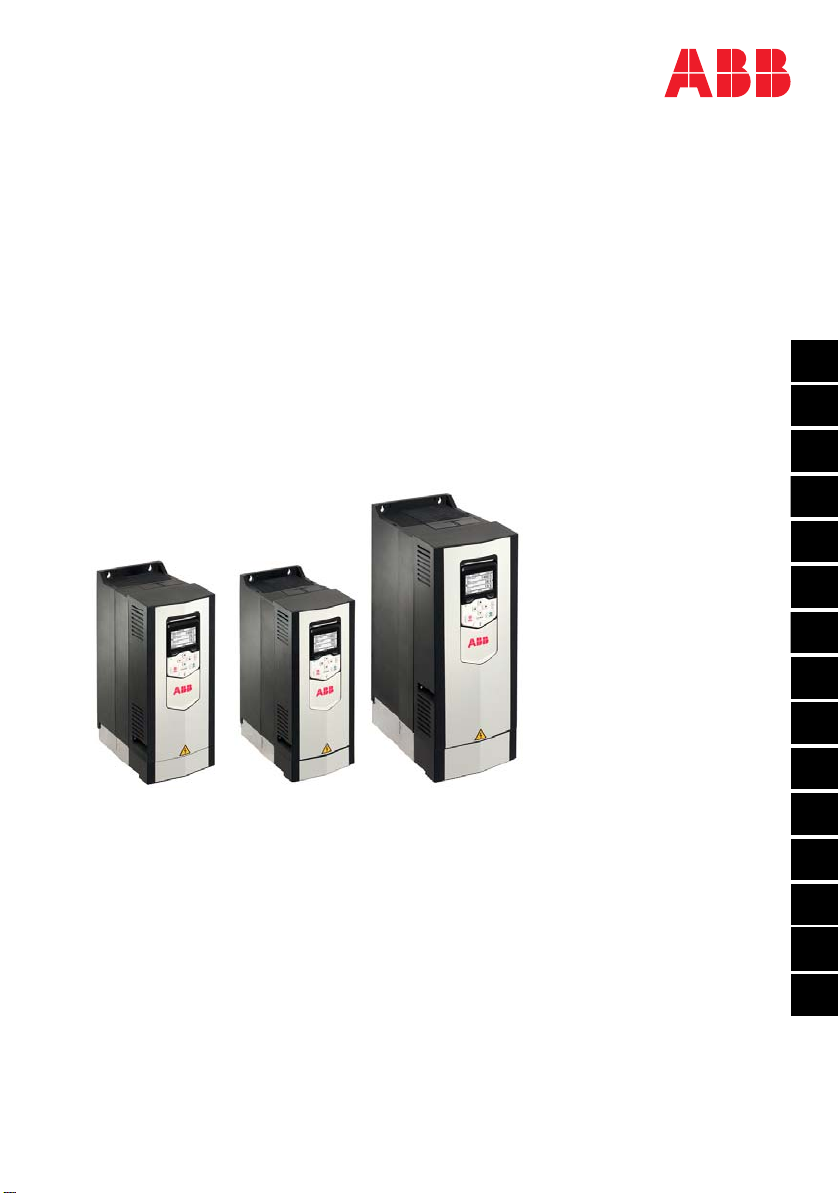
ACS880-01 drives
Frames R1 to R3
Quick installation guide
3AUA0000085966 Rev H MUL
EFFECTIVE: 2019-05-08
EN
USA
DA
DE
ES
FI
FR
IT
NL
PL
PT
RU
SV
TR
ZH
—
List of related manuals
You can find manuals and other product documents in PDF format on the Internet. See
section Document library on the Internet on the inside of the back cover. For manuals
not available in the Document library, contact your local ABB representative.
The code below opens an online listing of the manuals applicable to the product:
Drive hardware manuals and guides Code (English)
ACS880-01 hardware manual 3AUA0000078093
ACS880-01 quick installation guide for frames
R1 to R3
3AUA0000085966
ACS880-01 quick installation guide for frames
R4 and R5
3AUA0000099663
ACS880-01 quick installation guide for frames
R6 to R9
3AUA0000099689
ACS880-01 +P940 drives for cabinet
installation supplement
3AUA0000145446
ACS880-01 assembly drawings for cable entry
boxes of IP21 frames R5 to R9
3AUA0000119627
ACS-AP-x assistant control panels user’s
manual
3AUA0000085685
Vibration dampers for ACS880-01 drives
(frames R4 and R5, option +C131) installation
guide
3AXD50000010497
Vibration dampers for ACS880-01 drives
(frames R6 to R9, option +C131) installation
guide
3AXD50000013389
ACS880-01 +C132 marine type-approved drives
supplement
3AXD50000010521
ACS880-01 +N7502 drives for SynRM motors
(0.8 to 200
kW) supplement
3AXD50000029482
Drive firmware manuals and guides
ACS880 primary control program firmware
manual
3AUA0000085967
Quick start-up guide for ACS880 drives with
primary control program
3AUA0000098062
Option manuals and guides
Manuals and quick guides for I/O extension
modules, fieldbus adapter, etc.
ACS880-01 manuals
EN – Quick installation guide 3
EN
DA
DE
ES
FI
FR
IT
NL
PT
RU
SV
TR
CN
EN – Quick installation guide
This guide instructs briefly how to install the drive. For more detailed instructions,
engineering guide lines, technical data and complete safety instructions, see the
hardware manual (www.abb.com/drives: Select Document Library and search for
document number 3AUA0000078093 [English]).
Obey the safety instructions
The floor material below the drive must be non-flammable.
Check if capacitors need to be reformed
Reform the capacitors if the drive has not been powered (either in storage or unused)
for a year or more.
You can determine the manufacturing date from the serial number, which you find on
the type designation label attached to the drive. The serial number is of format
MYYWWRXXXX. YY and WW tell the manufacturing year and week as follows:
YY: 17, 18, 19, … for 2017, 2018, 2019, …
WW: 01, 02, 03, … for week 1, week 2, week 3, …
For information on reforming the capacitors, see Converter modules with
electrolytic DC capacitors in the DC link capacitor reforming instructions
WARNING! Obey these instructions. If you ignore them, injury or death, or
damage to the equipment can occur:
• Only qualified electrical professionals are allowed to install and maintain the
drive.
• Never work on the drive, motor cable or motor when main power is applied. If
the drive is already connected to the input power, wait for 5 minutes after
disconnecting the input power.
• Never work on the control cables when power is applied to the drive or to the
external control circuits.
• Always ground the drive, the motor and adjoining equipment to the protective
earth (PE) bus of the power supply.
• Make sure that debris from borings and grindings does not enter the drive when
installing.
• Do not connect the drive to a voltage higher than what is marked on the type
designation label.
3AUA0000085966 Rev H
4 EN – Quick installation guide
EN
DA
DE
ES
FI
FR
IT
NL
PT
RU
SV
TR
CN
(3BFE64059629 [English]), available on the Internet at
www.abb.com/drives/documents.
Select the power cables
Size the power cables according to local regulations to carry the nominal current
given on the type designation label of your drive.
Typical power cable sizes are listed in table Jon page 100. For the conditions of the
sizing, see the hardware manual.
Ensure the cooling
See table Bon page 97 for the losses and the cooling air flow through the drive. The
allowed operating temperature range of the drive without derating is -15 to +40 °C.
Protect the drive and input power cable
See table Bon page 97. Check that the operating time of the fuse is below 0.5
seconds.
Install the drive on the wall
See figure A on page 97.
Check the compatibility with IT (ungrounded), corner-
grounded delta, midpoint-grounded delta and TT systems
The standard drive with ground-to-phase varistors connected can be installed to a
symmetrically grounded TN-S system. For other systems, see the hardware manual
and ACS880 frames R1 to R11 EMC filter and ground-to-phase varistor
disconnecting instructions (3AUA0000125152 [English]).
EN – Quick installation guide 5
EN
DA
DE
ES
FI
FR
IT
NL
PT
RU
SV
TR
CN
.
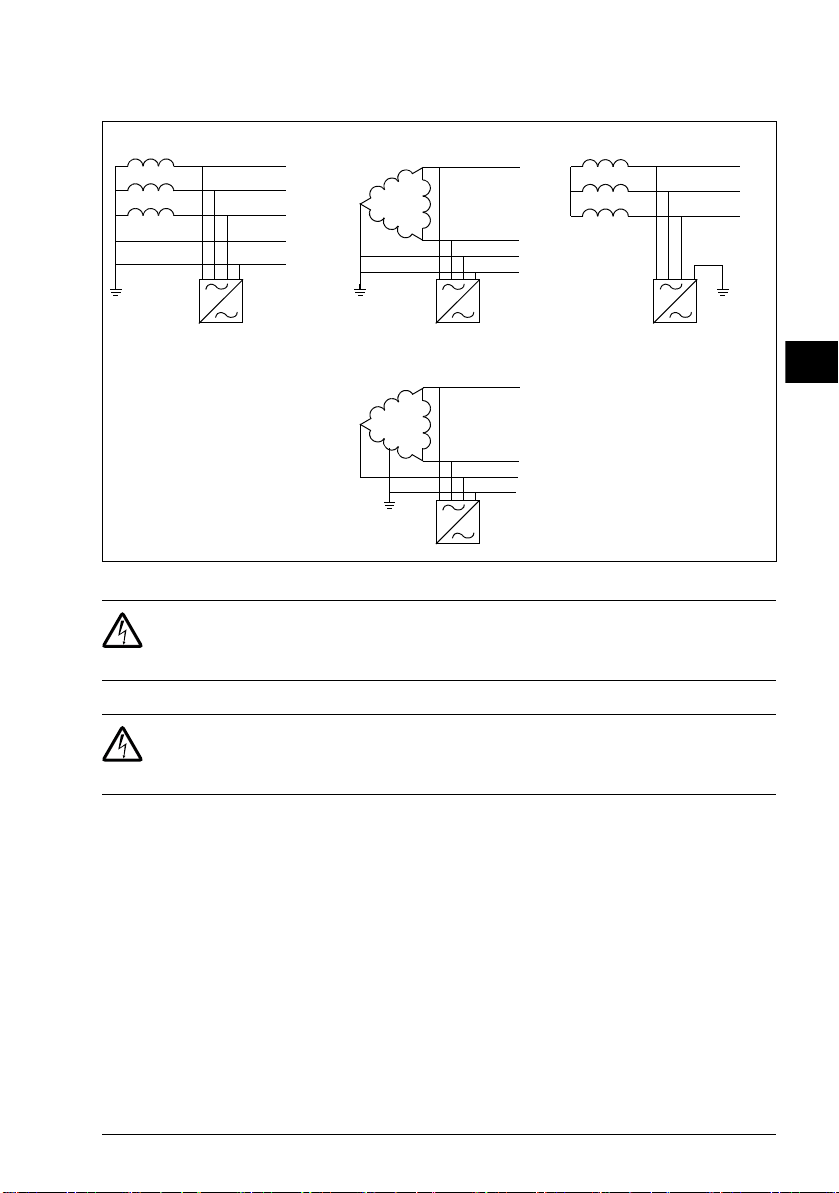
A = TN-S system, B1 = Corner-grounded system, B2 = Midpoint-grounded system, C = IT system
WARNING! Do not install the drive with EMC filter options +E200 and +E202
connected to a system that the filter is not suitable for. This can cause danger,
or damage the drive.
WARNING! Do not install the drive with the ground-to-phase varistor
connected to a system that the varistor is not suitable for. If you do, the varistor
circuit can be damaged. See the drive hardware manual.
Note: With option +E201, remove EMC AC, EMC DC and VAR screws in for systems
other than TN-S if not removed at the factory. For more information, contact ABB.
Check the insulation of the input and motor cables and the
motor
Check the insulation of the input cable according to local regulations before you
connect it to the drive.
Check the insulation of the motor cable and motor when the cable is disconnected
from the drive, see figure Fon page 98. Measure the insulation resistance between
each phase conductor and the Protective Earth conductor using a measuring voltage
of 1000 V DC. The insulation resistance of an ABB motor must exceed 100 Mohm
(reference value at 25 °C or 77 °F). For the insulation resistance of other motors,
PE
N
L3
L2
L1
PE
L3
L2
L1
L3
L2
L1
PE
L3
L2
L1
B1 CA
B2
6 EN – Quick installation guide
EN
DA
DE
ES
FI
FR
IT
NL
PT
RU
SV
TR
CN
please consult the manufacturer’s instructions. Note: Moisture inside the motor
casing will reduce the insulation resistance. If moisture is suspected, dry the motor
and repeat the measurement.
Attach the warning stickers in local languages
Connect the power cables
See figures C, D, Eand G. Use symmetrical shielded cable for motor cabling.
1. Undo the mounting screws at the sides of the front cover.
2. Remove the cover by sliding it forward.
3. Attach the residual voltage warning sticker in the local language to the control
panel mounting platform.
4. Remove the rubber grommets from the lead-through plate for the cables to be
connected.
5. IP21 units: Fasten the cable connectors (included in the delivery in a plastic bag)
to the cable lead-through plate holes.
6. Prepare the ends of the input power and motor cables as illustrated in the figure.
7. Ground the cable shields 360 degrees in the cable connectors (IP21 units) or
under the clamps (IP55 units).
8. Connect the twisted shield of the input cable to the PE terminal.
9. Connect the PE conductor of the input cable to the additional PE terminal.
10. Connect the twisted shield of the motor cable and resistor cable (if present) to the
grounding terminal.
11. Connect the phase conductors of the input, motor and resistor cables. Tighten the
screws.
12. Install the control cable grounding shelf in the cable entry box.
13. Secure the cables mechanically outside the drive.
14. Ground the motor cable shield at the motor end. For minimal interference, make a
360-degree grounding at the cable lead-through, or keep the pig tail short.
Connect the control cables
See figure H.
EN – Quick installation guide 7
EN
DA
DE
ES
FI
FR
IT
NL
PT
RU
SV
TR
CN
1. Cut adequate holes into the rubber grommets and slide the grommets onto the
cables. Slide the cables through the holes of the bottom plate and attach the
grommets to the holes.
2. Strip the cable ends and cut to suitable length (note the extra length of the
grounding conductors).
3. Ground the outer shields of all control cables 360 degrees at a grounding clamp in
the cable entry box.
4. Ground the pair-cable shields to the grounding clamp. Leave the other end of the
shields unconnected or ground them indirectly via a high-frequency capacitor with
a few nanofarads, eg, 3.3 nF / 630 V.
5. Connect the conductors to the appropriate terminals of the control board (see
page 8).
6. Wire the optional modules if included in the delivery.
7. Reinstall the front cover.
Note for fieldbus cabling. See figure I.
1. Install the additional grounding shelf.
2. Ground the outer shields of the cables 360 degrees at a grounding clamp.
3. Knock out holes in the cable entry box cover for the cables to be installed. Install
the cable entry box cover.
4. Plug the connector to the fieldbus module.
Default I/O connections
The default I/O connections of the Factory macro of the ACS880 primary control
program are shown below.
8 EN – Quick installation guide
EN
DA
DE
ES
FI
FR
IT
NL
PT
RU
SV
TR
CN
XPOW External power input
1+24VI 24 V DC, 2 A
2GND
XAI Reference voltage and analog inputs
1+VREF 10 V DC, RL1…10 kohm
2-VREF -10 V DC, RL1…10 kohm
3AGND Ground
4AI1+ Speed reference 0(2)…10 V, Rin >
200 kohm
5AI1-
6AI2+ By default not in use. 0(4)…20 mA, Rin =
100 ohm
7AI2-
J1 J1 AI1 current/voltage selection jumper
J2 J2 AI2 current/voltage selection jumper
XAO Analog outputs
1AO1 Motor speed rpm 0…20 mA, RL<
500 ohm
2AGND
3AO2 Motor current 0…20 mA, RL< 500 ohm
4AGND
XD2D Drive-to-drive link
1B
Drive-to-drive link
2A
3BGND
J3 J3 Drive-to-drive link termination switch
XRO1, XRO2, XRO3 Relay outputs
11 NC Ready
250 V AC / 30 V DC
2 A
12 COM
13 NO
21 NC Running
250 V AC / 30 V DC
2 A
22 COM
23 NO
31 NC Faulted(-1)
250 V AC / 30 V DC
2 A
32 COM
33 NO
XD24 Digital interlock
1DIIL Run enable
2+24VD +24 V DC 200 mA 1)
3DICOM Digital input ground
4+24VD +24 V DC 200 mA 1)
5DIOGND Digital input/output ground
J6 Ground selection switch
XDIO Digital input/outputs
1DIO1 Output: Ready
2DIO2 Output: Running
XDI Digital inputs
1DI1 Stop (0) / Start (1)
2DI2 Forward (0) / Reverse (1)
3DI3 Reset
4DI4 Acceleration & deceleration select
5DI5 Constant speed 1 (1 = On)
6DI6 By default not in use.
XSTO Safe torque off
1OUT1
Safe torque off. Both circuits must be
closed for the drive to start.
2SGND
3IN1
4IN2
X12 Safety functions module connection
X13 Control panel connection
X205 Memory unit connection
Wire sizes:
0.5 … 2.5 mm2
(24…12 AWG)
Tightening
torques: 0.5 N·m
(5 lbf·in) for both
stranded and
solid wiring.
1) Total load
capacity of these
outputs is 4.8 W
(200 mA / 24 V)
minus the power
taken by DIO1 and
DIO2.
Fault
EN – USA quick installation guide 9
DA
USA
DA
DE
ES
FI
FR
IT
NL
PT
RU
SV
TR
CN
EN – USA quick installation guide
This guide instructs briefly how to install the drive. For more detailed instructions,
engineering guide lines, technical data and complete safety instructions, see the
hardware manual (www.abb.com/drives: Select Document Library and search for
document number 3AUA0000078093 [English]).
Obey the safety instructions
The floor material below the drive must be non-flammable.
Check if capacitors need to be reformed
Reform the capacitors if the drive has not been powered (either in storage or unused)
for a year or more.
You can determine the manufacturing date from the serial number, which you find on
the type designation label attached to the drive. The serial number is of format
MYYWWRXXXX. YY and WW tell the manufacturing year and week as follows:
YY: 17, 18, 19, … for 2017, 2018, 2019, …
WW: 01, 02, 03, … for week 1, week 2, week 3, …
For information on reforming the capacitors, see Converter modules with
electrolytic DC capacitors in the DC link capacitor reforming instructions
WARNING! Obey these instructions. If you ignore them, injury or death, or
damage to the equipment can occur:
• Only qualified electrical professionals are allowed to install and maintain the
drive.
• Never work on the drive, motor cable or motor when main power is applied. If
the drive is already connected to the input power, wait for 5 minutes after
disconnecting the input power.
• Never work on the control cables when power is applied to the drive or to the
external control circuits.
• Always ground the drive, the motor and adjoining equipment to the protective
earth (PE) bus of the power supply.
• Make sure that debris from borings and grindings does not enter the drive when
installing.
• Do not connect the drive to a voltage higher than what is marked on the type
designation label.
10 EN – USA quick installation guide
DA
USA
DA
DE
ES
FI
FR
IT
NL
PT
RU
SV
TR
CN
(3BFE64059629 [English]), available on the Internet at
www.abb.com/drives/documents.
Select the power cables
Select the power cables according to local regulations to carry the nominal current
given on the type designation label of your drive.
Typical power cable sizes are listed in table Jon page 100. For the conditions of the
sizing, see the hardware manual.
Ensure the cooling
See table Bon page 101 for the losses and the cooling air flow through the drive. The
allowed operating temperature range of the drive without derating is -5 to +104 °F.
Protect the drive and input power cable
See table Bon page 101. Check that the operating time of the fuse is below 0.5
seconds.
Install the drive on the wall
See figure A on page 101.
Check the compatibility with IT (ungrounded), corner-
grounded delta, midpoint-grounded delta and TT systems
The standard drive with ground-to-phase varistors connected can be installed to a
symmetrically grounded TN-S system. For other systems, see the hardware manual
and ACS880 frames R1 to R11 EMC filter and ground-to-phase varistor
disconnecting instructions (3AUA0000125152 [English]).