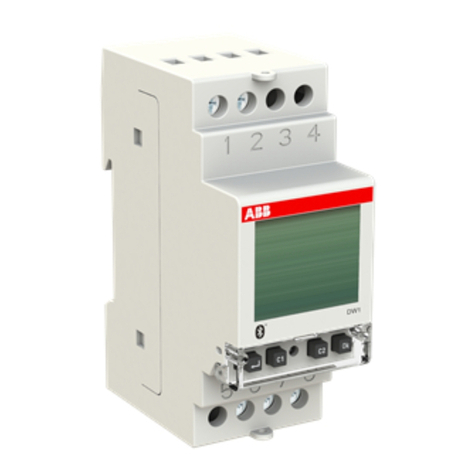
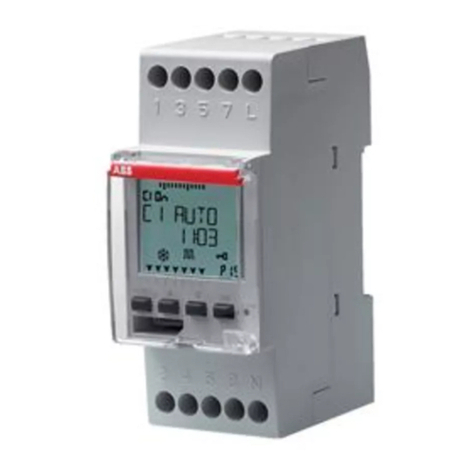
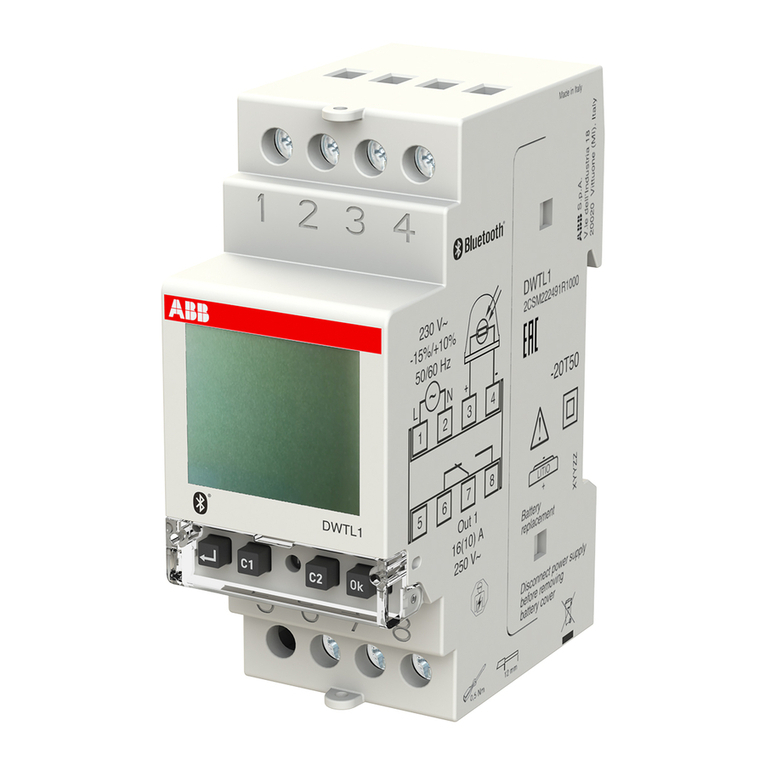
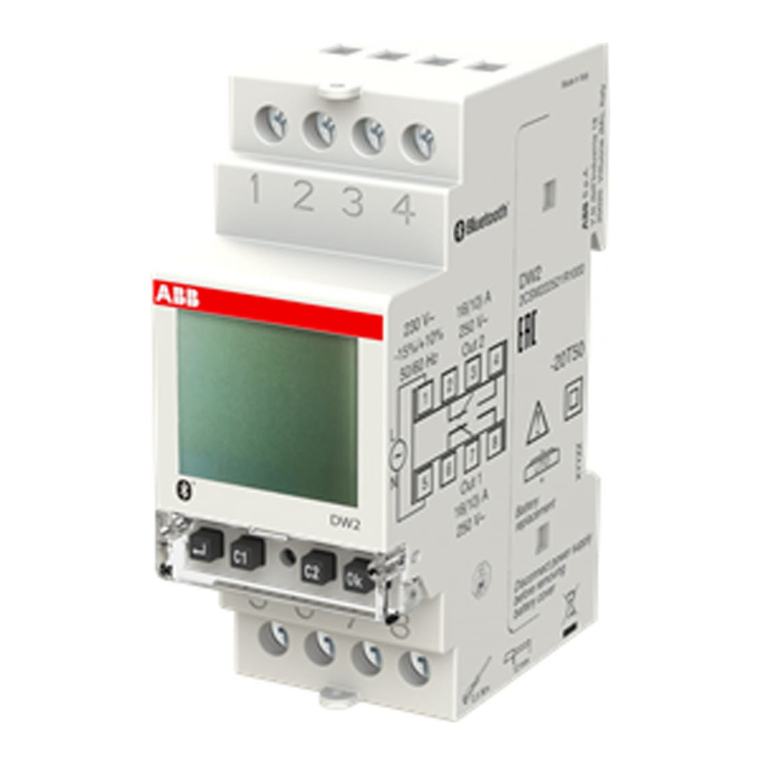
ABB DWA Series User manual

DIGITAL WEEKLY TIME/ASTRONOMICAL
SWITCH
User Manual
DWA


English
- 1 -
User manual DWA
Index
■Technical features page 3
■Safety warnings page 4
■Dimensions page 4
■Wiring diagrams page 5
■Display and keyboard description page 6
■Initial operation page 7
■Start page (or main) page 8
■Manual switching page 11
■Menu description page 12
■Settings menu page 14
Language setting menu page 15
Date setting menu page 16
Time setting menu page 17
Daylight saving time (DST)/winter time (CET)
change setting menu page 18
Astronomical coordinates setting menu page 20
Random switchings setting menu page 22
Cycle switchings setting menu page 23
Protection PIN setting menu page 24
■Program menu page 25
Program menu: new page 29
Program menu: new daily timed page 30
Program menu: new weekly timed page 31
Program menu: new holiday timed page 32
Program menu: new astro night page 34
Program menu: new astro daily page 38
Program menu: new astro weekly page 39
Program menu: new astro holiday page 40
Program menu: check page 42
Program menu: modify page 44
Program menu: copy page 46
Program menu: delete page 47
■Bluetooth page 48
■Hour couter menu page 50
■Reset menu page 52
■Firmware menu page 54
■Error signals page 55
■Battery management page 56
■Reference standards page 56

English
- 2 -
User manual DWA
USER MANUAL
The digital time switches of DWA series are electronic devices for the management of the electrical utilities over time. They allow the time
programming (periodicity: daily or weekly) or astronomical.
DWA1 is equipped with a relay (channel 1) while DWA2 is equipped with two relays (2 independent channels).
Each channel can be associated with a different programming (time or astronomical).
DWA time switches have a Bluetooth interface that allows it to be coupled with mobile devices (smartphone or tablet). Thanks to the free app
that can be downloaded from the AppStore and Google Play stores, it is possible to program and make settings directly on your smartphone,
and then transfer all the data to the time switch.
The reverse procedure is also possible, i.e. to copy the programming of a time switch on your mobile device.
The backup battery allows you to keep the settings even in case of black-out and can be replaced through the cover on the back of the time
switch.
DWA time switches are devices of electronic type that perform actions of 1B type , intended to operate in environments with III overvoltage
category and pollution degree 2 in accordance with EN 60730-1 standard.
Code Model Description
2CSM222511R1000 DWA1 Digital weekly astronomical/time switch 1 channel with Bluetooth
2CSM222501R1000 DWA2 Digital weekly astronomical/time switch 2 channels with Bluetooth

English
- 3 -
User manual DWA
TECHNICAL FEATURES
• Power supply: 230 Vac (-15% ÷ +10%) 50/60 Hz
• Power consumption:
- DWA1: 2W (6 VA)
- DWA2: 2W (6 VA)
• Lithium backup battery: 3V, CR2032 type (replaceable)
• Output:
- DWA1: 1 monostable change-over relay with maximum
switchable load of 16A / 250V
- DWA2: 2 monostable change-over relays with maximum
switchable load of 16A / 250V
• Terminal block for cables with maximum cables section
of 2.5 mm2
• Display LCD with backlighting (active with AC power supply)
• Bluetooth BLE 4.2 communication interface (active with mains
power supply)
• Storable programs:
- DWA1: 120 events
- DWA2: 120 events (divisible on 2 channels)
• Actions type: 1B
• Operating temperature: -20 ÷ +50 °C
• Operating humidity: 20 ÷ 90% non condensing
• Storage temperature: -25 ÷ +70 °C
• Operating frequency band: 2400-2483.5 MHz
• Maximum transmitted radiofrequency power: 4 dBm
• Container: 2 DIN modules
• Protection degree: IP20
• Insulation: reinforced between accessible parts (front) and all
the other terminals

English
- 4 -
User manual DWA
SAFETY WARNINGS
nDuring product installation and operation it is necessary to
observe the following instructions:
1) The instrument must be installed by a qualified person,
strictly in observance of the connection diagrams shown in
this manual.
2) After installation inaccessibility to the terminals without
using dedicated tools must be guaranteed.
3) Before accessing the connection terminals, make sure that
the leads are not live.
4) Do not connect or feed the instrument if any part of it is
damaged.
5) The product must be installed and activated in compliance
with current electric systems standards.
6) Do not use the instrument for anything other than the
indicated purpose.
7) In the electrical system upstream of the device must be
installed a protection device against the overcurrents
8) The product can be used in environments with overvoltage
Category III and Pollution degree 2, according to the
Standard EN 60730-1
9) The access to the device must be limited and the default
device PIN and Bluetooth password must be changed in
order to avoid tempering of programs of relays.
DIMENSIONS (mm)
35
87
65

English
- 5 -
User manual DWA
WIRING DIAGRAMS
DWA1 DWA2

English
- 6 -
User manual DWA
DISPLAY AND KEYBOARD DESCRIPTION
General indications
Time indication
Channel 1/channel 2 status indication
: active manual program
+ : blocked switchings
+ : active random switchings
+ (flashing) : active cycle switchings
: active holiday program
: active pulse program
Day of the week (DAY) indication
Turn on the display
Access the menu
ESC (one level back)
“C1”: decrease datum/previous menu/ switching channel 1/
lock channel 1
“C2”: increase datum/next menu/ switching channel 2/
lock channel 2
Confirm selection
Hardware reset
“Ok” + “C1” (3 sec): active random switching on channel 1
“Ok” + “C2” (3 sec): active random switching on channel 2
“”+ “C1” (3 sec): active cycle switching on channel 1
“”+ “C2” (3 sec): active cycle switching on channel 2
C2
C1

English
- 7 -
User manual DWA
INITIAL OPERATION
• Once out of the package, DWA is off: press the key and wait
a moment before activating the display
• The set language is English. To change it, press the key for
at least 3 seconds. Choose among: German, English, Spanish,
French, Italian, Russian and confirm with .
• Make connections following the diagrams on page 5 of this
manual
• Power DWA: the backlighting turns on permanently.
• The presence of the backup battery allows the DWA to have
updated date and time.
To make the other settings follow the following steps:
Date - format: DD/MM/YY
- 1st day of the week: Monday
Astronomical coordinates - country: France
- city: Paris
- latitude: North (48° 51’ 36”)
- longitude: East (2° 21’ 00”)
Daylight Saving time (DST)
change: active
- start of daylight saving time (DST):
last Sunday of March at 02:00
o’clock
- end of daylight saving time (DST):
last Sunday of October at 03:00
o’clock
Time correction: - sunrise: +0:00
- sunset: +0:00
Time zone: +1:00 UTC
Random switchings: - minimum: 1 minute
- maximum: 5 minutes
Cycle switchings: - ON duration: 1 minute
- OFF duration: 1 minute
PIN protection: disabled (---)
Bluetooth: disabled (Password: 000000)

English
- 8 -
User manual DWA
START PAGE (or main)
Information messages
- day of the week
- product identification code and serial number
- battery status (only if discharged)
- *
* Only if DWA is not powered by mains.
In this condition the backlighting is not active and the relay is in
off status.
NOTE: Bluetooth interface is active only when DWA displays the
start page (main) and only if it’s mains power supplied. Therefore,
to transfer programs from and to the times witch it is necessary to
respect these conditions.
• Press the key:
to access the menu of DWA
C1
and
C2
to change channel 1 and channel 2 status (only for
DWA2)
to display the Bluetooth signal level or the calculated sunrise
and sunset times**
** The displayed times take into account possible entered values
of correction (see page 18)
if the display shows means that the calculated sunrise
time is after the sunset time if the display show means
that the calculated sunrise time is before 00:00 or that the
calculated sunset is at 23:59
NOTE: The device is supplied with deactivated Bluetooth
interface. To activate it, access Bluetooth menu (see page 46).
information messages
date
relay 2 status (only for DWA2)
hour
day of the week
relay 1 status
This manual suits for next models
4
Table of contents
Other ABB Timer manuals