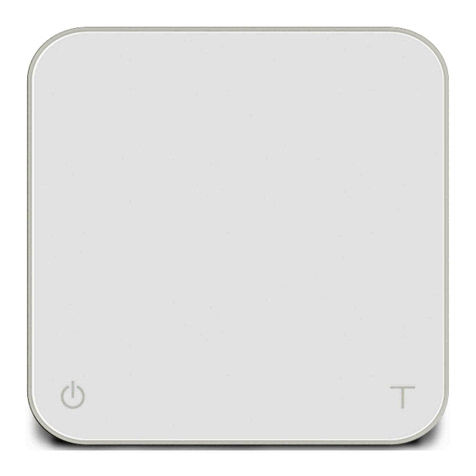
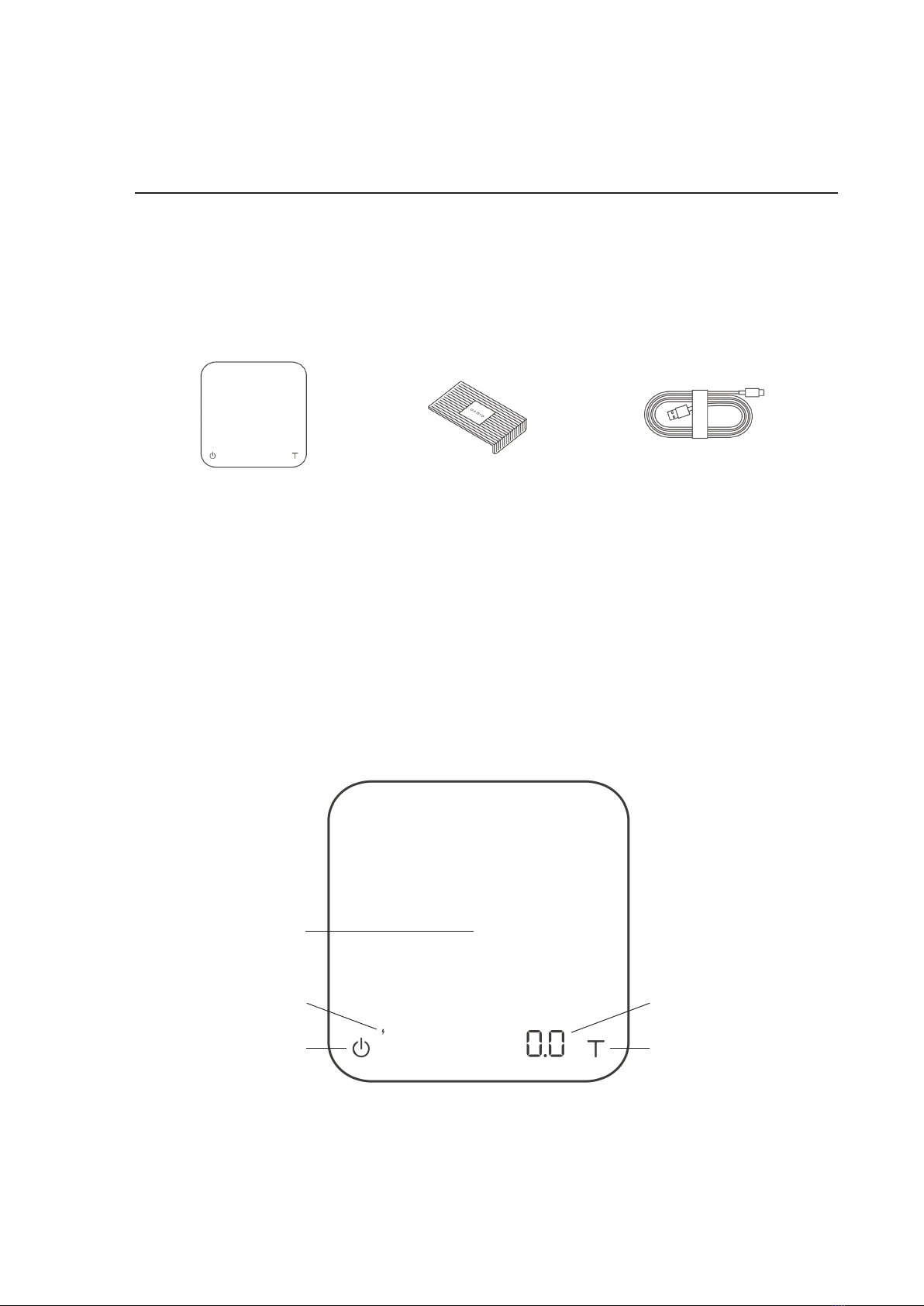
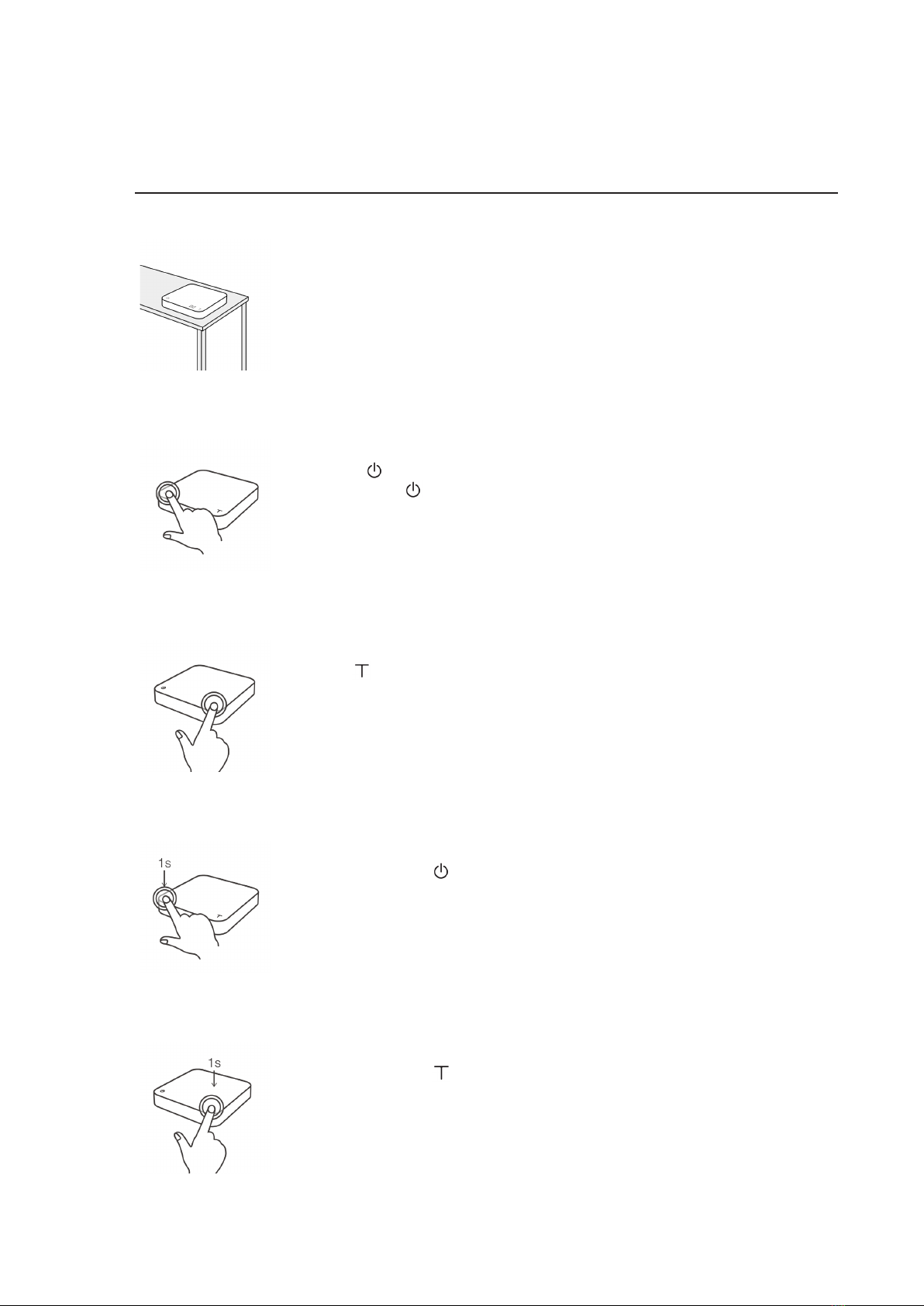
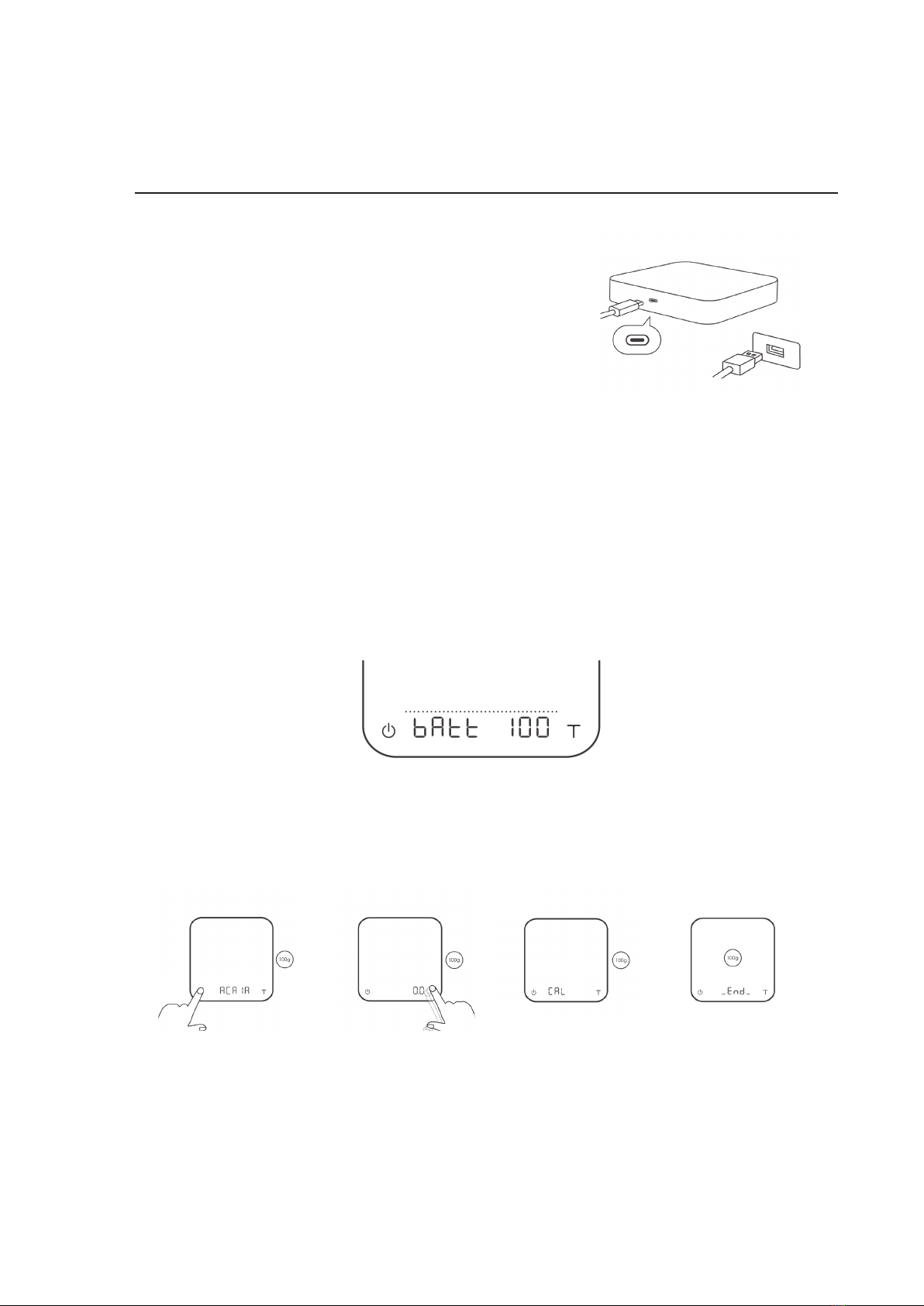
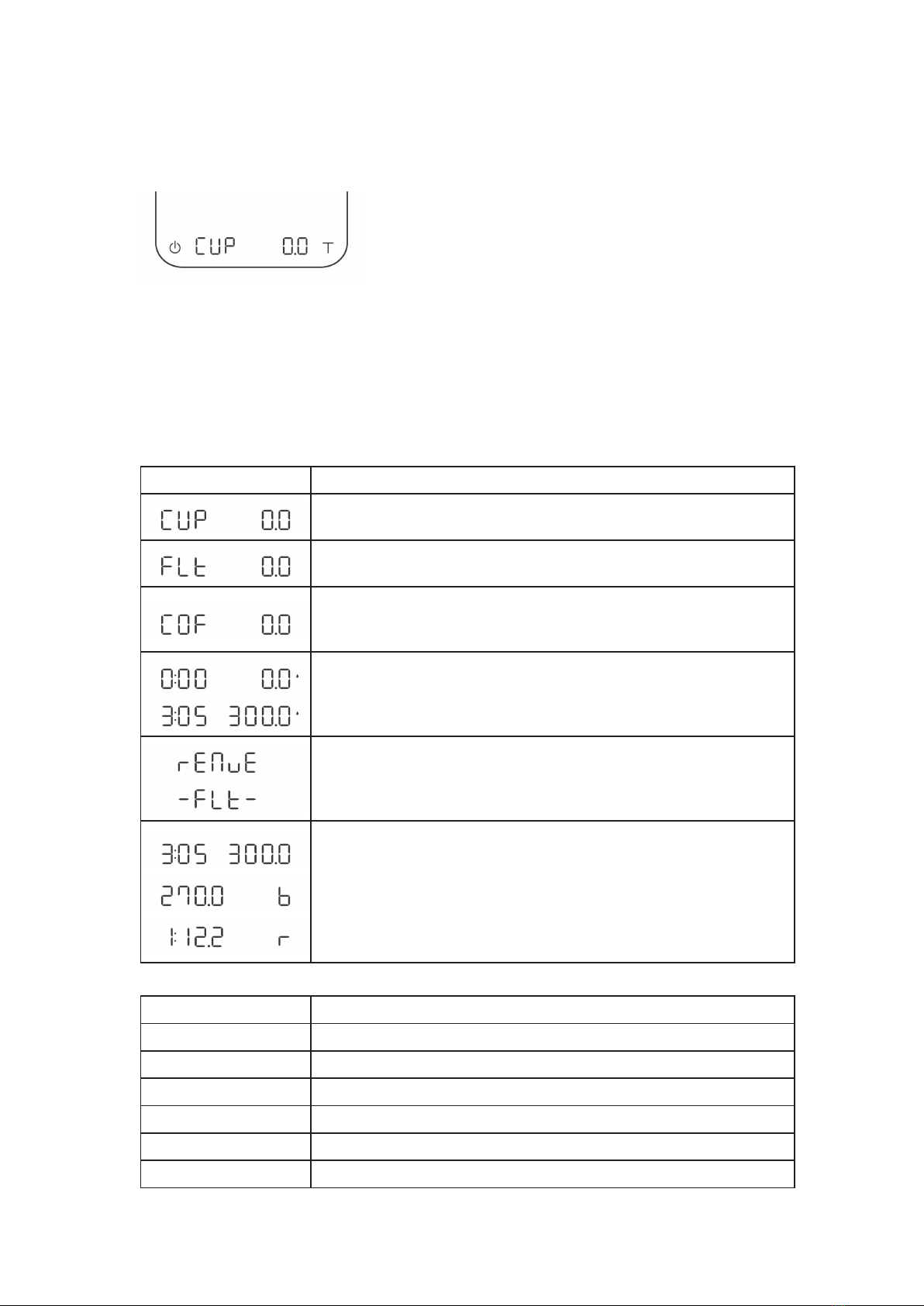
1. Press and hold the Power button while the LED display shows [ ACAIA ] and then
changes to [ SEt ].
2. Tap the Tare button to enter Settings. The first setting is [ SLEEP ].
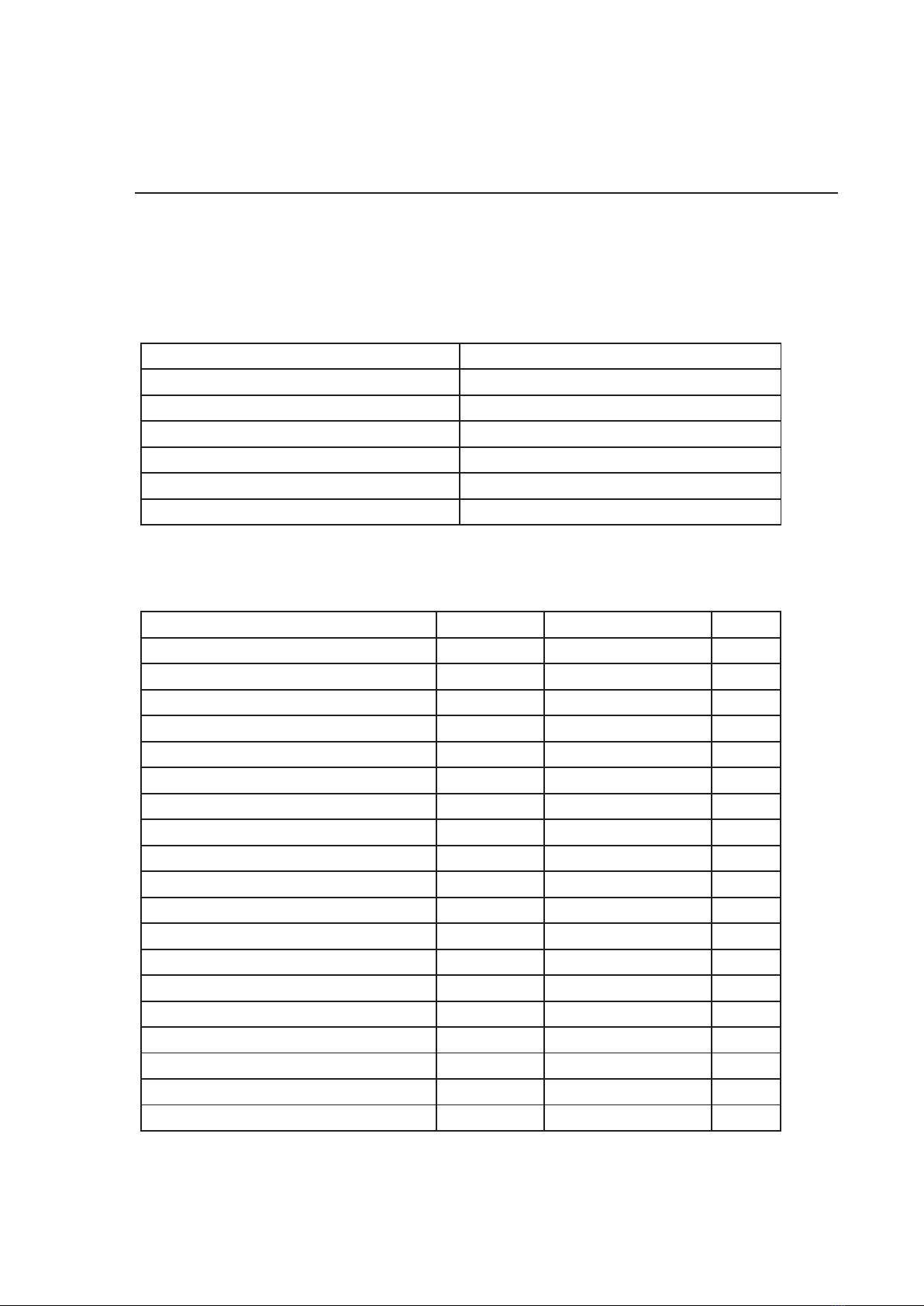
3. Please refer to the following table for key operations:
Configuration
Enter Settings
Settings Menu
Action Operation
Next Setting Tap Tare button
Enter Setting Press and hold Tare button
Toggle Options Tap Tare button
Save Option Press and hold Tare button
Back to Menu Without Saving Tap Power button
Exit Settings and Return to Modes Tap Power button
Setting Display Options Default
Sleep Timer Setting SLEEP 5,10, 20, 30, 60, Off 5
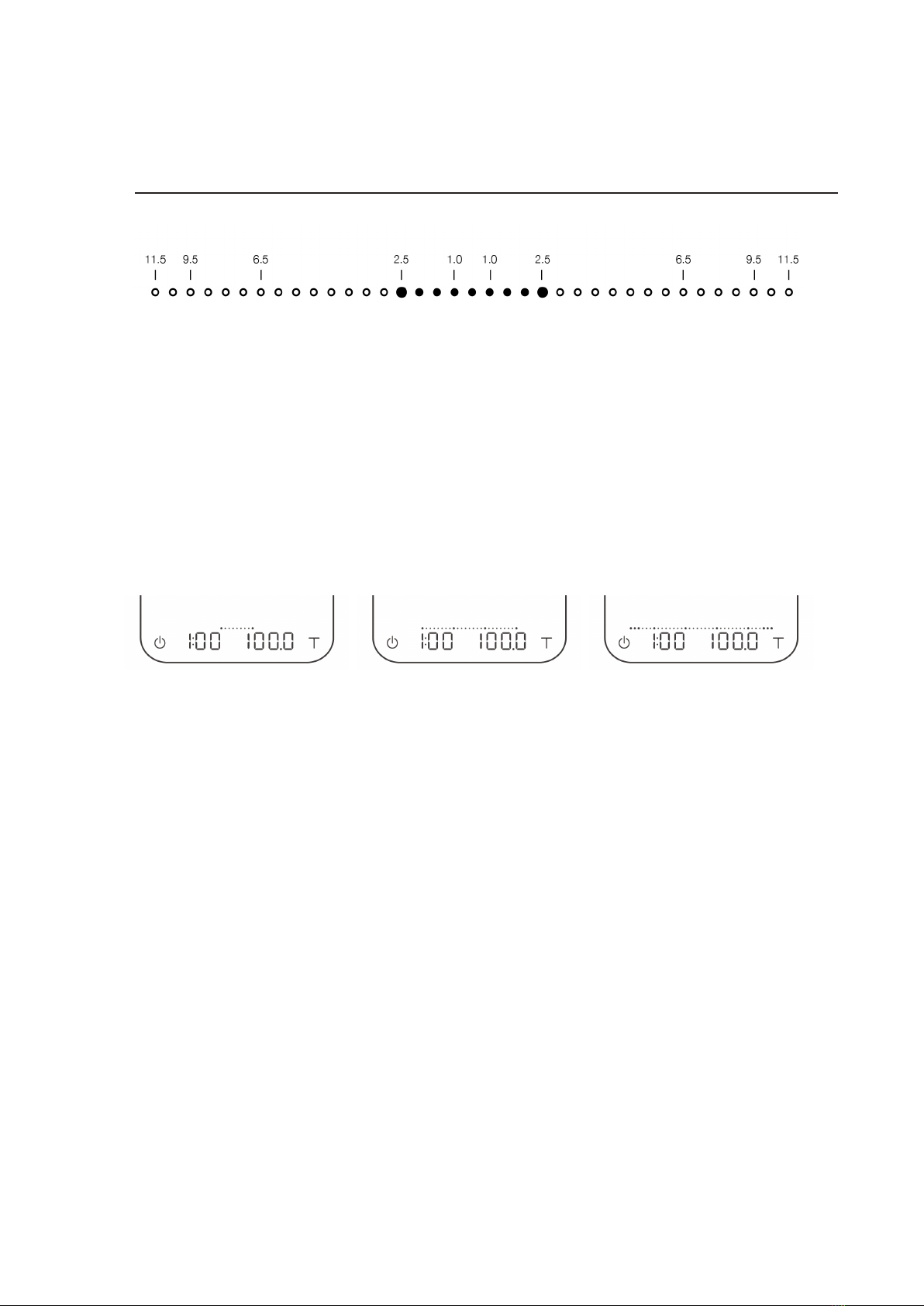
Brightness Setting bright 1, 2, 3, 4 2
Battery Saving Setting bAttSAvE 30, 90, 180, Off 90
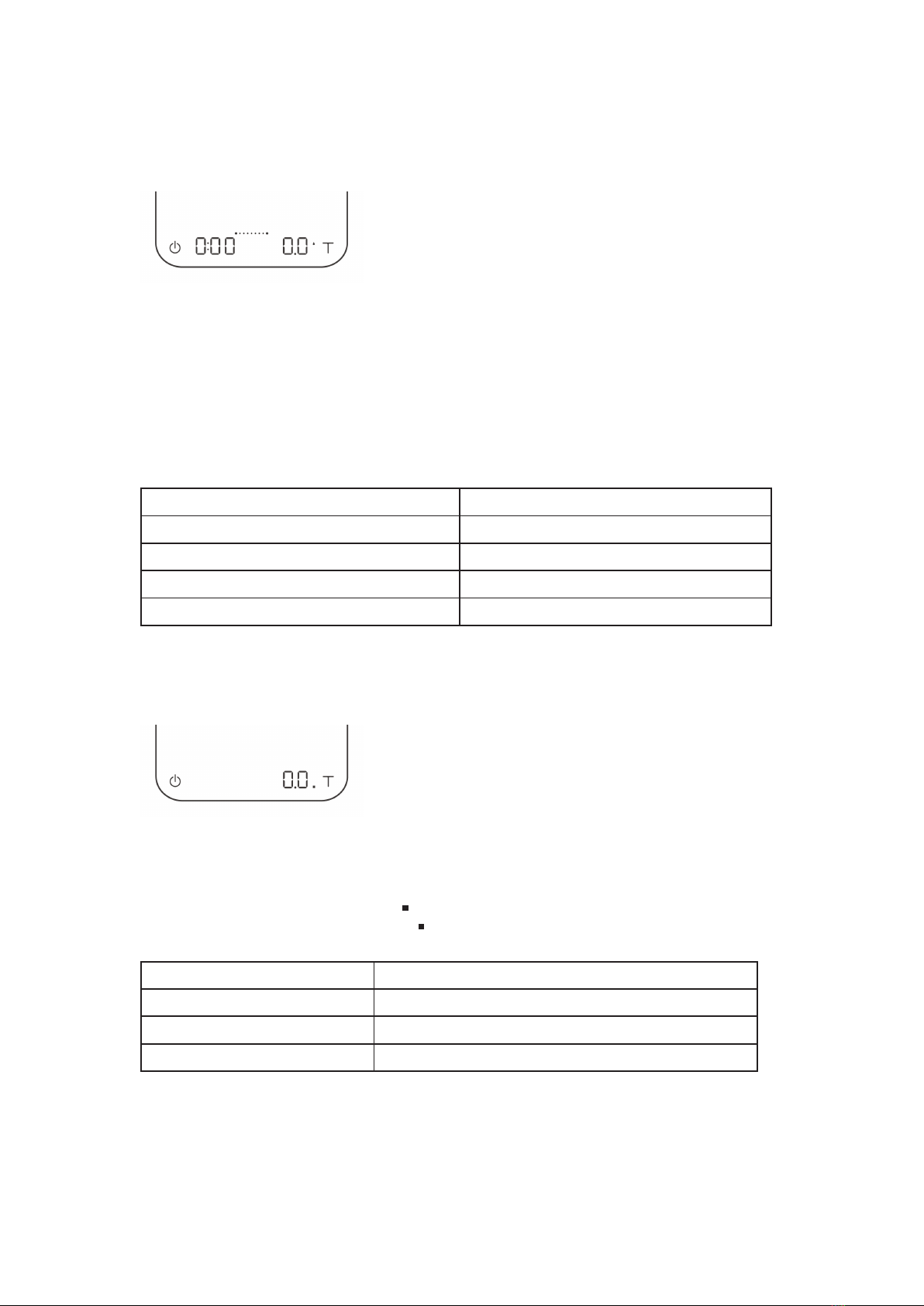
Zero Tracking Setting trAcE 0.5 d, 1 d, 2 d, 3 d, Off 2 d
Key Sound Setting bEEP On, Off On
Weighing Filter Setting FiLtEr Fast, Normal, High Fast
Default Weighing Unit Setting Unit Gram, Ounce Gram
Weighing Resolution Setting rESoL Default, High, Precise Default
Weighing Only Mode Setting NodE_1 On, Off On
Dual Display Mode Setting NodE_2 On, Off On
Pour Over Auto-Start Timer Mode Setting NodE_3 On, Off Off
NodE_4 On, Off Off
Beverage Mode Setting NodE_5 On, Off Off
Bluetooth Setup Setting bt_SEt On, Off On
Flow-Rate Indicator Setting FLorAtE.d On, Off On
Weight Stable Indicator Setting StAbLE.d On, Off Off
Auto Reset Setting Auto.rES 20, 60, Off 20
Port.rES 15, 30, 60, Off 15
Reset to Default Setting rESEt.d Yes, No No
10