© Copyright 2009 Acnodes, Inc.
All rights reserved. Product description and product specifications
are subject to change without notice. For latest product information,
please visit Acnodes’ web site at www.acnodes.com.
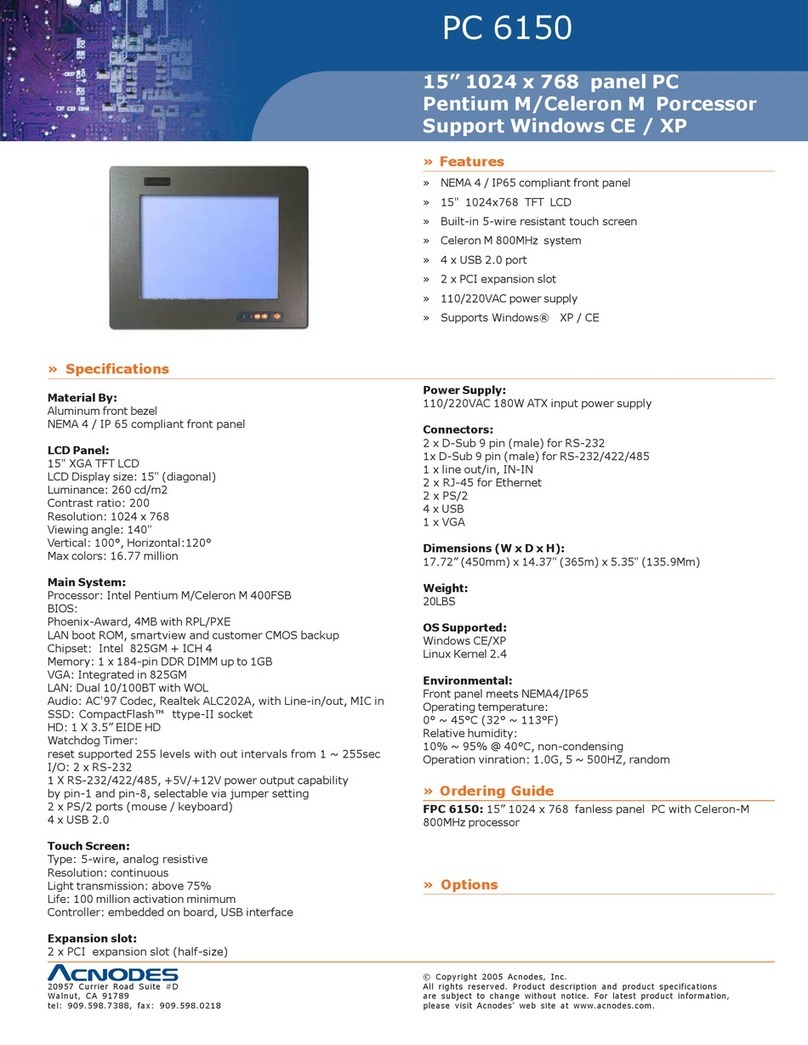
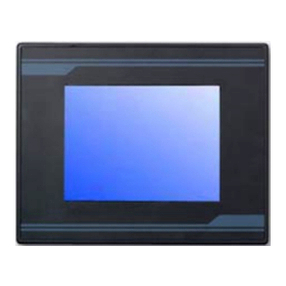
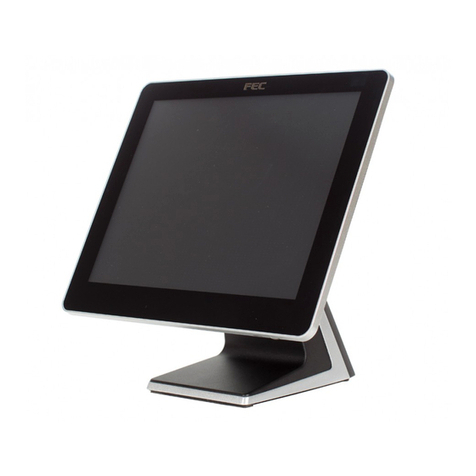
PC 5150
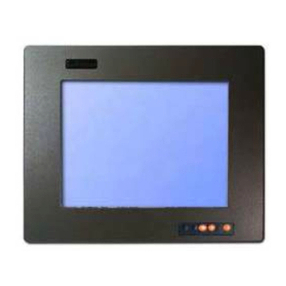
15-inch touch panel PC
661 Brea Canyon Rd., Suite 3
Walnut, CA 91789
tel: 909.598.7388, fax: 909.598.0218, www.acnodes.com
2
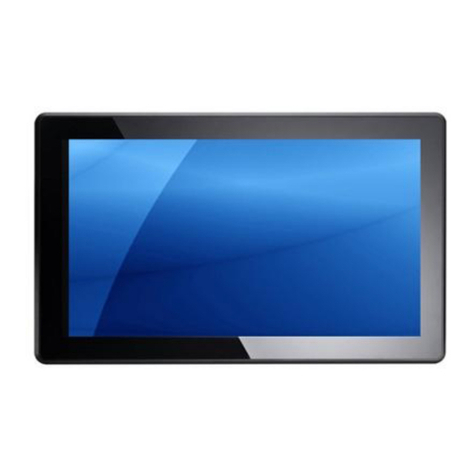
FOX 9981
8.4-inch water proof panel PC
4.1 Installation
Insert the FOX 9981 CD-ROM into the CD-ROM drive and install the driversfrom Step 1 to Step5 in order.
Step 1 - Install Intel INF Update Utility Driver
1. Clock on the Step1 - Intel INF Update Utility v8.2.0.1014 folder and double click on setup.exe
2. Follow the instructions that the window shows
3. The system will help you install the driver automatically
Step 2 -Install Intell Graphics MediaAccelerator Driver
1. Click on theStep 2 - Intel Graphics MediaAccelerator Driverand double click on Setup.exe
2. Follow the instructions that the window shows.
3. The sysetm will help you install the driver automatically.
Step 3 -Install IntelEthernet Driver
1. Click on theStep 3 - Intel Ethernet Driver folder and double click on PRO2KXP_V13_1_2.exe
2. Follow the instructions that the window shows.
3. The system will help you install the driver automatically.
Step4 -InstallRealtekALC655AudioDriver
1. Click on the Step 4 - RealtekALC655Audio Driver v3.71 folder and double clock on setup.exe
2. Follow the instruction that the window shows.
3. The system will help you install the driver automatically.
Step 5 -InstallTouch Screen Driver
1. Click on the Touch folder and double click on Setup.exe
2. Follow the instructions that the window shows.
3. The system will help you install the driver automatically.