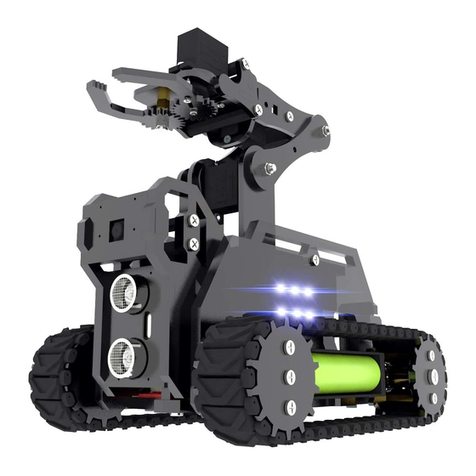
ADEEPT RaspClaws User manual

1

1
Warning
Please pay attention to the following issues when purchasing or using the product:
There are small components included in this kit. Swallowing mistakenly or misoperation can
cause serious infection and be even fatal. When an accident occurs, please seek medical
assistance immediately.
Please place the product in a safe place where an under-6-year-old cannot touch, who should
not use or approach the product.
Juveniles should use the product with their parents.
Do not place the product or the components near any AC socket or other circuits to avoid
electric shock.
Do not use the product near any liquid or flame.
Do not use or store the product in an extreme environment such as in extremely low or high
temperature and heavy humidness.
Please remember to power off when the product is not in use.
Do not touch the moving or rotating part of the product.
The product may get heat at some part, which is just normal. But misoperation may cause
overheat.
Misoperation may cause damage to the product. Please take care.
Do not connect the positive and negative poles of the power inversely, or the devices in the
circuit may be damaged.
Please place and put the product gently. Do not smash or shock it.
About
Adeept is a technical service team of open source software and hardware. Dedicated to applying
the Internet and the latest industrial technology in open source area, we strive to provide the
best hardware support and software service for general makers and electronic enthusiasts
around the world. We aim to create infinite possibilities with sharing. No matter what field you
are in, we can lead you into the electronic world and bring your ideas into reality.
The code and manual of our product are open source. You can check on our website:
http://www.adeept.com/
If you have any problems, feel free to send an email for technical support and assistance:
support@adeept.com
On weekdays, we usually will reply within 24 hours. Also welcome to post in our official forum:
http://www.adeept.com/forum/

2
Copyright
This user manual and code can be used for learning, DIY, refitting, etc., except for commercial
purpose. The Adeept Company owns all rights of contents in the manual, including but not
limited to texts, images, data, etc. Any distribution or printing should be implemented with the
permission of the Company, or it will be deemed illegal.

1
contents
1. Components List.......................................................................................................................................................2
1.1. .Acrylic Plates............................................................................................................................................ 2
1.2. Machinery Parts........................................................................................................................................ 3
1.3. Electronic Parts......................................................................................................................................... 4
1.4. Tools........................................................................................................................................................... 5
2. Software & Hardware.............................................................................................................................................. 6
2.1. Software Installation................................................................................................................................. 6
2.2 Download Program..................................................................................................................................11
3. Assembly................................................................................................................................................................ 12
3.1. Preparations before Assembly..............................................................................................................12
3.2. Servo debugging.....................................................................................................................................15
3.3. Install and Remove Batteries................................................................................................................18
3.4 install the arm........................................................................................................................................... 21
3.5 install the Camera....................................................................................................................................31
4. Install Python3.7 in the PC..................................................................................................................................... 54
4.1. Install Python3.7......................................................................................................................................54
4.2 Run the RaspClaws.................................................................................................................................56
5. Afterword............................................................................................................................................................... 60

2
1. Components List
1.1. Acrylic Plates
The acrylic plates are fragile, so please be careful when assembling them in case of breaking.
The acrylic plate is covered with a layer of protective film. You need to remove it first.
Some holes in the acrylic may have residues, so you need to clean them before the use.

3
1.2. Machinery Parts
M2
Nut
X27
www.adeept.com
M3
Nut
X30
www.adeept.com
M2*8
Screw
X27
www.adeept.com
M2.5*4
Screw
X6
www.adeept.com
M2.5*8
Screw
X18
www.adeept.com
M3*8
Screw
X28
www.adeept.com
M1.4*6
Self-tapping
Screw
X12
www.adeept.com
M1.7*6*6
Self-tapping
Screw
X15
www.adeept.com
M3*8
Countersunk
Head Screw
X2
www.adeept.com
M2.5*14
Copper
Stand off
X4
www.adeept.com
M2.5*11
Copper
Stand off
X1
www.adeept.com
M2.5*10+6
Copper
Stand off
X4
www.adeept.com
M3*40
Nylon
Standoff
X8
www.adeept.com
M3*15
Nylon
Standoff
X6
www.adeept.com
M3*10
Screw
X24
www.adeept.com


www.adeept.com
5
Raspberry Pi
18650 Battery X2
1.4. Tools
Cross-head Screwdriver X1
Winding Pipe X1
Large Cross-head Screwdriver X1
Ribbon X1
1.5 Self-prepared Parts
18650 battery specification: It is recommended to use lithium battery above 3000mAh and without
overcurrent protection. The power supply current requirement is above 3A. Using 18650 lithium
battery with overcurrent protection function, 18650 battery whose capacity is less than 1700mAh,
18650 battery specially for strong-light flashlight, 18650 battery with power shortage or counterfeit
lithium battery produced by informal manufacturers will cause the unstable work of the robot,power
cut and even damage to the Raspberry Pi and robot.
The robot can be turned on normally,but the Raspberry Pi will automatically restart or shut down
after, also because of the problem caused by the 18650 battery.

www.adeept.com
6
2. Software & Hardware
2.1. Software Installation
The software installation video is as follows
https://www.adeept.com/video/detail-70.html
Install the Raspbian Operating System
First, install the operating system for the Raspberry Pi. The official system, Raspbian, is
recommended. If you've finished the installation and the system works well, you may skip
this step.
You need to download the Win32 Disk Imager and burn the operating system to the SD
card.
Download the Win32 Disk Imager at:
https://sourceforge.net/projects/win32diskimager/
Download the Image for Raspbian
Go to Raspberry Pi official website:
https://www.raspberrypi.org/
click though Download->Raspbian. Raspbian is suitable for novice since it's supported
by Raspberry Pi and based on Linux.

www.adeept.com
7
Step2: Open the extracted“.img”
Step1: Choose the right path
Step3: Click Write to
write the system
After it's downloaded, unzip it for later SD card system creation.
Write Raspberry Pi Operating System to SD Card
First, insert the SD card into the card reader and connect it to the USB port of the
computer.
Click open the Win32 Disk Imager and choose the path of the SD card (here it's Disk G).
Click open the .img file extracted previously, and click Write.
Display the Filename Extension
For some operations, you may need to change the filename extension (suffix). In some
Windows systems, they are hidden by default and you need to make the setting. You may
Other manuals for RaspClaws
1
Table of contents
Other ADEEPT Robotics manuals
ADEEPT
ADEEPT RaspRover User manual

ADEEPT
ADEEPT Quadruped Robot User manual
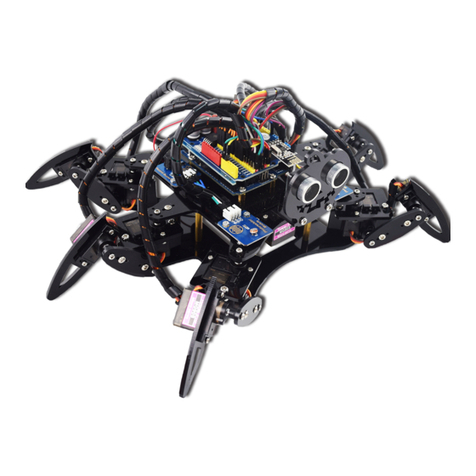
ADEEPT
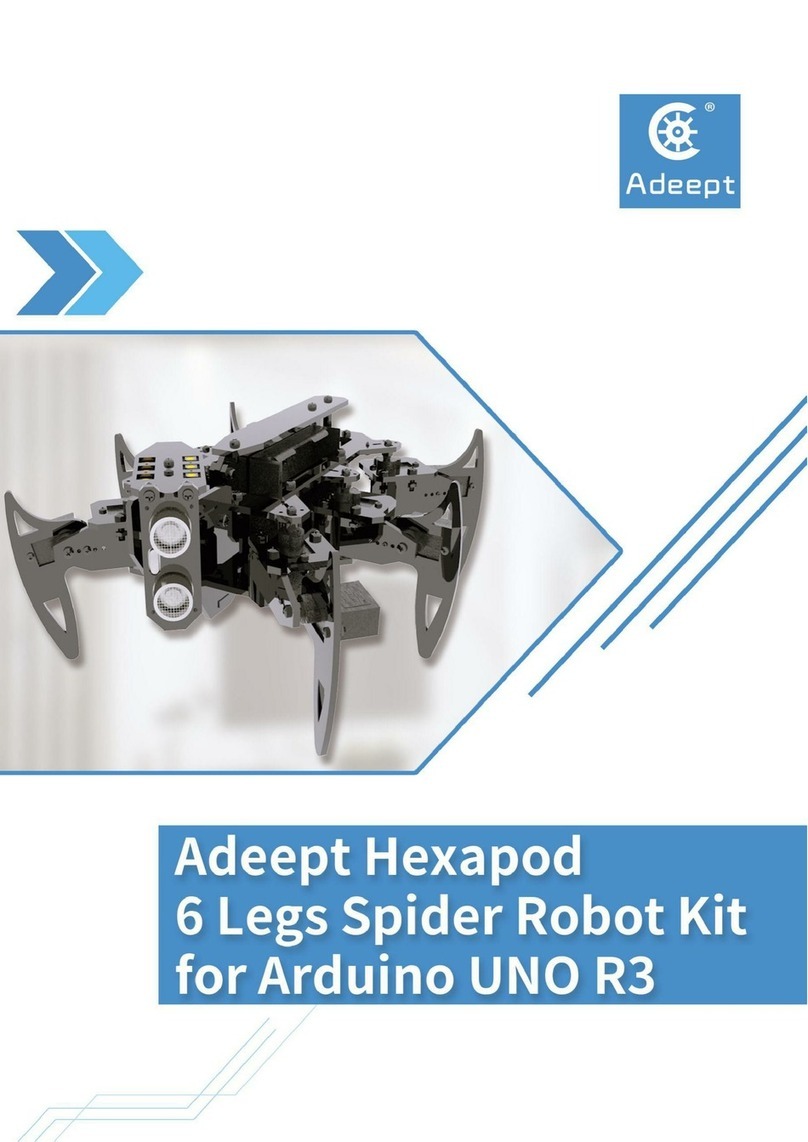
ADEEPT Hexapod 6 Legs Spider Robot User manual
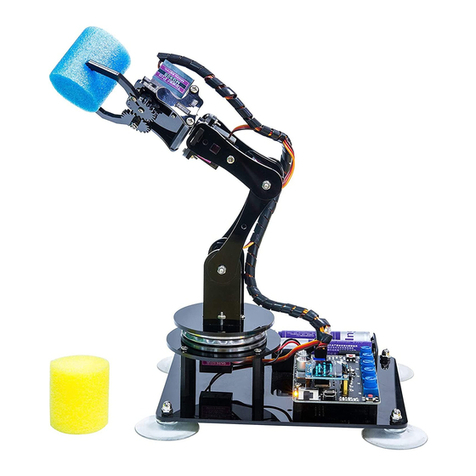
ADEEPT
ADEEPT ADA031 User manual
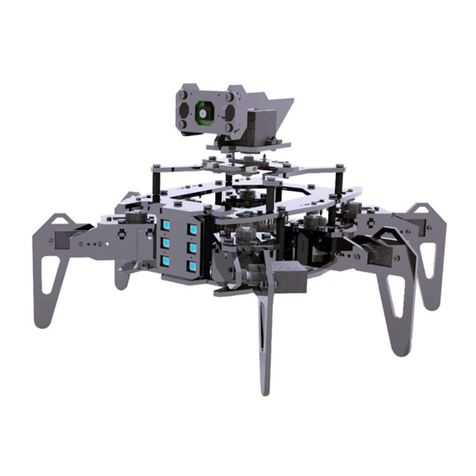
ADEEPT
ADEEPT RaspClaws User manual
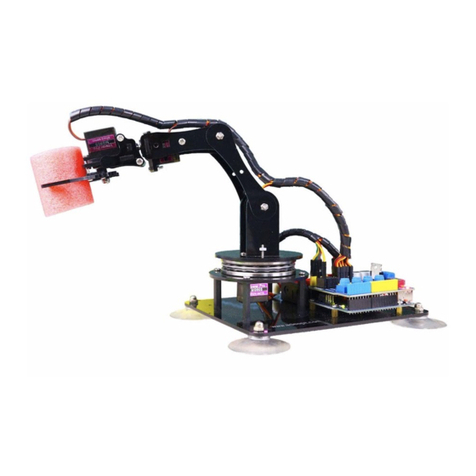
ADEEPT
ADEEPT Robotic Arm User manual

ADEEPT
ADEEPT RaspArm User manual
ADEEPT
ADEEPT Hexapod User manual
ADEEPT
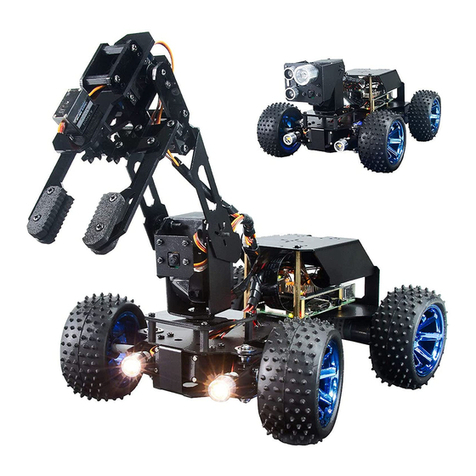
ADEEPT PiCar-Pro User manual
ADEEPT
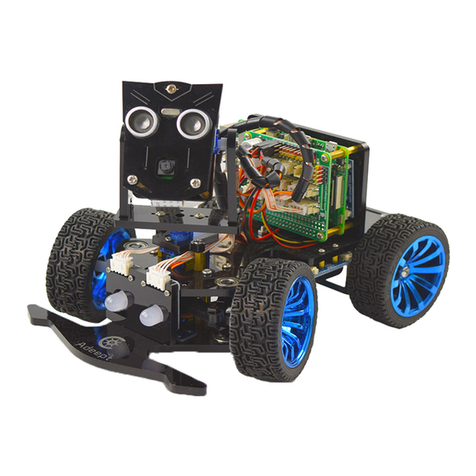
ADEEPT PiCar-B User manual