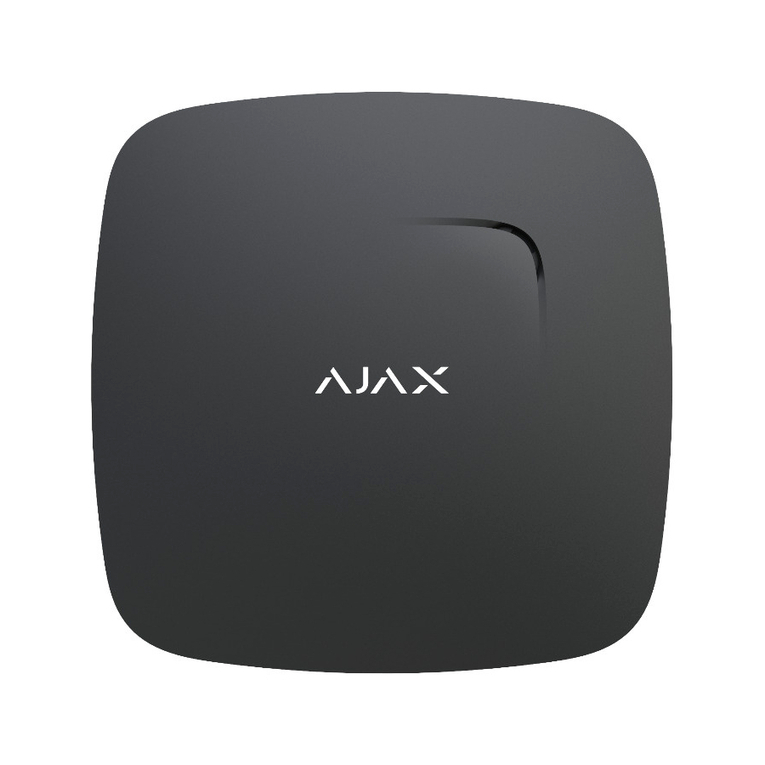
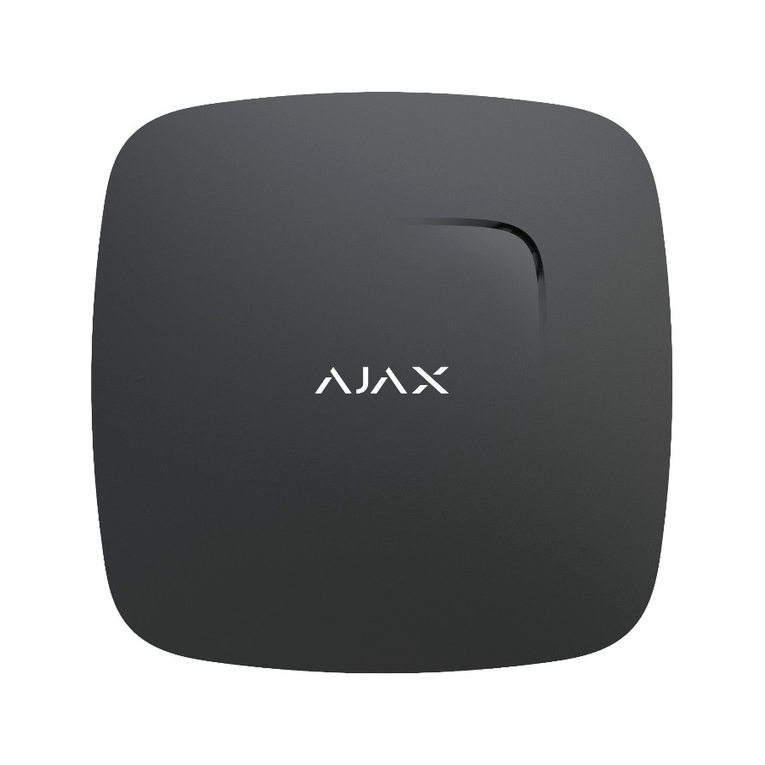
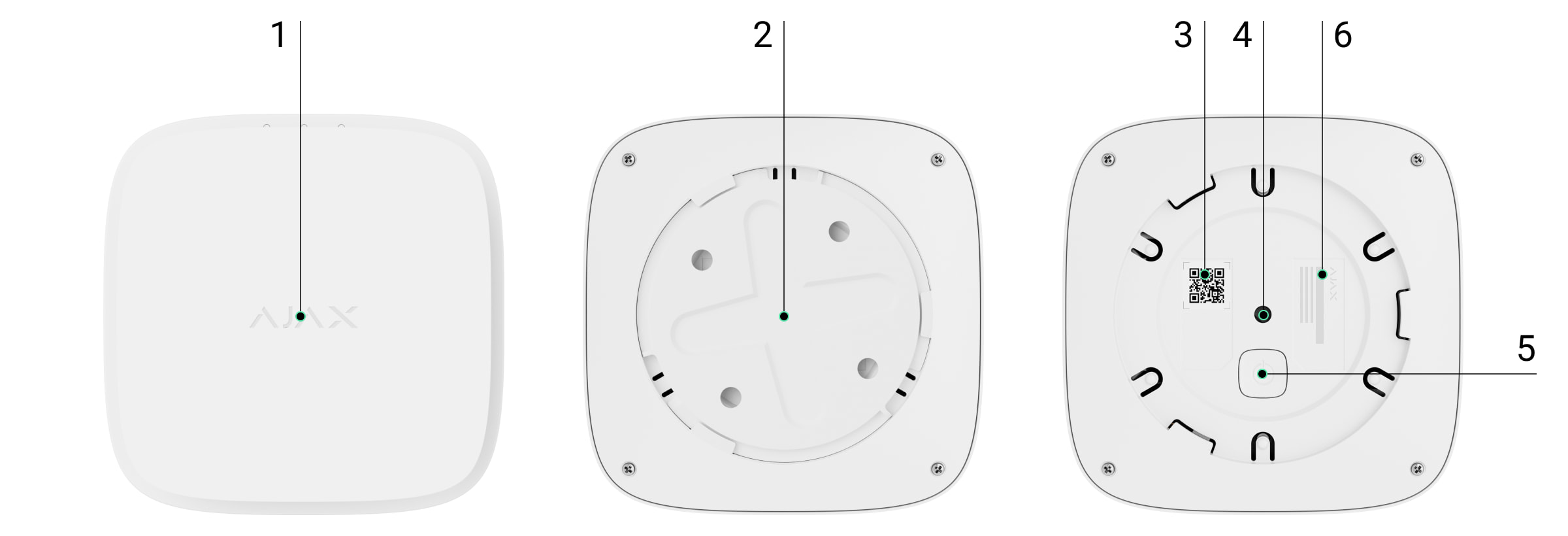
Once connected, FireProtect 2 will appear in the hub device list in the Ajax app.
Device status update depends on the ping interval set in the Jeweller or
Jeweller/Fibra settings. The default value is 36 seconds.
FireProtect 2 only works with one hub. When connected to a new hub, the
detector stops transmitting data to the old hub. Once added to a new hub,
FireProtect 2 is not removed from the list of devices of the old hub. This must be
done manually in the Ajax apps.
Autonomous operation mode
FireProtect 2 detectors can be used autonomously without connecting to an
Ajax hub. In this case, the detector noties of dangerous CO level with only a
built-in siren and LED . Users don’t receive notications on any
, including , or . The
feature is also unavailable for this operation mode.
To use the detector autonomously, follow these steps:
During a self-test FireProtect 2 noties about each step with a built-in siren and
LED indication. Once a self-test is completed, the LED turns off, and
the detector works autonomously.
In case of an alarm, press the Test/Mute button or eliminate the cause of the
alarm to mute the siren.
The detector cannot connect to the hub if they operate on different radio
frequencies. The radio frequency range of the devices may vary by region. Please
contact for information on the operating frequency range of your
devices.
technical support
indication Ajax
apps Ajax Translator PRO Desktop Interconnected Fire
Detectors Alarms
1. Select the optimal location of the detector using the recommendations in
the place section.Selection of installation
2. Mount the detector on the SmartBracket panel as described in the
section.Installation
3. Press the power button to switch on the detector.
4. Start a with the Test/Mute button. Press the centre of the front
panel and hold it for 1.5 seconds.
self-test
indication