Operating Manual JUPITER Era 4/6/8B, 10BD 7 (36)
Jupiter Era 4/6/8B, 10BD (FSK16) Document-ID: 954046-000 EN/SV
Version: B0 Author: SH
EN
4.5 Heavy weight PIN LOCK
When heavy weight PIN is enabled the system will not lift heavy weight (over 5-ton)
before the correct heavy weight PIN code is entered.
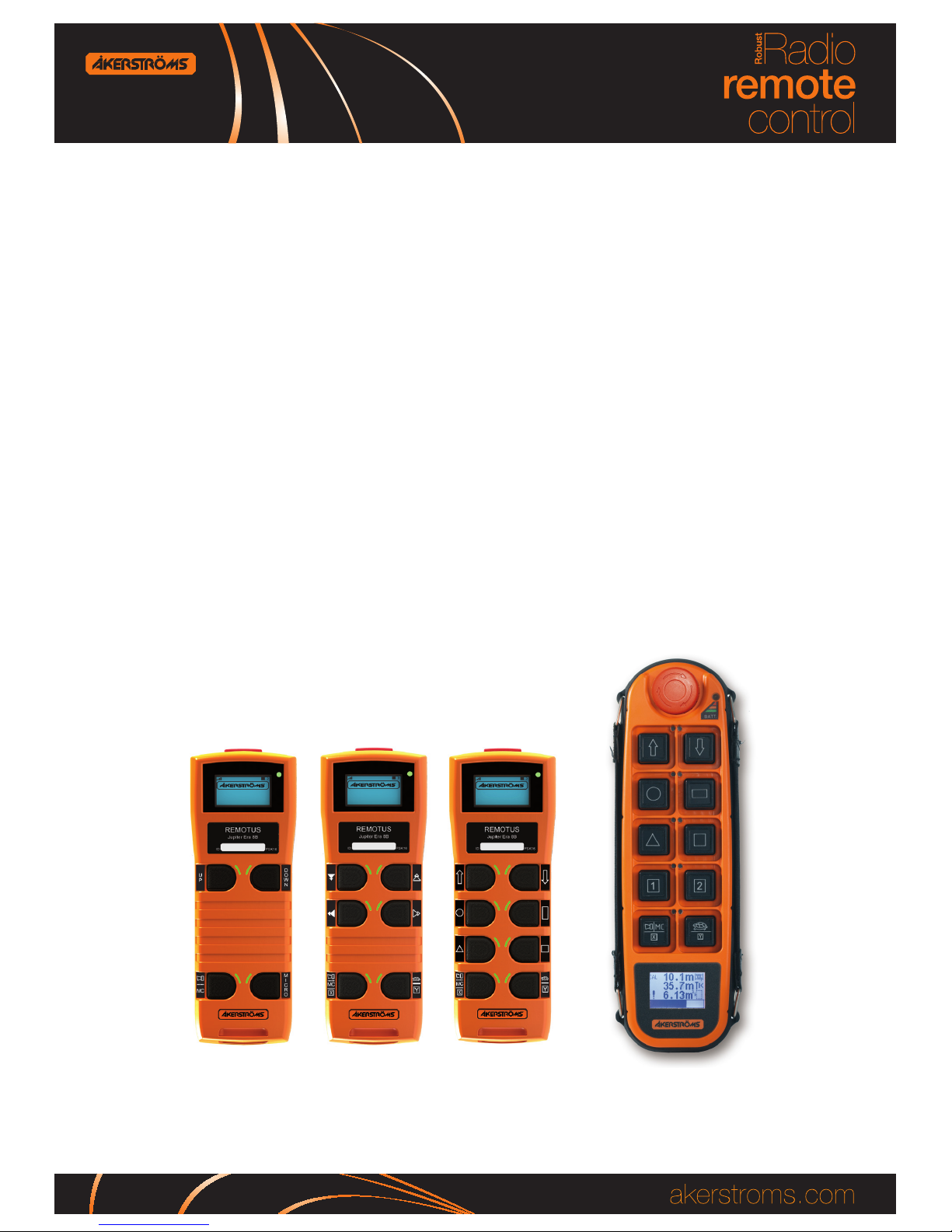
1. Press and hold down the bottom left button (step 2) for more than 3
seconds. This will activate the heavy weight PIN-code entry mode.
2. Enter the 4-digit heavy weight PIN-code by pressing top left button
repeatedly to select number and bottom right to choose the number.
Delete a number with top right button.
3. After the four digits have been entered the transmitter returns to nor-
mal operation mode. If the correct 4-digit PIN code is entered, bot-
tom left button LED will light and the remaining function for bottom
left button will continue to be active (heavy weight activated).
Deactivate heavy weight
Press and hold down the bottom left button (step 2) for more than 3 seconds until bot-
tom left button LED goes out.
5 STOP
Depress the safety STOP button for stop.
6 TRANSMITTER & MAIN CONTACTOR OFF
Depress the STOP button which switches o the transmitter. At the same time the
main contactor in the receiver is deactivated (the main contactor of the crane cuts
out). The status indicator light goes out.
7 AUTOMATIC SWITCH-OFF FUNCTION
The transmitter is equipped with automatic switch-o function, switching o the
transmitter after 2, 5, or 15 minutes after the latest use. It is also possible to set the
transmitter for continuous operation. The status indicator goes out and the main con-
tactor is deactivated upon automatic switch-o. Continued operation requires restart,
press down the stop button and wait a few seconds, then restart the transmitter.
See the Installation manual for instructions how to set the automatic switch-o time.
Low battery voltage will also cause automatic switch-o.