Operating Manual JUPITER Era 4/6/8B, 10BD 7 (28)
EN
Jupiter Era 4/6/8B, 10BD (FSK16) Version: A0 Document-ID: 959125-302 EN/SV Author: SH
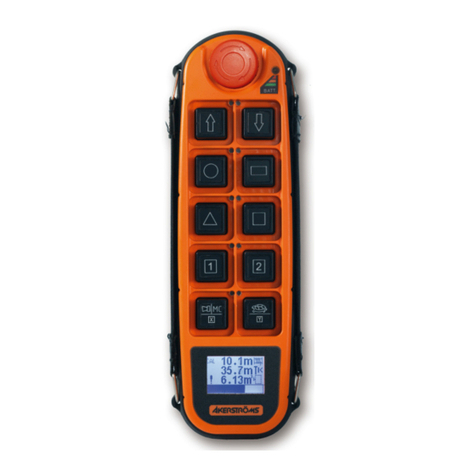
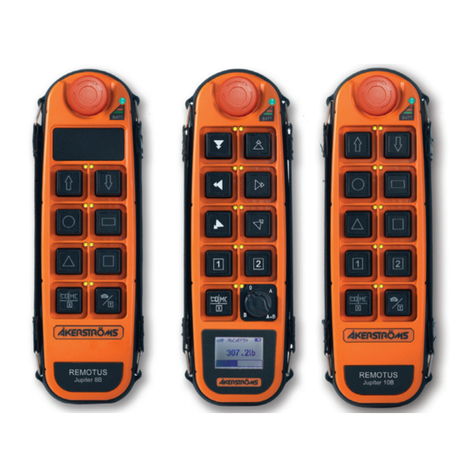
3.4 SLOW SPEED (MICRO) OPERATION and EXTRA FUNCTION
Bottom right button, 1st step: Micro
Push in the button to step one for Slow speed (micro)* and the button LED will be lit.
The objects motion will now only operate at a factory pre-set slow speed. The other
functions work normally.
Non-simultaneous: The buttons are interlocked during this time so that only one move-
ment can be operated at a time.
Simultaneous: The buttons are looped so that two or more movements can be operated
simultaneously.
Non-simultaneous Simultaneous
*For Era 8B “10 Buttons” mode press down the button for 0.3 seconds.
Note, Era 8B “9 Buttons” has no micro function.
Bottom right button, 2nd step: Extra function
Push in the button to the 2nd step.
4 STOP
Press the safety STOP button for stop.
5 TRANSMITTER & MAIN CONTACTOR OFF
Press the STOP button which switches o the transmitter. At the same time the main
contactor in the receiver is deactivated. The status indicator light goes out.
6 AUTOMATIC SWITCH-OFF FUNCTION
The transmitter is equipped with automatic switch-o function, switching o the
transmitter after 2, 5, or 15 minutes after the latest use. It is also possible to set the
transmitter for continuous operation. The status indicator goes out and the main con-
tactor is deactivated upon automatic switch-o. Continued operation requires restart,
press down the stop button and wait a few seconds, then restart the transmitter.
See the Installation manual for instructions how to set the automatic switch-o time.
Low battery voltage will also cause automatic switch-o.
2 5 15 Continuous