EnglishDeutsch
 logo
Brands
  1. Home
  2. •
  3. Brands
  4. •
  5. Aries
  6. •
  7. Automobile Accessories
  8. •
  9. Aries 203016 User manual

Aries 203016 User manual

Other Aries Automobile Accessories manuals
Aries AL235040 User manual

Aries

Aries AL235040 User manual

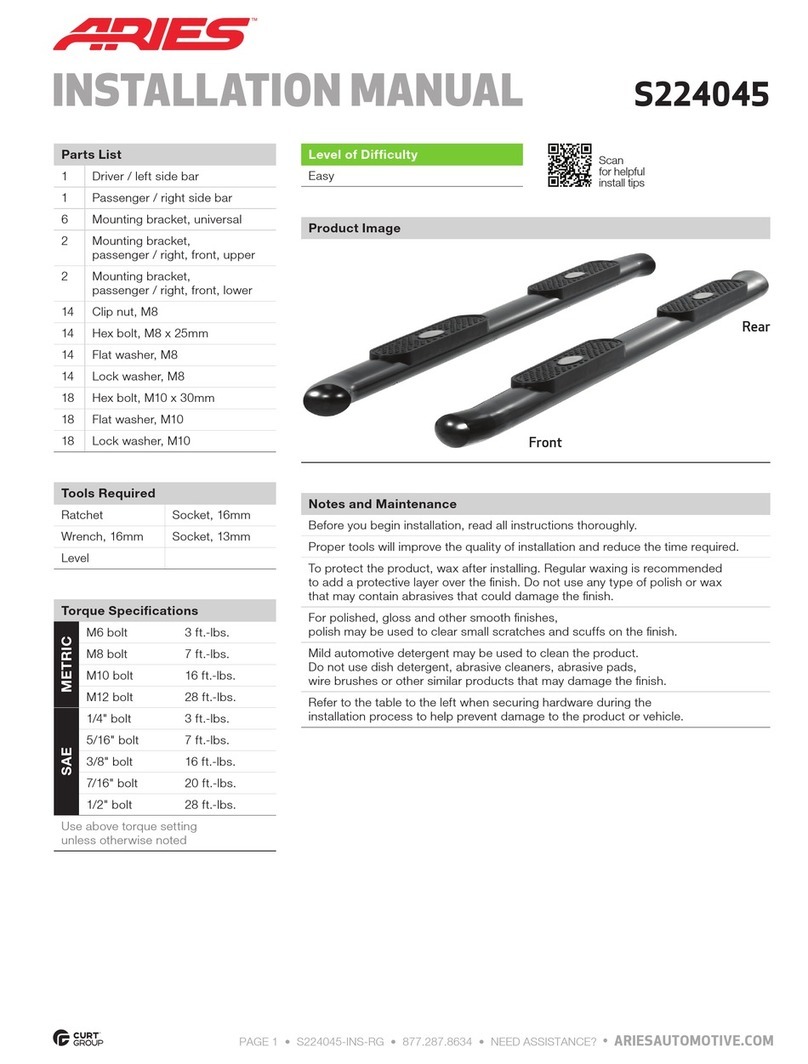
Aries S224045 User manual

Aries

Aries S224045 User manual
Aries S224054 User manual

Aries

Aries S224054 User manual
Aries 3020000 User manual

Aries

Aries 3020000 User manual
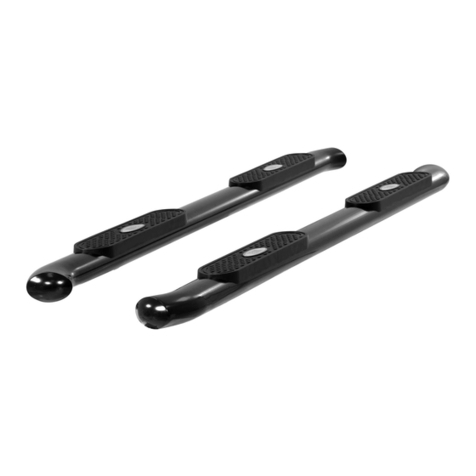
Aries S223015 User manual

Aries

Aries S223015 User manual
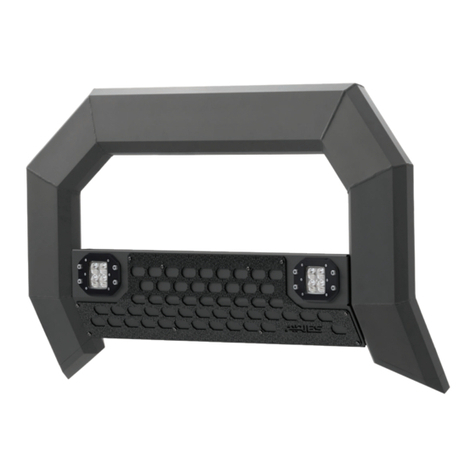
Aries 2165102 User manual

Aries

Aries 2165102 User manual
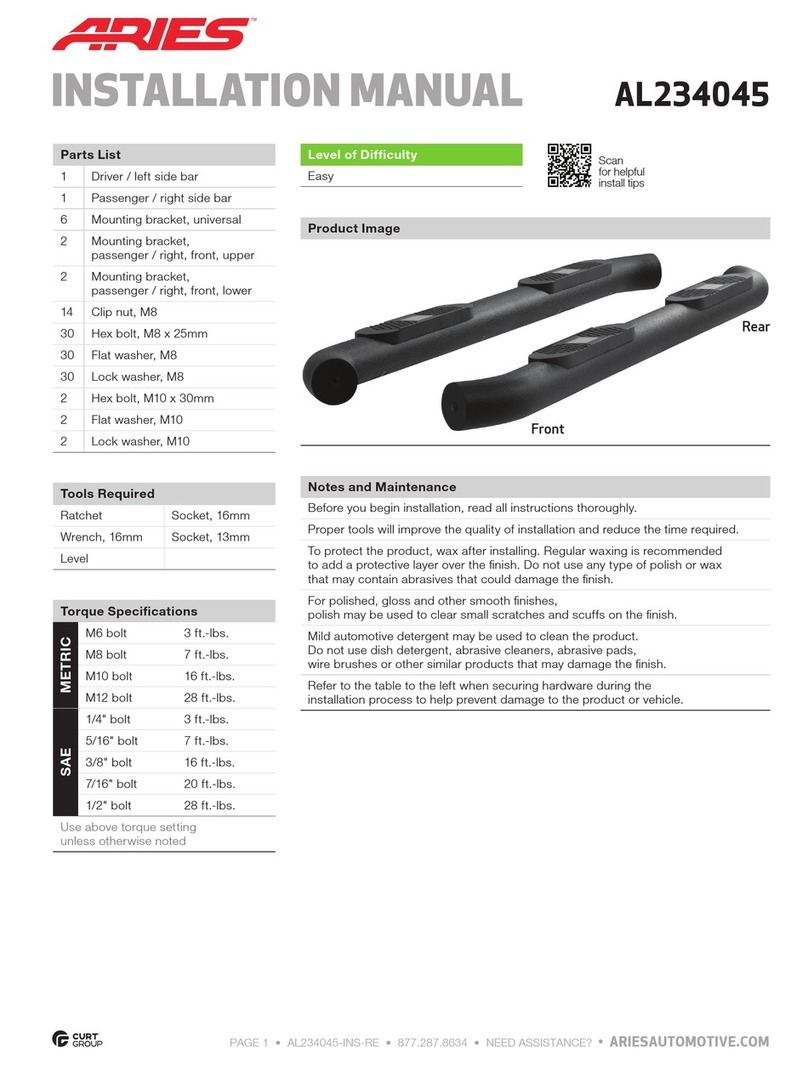
Aries AL234045 User manual

Aries

Aries AL234045 User manual
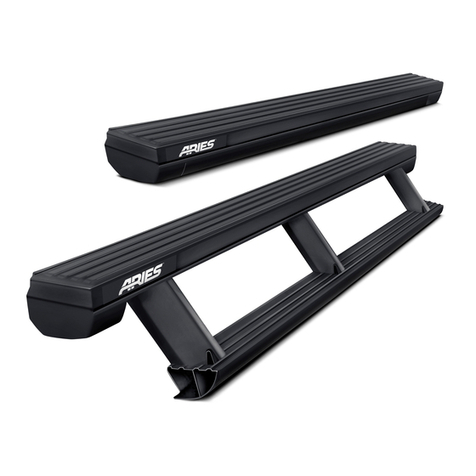
Aries ActionTrac User manual

Aries

Aries ActionTrac User manual

Aries 2153002 User manual

Aries

Aries 2153002 User manual
Aries S223046-2 User manual

Aries

Aries S223046-2 User manual
Aries S223005-2 User manual

Aries

Aries S223005-2 User manual
Aries 2070450 User manual

Aries

Aries 2070450 User manual
Aries Pro Series User manual

Aries

Aries Pro Series User manual
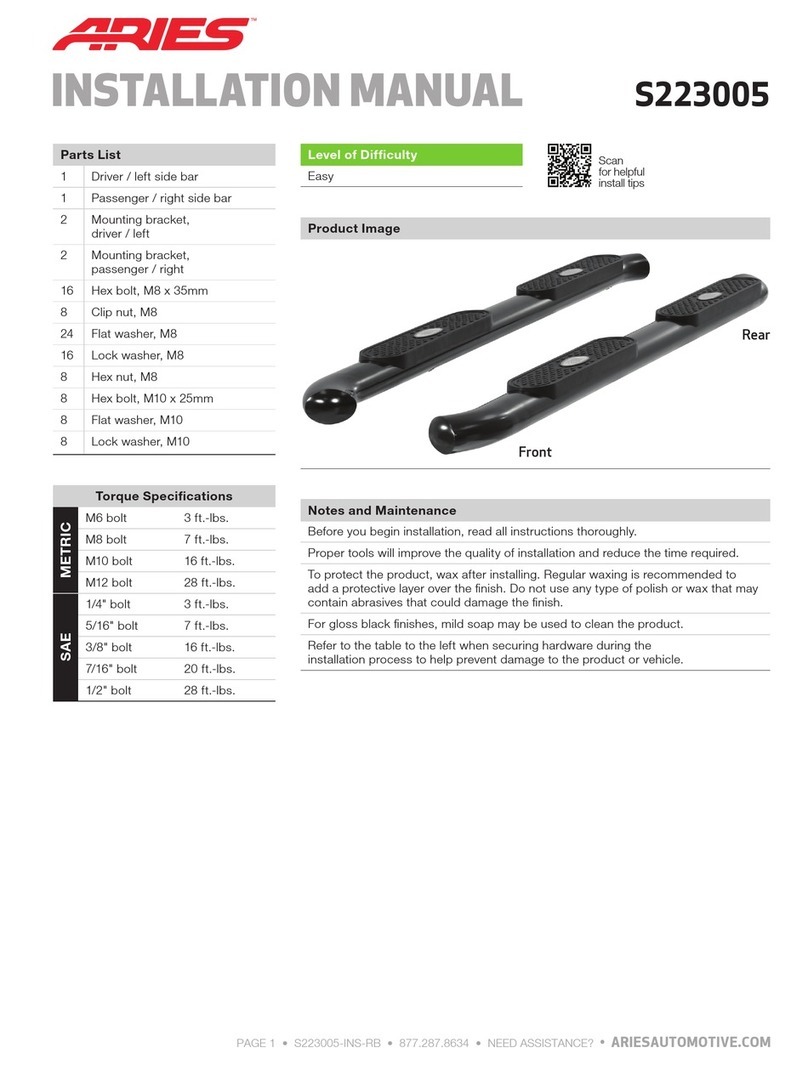
Aries S223005 User manual

Aries

Aries S223005 User manual
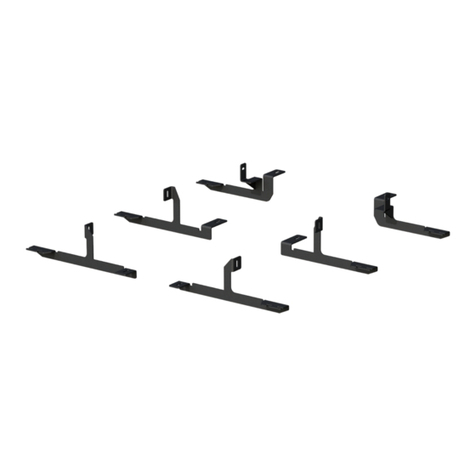
Aries 2051182 User manual

Aries

Aries 2051182 User manual
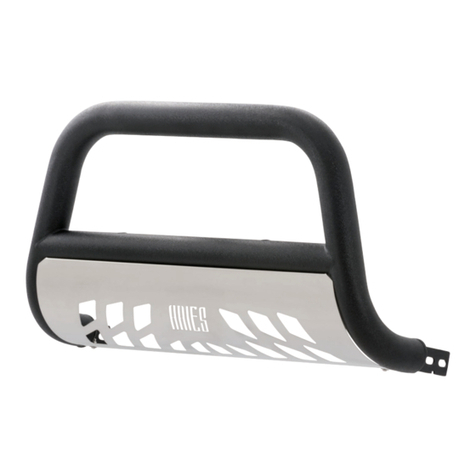
Aries P35-2004 User manual

Aries

Aries P35-2004 User manual
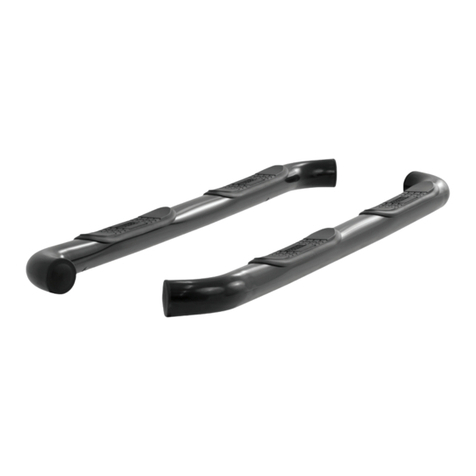
Aries 200101 User manual

Aries

Aries 200101 User manual
Aries 5056 User manual

Aries

Aries 5056 User manual
Aries 4407 User manual

Aries

Aries 4407 User manual
Aries B35-2004-3 User manual

Aries

Aries B35-2004-3 User manual
Aries 203014 User manual

Aries

Aries 203014 User manual

Aries S223044 User manual

Aries

Aries S223044 User manual

Aries 204001 User manual

Aries

Aries 204001 User manual

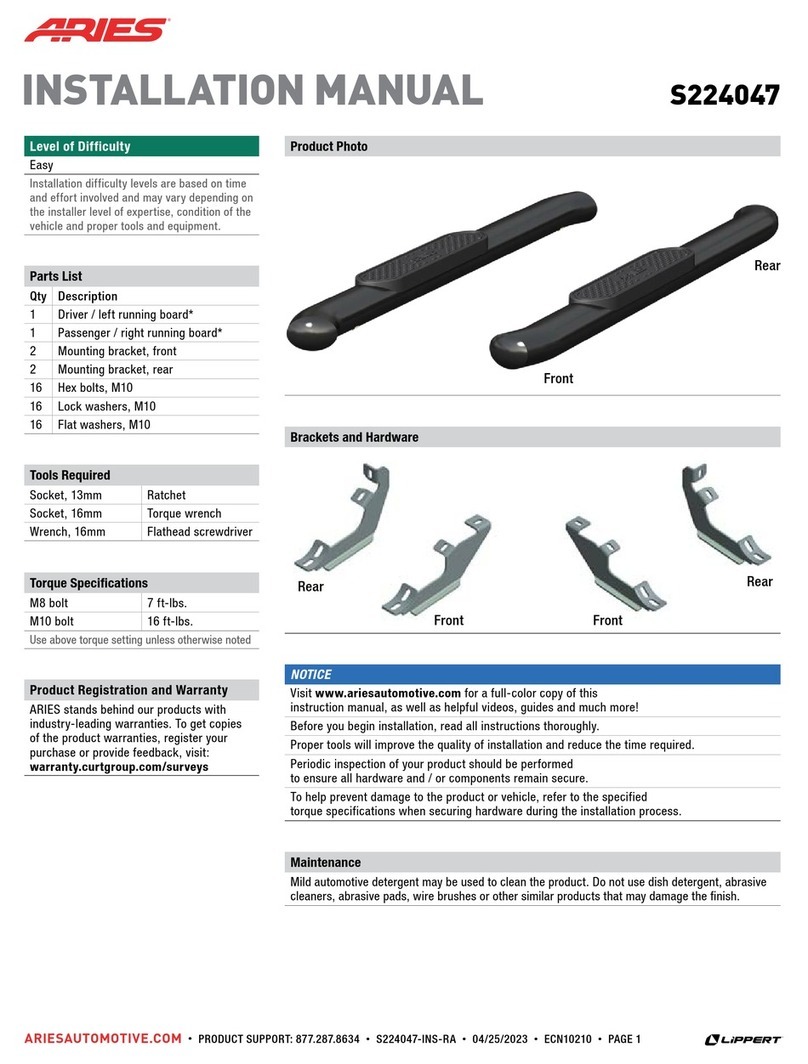
Aries S224047 User manual

Aries

Aries S224047 User manual

Popular Automobile Accessories manuals by other brands

James Baroud Odyssey user guide

James Baroud

James Baroud Odyssey user guide

Motorola i50sx owner's manual

Motorola

Motorola i50sx owner's manual

Yakima 9MM STANDARD BIKE MOUNT instructions

Yakima

Yakima 9MM STANDARD BIKE MOUNT instructions

Feniex T3 instruction manual

Feniex

Feniex T3 instruction manual

Kia E8300-4D000 manual

Kia

Kia E8300-4D000 manual

Brink 756843 installation instructions

Brink

Brink 756843 installation instructions

Whispbar K085W Fitting instructions

Whispbar

Whispbar K085W Fitting instructions

v.link CI-VL2-PC-HSD manual

v.link

v.link CI-VL2-PC-HSD manual

Viking Stack-Rack Assembly and use instructions

Viking

Viking Stack-Rack Assembly and use instructions

Choetech AT0005 user manual

Choetech

Choetech AT0005 user manual

ZZ2 ZZAIR-PRO instruction manual

ZZ2

ZZ2 ZZAIR-PRO instruction manual

Holman 4A80L installation guide

Holman

Holman 4A80L installation guide

Thule 2075 parts manual

Thule

Thule 2075 parts manual

Motorola T325 quick start guide

Motorola

Motorola T325 quick start guide

TAUBENREUTHER 16-3950 FITTING INSTRUCTION

TAUBENREUTHER

TAUBENREUTHER 16-3950 FITTING INSTRUCTION

DV8 FBJL-02 Product installation manual

DV8

DV8 FBJL-02 Product installation manual

Prorack K1163 manual

Prorack

Prorack K1163 manual

Curt Manufacturing A25 installation instructions

Curt Manufacturing

Curt Manufacturing A25 installation instructions

https://manuals.online logo
https://manuals.online logoBrands
  • About & Mission
  • Contact us
  • Privacy Policy
  • Terms and Conditions

Copyright 2026 Manuals.Online. All Rights Reserved.

ARIESAUTOMOTIVE.COM •NEED ASSISTANCE? •8 7 7. 2 8 7. 8 6 3 4 •203016-INS-RA •PAGE 1
INSTALLATION MANUAL 203016
Parts List
1Driver / left side bar
1Passenger / right side bar
2Driver / left cradle bracket
2Passenger / right cradle bracket
8Hex bolt, M8
8Flat washer, M8
8Lock washer, M8
8Clip nut, M10
16 Hex bolt, M10
16 Large flat washer, M10
8Small flat washer, M10
16 Lock washer, M10
8Hex nut, M10
Torque Specifications
Metric
M6 bolt 3 ft-lbs.
M8 bolt 7 ft-lbs.
M10 bolt 16 ft-lbs.
M12 bolt 28 ft-lbs.
SAE
1/4" bolt 3 ft-lbs.
5/16" bolt 7 ft-lbs.
3/8" bolt 16 ft-lbs.
7/16" bolt 20 ft-lbs.
1/2" bolt 28 ft-lbs.
Use above torque setting unless otherwise noted
Tools Required
Ratchet Socket set
Torque wrench Wrench set
Level --
Level of Difficulty
Easy
Notes and Maintenance
Before you begin installation, read all instructions thoroughly.
Proper tools will improve the quality of installation and reduce the time required.
To protect the product, wax after installing. Regular waxing is recommended
to add a protective layer over the finish. Do not use any type of polish or wax
that may contain abrasives that could damage the finish.
For polished, gloss and other smooth finishes,
polish may be used to clear small scratches and scuffs on the finish.
Mild automotive detergent may be used to clean the product. Do not use dish detergent, abrasive
cleaners, abrasive pads, wire brushes or other similar products that may damage the finish.
Refer to the table to the left when securing hardware during the
installation process to help prevent damage to the product or vehicle.
Product Photo
Front
Rear
Product Registration
CURT Group stands behind our products with industry leading warranties.
You can help us continue to improve our product line and help us understand
your needs by registering your purchase by visiting:
warranty.curtgroup.com/surveys
At CURT Group, customer is king. We value your feedback and we use that information to make
improvements on our products. Please, take a minute and let us know how we are doing.
ARIESAUTOMOTIVE.COM •NEED ASSISTANCE? •8 7 7. 2 8 7. 8 6 3 4 •203016-INS-RA •PAGE 2
Step 1
Starting on the driver side, locate
the two mounting locations along
the bottom edge of the vehicle.
Be sure to use a bracket with a left facing
cradle and one with a right facing cradle for
each side of the vehicle. The cradles will be
positioned so that they are facing inwards
towards the center of the vehicle.
Step 4
Place the driver-side side bar onto the
brackets and secure with four M8 bolts,
lock washers and flat washers.
Do not tighten hardware until
all fasteners have been started.
Note: The mounting holes for the side bar
that are closest to the end of the side bar
should face the front of the vehicle
Step 2
Starting at the front driver-side mounting
location, remove the tape and insert two M10
clip nuts into the rectangular hole. Align the
clip nuts over the adjacent round holes.
Place a bracket onto the vehicle and secure
the top portion with two M10 hex bolts, lock
washers and flat washers.
Snug the hardware,
but do not fully tighten.
Step 3
Finish securing the front mounting bracket
to the vehicle by inserting two M10 hex bolts
and flat washers from the bottom side of the
bracket. Secure with two M10 lock washers,
small flat washers and hex nuts on the top side.
Snug the hardware,
but do not fully tighten.
Repeat steps 2 and 3
to install the rear bracket.
ARIESAUTOMOTIVE.COM •NEED ASSISTANCE? •8 7 7. 2 8 7. 8 6 3 4 •203016-INS-RA •PAGE 3
Step 5
At this time, adjust the side
bar to the desired location.
With the side bar in position,
it is recommended to tighten all
brackets to the vehicle first, followed
by the side step connections.
For recommended torque specifications,
refer to the table on page one.
Repeat steps 1 through 5
on the passenger side of vehicle.
Step 6
Congratulations on the installation
of your new ARIES 3" round side bars.
With the side bars installed,
periodic inspections should be
performed to ensure all mounting
hardware remains tight.
To protect your investment, see the
'Notes and Maintenance' section on the
second page of this instruction manual.