manuals.online logo
Brands
  1. Home
  2. •
  3. Brands
  4. •
  5. ASCOM
  6. •
  7. Test Equipment
  8. •
  9. ASCOM TEMS POCKET 8.1 User manual

ASCOM TEMS POCKET 8.1 User manual

Other ASCOM Test Equipment manuals

ASCOM TEMS POCKET REMOTE - DATASHEET 2 User manual

ASCOM

ASCOM TEMS POCKET REMOTE - DATASHEET 2 User manual

ASCOM TEMS POCKET REMOTE User manual

ASCOM

ASCOM TEMS POCKET REMOTE User manual

ASCOM SYMPHONY MULTI User manual

ASCOM

ASCOM SYMPHONY MULTI User manual

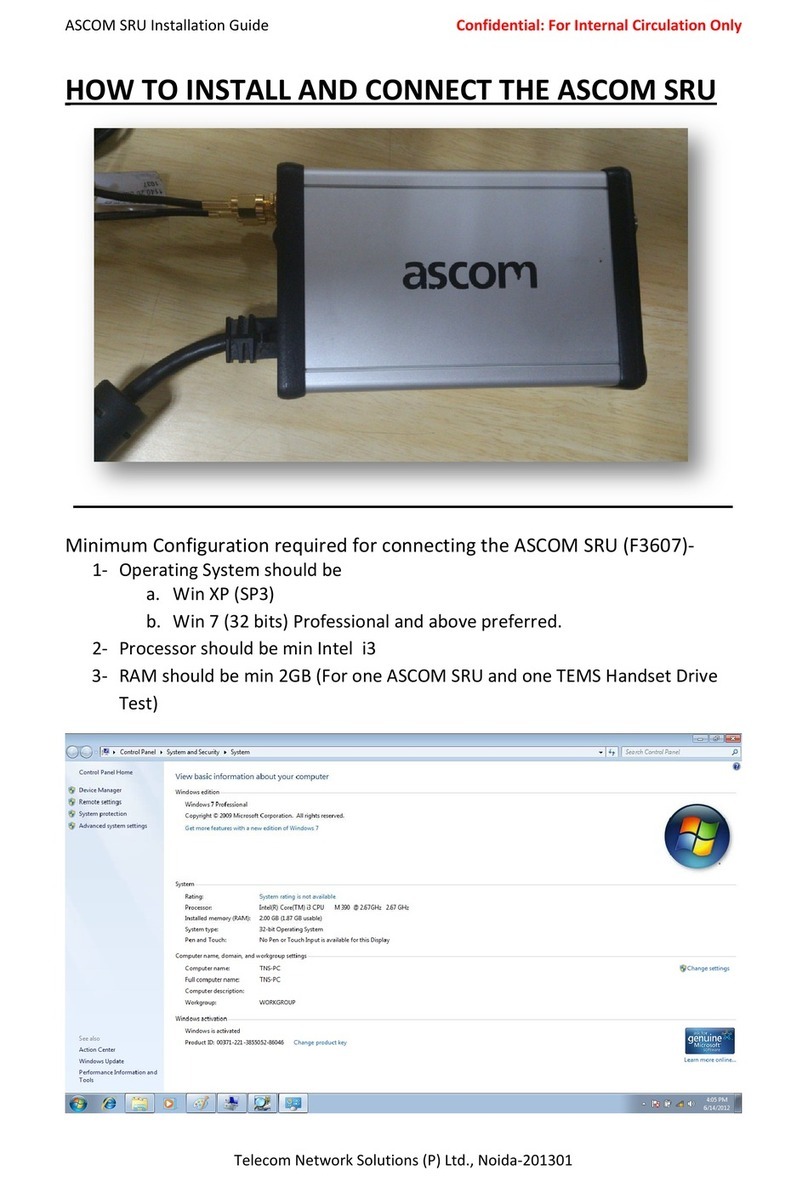
ASCOM F3607 User manual

ASCOM

ASCOM F3607 User manual

ASCOM REMOTE TESTS UNITS User manual

ASCOM

ASCOM REMOTE TESTS UNITS User manual

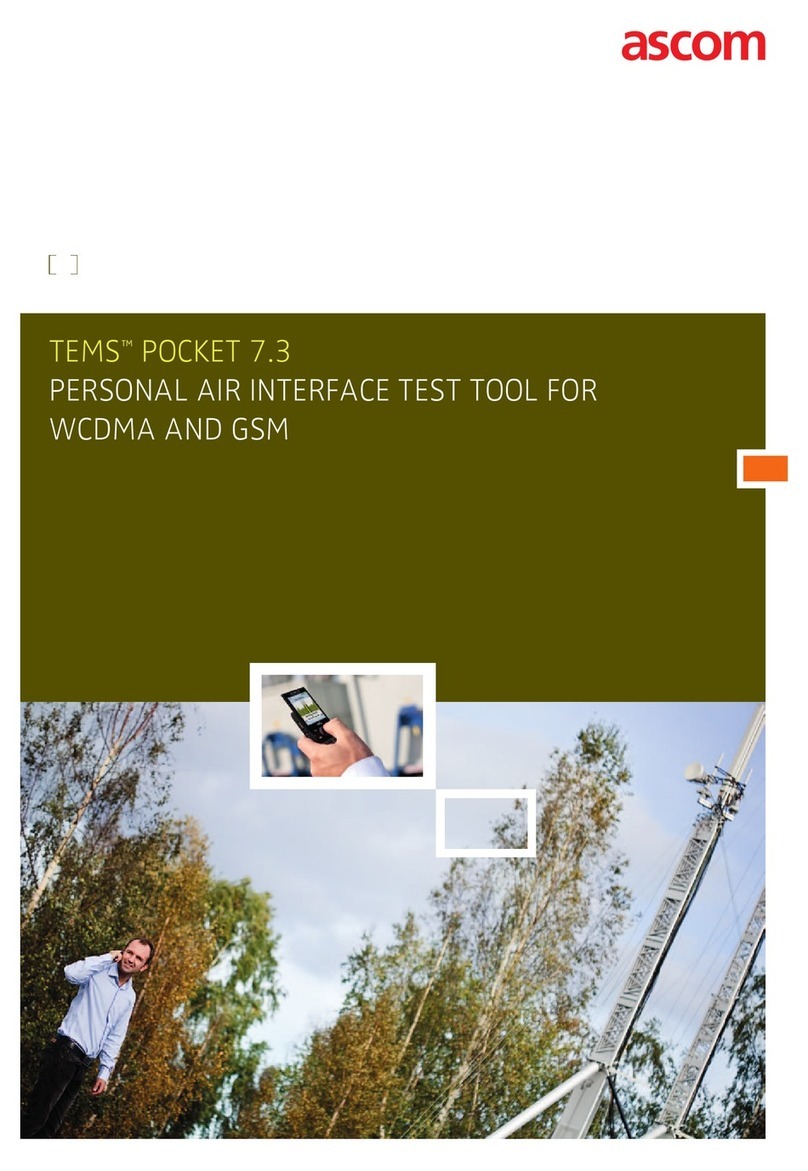
ASCOM TEMSTM POCKET 7.3 User manual

ASCOM

ASCOM TEMSTM POCKET 7.3 User manual

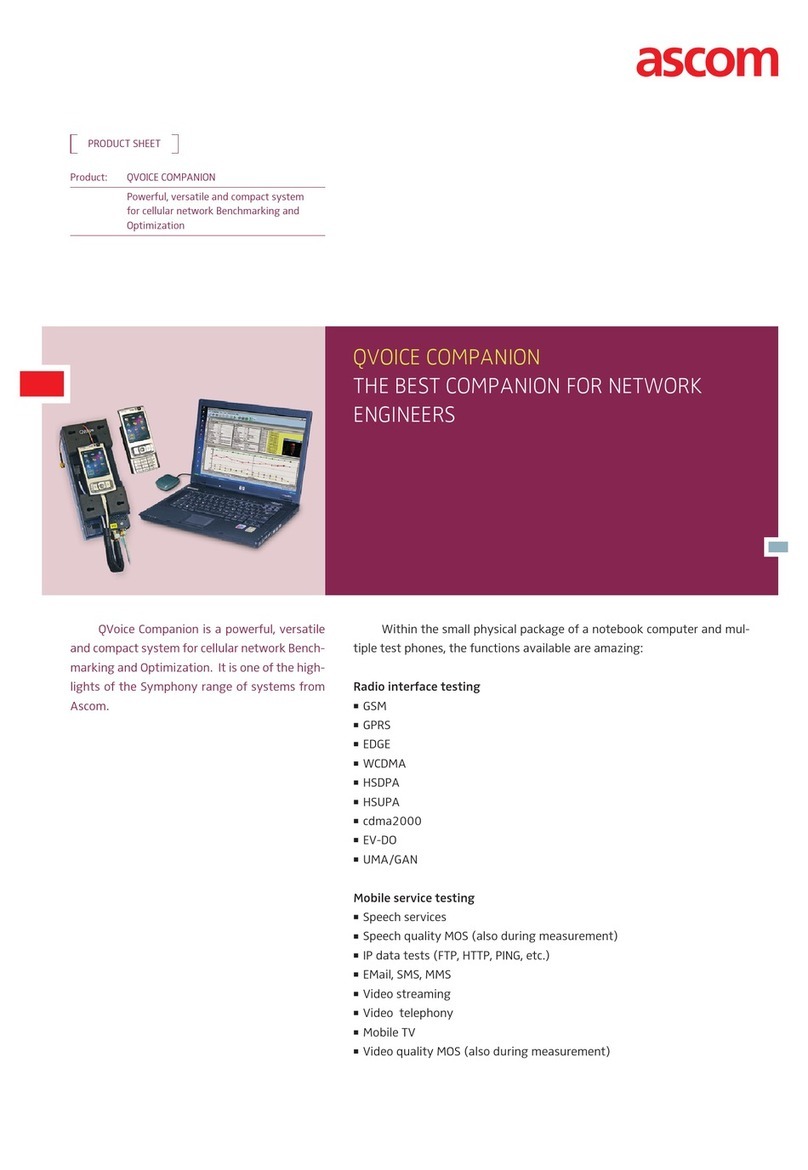
ASCOM QVOICE COMPANION User manual

ASCOM

ASCOM QVOICE COMPANION User manual

Popular Test Equipment manuals by other brands

SMART KANAAD SBT XTREME 3G Series user manual

SMART

SMART KANAAD SBT XTREME 3G Series user manual

Agilent Technologies BERT Serial Getting started

Agilent Technologies

Agilent Technologies BERT Serial Getting started

Agilent Technologies N3280A user guide

Agilent Technologies

Agilent Technologies N3280A user guide

Lifeloc R.A.D.A.R. quick start guide

Lifeloc

Lifeloc R.A.D.A.R. quick start guide

Fluke T5-600 Service information

Fluke

Fluke T5-600 Service information

Mercury TSL01 user manual

Mercury

Mercury TSL01 user manual

MAHA MBT Series Original operating instructions

MAHA

MAHA MBT Series Original operating instructions

Fuji Electric P-61 instruction manual

Fuji Electric

Fuji Electric P-61 instruction manual

ETC SealerAtor user manual

ETC

ETC SealerAtor user manual

Skyfine ETHYWAY V2 user manual

Skyfine

Skyfine ETHYWAY V2 user manual

Appion G5 Twin Operation manual

Appion

Appion G5 Twin Operation manual

PCB Piezotronics 8159-0112A Installation and operating manual

PCB Piezotronics

PCB Piezotronics 8159-0112A Installation and operating manual

BW Technologies MicroDock II user manual

BW Technologies

BW Technologies MicroDock II user manual

Sun Nuclear 1027 user guide

Sun Nuclear

Sun Nuclear 1027 user guide

Biomark HPR LITE READER user manual

Biomark

Biomark HPR LITE READER user manual

Hioki 3169-20 instruction manual

Hioki

Hioki 3169-20 instruction manual

Ashcroft ATE-100 operating manual

Ashcroft

Ashcroft ATE-100 operating manual

Rohde & Schwarz RTA4000 user manual

Rohde & Schwarz

Rohde & Schwarz RTA4000 user manual

manuals.online logo
manuals.online logoBrands
  • About & Mission
  • Contact us
  • Privacy Policy
  • Terms and Conditions

Copyright 2025 Manuals.Online. All Rights Reserved.

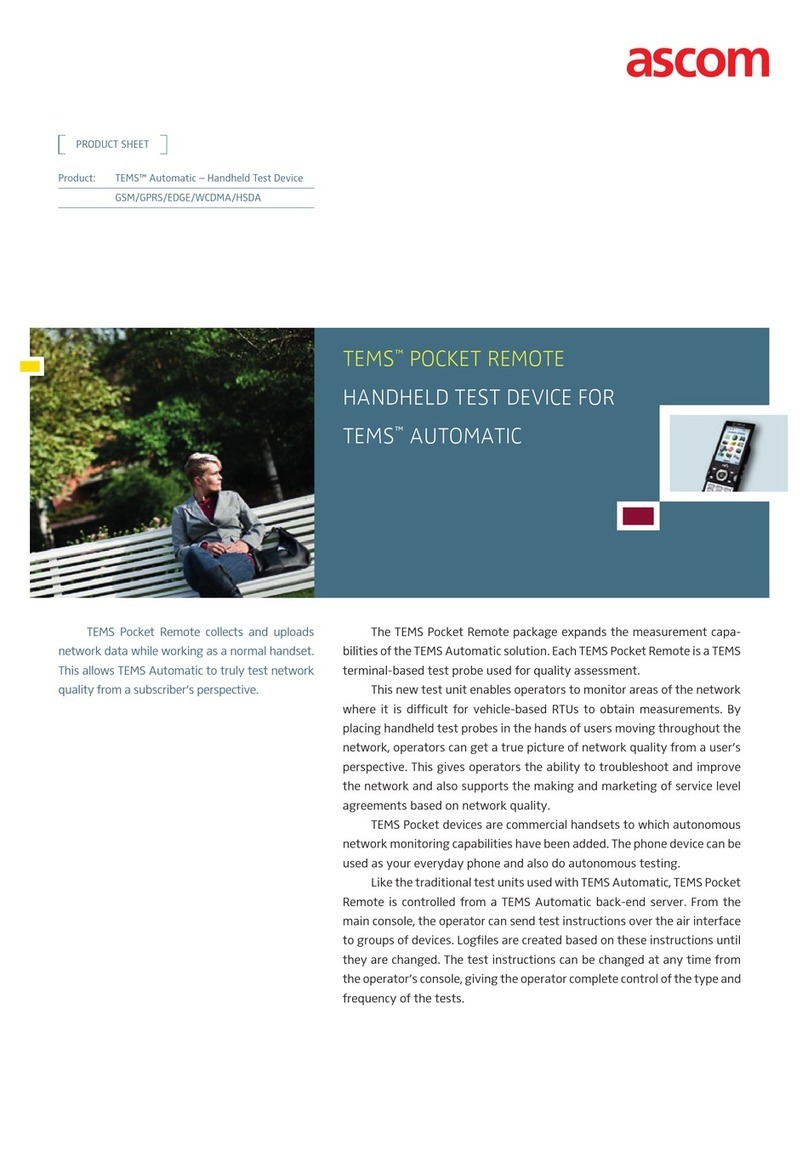
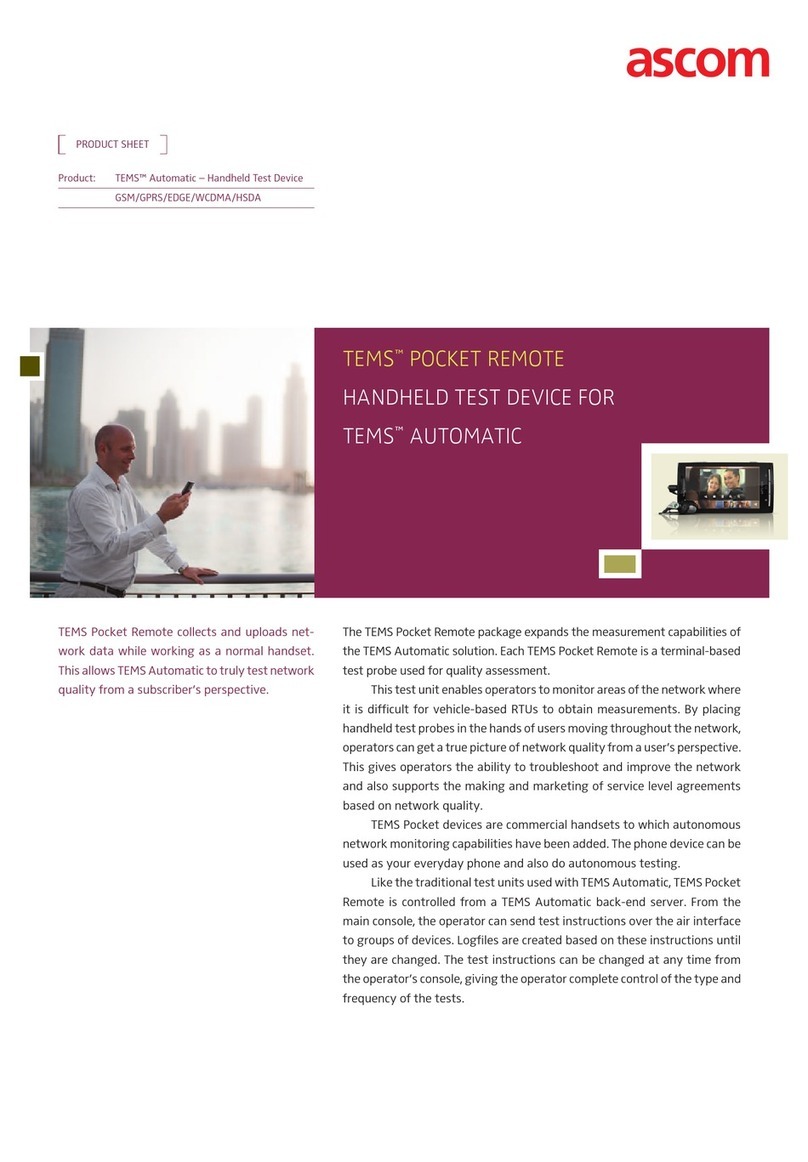
TEMS™ PockET 8.1
PErSonal air inTErfacE TEST Tool for
cDMa anD WcDMa/GSM
2 TEMS™ POCKET 8.1
a VErSaTilE, PoWErfUl TESTinG DEVicE BUilT inTo a conVEnTional PHonE
TEMS Pocket is a phone-based test tool developed for measuring the
network performance and quality parameters of wireless networks. The tool
collects measurement and event data for immediate monitoring or for
processing by TEMS™ Discovery or other tools at a later time.
Its combination of small size and powerful testing features makes
TEMS Pocket a unique product. Because TEMS Pocket is designed as an
integral part of the phone, it can be used continually, not only by engineers
and technicians, but by people throughout the operator’s organization.
Because many users employ TEMS Pocket as their primary phone,
operators can constantly and reliably capture data from all areas of the
mobile network. TEMS Pocket 8.1 is installed on several models of the HTC
Touch Pro 2 device, providing support for both CDMA and UMTS technologies
(see chart on page 4).
A complete solution
TEMS Pocket works with TEMS™ Investigation to provide the most
complete solution for network optimization. TEMS Pocket generates data
collected with the same level of detail as TEMS Investigation and can be
connected as a UE device as well as to TEMS Investigation. TEMS Pocket and
TEMS Investigation can be analyzed using TEMS Discovery, creating a full
solution.
TEMS™ Pocket is a convenient and
powerful product for verification,
monitoring, analysis, and
troubleshooting of CDMA, WCDMA/
HSPA and GSM/EDGE mobile
networks. All these capabilities are
integrated into a Windows Mobile®
commercial handset. The Windows
Mobile® can be used as an everyday
phone and as a testing device,
allowing anyone to collect data in a
very convenient way.
3TEMS™ POCKET 8.1
Indoor Testing
TEMS Pocket 8.1 features a fully integrated indoor test
suite. It supports importation of floor plans in several
different formats. In addition, TEMS Pocket allows the user
to simply take a photo of the floor plan using the camera
functionality of the HTC Touch Pro 2, and then import it into
the indoor functionality of TEMS Pocket. TEMS Discovery
processes TEMS Pocket indoor logfiles and displays them in
a unique way by positioning the floor plan and data in
relation to the real world.
GPS
TEMS Pocket supports both use of the internal phone
GPS and an external Bluetooth GPS. The external GPS is con-
nected automatically when enabled from within the tool
without the necessity of manual pairing.
What’s new in this release?
TEMS Pocket 8.1 includes significant enhancements.
A sample of these include:
Multi-technology support on a single device
New voice and data views
Command sequences with SMS and WAP testing
Enhanced outdoor mapping function
User-definable markers
Screen capture
Command sequence improvements
The command sequence has been made more flexible
and now includes additional services. It combines actions
including idle, voice, FTP, HTTP, PING, and with this release,
SMS and WAP into a sequence of test cases. The TEMS
Pocket-equipped phone device is now a data collection
probe that achieves consistent testing with minimal effort.
Auto startup, command sequence start, and automatic
file upload
The user simply turns on the phone and TEMS Pocket
starts up automatically. It can also begin execution of the
pre-selected command sequence (including logfile startup).
As soon as the sequence is complete, the optional automatic
upload feature uploads the logfile. Once the upload is com-
plete, the user has the option to restart the command se-
quence. These scripts mimic user patterns in the perfor-
mance of various services.
HSUPA and EVDO Rev A support
Some models of the HTC Touch Pro 2 supporting CDMA
and WCDMA also support HSPA/HSUPA, allowing users to
both measure and utilize the extended uplink capacity in
HSUPA. The models also feature EVDO Rev A support.
GSM/EDGE support
TEMS Pocket 8.1 package supports GSM/EDGE net-
works for those operators who have not deployed WCDMA/
HSPA technology.
kEY fEaTUrES

HTC Touch Pro 2 CDMA HTC Touch Pro 2 US HTC Touch Pro 2 US
Band 4
HTC Touch Pro 2 EU Dopod S900 (RUIM)
CDMA 850 Yes - - - Yes
CDMA 1900 Yes - - - Yes
WCDMA 850 - Yes - - -
WCDMA 900 - - - Yes -
WCDMA 1700 - - Yes - -
WCDMA 1900 - Yes - - -
WCDMA 2100 Yes Yes Yes Yes -
GSM 850 Yes Yes Yes Yes -
GSM 900 Yes Yes Yes Yes -
GSM 1800 Yes Yes Yes Yes -
GSM 1900 Yes Yes Yes Yes -
CDMA 2000 Yes - - - Yes
EVDO Rev:A Yes - - - Yes
GPRS Yes Yes Yes Yes -
EDGE Yes Yes Yes Yes -
HSDPA Yes Yes Yes Yes -
HSUPA Yes Yes Yes Yes -
Note: Users must manually switch between CDMA and GSM on some models.
HSPA availability, and data speed are operator dependent.
www.ascom.com/networktesting
Ascom Network Testing Inc.
1943 Isaac Newton Square
Reston | VA | 20190-5006 | USA
www.ascom.com/networktesting
03.2010 © Ascom 2010. All rights reserved. TEMS is a trademark of Ascom. All other trademarks are the property of their respective holders. | 287 01-FAP 901 0983 Rev A Uen | Photo: Fotograf Paulina and Fotograf Mijac
Benefits of TEMS Pocket 8.1
Innovative new multi-technology support in single device
Script-based testing to perform consistent testing
Convenient size with simple setup and configuration
Graph monitors to view trends in networks
Indoor mapping tools that can capture measurements where GPS
positioning is not possible
Support for a range of phone devices
Strong support for mobile behavior control, making it a powerful
test tool for RF engineers
Graph monitors to view trends in networks
Logging of network information wherever the user goes
Capture of valuable data by typical users
Upload of data to FTP servers via mobile network or WiFi
Five distinct packages to fulfill every operator’s CDMA/WCDMA/
GSM/EDGE needs