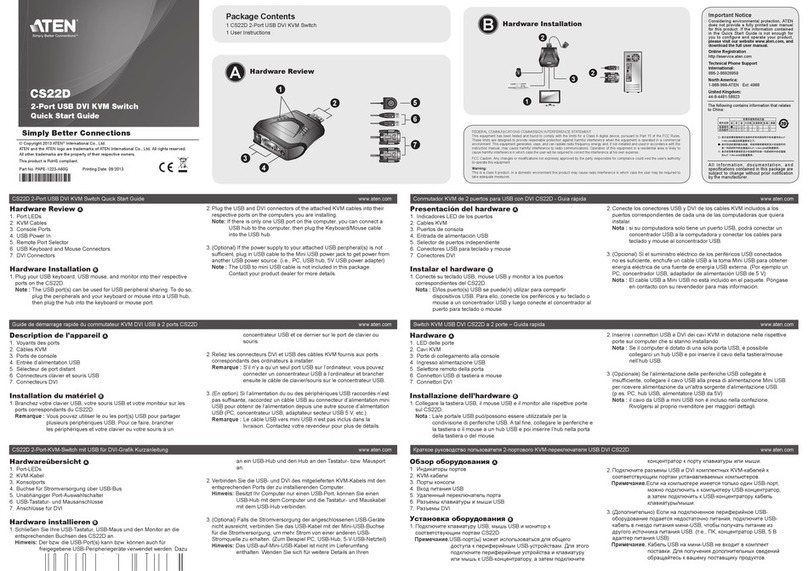
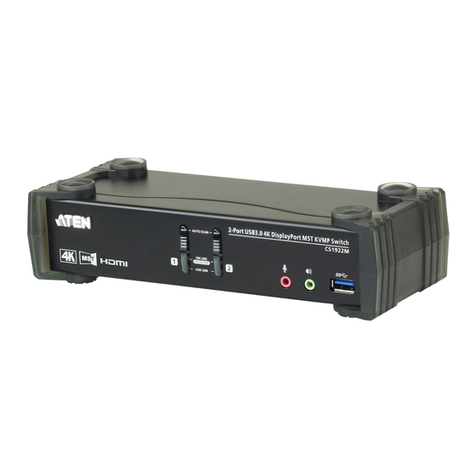
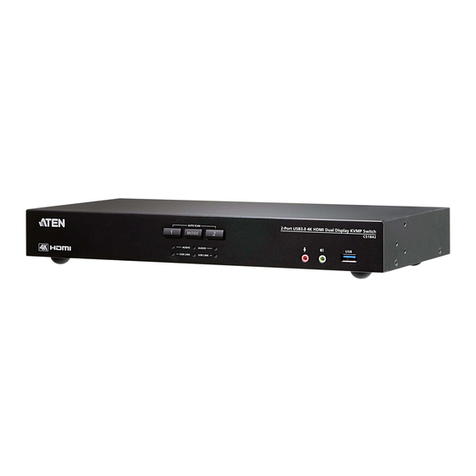
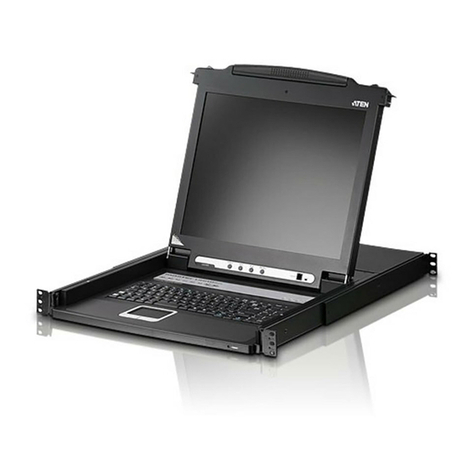
a 1U system rack. Because of its modular design, the KVM section can
be detached from the switch section. If you ever need to expand your
connections, you can remove the 8 port Switch module; and replace it
with a 16 port Switch module.
Your ACS-1208AL / ACS-1216AL investment is protected by an
includedFirmwareUpgradeUtility.Youcanstaycurrentwith the latest
functionalityimprovementsbydownloadingfirmwareupdatefilesfrom
our website as they become available, and using the utility to quickly
and conveniently perform the upgrade.
Setup is fast and easy; plugging cables into their appropriate ports is all
that is entailed. Because the ACS-1208AL / ACS-1216AL intercepts
keyboard input directly, there is no software toconfigure; no need to get
involved in complex installation routines; nor any need to be concerned
with incompatibility problems.
Access to any computer connected to the installation is easily accom-
plished either by entering Hotkey combinations from the keyboard, or
by means of a powerful mouse driven OSD (On Screen Display) menu
system.AconvenientAutoScanfeaturealsopermitsautomaticscanning
and monitoring of the activities of all computers running on the instal-
lation one by one.
There is no better way to save time and money than witha Master View
ACS-1208AL / ACS-1216AL installation. By using the Master View
ACS-1208AL / ACS-1216AL with its Slideawayconsole to manage
your installation, you: (1) eliminate the expense of having to purchase
a separate keyboard, monitor, and mouse for each computer; (2) save
all the space those extra components would take up; (3) save the space
that a keyboard, monitor, and mouse would take with a standard KVM
switch; (4) save on energy costs; and (5) eliminate the inconvenience
and wasted effort involved in constantly moving from one computer to
another.
2003-01-27
ACS-1208AL / ACS-1216AL User Manual
1-2