manuals.online logo
Brands
  1. Home
  2. •
  3. Brands
  4. •
  5. AtGames
  6. •
  7. Arcade Game Machine
  8. •
  9. AtGames HA8801 User manual

AtGames HA8801 User manual

Other AtGames Arcade Game Machine manuals
AtGames Legends Ultimate Mini User manual

AtGames

AtGames Legends Ultimate Mini User manual

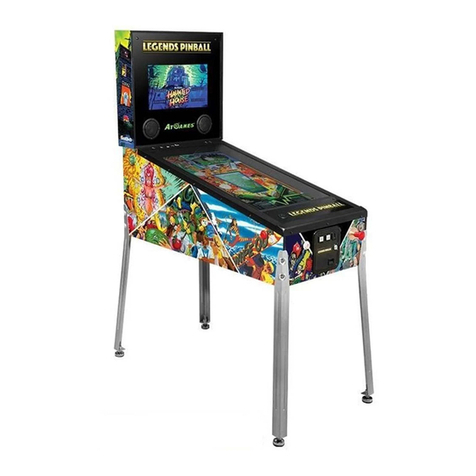
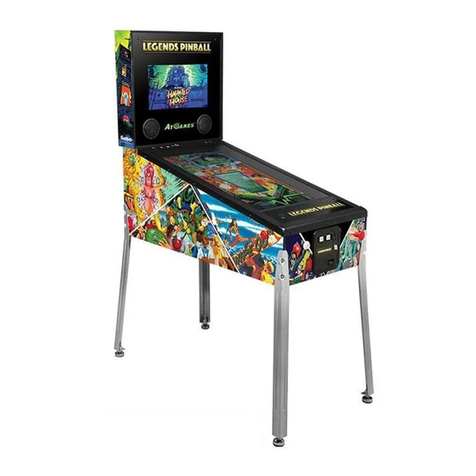
AtGames LEGENDS PINBALL User manual

AtGames

AtGames LEGENDS PINBALL User manual

AtGames Legends Ultimate User manual

AtGames

AtGames Legends Ultimate User manual

AtGames LEGENDS PINBALL User manual

AtGames

AtGames LEGENDS PINBALL User manual

AtGames LEGENDS PINBALL MICRO User manual

AtGames

AtGames LEGENDS PINBALL MICRO User manual

AtGames LEGENDS PINBALL User manual

AtGames

AtGames LEGENDS PINBALL User manual

AtGames Legends Connect AN-101 User manual
AtGames

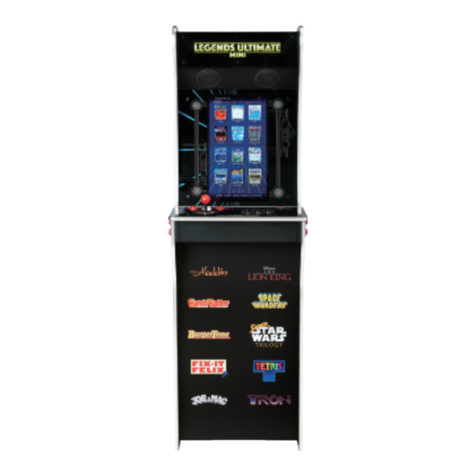
AtGames Legends Connect AN-101 User manual

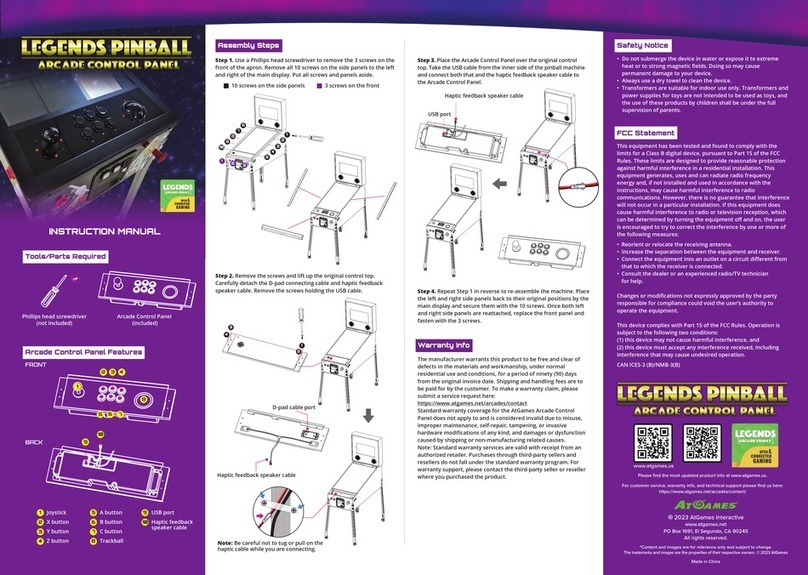
AtGames LEGENDS PINBALL ARCADE CONTROL PANEL User manual

AtGames

AtGames LEGENDS PINBALL ARCADE CONTROL PANEL User manual

AtGames Legends Ultimate User manual

AtGames

AtGames Legends Ultimate User manual

AtGames Legends Ultimate User manual

AtGames

AtGames Legends Ultimate User manual

AtGames LEGENDS PINBALL User manual

AtGames

AtGames LEGENDS PINBALL User manual
Popular Arcade Game Machine manuals by other brands

Universal Space MR.WOLF Operation manual

Universal Space

Universal Space MR.WOLF Operation manual

Universal Space COCONUT BASH Operation manual

Universal Space

Universal Space COCONUT BASH Operation manual

Bay-Tek EVOLVE installation guide

Bay-Tek

Bay-Tek EVOLVE installation guide

Global VR America's Army Operation & service manual
Global VR

Global VR America's Army Operation & service manual

Universal Space Checky Monkey Operation manual
Universal Space

Universal Space Checky Monkey Operation manual

Atronic Cashline installation manual

Atronic

Atronic Cashline installation manual
falgas CARRUSEL FIESTA user guide

falgas

falgas CARRUSEL FIESTA user guide
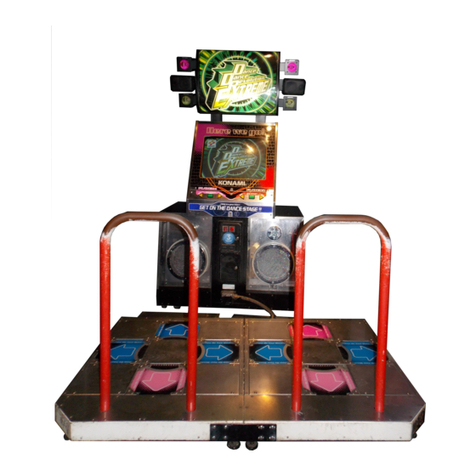
Konami DanceDanceRevolution Operator's manual
Konami

Konami DanceDanceRevolution Operator's manual

Bay-Tek quik drop Service manual

Bay-Tek

Bay-Tek quik drop Service manual
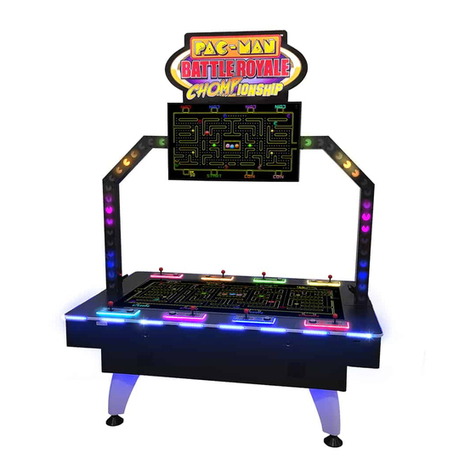
Bandai Namco PAC-MAN BATTLE ROYALE CHOMPIONSHIP DELUXE Operation manual
Bandai Namco

Bandai Namco PAC-MAN BATTLE ROYALE CHOMPIONSHIP DELUXE Operation manual

Adrenaline Flying Tickets Operation & service manual
Adrenaline

Adrenaline Flying Tickets Operation & service manual

Swinks Stern Pinball Ghostbusters manual
Swinks

Swinks Stern Pinball Ghostbusters manual

Innovative Concepts in Entertainment MONOPOLY ROLL-N-GO Service manual

Innovative Concepts in Entertainment

Innovative Concepts in Entertainment MONOPOLY ROLL-N-GO Service manual

jakar SPEED CARS Operator's manual

jakar

jakar SPEED CARS Operator's manual

Carmelli HAT TRICK NG1015H Assembly instructions
Carmelli

Carmelli HAT TRICK NG1015H Assembly instructions

Bay-Tek Skee Ball 1908 Alley Service manual

Bay-Tek

Bay-Tek Skee Ball 1908 Alley Service manual

Aristocrat Technologies Mars X Upright Service manual
Aristocrat Technologies

Aristocrat Technologies Mars X Upright Service manual

NAMCO Ridge Racer V Arcade Battle Operator's manual

NAMCO

NAMCO Ridge Racer V Arcade Battle Operator's manual

manuals.online logo
manuals.online logoBrands
  • About & Mission
  • Contact us
  • Privacy Policy
  • Terms and Conditions

Copyright 2025 Manuals.Online. All Rights Reserved.

HOW TO REPLACE SPINNER (HA8801)
Remove the control top from the arcade.
Step 1
Use the 2.0 hex key to remove the spinner.
Step 2
Turn the control top upside down and remove
the screws on the bottom of the control top.
Step 3
Open up the control top and pull out the pinball
kit cable carefully.
Step 4
Disconnect the cables on the spinner that
you’d like to replace.
Step 5
Use a screwdriver to loosen the screws.
Step 6
Images and instructions are for reference only and subject to change. © 2021 AtGames.
Tools you need:
.Phillips screwdriver
.2.0 hex key
Left SpinnerRight Spinner
Remove the spinner.
Step 7
Prepare a new spinner.
Step 8
Place the new spinner in the original spot.
Step 9
Fasten 4 screws to secure the spinner.
Step 10
Step 12
Connect the cables to the spinner.
.5.9 inch pink cable (#HAA340_W3315): To connect the Right Spinner and the Mainboard.
.21.65 inch pink cable (#HAA340_W55): To connect the Right Spinner and the Left Spinner.
Step 11
Images and instructions are for reference only and subject to change. © 2021 AtGames.
HOW TO REPLACE SPINNER (HA8801)
Put the control top cover back and fasten the screws.
Step 13
Fasten the spinner cap with the hex key.
Left SpinnerRight Spinner
Pink Cable: #HAA340_W55
Length: 21.65 inches
Pink Cable: #HAA340_W55
Length: 21.65 inches
Pink Cable: HAA340_W3315
Length: 5.9 inches