manuals.online logo
Brands
  1. Home
  2. •
  3. Brands
  4. •
  5. AtGames
  6. •
  7. Arcade Game Machine
  8. •
  9. AtGames Legends Connect AN-101 User manual

AtGames Legends Connect AN-101 User manual

Other AtGames Arcade Game Machine manuals

AtGames HA8801 User manual

AtGames

AtGames HA8801 User manual

AtGames Legends Ultimate User manual

AtGames

AtGames Legends Ultimate User manual
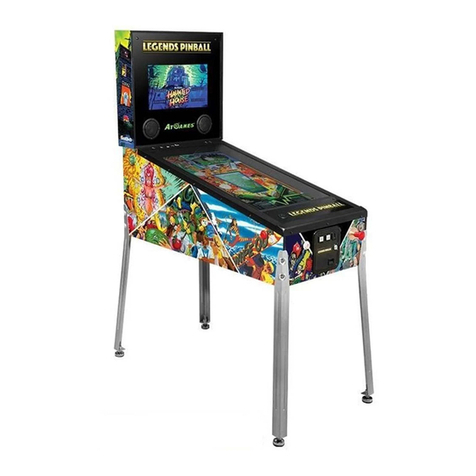
AtGames LEGENDS PINBALL User manual

AtGames

AtGames LEGENDS PINBALL User manual
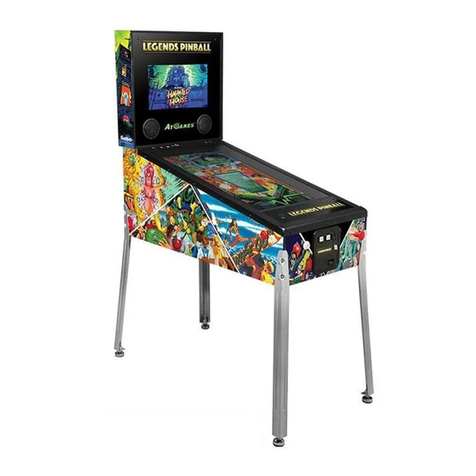
AtGames LEGENDS PINBALL User manual

AtGames

AtGames LEGENDS PINBALL User manual
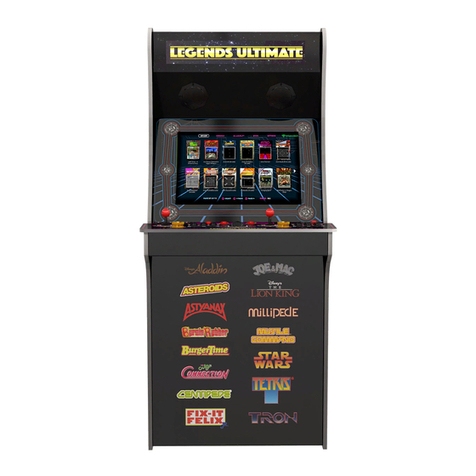
AtGames Legends Ultimate User manual

AtGames

AtGames Legends Ultimate User manual
AtGames Legends Ultimate Mini User manual
AtGames

AtGames Legends Ultimate Mini User manual

AtGames LEGENDS PINBALL ARCADE CONTROL PANEL User manual

AtGames

AtGames LEGENDS PINBALL ARCADE CONTROL PANEL User manual

AtGames LEGENDS PINBALL User manual

AtGames

AtGames LEGENDS PINBALL User manual

AtGames LEGENDS PINBALL MICRO User manual

AtGames

AtGames LEGENDS PINBALL MICRO User manual

AtGames LEGENDS PINBALL User manual

AtGames

AtGames LEGENDS PINBALL User manual
AtGames Legends Ultimate User manual

AtGames

AtGames Legends Ultimate User manual

Popular Arcade Game Machine manuals by other brands

Universal Space MR.WOLF Operation manual
Universal Space

Universal Space MR.WOLF Operation manual

Universal Space COCONUT BASH Operation manual

Universal Space

Universal Space COCONUT BASH Operation manual

Bay-Tek EVOLVE installation guide

Bay-Tek

Bay-Tek EVOLVE installation guide

Global VR America's Army Operation & service manual
Global VR

Global VR America's Army Operation & service manual

Universal Space Checky Monkey Operation manual
Universal Space

Universal Space Checky Monkey Operation manual

Atronic Cashline installation manual

Atronic

Atronic Cashline installation manual

falgas CARRUSEL FIESTA user guide

falgas

falgas CARRUSEL FIESTA user guide
Konami DanceDanceRevolution Operator's manual
Konami

Konami DanceDanceRevolution Operator's manual

Bay-Tek quik drop Service manual

Bay-Tek

Bay-Tek quik drop Service manual
Bandai Namco PAC-MAN BATTLE ROYALE CHOMPIONSHIP DELUXE Operation manual
Bandai Namco

Bandai Namco PAC-MAN BATTLE ROYALE CHOMPIONSHIP DELUXE Operation manual

Adrenaline Flying Tickets Operation & service manual
Adrenaline

Adrenaline Flying Tickets Operation & service manual

Swinks Stern Pinball Ghostbusters manual
Swinks

Swinks Stern Pinball Ghostbusters manual

Innovative Concepts in Entertainment MONOPOLY ROLL-N-GO Service manual

Innovative Concepts in Entertainment

Innovative Concepts in Entertainment MONOPOLY ROLL-N-GO Service manual

jakar SPEED CARS Operator's manual

jakar

jakar SPEED CARS Operator's manual

Carmelli HAT TRICK NG1015H Assembly instructions
Carmelli

Carmelli HAT TRICK NG1015H Assembly instructions

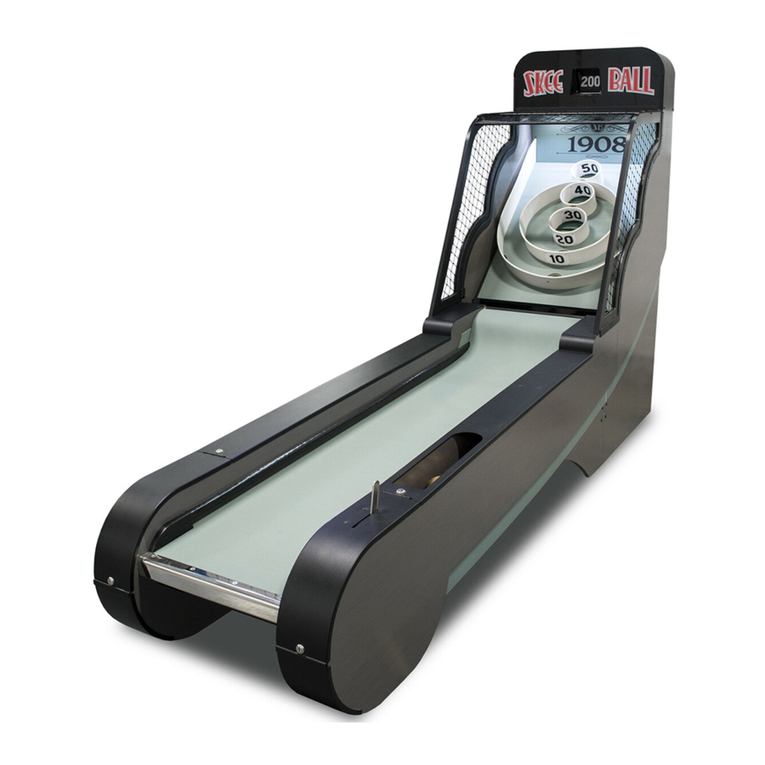
Bay-Tek Skee Ball 1908 Alley Service manual

Bay-Tek

Bay-Tek Skee Ball 1908 Alley Service manual

Aristocrat Technologies Mars X Upright Service manual
Aristocrat Technologies

Aristocrat Technologies Mars X Upright Service manual

NAMCO Ridge Racer V Arcade Battle Operator's manual

NAMCO

NAMCO Ridge Racer V Arcade Battle Operator's manual

manuals.online logo
manuals.online logoBrands
  • About & Mission
  • Contact us
  • Privacy Policy
  • Terms and Conditions

Copyright 2025 Manuals.Online. All Rights Reserved.

Images and instructions are for reference only and subject to change. © 2020 AtGames.
The trademarks and images are the properties of their respective owners.
1
Legends Connect AN-101: Pandora's Box Compatibility
Updated: 2020-09-29
Control Switch
Support List
Pandora's Box 6 Arcade
Pandora's Box 9D Arcade
Pandora’s Box 9D (Wireless)
1
Pandora 6
2
GPIO PC11
3
Pandora 9D
1
Images and instructions are for reference only and subject to change. © 2020 AtGames.
The trademarks and images are the properties of their respective owners.
2
Pandora’s Box 6 Arcade Assembly Steps
1. Use a Jumper Cap to connect pin 1 and pin 2.
2. Connect the Wi-Fi antenna to the mainboard.
3. Remove the antenna sticker backing and attach the antenna to the green box.
Images and instructions are for reference only and subject to change. © 2020 AtGames.
The trademarks and images are the properties of their respective owners.
3
4. Tighten the screw on the mainboard.
5. Assemble the green box.
6. Use the screw to attach the green box to the Pandora’s Box 6 arcade.
Images and instructions are for reference only and subject to change. © 2020 AtGames.
The trademarks and images are the properties of their respective owners.
4
7. Plug the 40 pin cable into the mainboard.
8. Plug the power control cable into the mainboard.
9. After all cables are connected, plug in the HDMI and power supply cables, then power on
your Pandora’s Box 6 arcade. 。
Images and instructions are for reference only and subject to change. © 2020 AtGames.
The trademarks and images are the properties of their respective owners.
5
Pandora’s Box 9D Arcade Assembly Steps
1. Use a Jumper Cap to connect pin 2 and pin 3.
2. Connect the Wi-Fi antenna to the mainboard.
3. Remove the antenna sticker backing and attach the antenna to the black box.
Images and instructions are for reference only and subject to change. © 2020 AtGames.
The trademarks and images are the properties of their respective owners.
6
4. Tighten the screw onto the mainboard.
5. Assemble the black box.
6. Use the screws to attach the black box to the Pandora’s Box 9D arcade.
Images and instructions are for reference only and subject to change. © 2020 AtGames.
The trademarks and images are the properties of their respective owners.
7
7. Connect the 40 pin cable to the mainboard.
8. Connect the power control cable to the mainboard.
9. After all cables are connected, plug in the HDMI and power supply cables, then power on
your Pandora’s Box 9D arcade.
Images and instructions are for reference only and subject to change. © 2020 AtGames.
The trademarks and images are the properties of their respective owners.
8
Pandora’s Box 9D (Wireless) Assembly Steps
1. Use a Jumper Cap to connect pin 2 and pin 3.
2. Connect the power switch cable to the mainboard.
3. Install the RC Console board onto the mainboard (pay attention to the pin direction).
Images and instructions are for reference only and subject to change. © 2020 AtGames.
The trademarks and images are the properties of their respective owners.
9
4. Connect the Wi-Fi antenna to the mainboard.
5. Remove the antenna sticker backing and attach the antenna to the box.
6. Plug the LED cable into the mainboard.
7. Tighten the screw on the mainboard.
Images and instructions are for reference only and subject to change. © 2020 AtGames.
The trademarks and images are the properties of their respective owners.
10
8. Assemble the box.
9. After all cables are connected, plug in the HDMI and power supply cables, then power on
your Pandora’s Box 9D.