(~l_n_st_a_ll_at_i_o_n_-_V_e_h_ic_le_P_r_e~p_a_ra_t_io_n
____________________
~)
1.
Decide on the system configuration and the options
that
will be installed.
2.
Read
the manual and
get
familiar
with
the electrical requirements and connections.
3.
Decide on the
mounting
locations and methods
of
mounting
the products
that
will be
connected
to
the
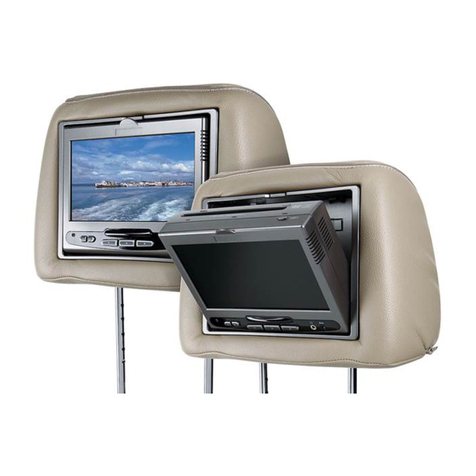
AVXMTGHR9HD
system.
4.
Prepare the vehicle by removing any interior
trim
necessary
to
gain
access
to
the vehicle's
wiring
as
well
as
all
areas
where interconnecting wire harnesses will be located.This
manual will onlyfocus on the installation
of
the
AVXMTGHR9HD
monitor
in the supplied
configuration.
NOTE:
The
monitor
should be installed in the passenger position most used.
5.
Locate
an
accessory power source and ground
with
+
12
VDC
(ACC)
present when the
ignition key
is
in the accessory and run positions and 0
VDC
should be present when the
ignition key
is
in the
OFF
position. Generally, these wires
can
be found at the ignition
switch or fusebox.
NOTE:
Insure
that
the
accessory power
is
fused at the source. Failure
to
do
so
may result in
vehicle wiring damage.
6.
Run
the wiring harnesses
throughout
the vehicle
as
necessary (Refer
to
theWiring
Diagrams on page
9).
Be
sure
that
all the wiring
is
protected from sharp edges and
is
routed in such a manner
that
it
will
not
be pinched when
it
is
fully installed.
Be
sure
to
leave enough slack in the wiring at each
component
to
allow sufficient working room.
Be
sure
to
leave enough slack in the
monitor
cables
to
allow the headrest
to
move up or
down, and for seat movement.
7.
Install the headrest:
a.
Remove vehicle's original headrest.
b.
Adjust the posts
of
the
AVXMTGHR9HD
to
the same
width
of
the posts on the original
headrest by pulling the posts apart or pushing them together. (Note: grab the posts close
to
the
bottom
of
the headrest while doing this adjustment)
c.
Locate
the
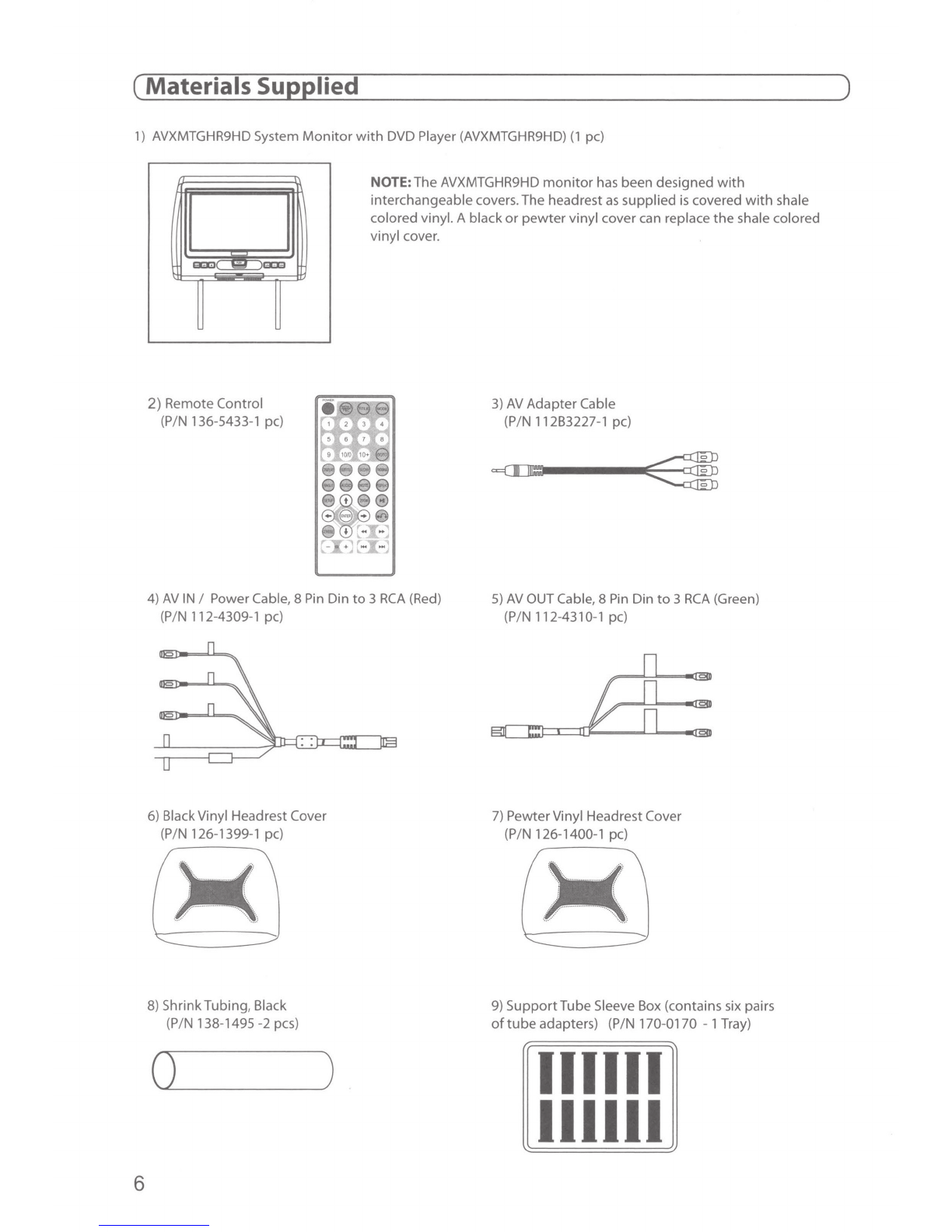
tube adapters
that
most closely match the outerdiameter
of
the original
vehicle headrest post.
d.lnsert
the appropriate support
tube
adapters in vehicle headrest post guides (if
needed).
e.
Hold the headrest above the seat and insert the
two
cables
into
the vehicle support
guides. Make sure
that
the headrest
is
in the correct position (display facing the rear).
f.
Route the cables through the seat back and
out
the
bottom
of
the seat while pulling the
cables
to
remove the slack.
Be
sure
to
leave enough slack in the
monitor
cables
to
allow
the headrest
to
move up ordown.
8.
Connect all the components
together
(electrically) and verify proper operation
of
all the
system functions.
9.
If
two
(2)
AVXMTGHR9HD's
are installed in a vehicle, set one
unit
to
IRTA
and the other
unit
to
IRTB.
See
page
16
or page
18
for instructions.
8