TABLE OF CONTENTS
PACKAGE CONTENTS .............................................................................................................4
OPTIONAL ACCESSORIES ......................................................................................................5
INTRODUCTION......................................................................................................................10
About................................................................................................................................................... 10
Documentation.................................................................................................................................... 10
Features...............................................................................................................................................11
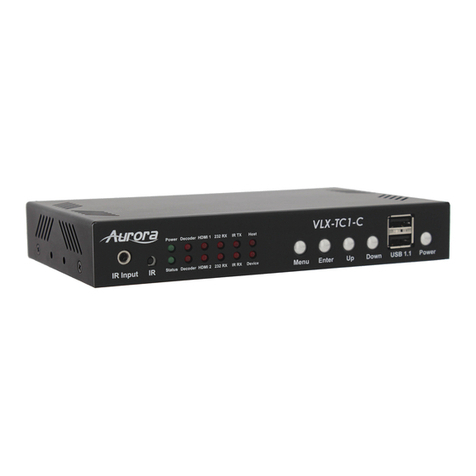
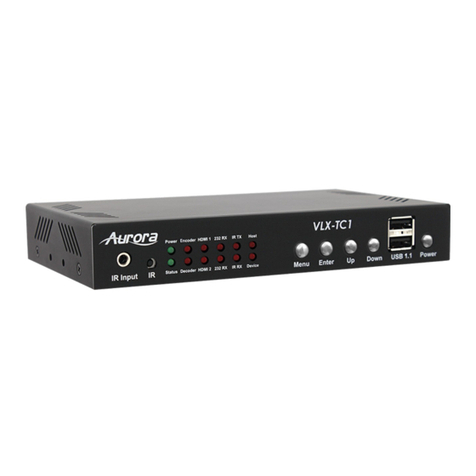
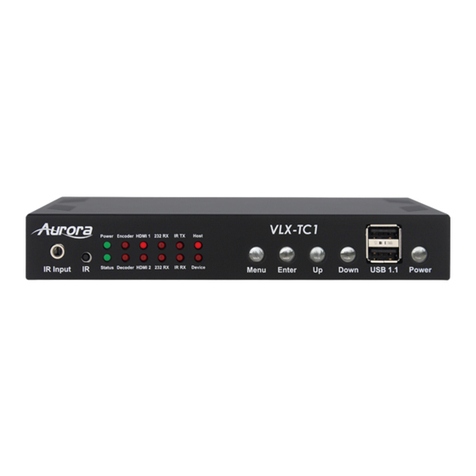
IPX-TC1-F, IPX-TC1-C, IPX-TC2-F, IPX-TC2-C Front ....................................................................... 12
IPX-TC1-F, IPX-TC1-C, IPX-TC2-F, IPX-TC2-C Rear........................................................................ 14
IPX-TC1-F, IPX-TC1-C, IPX-TC2-F, IPX-TC2-C Bottom .................................................................... 15
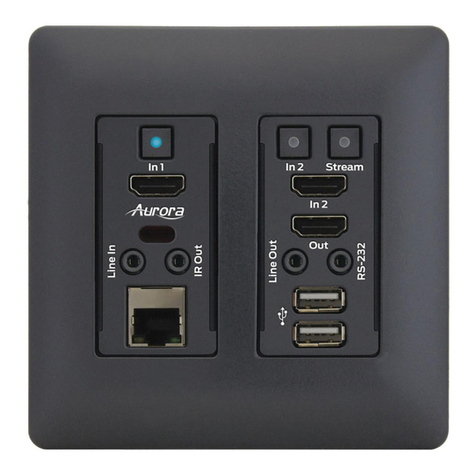
IPX-TCW3-F & IPX-TCW3-C Front .................................................................................................... 16
IPX-TCW3-F & IPX-TCW3-C Rear..................................................................................................... 18
UNDERSTANDING THE BASICS............................................................................................19
Direct Connection with No Ethernet Switch........................................................................................ 19
10GbE Ethernet Switch ...................................................................................................................... 19
1GbE Ethernet Port Usage ................................................................................................................. 19
Network Infrastructure ........................................................................................................................ 20
Isolated Network or Users Network .................................................................................................... 20
Controlling the IPX .............................................................................................................................. 20
Controlling the IPX with Multiple Servers for Redundancy................................................................. 21
EDID and its Importance..................................................................................................................... 21
Videowall Capabilities IPX-TC1/IPX-TCW3........................................................................................ 22
Videowall Capabilities IPX-TC2 .......................................................................................................... 22
HARDWARE INSTALLATION..................................................................................................23
Network Setup .................................................................................................................................... 23
Encoder Setup .................................................................................................................................... 23
Decoder Setup .................................................................................................................................... 23
QXP-2-IPX Control Server Setup ....................................................................................................... 24
Control Setup ...................................................................................................................................... 24
Web Setup Pages ...................................................................................................................26
General Settings ................................................................................................................................. 26
Network Settings................................................................................................................................. 27
Port Settings ....................................................................................................................................... 28
iPBT Settings ...................................................................................................................................... 29
USB Settings....................................................................................................................................... 30