manuals.online logo
Brands
  1. Home
  2. •
  3. Brands
  4. •
  5. Axxess
  6. •
  7. Automobile Accessories
  8. •
  9. Axxess AXSSO-GM User manual

Axxess AXSSO-GM User manual

Other Axxess Automobile Accessories manuals
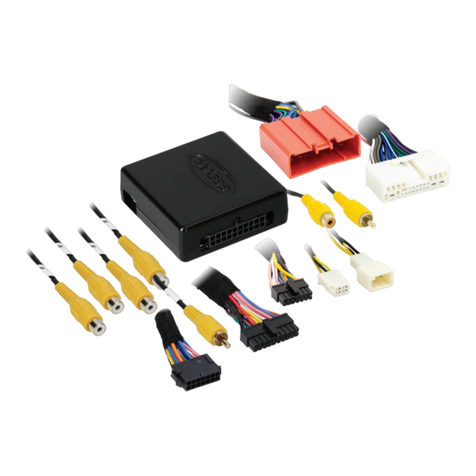
Axxess GMOS-13 User manual

Axxess

Axxess GMOS-13 User manual

Axxess AX-AM-MB91 User manual

Axxess

Axxess AX-AM-MB91 User manual

Axxess AXDSPX-MZ1 User manual

Axxess

Axxess AXDSPX-MZ1 User manual

Axxess AXDSPX-GL9 User manual

Axxess

Axxess AXDSPX-GL9 User manual

Axxess AX-HYKIA1-SWC User manual

Axxess

Axxess AX-HYKIA1-SWC User manual
Axxess AXVI-6523 User manual

Axxess

Axxess AXVI-6523 User manual

Axxess AXGMLN-08 User manual

Axxess

Axxess AXGMLN-08 User manual

Axxess AXDSPL-MZ1 User manual

Axxess

Axxess AXDSPL-MZ1 User manual

Axxess AXDIS-GMLN30 User manual

Axxess

Axxess AXDIS-GMLN30 User manual

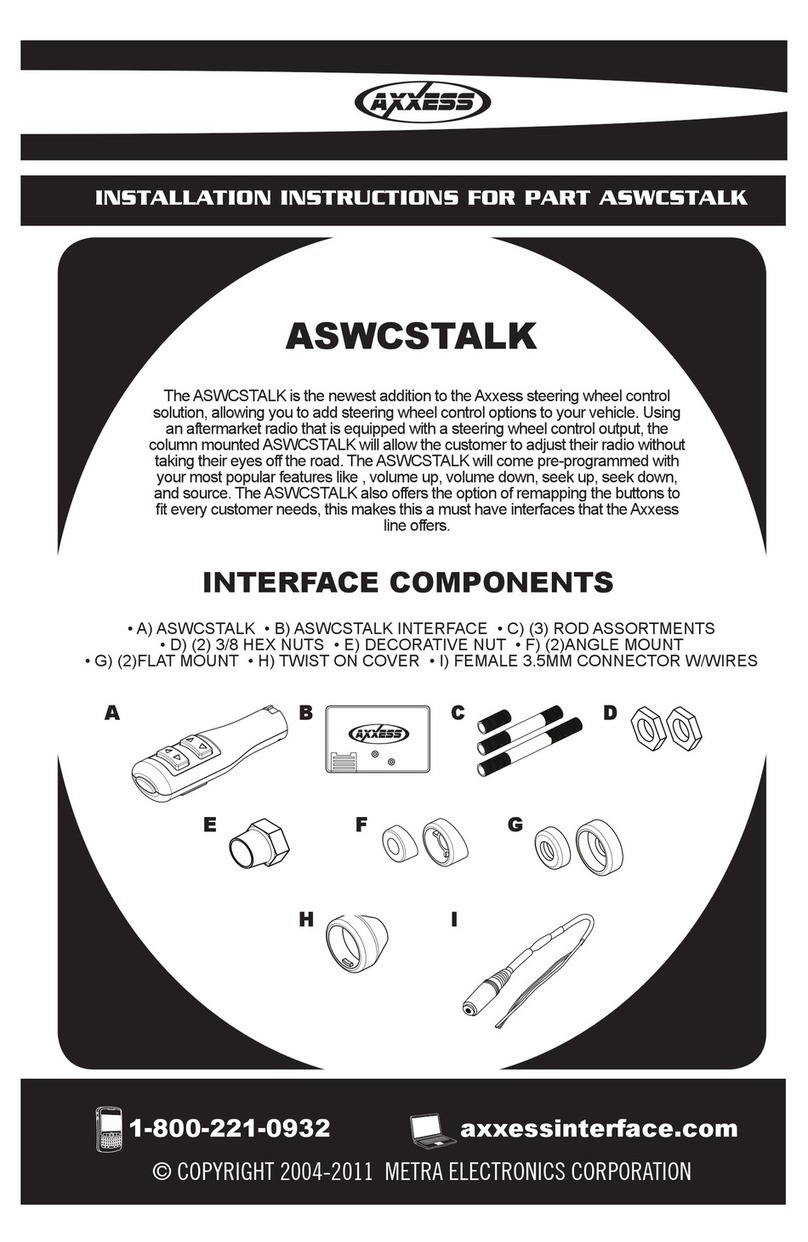
Axxess ASWC-1 User manual

Axxess

Axxess ASWC-1 User manual

Axxess AXDSPL-HK4 User manual

Axxess

Axxess AXDSPL-HK4 User manual

Axxess CHTO-03 User manual

Axxess

Axxess CHTO-03 User manual

Axxess AXGMLN-09 User manual

Axxess

Axxess AXGMLN-09 User manual

Axxess GMOS-LAN-07 User manual

Axxess

Axxess GMOS-LAN-07 User manual

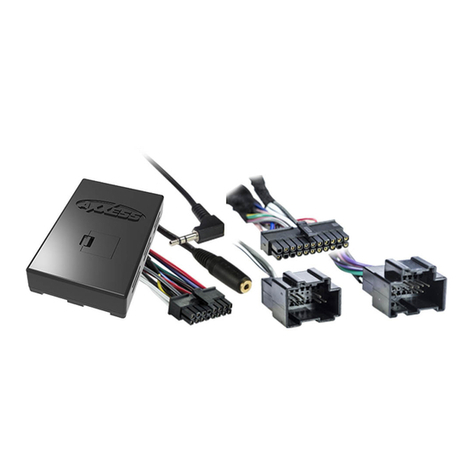
Axxess XIA-USB User manual

Axxess

Axxess XIA-USB User manual

Axxess AXDSPL-HN2 User manual

Axxess

Axxess AXDSPL-HN2 User manual

Axxess AXDSPX-HN3 User manual

Axxess

Axxess AXDSPX-HN3 User manual

Axxess AX-AM-FD91 User manual

Axxess

Axxess AX-AM-FD91 User manual

Axxess AX-TYAMP2-SWC User manual

Axxess

Axxess AX-TYAMP2-SWC User manual

Axxess AX-ADXSVI-GM1 User manual

Axxess

Axxess AX-ADXSVI-GM1 User manual

Axxess AXDSPL-NI1 User manual

Axxess

Axxess AXDSPL-NI1 User manual

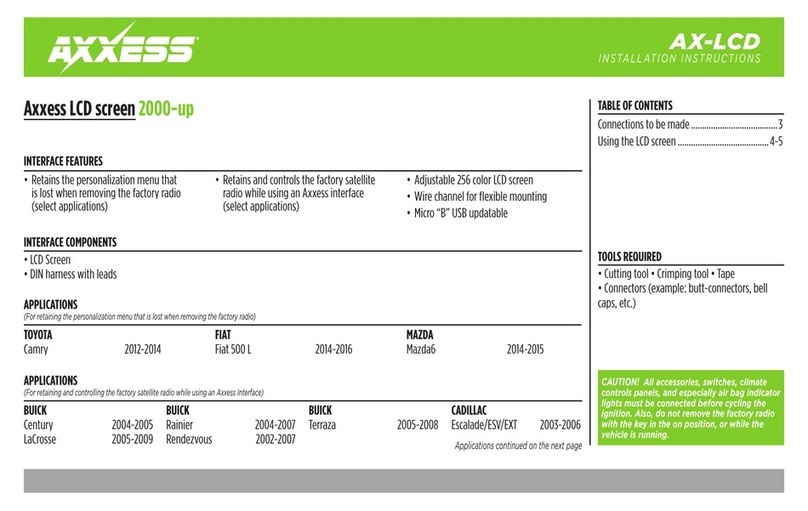
Axxess AX-LCD User manual

Axxess

Axxess AX-LCD User manual
Axxess AX-VL90032 User manual

Axxess

Axxess AX-VL90032 User manual

Axxess AX-AM-AU91 User manual

Axxess

Axxess AX-AM-AU91 User manual

Popular Automobile Accessories manuals by other brands

Magneti Marelli AC161 Installation instruction

Magneti Marelli

Magneti Marelli AC161 Installation instruction

FDI uEZ GUI Start here

FDI

FDI uEZ GUI Start here

JCROffroad JT Install instructions

JCROffroad

JCROffroad JT Install instructions

Rostra VOXXElectronics 250-1930 owner's guide

Rostra

Rostra VOXXElectronics 250-1930 owner's guide

TOP VEHICLE TECH GR3FORD5 installation manual

TOP VEHICLE TECH

TOP VEHICLE TECH GR3FORD5 installation manual

Safe Fleet PRIME DESIGN AR-2000-BLK manual

Safe Fleet

Safe Fleet PRIME DESIGN AR-2000-BLK manual

Skoda Fabia Combi 5J Fitting instructions

Skoda

Skoda Fabia Combi 5J Fitting instructions

Camcar 40077 Al Mounting instructions

Camcar

Camcar 40077 Al Mounting instructions

Camcar 40089 AL Mounting instructions

Camcar

Camcar 40089 AL Mounting instructions

Impac Tradesman 2000 installation manual

Impac

Impac Tradesman 2000 installation manual

DVB OFFROAD BRSB-01 installation manual

DVB

DVB OFFROAD BRSB-01 installation manual

Safari Snorkel SS385HF installation guide

Safari Snorkel

Safari Snorkel SS385HF installation guide

ULTIMATE SPEED 279746 Assembly and Safety Advice

ULTIMATE SPEED

ULTIMATE SPEED 279746 Assembly and Safety Advice

SSV Works DF-F65 manual

SSV Works

SSV Works DF-F65 manual

ULTIMATE SPEED CARBON Assembly and Safety Advice

ULTIMATE SPEED

ULTIMATE SPEED CARBON Assembly and Safety Advice

Witter F174 Fitting instructions

Witter

Witter F174 Fitting instructions

WeatherTech No-Drill installation instructions

WeatherTech

WeatherTech No-Drill installation instructions

TAUBENREUTHER 1-336050 Installation instruction

TAUBENREUTHER

TAUBENREUTHER 1-336050 Installation instruction

manuals.online logo
manuals.online logoBrands
  • About & Mission
  • Contact us
  • Privacy Policy
  • Terms and Conditions

Copyright 2025 Manuals.Online. All Rights Reserved.

AXSSO-GM
INSTALLATION INSTRUCTIONS
AxxessInterfaces.com © COPYRIGHT 2020 METRA ELECTRONICS CORPORATION REV. 6/5/20 INSTAXSSO-GM
Product Info
INTERFACE FEATURES
INTRODUCTION
INTERFACE COMPONENTS
TOOLS & INSTALLATION ACCESSORIES REQUIRED
• Zip ties • Zip tie cutter
• GM battery terminal wrench
TABLE OF CONTENTS
Installation .............................................................2
GM Stop/Start Override Interface 2016-2019
• Allows the override of the STOP/START engine feature
• Can be used with either a factory or aftermarket radio
• No programming required
• Simple 2-wire setup
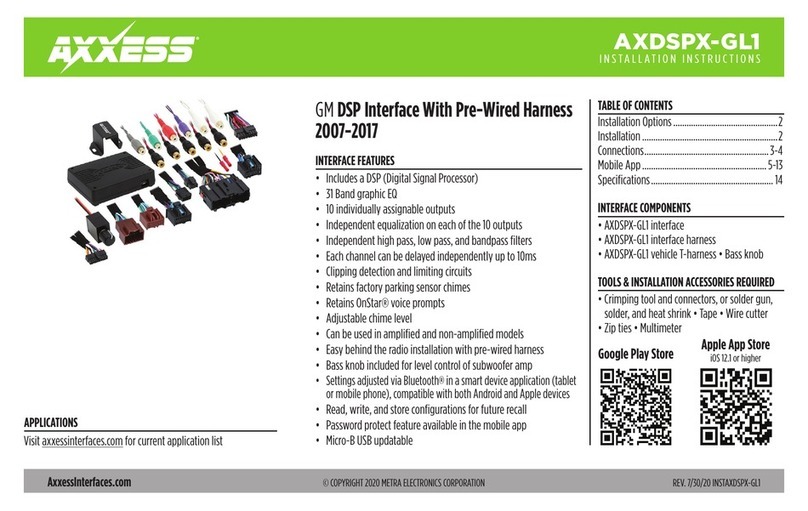
The AXSSO-GM is designed to disengage the STOP/START feature of the vehicle, and
keep that feature disengaged even after the key has been cycled. The AXSSO-GM
will work with either an aftermarket or a factory radio. Simple 2-wire installation
(ground and power to the battery) is all that is required to install the interface in
the vehicle. No programming required!
• AXSSO-GM interface
• LD-GM1-SSO harness
• LD-GM2-SSO harness
APPLICATIONS
Buick
Enclave 2018
Encore 2016-2018
Envision 2016-2019
LaCrosse 2017-2019
Regal 2017-2018
Cadillac
CTS 2019
XT5 2017-2018
Chevrolet
Cruze 2017-2018
Equinox 2018-2019
Malibu 2016-2017
Chevrolet (Cont)
Traverse 2018
Trax 2016-2018
GMC
Acadia 2017-2018
Terrain 2018-2019
Yukon 2018
Buick
Enclave 2019
Encore 2019
Regal 2019
Cadillac
CT6 2019
Escalade 2019
Cadillac (Cont)
XT4 2019
XT5 2019
XTS 2019
Chevrolet
Corvette 2019
Cruze 2019
Chevrolet (Cont)
Silverado 2019
Tahoe 2019
Traverse 2019
Trax 2019
GMC
Acadia 2019
LD-GM1-SSO applications LD-GM2-SSO applications
2
I N S TAL L ATI O N
(Figure shown for illustration purposes only. Actual vehicle and installation locations will differ)
1. Open the hood and locate the hood pin switch
harness underneath the hood latch.
2. Unplug the hood pin switch harness, then plug in
the appropriate harness.
3. Route the power and ground wires to the vehicles
battery.
4. Connect the Black wire to the negative terminal.
5. Connect Yellow wire to the positive terminal.
6. Find a safe and secure spot for the water resistant
AXSSO-GM interface, away from any heat sources
and moving parts. With the wiring harness facing
downward, zip tie the interface securely.
7. The installation is now complete.
Note: There are 2 T-harnesses to choose from.
Note: Tape up and disregard the White/Green
and White/Red wires from the interface.
Tech Tip! After install, if the check engine light
appears, remove ground connection that was
made to the battery and splice into the Brown
wire on the vehicle side of the T-harness.
3
REV. 6/5/2020 INSTAXSSO-GM
KNOWLEDGE IS POWER
Enhance your installation and fabrication skills by
enrolling in the most recognized and respected
mobile electronics school in our industry.
Log onto www.installerinstitute.com or call
800-354-6782 for more information and take steps
toward a better tomorrow.
®
Metra recommends MECP
certified technicians
AxxessInterfaces.com © COPYRIGHT 2020 METRA ELECTRONICS CORPORATION REV. 6/5/20 INSTAXSSO-GM
INSTALLATION INSTRUCTIONS
AXSSO-GM
Having difficulties? We’re here to help.
Contact our Tech Support line at:
1-800-253-TECH
Or via email at:
techsupport@metra-autosound.com
Tech Support Hours (Eastern Standard Time)
Monday - Friday: 9:00 AM - 7:00 PM
Saturday: 10:00 AM - 7:00 PM
Sunday: 10:00 AM - 4:00 PM