manuals.online logo
Brands
  1. Home
  2. •
  3. Brands
  4. •
  5. Axxess
  6. •
  7. Automobile Electronic
  8. •
  9. Axxess AX-PO904 User manual

Axxess AX-PO904 User manual

Other Axxess Automobile Electronic manuals
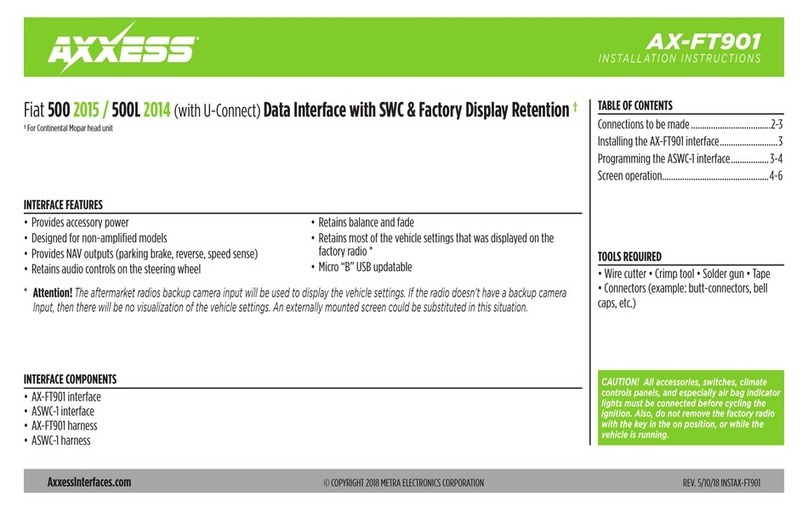
Axxess AX-FT901 User manual

Axxess

Axxess AX-FT901 User manual

Axxess AX-ADFD02 User manual

Axxess

Axxess AX-ADFD02 User manual
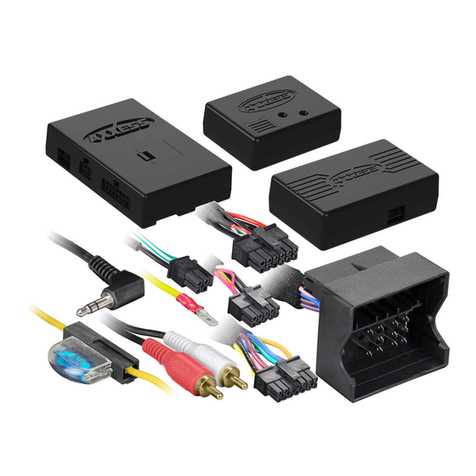
Axxess AXDIS-BW122 User manual

Axxess

Axxess AXDIS-BW122 User manual

Axxess ABTI-GM1 User manual

Axxess

Axxess ABTI-GM1 User manual

Axxess AX-DSPX-HYKIA4 User manual

Axxess

Axxess AX-DSPX-HYKIA4 User manual
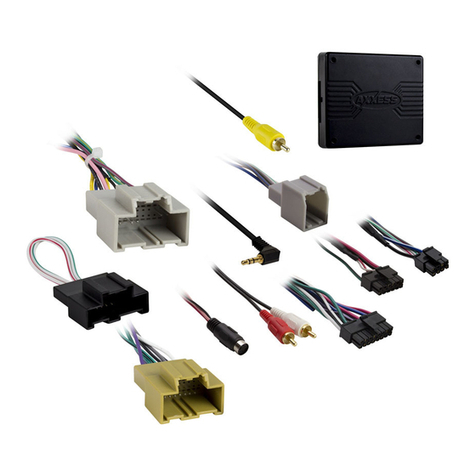
Axxess GMOS-MOST-02 User manual

Axxess

Axxess GMOS-MOST-02 User manual
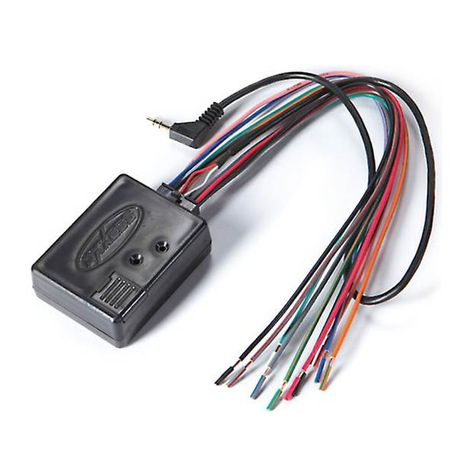
Axxess Automobile Parts User manual

Axxess

Axxess Automobile Parts User manual

Axxess ABTI-GM4 User manual

Axxess

Axxess ABTI-GM4 User manual
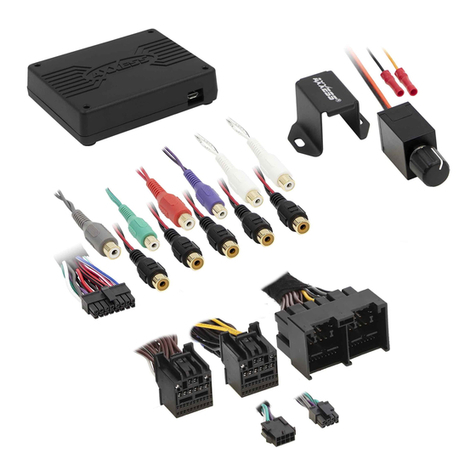
Axxess AXDSPX-FD3 User manual

Axxess

Axxess AXDSPX-FD3 User manual
Axxess AX-LR904 User manual

Axxess

Axxess AX-LR904 User manual
Axxess TRIGGER User manual

Axxess

Axxess TRIGGER User manual
Axxess AX-LR90102 User manual

Axxess

Axxess AX-LR90102 User manual
Axxess AX-ADDCAM User manual

Axxess

Axxess AX-ADDCAM User manual
Axxess AXTC-FD3 User manual

Axxess

Axxess AXTC-FD3 User manual
Axxess AX-LR902 User manual

Axxess

Axxess AX-LR902 User manual
Axxess AX-DSPX-HYKIA2 User manual

Axxess

Axxess AX-DSPX-HYKIA2 User manual
Axxess AXDSPX-HK4 User manual

Axxess

Axxess AXDSPX-HK4 User manual
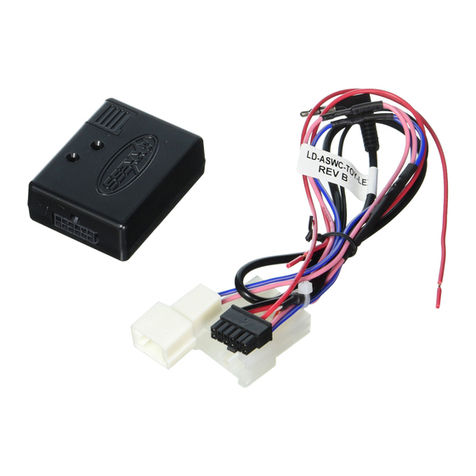
Axxess ASWC-TOY-LEX User manual

Axxess

Axxess ASWC-TOY-LEX User manual
Axxess ASWC User manual

Axxess

Axxess ASWC User manual

Axxess AXDSPL-HD1 User manual

Axxess

Axxess AXDSPL-HD1 User manual
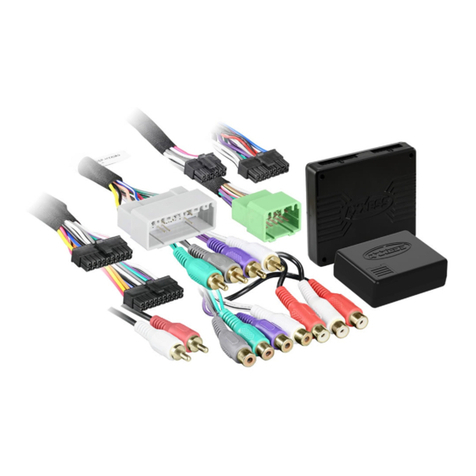
Axxess AX-DSP-HYKIA2 User manual

Axxess

Axxess AX-DSP-HYKIA2 User manual

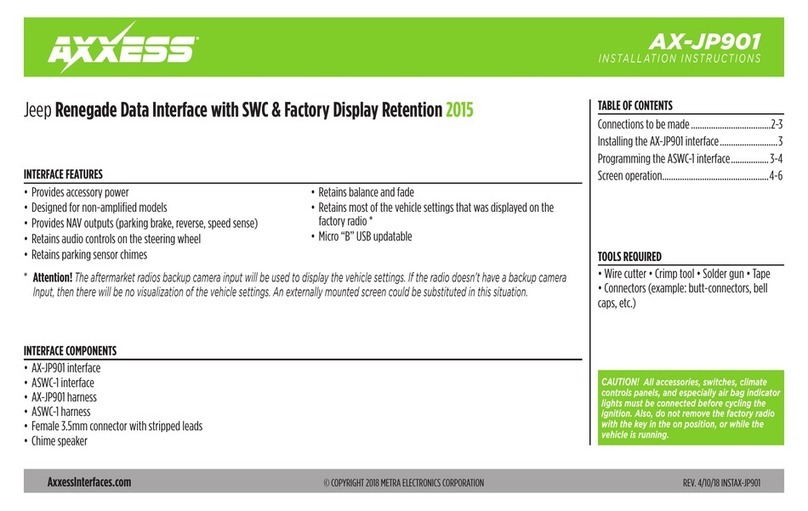
Axxess AX-JP901 User manual

Axxess

Axxess AX-JP901 User manual

Axxess AX-ADXSVI Series User manual

Axxess

Axxess AX-ADXSVI Series User manual

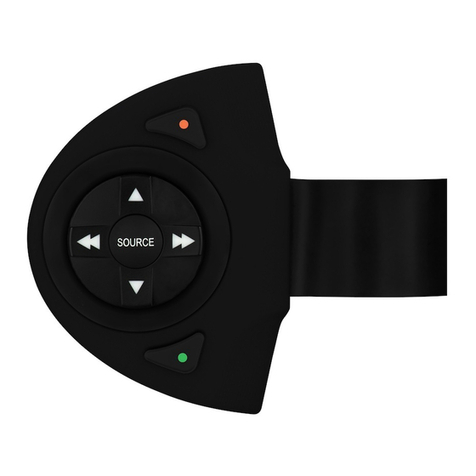
Axxess RFASWC User manual

Axxess

Axxess RFASWC User manual

Popular Automobile Electronic manuals by other brands
DRG LC 120 installation instructions

DRG

DRG LC 120 installation instructions

Blue Ox BX8848 installation instructions
Blue Ox

Blue Ox BX8848 installation instructions

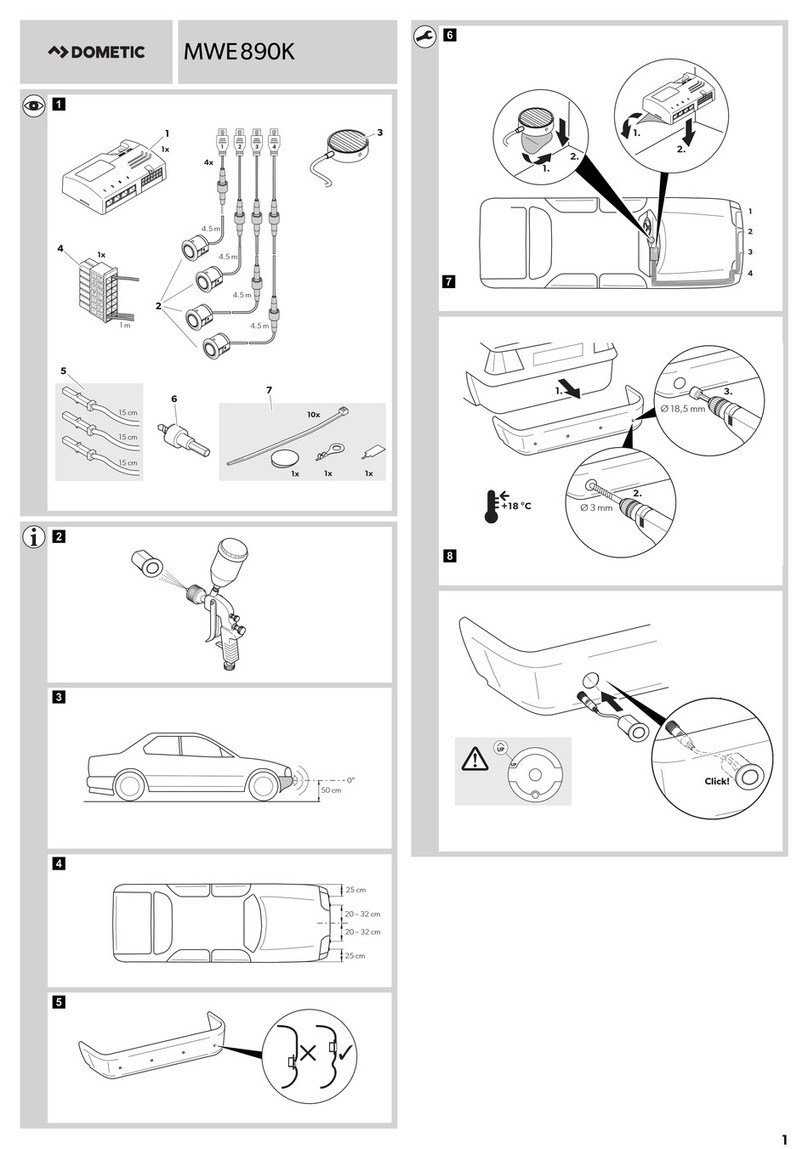
Dometic MAGICWATCH MWE890K Installation and operating manual
Dometic

Dometic MAGICWATCH MWE890K Installation and operating manual

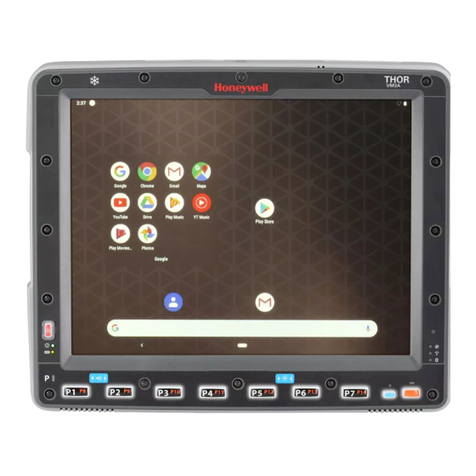
Honeywell Thor VM3A user guide

Honeywell

Honeywell Thor VM3A user guide

Waeco MagicWatch MWE250 Installation and operating manual
Waeco

Waeco MagicWatch MWE250 Installation and operating manual

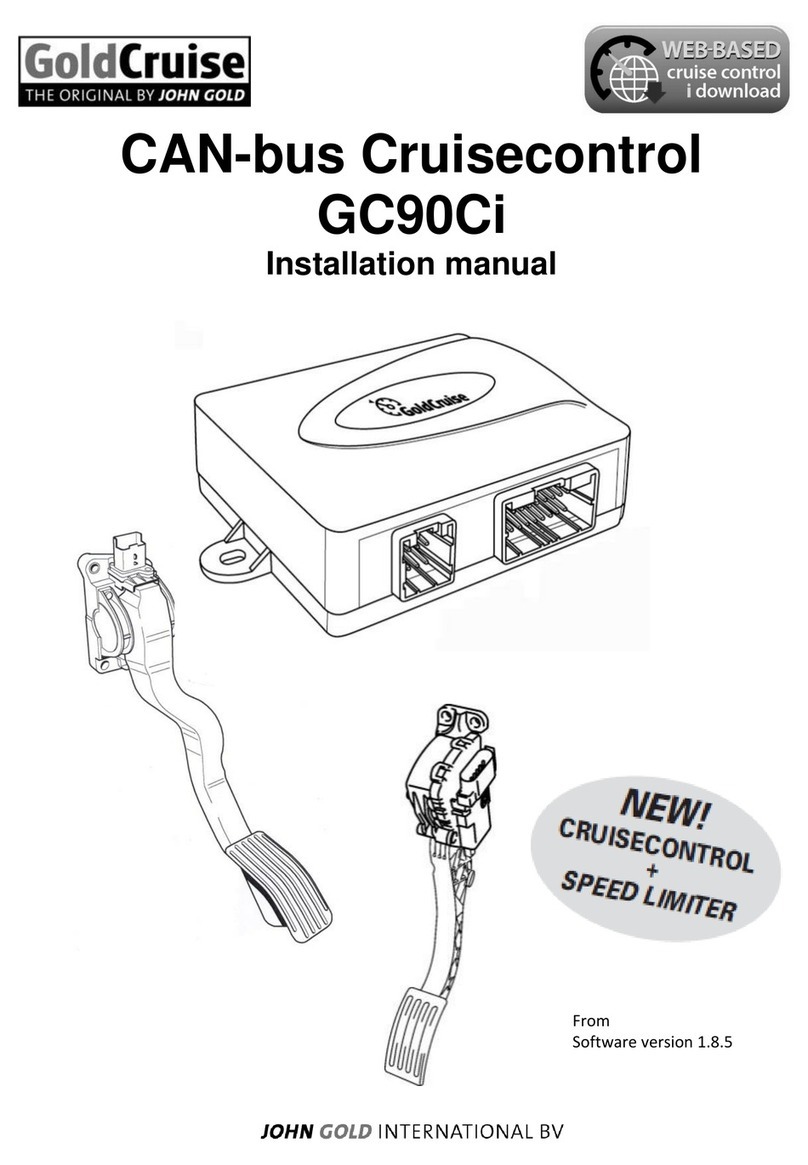
GoldCruise GC90Ci installation manual

GoldCruise

GoldCruise GC90Ci installation manual
Rydeen BKM091 user manual

Rydeen

Rydeen BKM091 user manual

Skoda 5E0 054 630 Fitting instructions

Skoda

Skoda 5E0 054 630 Fitting instructions

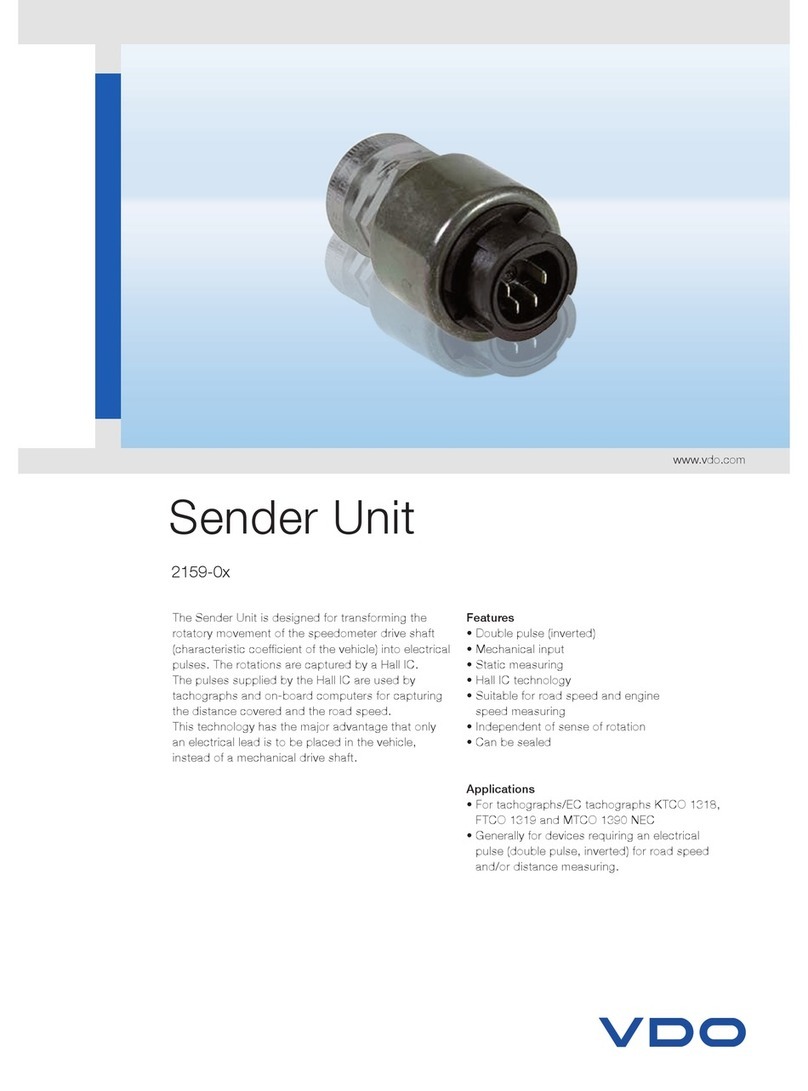
VDO SENDER UNIT 2159-0 datasheet

VDO

VDO SENDER UNIT 2159-0 datasheet

iDataLink maestro Rr install guide

iDataLink

iDataLink maestro Rr install guide

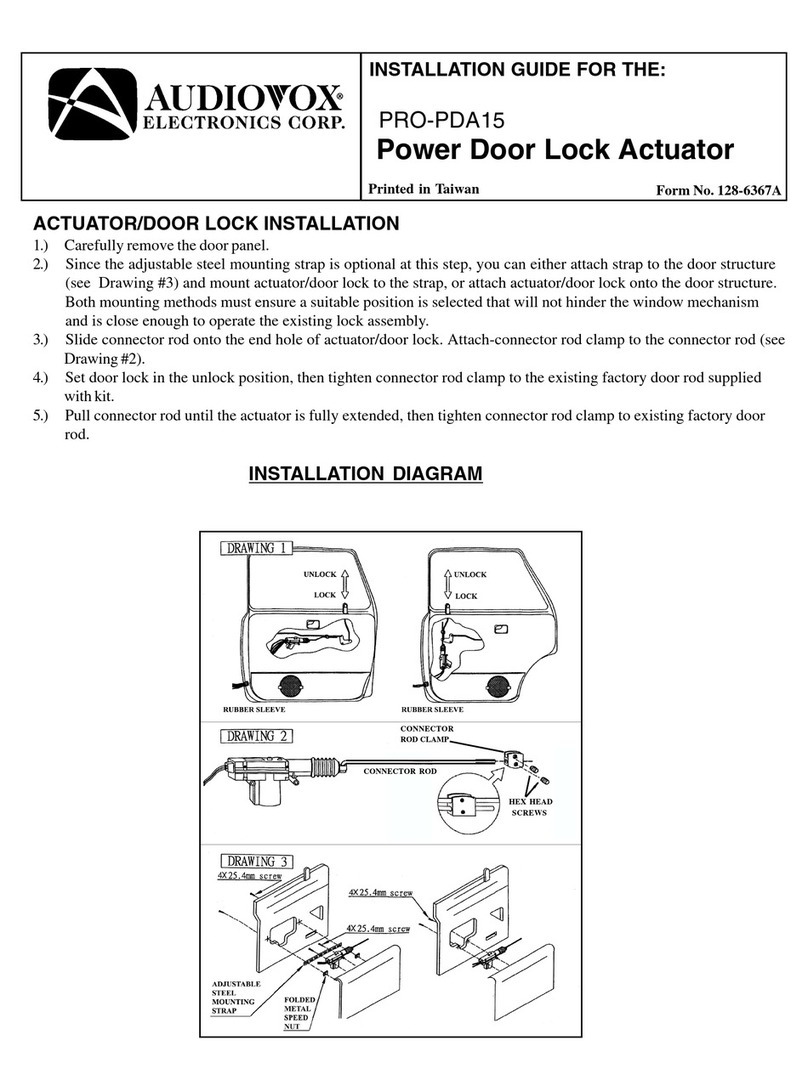
Audiovox PRO-PDA15 installation guide

Audiovox

Audiovox PRO-PDA15 installation guide

Movon MDAS-3LFFHD user manual

Movon

Movon MDAS-3LFFHD user manual

Pioneer Comfort adapter CA-D-PI.150 quick start guide

Pioneer

Pioneer Comfort adapter CA-D-PI.150 quick start guide

Dietz 1110 instruction manual

Dietz

Dietz 1110 instruction manual

Perfect Power SMT8-T5 Technical manual

Perfect Power

Perfect Power SMT8-T5 Technical manual

Crux RVCFD-79 manual

Crux

Crux RVCFD-79 manual

Nonda ZUS user manual

Nonda

Nonda ZUS user manual

Adaptiv Mini installation guide

Adaptiv

Adaptiv Mini installation guide

manuals.online logo
manuals.online logoBrands
  • About & Mission
  • Contact us
  • Privacy Policy
  • Terms and Conditions

Copyright 2025 Manuals.Online. All Rights Reserved.

CAUTION!
All accessories, switches, climate
controls panels, and especially air bag indicator
lights must be connected before cycling the
ignition. Also, do not remove the factory radio
with the key in the on position, or while the
vehicle is running.
AX-PO904
INSTALLATION INSTRUCTIONS
AxxessInterfaces.com © COPYRIGHT 2018 METRA ELECTRONICS CORPORATION REV. 2/27/18 INSTAX-PO904
TOOLS REQUIRED
• Wire cutter • Crimp tool • Solder gun • Tape
• Connectors (example: butt-connectors, bell
caps, etc.)
TABLE OF CONTENTS
Connections to be made .......................................2
Installing the interface ..........................................2
Porsche (with M.O.S.T. 25 amplifier) Data Interface 2004-2009
INTERFACE FEATURES
INTERFACE COMPONENTS
• Provides accessory power
• Retains R.A.P. (retained accessory power)
• Designed for amplified models
• Provides NAV outputs (parking brake, reverse, speed sense)
• Retains balance
• Micro “B” USB updatable
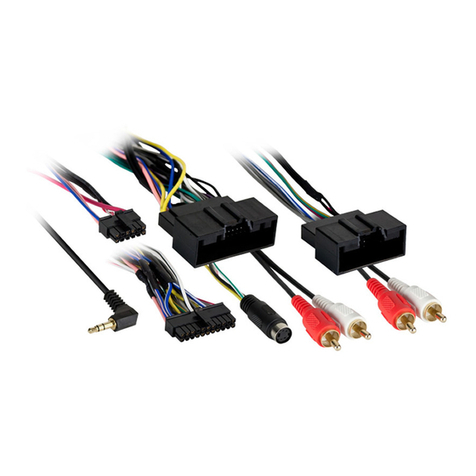
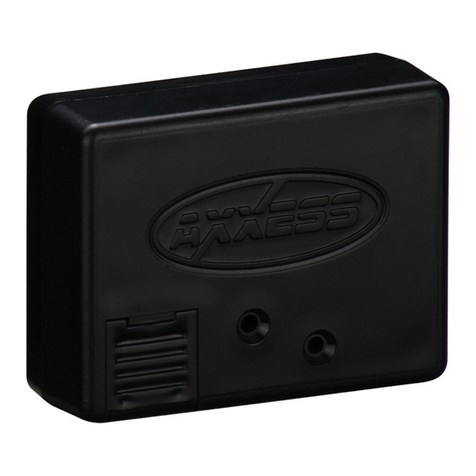
• AX-PO904 interface
• AX-PO904 amplifier interface
• AX-PO904 harness
APPLICATIONS
PORSCHE
911 (997) 2004-2009 Boxster (987) 2004-2009 Cayman (987c) 2004-2009
2
CONNECTIONS TO BE MADE INSTALLING THE INTERFACE
From the aftermarket radio to the AX-PO904 harness:
• Connect the Black wire to the ground wire.
• Connect the Yellow wire to the battery wire.
• Connect the Red wire to the accessory wire.
• If the aftermarket radio has an illumination wire, connect the Orange wire to it.
• Connect the Blue/White wire to the amp turn-on wire.
The following (3) wires are only for multimedia/navigation radios that require these wires.
• Connect the Blue/Pink wire to the VSS/speed sense wire.
• Connect the Green/Purple wire to the reverse wire.
• Connect the Light Green wire to the parking brake wire.
• Tape off and disregard the following (8) wires, they will not be used in this application:
Gray, Gray/Black, Green, Green/Black, Purple, Purple/Black, White, White/Black
• Connect the Red and White RCA jacks to the front amplifier output jacks of the aftermarket radio.
With the key in the off position:
• Connect the AX-PO904 harness to the AX-PO904 interface.
• Connect the AX-PO904 harness to the AX-PO904 amplifier interface.
• Remove the dust cover from fiber optic port in the AX-PO904 amplifier interface.
• Connect the factory fiber optic cable into the AX-PO904 amplifier interface.
• Connect the AX-PO904 harness to the wiring harness in the vehicle.
3
REV. 2/27/2018 INSTAX-PO904
KNOWLEDGE IS POWER
Enhance your installation and fabrication skills by
enrolling in the most recognized and respected
mobile electronics school in our industry.
Log onto www.installerinstitute.com or call
800-354-6782 for more information and take steps
toward a better tomorrow.
®
Metra recommends MECP
certified technicians
IMPORTANT
If you are having difficulties with the installation of this product,
please call our Tech Support line at 1-800-253-TECH. Before doing
so, look over the instructions a second time, and make sure the
installation was performed exactly as the instructions are stated.
Please have the vehicle apart and ready to perform troubleshooting
steps before calling.
AxxessInterfaces.com © COPYRIGHT 2018 METRA ELECTRONICS CORPORATION REV. 2/27/18 INSTAX-PO904
INSTALLATION INSTRUCTIONS
AX-PO904