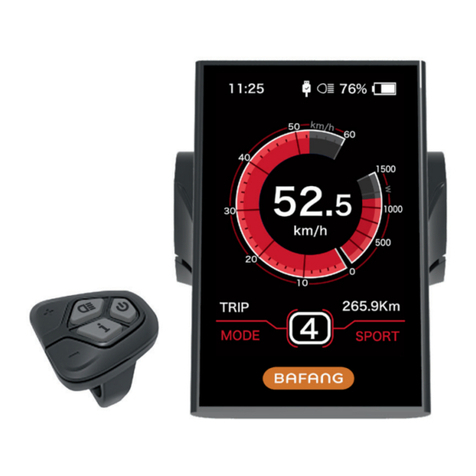
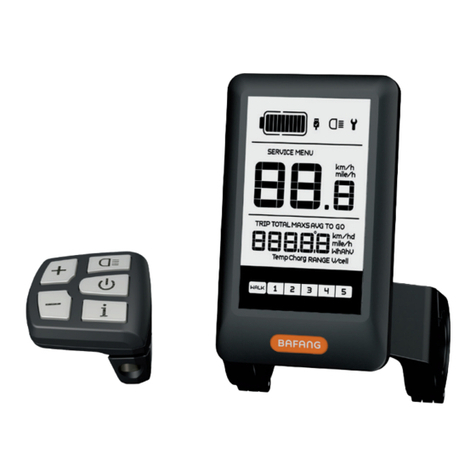
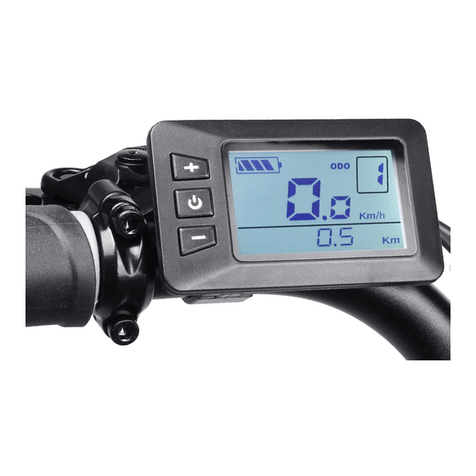
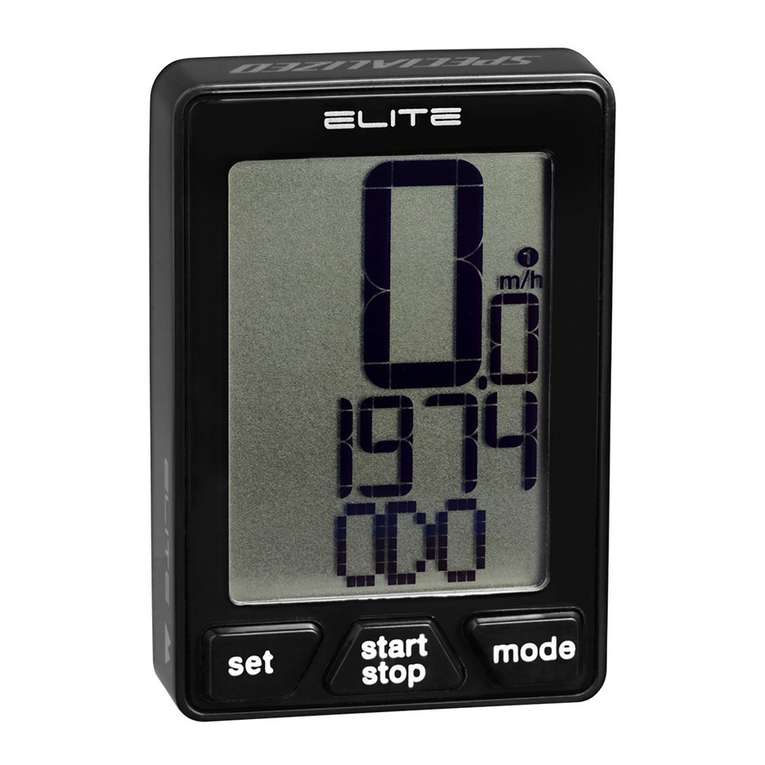
10 DISPLAY MANUAL DP C10.UART
PARAMETER SETTING
•Items to be Set
1〉Data reset
2〉Km/mile
3〉Light sensitivity
4〉Display backlight brightness
5〉Automatic off time
6〉Maintenance warning settings
7〉Check wheel diameter
8〉Speed Limit Setting
9〉Speed model
10 〉Battery infromation10 error code
•Setting Preparation
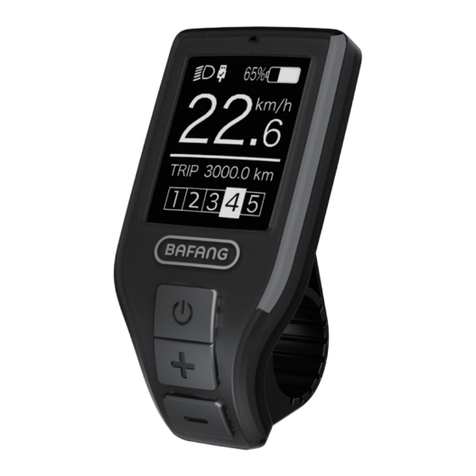
1) When the display is active, press
twice (interval < 0.3 seconds). The system
will enter the MENU parameter setting
state, in which the display parameters can
be set. Press twice again (interval < 0.3
seconds) to return to the main menu.
2) If no operation is performed for 10 sec-
onds, the display will return to the normal
riding display.
3) In the parameter setting state, when the
parameter you want to set begins to flash,
press / to adjust the parameter value.
Briefly press to switch between the pa-
rameters to be set. Press twice (interval
< 0.3 seconds) to exit the submenu.
•Data reset
Press twice (interval < 0.3 seconds) –
the display enters the MENU state. In the
speed field tC is displayed. If you press ,
a "y" is also displayed. Now all temporary
data, e.g. maximum speed (MAXS), average
speed (AVG) and single trip distance (TRIP)
can be cleared. Briefly press (< 0.3 sec-
onds) to enter the km/mile setting interface.
If the user does not reset the data, the single
trip distance and the accumulated total rid-
ing time will be automatically cleared when
the accumulated total riding time exceeds
99 hours and 59 minutes.
* The data will not be cleared when the
display’s light-sensing function is set to 0 or
when it is switched off!
•Km/mile
When the speed field displays S7, press
/ to switch between km/h and mph, or
to set km or mile. After this setting, briefly
press (< 0.3 seconds) to enter the
setting interface of light sensitivity. Default
display is km.
•Light Sensitivity
When the speed field displays bL0, press
/ to choose a figure between 0 and 5.
The higher the chosen figure, the higher the
light sensitivity.