Step 4:
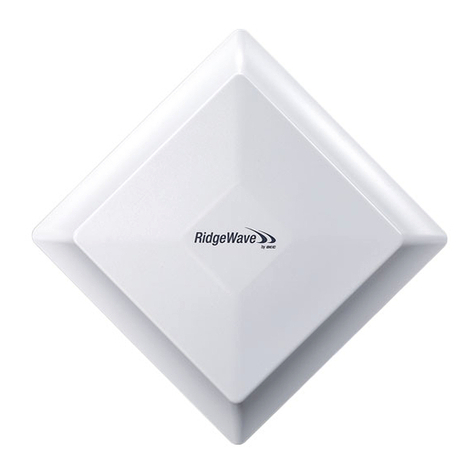
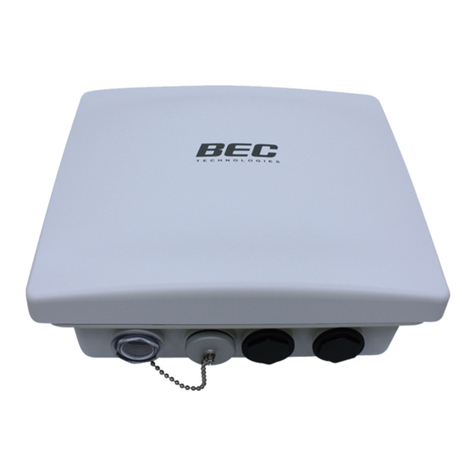
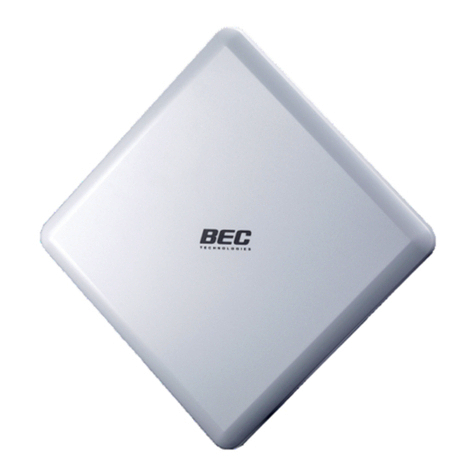
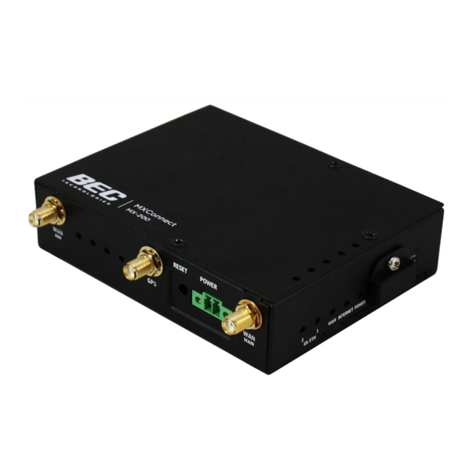
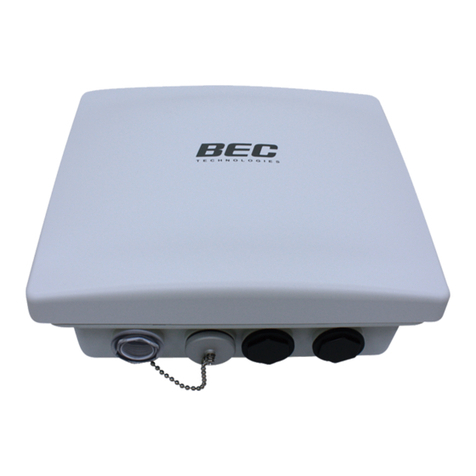
Insert the outdoor Ethernet cable (RJ-45) to the GbE LAN/PoE IN of MX-200 ODU then the
other end of outdoor Ethernet cable (RJ-45) to the supplied Gigabit PoE injector
Data+Power port. Connect another Ethernet cable (RJ-45) directly to the Data port and the
other end of cable to a switch or broadband router.
IMPORTANT: It is recommended to put the Gigabit PoE Injector on an UPS or Surge
Protector. Use the supplied grounding wire to ground your BEC MX-200A ODU is
REQUIRED!