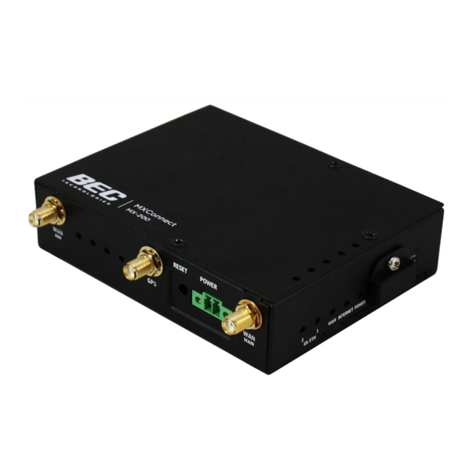
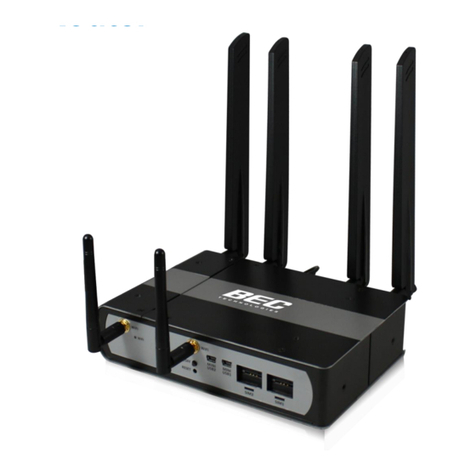
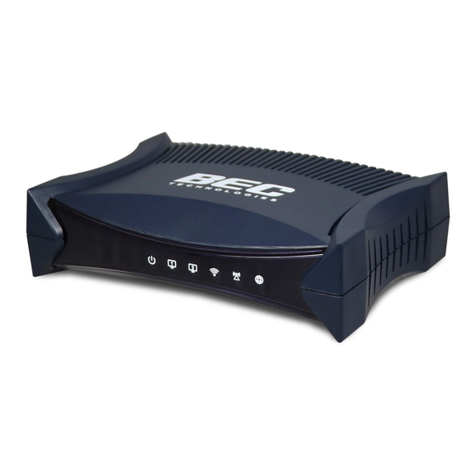
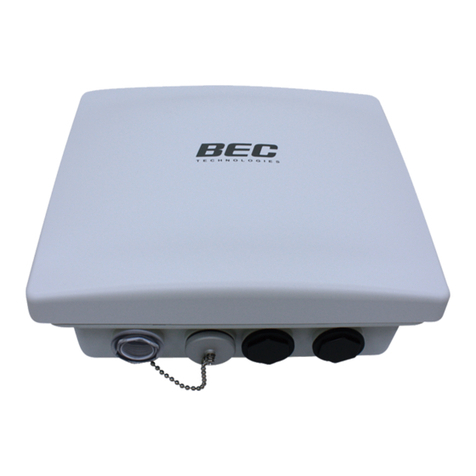
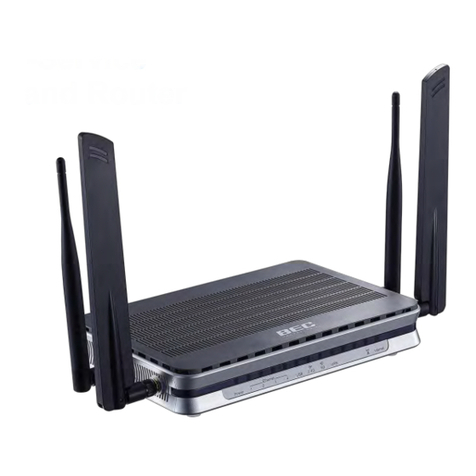
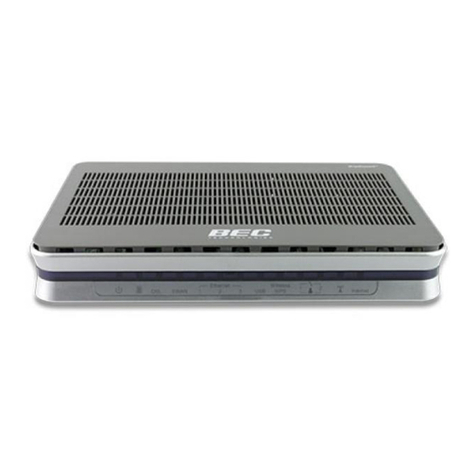
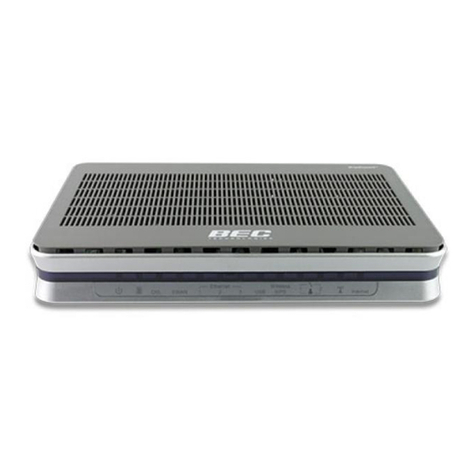
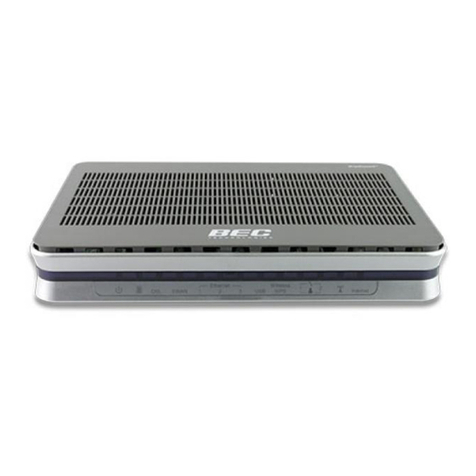
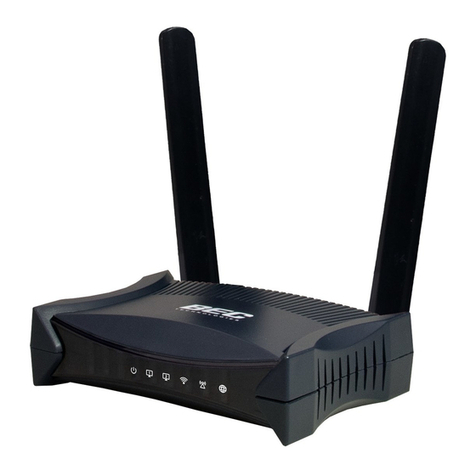
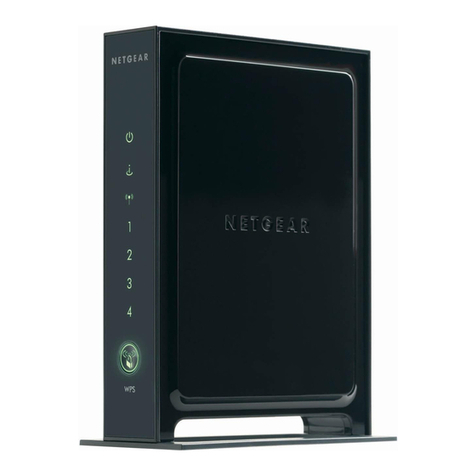
BEC MX-210NP User manual

Last revised: May, 2018
Version release: v1.01
User Manual
BEC MX-210NP
4G/LTE Wi-Fi Router with PoE

Copyright Notice
Copyright@ 2017 BEC Technologies Inc. All rights reserved.
BEC Technologies reserves the right to change and make improvement to this manual at any time
without prior notice.
No part of this document may be reproduced, copied, transmitted in any form or by any means without
prior written permission from BEC Technologies, Inc.
Support Contact Information
Contact Support: http://bectechnologies.net/support/.
Telephone: +1 972 422 0877

TABLE OF CONTENTS
COPYRIGHT NOTICE .......................................1
SUPPORT CONTACT INFORMATION .............1
CHAPTER 1: INTRODUCTION .........................1
INTRODUCTION TO YOUR ROUTER .............................................................. 1
FEATURES &SPECIFICATIONS.................................................................... 3
HARDWARE SPECIFICATIONS..................................................................... 5
CHAPTER 2: PRODUCT OVERVIEW...............6
IMPORTANT NOTE FOR USING THIS ROUTER ................................................ 6
PACKAGE CONTENTS............................................................................... 6
DEVICE DESCRIPTION .............................................................................. 7
Front Panel LEDs................................................................................................7
Rear Panel Connectors ......................................................................................8
SYSTEM RECOVERY PROCEDURES............................................................... 9
CABLING .............................................................................................. 9
CHAPTER 3: BASIC INSTALLATION ............10
NETWORK CONFIGURATION –IPV4 ......................................................... 11
Configuring PC in Windows 10 (IPv4) ..............................................................11
Configuring PC in Windows 7/8 (IPv4).............................................................13
Configuring PC in Windows Vista (IPv4) ..........................................................15
NETWORK CONFIGURATION –IPV6 ......................................................... 17
Configuring PC in Windows 10 (IPv6) ..............................................................17
Configuring PC in Windows 7/8 (IPv6).............................................................19
Configuring PC in Windows Vista (IPv6) ..........................................................21
DEFAULT SETTINGS............................................................................... 23
CHAPTER 4: DEVICE CONFIGURATION ......24

LOGIN TO YOUR DEVICE......................................................................... 24
STATUS.............................................................................................. 26
Device Info ......................................................................................................26
System Status ..................................................................................................28
System Log ......................................................................................................28
4G/LTE Status ..................................................................................................29
Wireless Status................................................................................................31
Statistics ..........................................................................................................32
DHCP Table......................................................................................................36
ARP Table ........................................................................................................36
VRRP Status.....................................................................................................36
QUICK START ...................................................................................... 37
DEVICE CONFIGURATION ....................................................................... 40
Interface Setup................................................................................................40
Internet ........................................................................................................................ 40
LAN............................................................................................................................... 48
Wireless........................................................................................................................ 52
Wireless MAC Filter ...................................................................................................... 56
Loopback...................................................................................................................... 57
Dual WAN........................................................................................................58
General Setting............................................................................................................. 58
Outbound Load Balance ............................................................................................... 62
Protocol Binding ........................................................................................................... 63
Advanced Setup ..............................................................................................65
Firewall......................................................................................................................... 65
Routing......................................................................................................................... 66
NAT............................................................................................................................... 67
VRRP............................................................................................................................. 72
Static DNS..................................................................................................................... 73
QoS............................................................................................................................... 74
Time Schedule .............................................................................................................. 76
Mail Alert ..................................................................................................................... 77
Access Management .......................................................................................78
Device Management .................................................................................................... 78
SNMP ........................................................................................................................... 79
Syslog ........................................................................................................................... 81
Universal Plug & Play ................................................................................................... 82
Dynamic DNS (DDNS) ................................................................................................... 83

Access Control .............................................................................................................. 85
Packet Filter.................................................................................................................. 87
CWMP (TR-069)............................................................................................................ 91
Parental Control ........................................................................................................... 93
BECentral Management ............................................................................................... 94
Maintenance ...................................................................................................95
User Management ....................................................................................................... 95
Certificate Management .............................................................................................. 97
Time Zone..................................................................................................................... 99
Firmware & Configuration.......................................................................................... 100
System Restart............................................................................................................ 101
Auto Reboot ............................................................................................................... 102
Diagnostics Tool.......................................................................................................... 103
CHAPTER 5: TROUBLESHOOTING ............106
Problems with the Router .............................................................................106
Problem with LAN Interface ..........................................................................106
Recovery Procedures.....................................................................................107
APPENDIX: PRODUCT SUPPORT & CONTACT
.......................................................................108

Introduction
1
BEC MX-210NP User Manual
CHAPTER 1: INTRODUCTION
Introduction to your Router
The BEC MX-210NP 4G/LTE 11n with PoE Router is a compact, affordable and high-performance
fixed 4G/LTE Router incorporated 11n technology and offers flexible options such as dual-WAN
failover by seamless connecting to other Internet Service Provider to avert internet downtown,
redundant power source for safe & quick power installation via one of the versatile LAN/PoE-PD ports
and secure network connection and data privacy with VPN encryption capabilities to provide a reliable
and cost-effective alternative solution for business continuity.
4G/LTE Mobility
The MX-210NP is a classic 4G/LTE router with dual WAN interfaces for redundancy or seamless
failover between mobile carrier network and the wireline, an interchangeable Gigabit Ethernet
LAN/WAN, to ensure continuous Internet connectivity.
Seamless Wi-Fi Coverage
The MX-210NP integrates a 802.11n access point supporting data rates of up to 300Mbps. Security
functionality includes: WEP 64/128 bit, WPA, WPA2 (PSK, TKIP and AES, 802.1X, SSID broadcast
disable and wireless MAC address filtering and MSSID with Client Isolation to enhance the level of
transmission security and access control over the Wireless LAN. The router also supports the Wi-Fi
Protected Setup (WPS) standard, allowing users to establish a secure wireless network by simply
pushing a button. If the network requires wider coverage, the built-in Wireless Distribution System
(WDS) repeater function allows users to expand the wireless network without the need for any external
wires or cables.
IPv6 Supported
Internet Protocol version 6 (IPv6) is a version of the Internet Protocol that is designed to succeed IPv4.
IPv6 has a vastly larger address space than IPv4. The router is already supporting IPv6, you can use
it in IPv6 environment no need to change device. The dual-stack protocol implementation in an
operating system is a fundamental IPv4-to-IPv6 transition technology. It implements IPv4 and IPv6
protocol stacks either independently or in a hybrid form. The hybrid form is commonly implemented in
modern operating systems supporting IPv6.
Quick Start Wizard
Support a WEB GUI page to install this device quickly. With this wizard, simple steps will get you
connected to the Internet immediately.

Introduction
2
BEC MX-210NP User Manual
Firmware Upgradeable
Device can be upgraded to the latest firmware through the WEB based GUI.
24/7 Cloud Management and Network Visibility
Remote monitoring, management and control of devices in real-time is essential for IoT networking
devices, M2M and critical applications. The BECentral®, BEC’s Cloud Based Remote Management,
is a comprehensive device management platform designed to minimize deployment, lower support
expenses and maximize the operational efficiency and profitability of the operator.

Introduction
Features & Specifications
3
BEC MX-210NP User Manual
Features & Specifications
•4G/LTE and/or Ethernet IP broadband connectivity
• High performance SX antenna for increased coverage, signal reception and efficiency
• Versatile Gigabit LAN & Ethernet WAN (GbE WAN) for Cable/Fiber/xDSL high WAN throughput
• Verstalile Gigabit LAN & PoE
• Firewall Security with DoS Preventing and Packet Filtering
• Quality of Service Control for traffic prioritization management
• Universal Plug and Play (UPnP) Compliance
• Ease of Use with Quick Installation Wizard
• Small form factor with multiple mounting options, easily installed by a single person
Availability and Resilience
• Dual-WAN Interfaces
• Auto fail-over and failback
• High performance external antennas
Network Protocols and Features
• IPv4, IPv6, IPv4 / IPv6 dual stack
• IP Tunnel IPv6 in IPv4 (6RD)
• IP Tunnel IPv4 in IPv6 (DS-Lite)
• NAT, static routing and RIP-1/2
• Universal Plug and Play (UPnP) compliant
• Dynamic Domain Name System (DDNS)
• Virtual server and DMZ
• SNTP, DNS relay
• IGMP proxy and IGMP snooping
• MLD proxy and MLD snooping
• Supports port-based Virtual LAN (VLAN)
Firewall
• Built-in NAT Firewall
• Stateful Packet Inspection (SPI)
• DoS attack prevention including Land Attack, Ping of Death, etc.

Introduction
Features & Specifications
4
BEC MX-210NP User Manual
•Access control
• IP&MAC filter, URL Content Filter
• Password protection for system management
•VPN pass-through
Quality of Service Control
•Traffic prioritization management based-on Protocol, Port Number and IP Address (IPv4/ IPv6)
Management
•Quick Installation wizard
• Web-based GUI for remote and local management (IPv4/IPv6)
• Firmware upgrades and configuration data upload and download via web-based GUI
• Supports DHCP server / client / relay
• Supports SNMP
• TR-069 supports remote management
• BECentral®Cloud Management

Introduction
Hardware Specifications
5
BEC MX-210NP User Manual
Hardware Specifications
Physical interface
• 4G/LTE: Two (2) detachable antennas
• WAN: Cellular 4G/LTE (and/or ETH WAN Optional)
• Ethernet LAN: 2-port 10/100/1000Mbps, auto-crossover (MDI/ MDI-X) switch
• SIM Card: One (1) slot
• Reset Button
• Power Source: DC or PoE
• LED Indicators: Power / Internet / LTE / Ethernet
Physical Specifications
• Dimensions (W*H*D): 5.19" x 1.38" x 3.71" (132mm x 35mm x 94mm)
Other manuals for MX-210NP
1
Table of contents
Other BEC Wireless Router manuals